Mineuniverse
Data Packs
Trees Drop Logs

Trees Drop Logs

DATA PACK
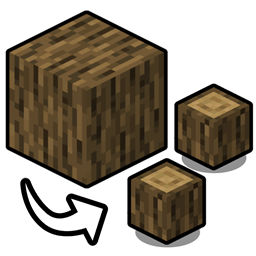
Wood blocks will now drop their respective Log equivalent instead
by flamesatgames
Download Claim this project
348 downloads
0 likes
Updated Oct 14, 2026
0 hypes
Miscellaneous Utility
Advertisement Remove ads with Premium →

Environment Discord YouTube Patreon

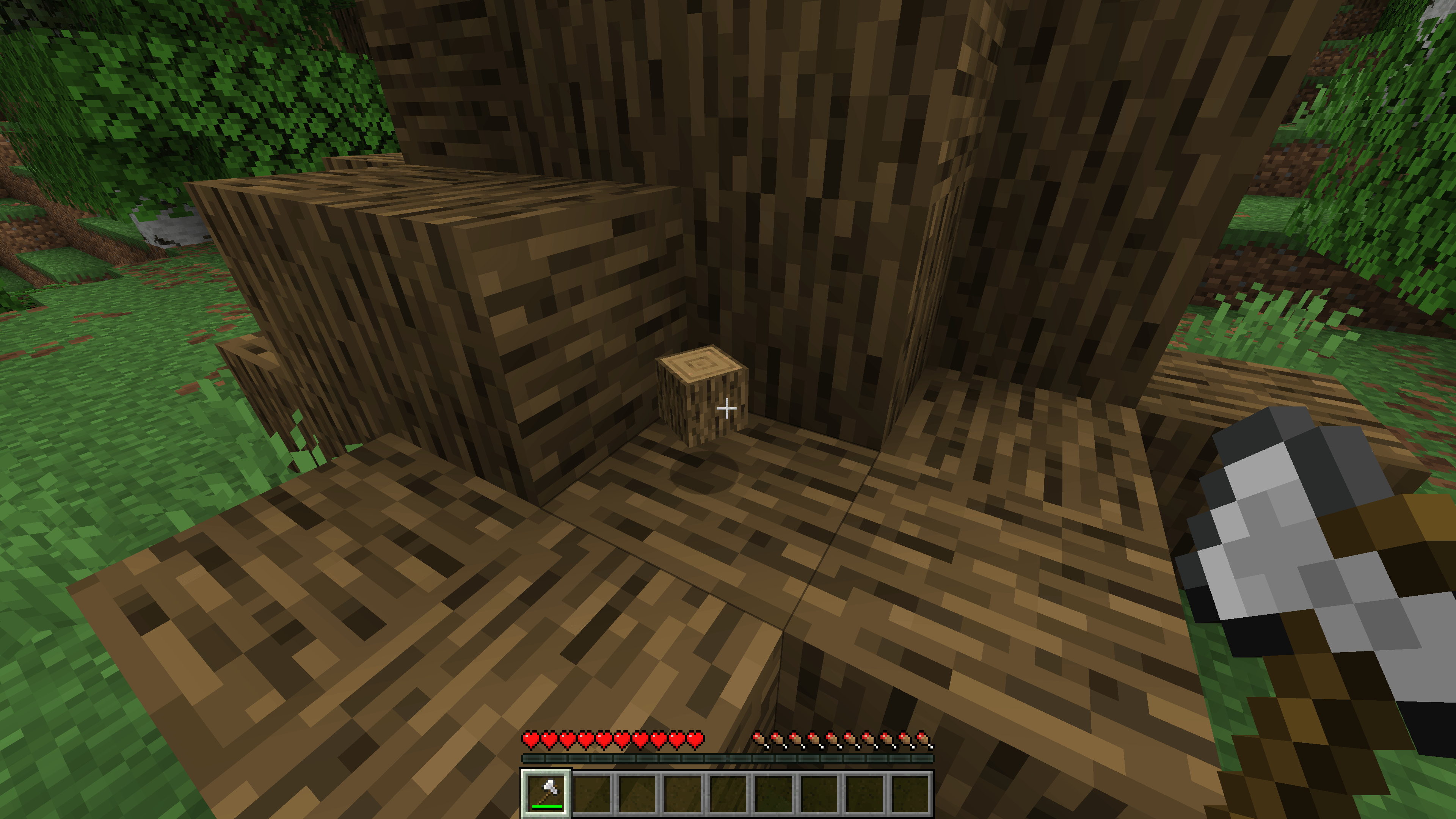
Trees Drop Logs simply makes all "Wood" blocks drop their "Log" equivalent instead - keeping your inventory neat when chopping custom trees that use Wood variants. Use Silk Touch to bypass the conversion into Logs!

Compatible with:

  • Biomes O' Plenty
  • Regions Unexplored
  • Terralith
  • William Wythers’ Expanded Ecosphere
  • William Wythers’ Overhauled Overworld
  • Pale Garden Backport: The Garden Awakens
  • Promenade
  • Architect’s Palette
  • Deeper and Darker
  • Better Nether
  • Better End
  • [Let’s Do] Vinery
  • [Let’s Do] Beachparty
  • [Let’s Do] Meadow
  • [Let’s Do] BloomingNature
  • [Let’s Do Addon] Apple Wood
  • Tech Reborn
  • Bewitchment
  • …And many more!
Trees Drop Logs.zip
MC 26.1, 26.1.1, 26.1.2
Release 2026-03-24 Get
Trees Drop Logs.zip
MC 1.20.1, 1.20
Release 2026-02-11 Get
Trees Drop Logs.zip
MC 1.21, 1.21.1
Release 2026-02-11 Get
Trees Drop Logs.zip
MC 1.21.8, 1.21.5, 1.21.6, 1.21.7, 1.21.9, 1.21.10, 1.21.11
Release 2026-02-11 Get

Requirements & install

How to use this data pack in Minecraft
Mods needed
None, works in vanilla
Minecraft
1.21.7 – 26.1.2
Install folder
saves/<world>/datapacks

How to install data packs

  1. Download the data pack .zip file (do not extract it).
  2. New world: click Data Packs on the world creation screen and drop the .zip in. Existing world: open .minecraft/saves/<world>/datapacks.
  3. Put the .zip into the datapacks folder of the world (servers: world/datapacks).
  4. Run /reload in game (or rejoin the world) and check it with /datapack list.
Browse more: Data Packs for 26.1.2 All data packs

More from flamesatgames

Advertisement Remove ads with Premium →

You Might Also Like