Mineuniverse
Data Packs
TNT Datapack

TNT Datapack

DATA PACK
Adds 5 destructive TNTs along with a TNT launcher
by Diamondhead24
Download Claim this project
24,026 downloads
0 likes
Updated Oct 14, 2026
0 hypes
Miscellaneous Tech Utility
Advertisement Remove ads with Premium →

TNT Datapack


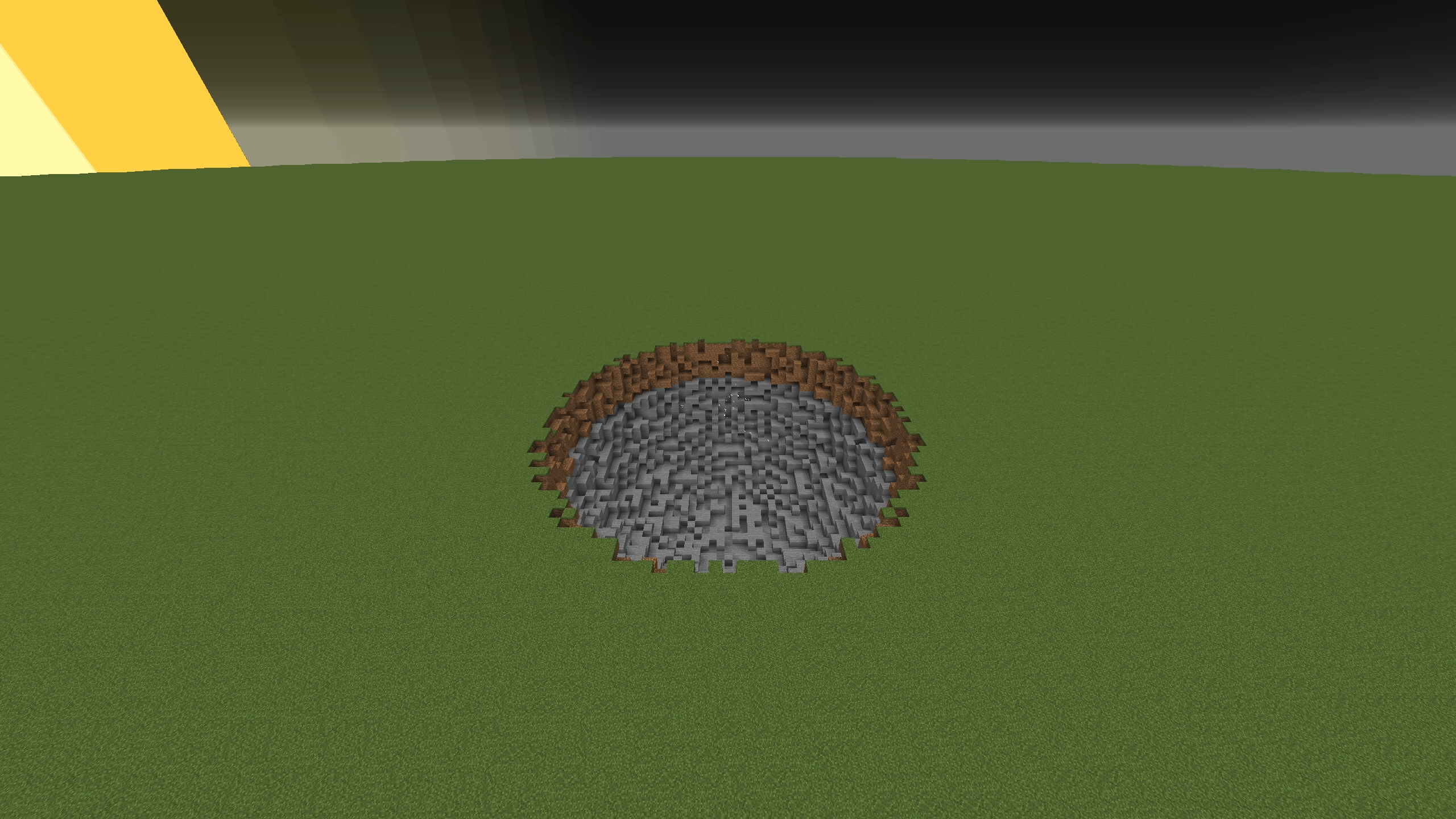
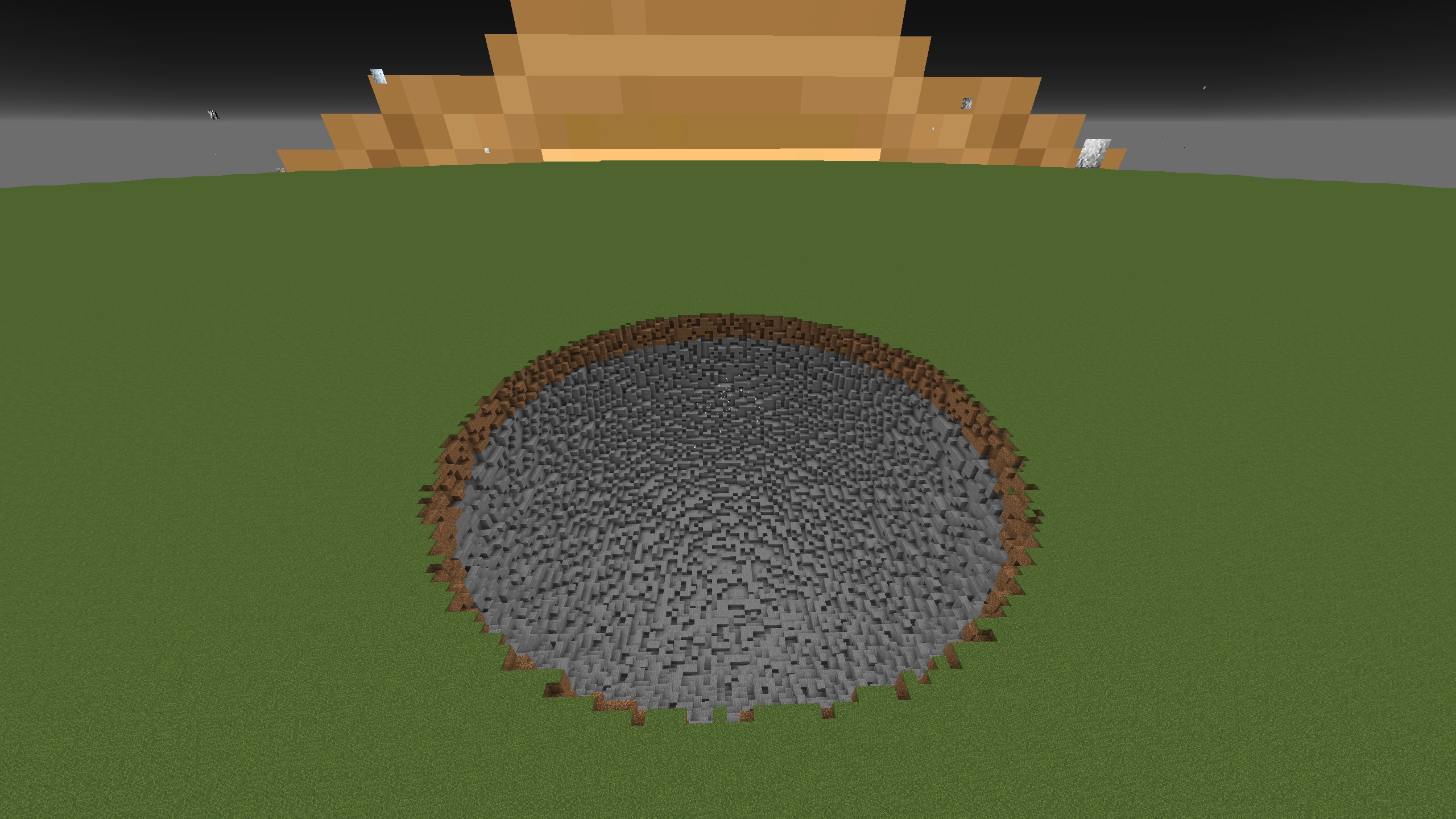
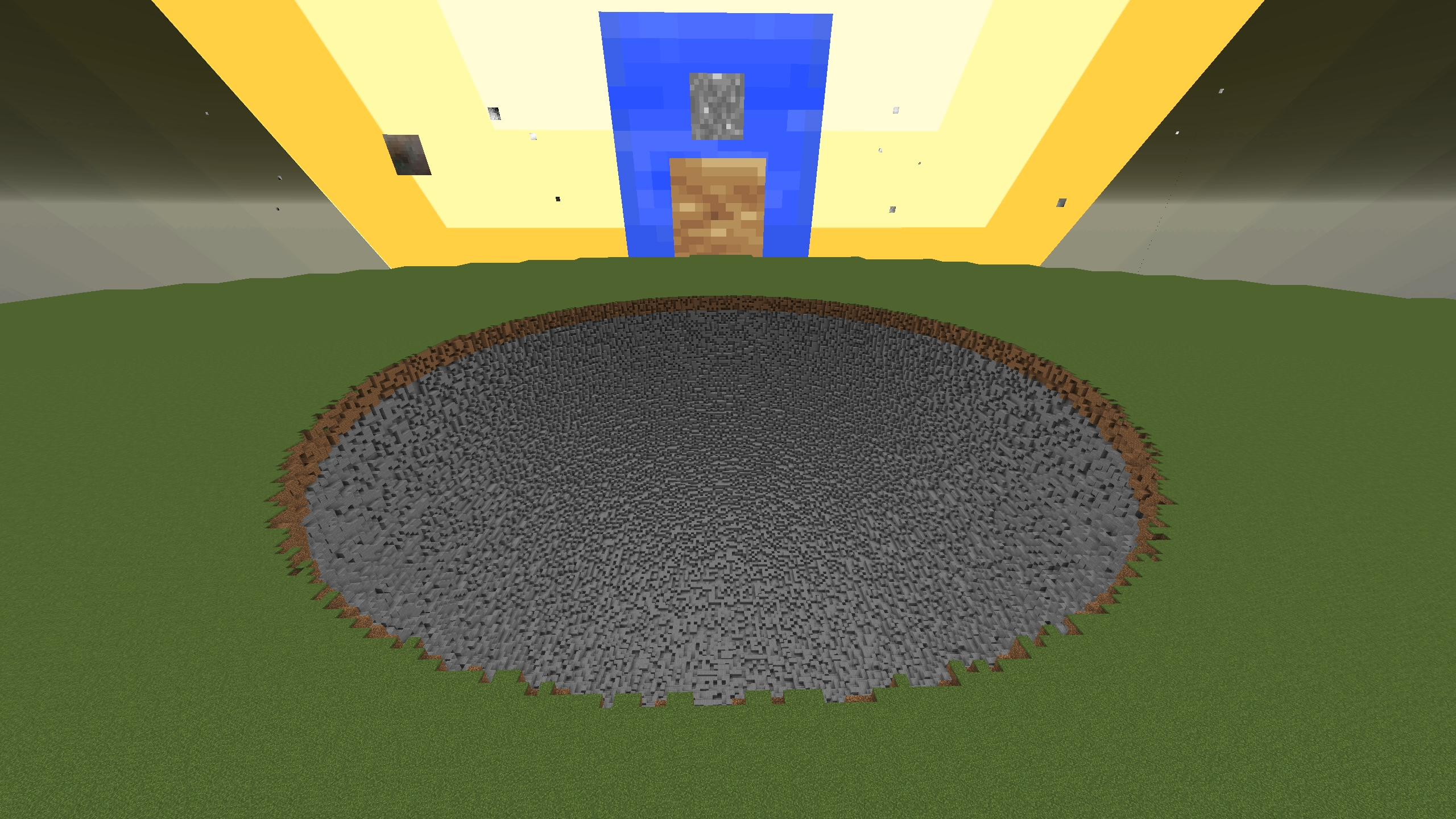
This datapack brings 5 TNTs and a TNT Launcher into the game without the usage of mods. The aftermath of the explosions generate an irregular sphere for some randomness. This is also a creative only datapack so there are no crafting recipes for the items.


List of TNTs


TNT #1

(Radius: 20) TNT #1


TNT #2

(Radius: 40)

TNT #2


TNT #3

(Radius: 80)

TNT #3


TNT #4

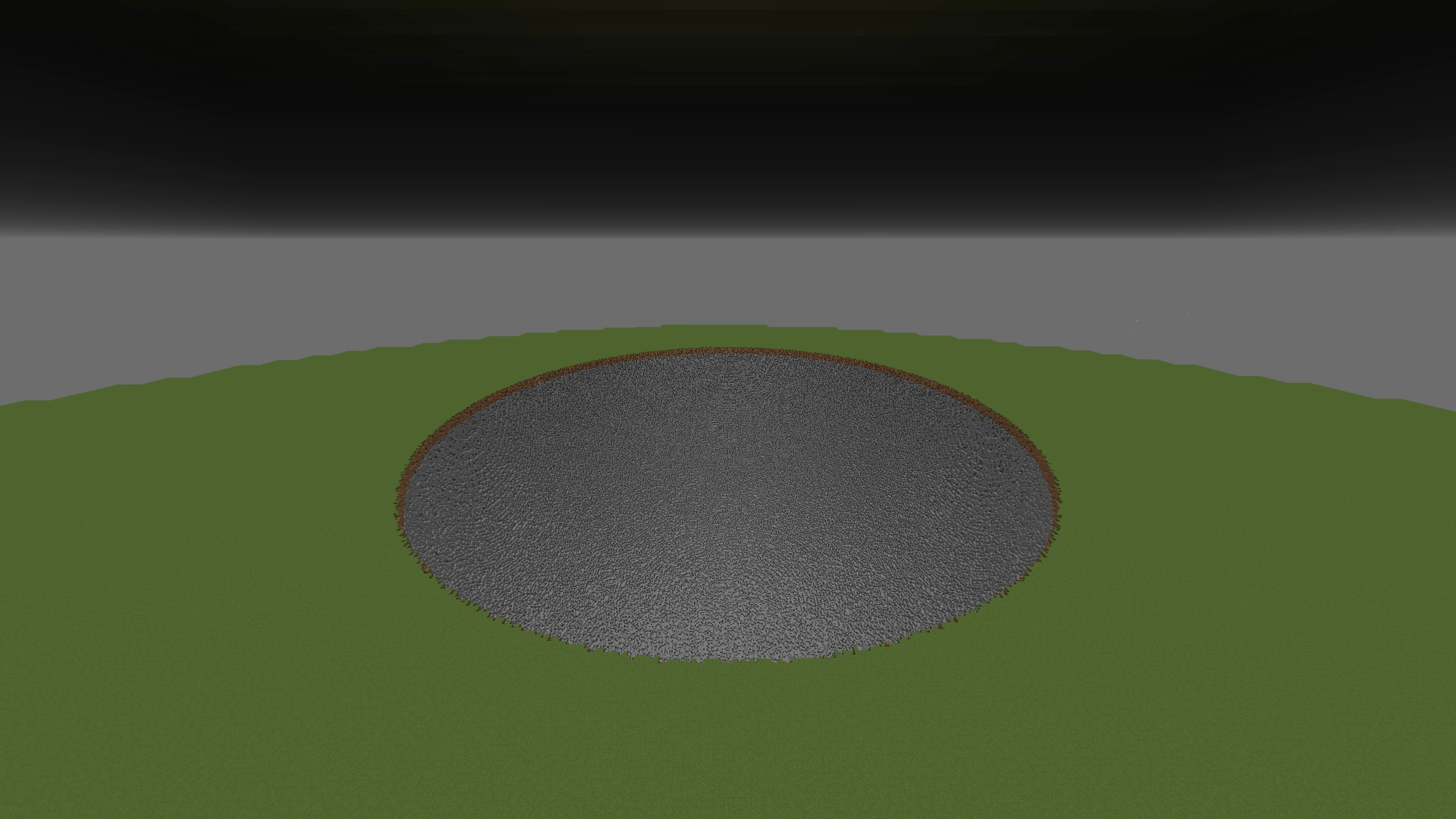
 (Radius: 160) Will display a text warning and the progress completion during the explosion process.
TNT #4


TNT #5

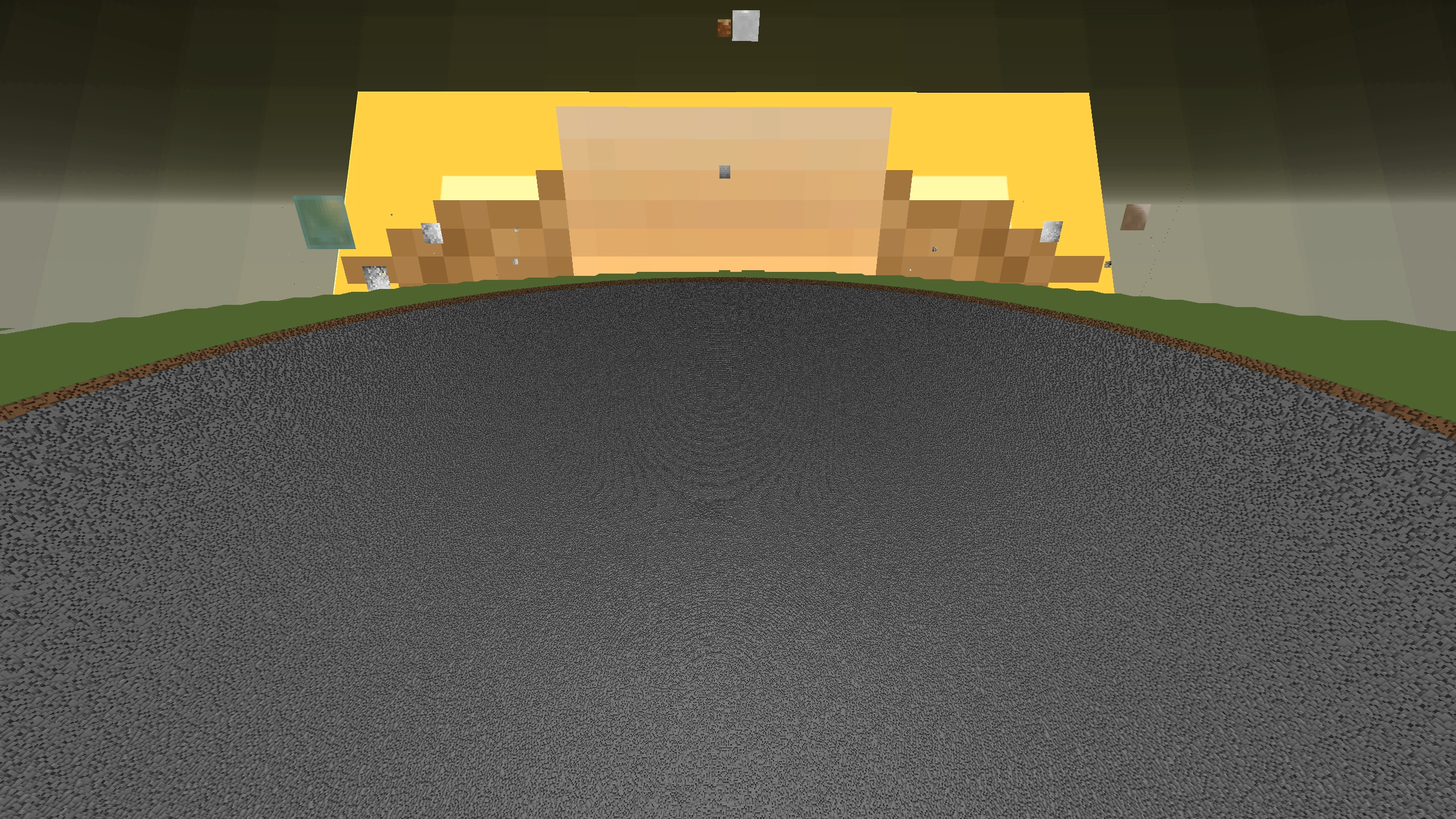
(Radius: 320) Will display a text warning and the progress completion during the explosion process.
TNT #5


Toggleable Settings


Rapid Fire Mode

On: Reloads the selected TNT in the offhand slot without a delay. This option also doesn't remove any TNTs from the hotbar in survival mode.

Off: Reloads the selected TNT in the selected item slot with the TNT launcher in the offhand. Removes one TNT everytime the launcher has been reloaded in survival mode.


Destroy Unbreakable Blocks

On: Destroys every block in the game and fills everything in the radius with air.

Off: Destroys all blocks that are not under the (#wither_immune) tag such as bedrock, command blocks, etc.


Notes


  • Larger TNTs take longer to render where TNT #4 took around 1 minute and 30 seconds to complete and TNT #5 took around 6 minutes and 30 seconds to complete.
  • Some TNT textures showcased will not be used in the resource pack downloads.
  • For versions 1.20.5 and later, the TNT Launcher is able to launch regular TNTs.
  • Predicates weren't introduced until 1.15 so the TNTs in 1.14.4 are perfect spheres and their radii are smaller than the other versions.


Planned Additions

I plan to add one more TNT that allows custom radii (if I am able to figure this out), but I won't add any more TNTs other than that. I want to keep this a simple mod designed for destructive purposes only. But feel free to make a copy and add more custom TNTs on your own.


Known Issues

With the changes of function execution in 1.20.3, this made the explosion progress completion display after the explosion finishes. If you are able to find a fix to this problem, feel free to join my discord and message me there.


Video Preview


Credits


Thanks to Kalendarz2 for the original datapack and method to generate spheres without mods.

Original Datapack: https://minecraftmapy.pl/mapa/EeTP7d

TNT Datapack (MC 1.21.11) [1.9.0].zip
MC 1.21.11
Release 2025-12-09 Get
TNT Datapack (MC 1.21.10) [V1.8.3].zip
MC 1.21.5, 1.21.8, 1.21.9, 1.21.10, 1.21.7, 1.21.6
Release 2025-10-01 Get
TNT Datapack (MC 1.16.5) [V1.1.1]
MC 1.16-Snapshot, 1.16.3, 1.15-Snapshot, 1.16.1, 1.15, 1.16, 1.16.5, 1.15.2, 1.16.4, 1.16.2, 1.15.1
Release 2025-08-15 Get
TNT Datapack (MC 1.19.4) [V1.2.1]
MC 1.17.1, 1.19.3, 1.18.1, 1.19.4-Snapshot, 1.17, 1.19.4, 1.19-Snapshot, 1.18.2, 1.19.2, 1.19.1, 1.17-Snapshot, 1.18, 1.18-Snapshot, 1.19, 1.19.3-Snapshot
Release 2025-08-15 Get
TNT Datapack (MC 1.20.2) [V1.3.1]
MC 1.20.2, 1.20.2-Snapshot, 1.20.1, 1.20, 1.20-Snapshot
Release 2025-08-15 Get
TNT Datapack (MC 1.20.4) [V1.4.1]
MC 1.20.3-Snapshot, 1.20.3, 1.20.4
Release 2025-08-15 Get
TNT Datapack (MC 1.20.6) [V1.5.1]
MC 1.20.5, 1.20.5-Snapshot, 1.20.6
Release 2025-08-15 Get
TNT Datapack (MC 1.21.3) [V1.6.1]
MC 1.21.2-Snapshot, 1.21, 1.21.1-Snapshot, 1.21-Snapshot, 1.21.3, 1.21.1, 1.21.2
Release 2025-08-15 Get
TNT Datapack (MC 1.21.4) [V1.7.1]
MC 1.21.4, 1.21.4-Snapshot
Release 2025-08-15 Get
TNT Datapack (MC 1.21.8) [V1.8.1]
MC 1.21.6-snapshot, 1.21.5, 1.21.8, 1.21.5-Snapshot, 1.21.7, 1.21.6
Release 2025-08-15 Get
TNT Datapack (MC 1.14.4) [V1.0.1]
MC 1.14.4, 1.14.1, 1.14.3, 1.14, 1.14.2, 1.14-Snapshot
Beta 2025-08-15 Get

Requirements & install

How to use this data pack in Minecraft
Mods needed
None, works in vanilla
Minecraft
1.21.5 – 1.21.11
Install folder
saves/<world>/datapacks

How to install data packs

  1. Download the data pack .zip file (do not extract it).
  2. New world: click Data Packs on the world creation screen and drop the .zip in. Existing world: open .minecraft/saves/<world>/datapacks.
  3. Put the .zip into the datapacks folder of the world (servers: world/datapacks).
  4. Run /reload in game (or rejoin the world) and check it with /datapack list.
Browse more: Data Packs for 1.21.11 All data packs
Advertisement Remove ads with Premium →

You Might Also Like