Mineuniverse
Data Packs
The Classic Error

The Classic Error

DATA PACK
Herobrine back into minecraft
by ModdingTank
Download Claim this project
10,865 downloads
0 likes
Updated Oct 14, 2026
0 hypes
Utility
Advertisement Remove ads with Premium →

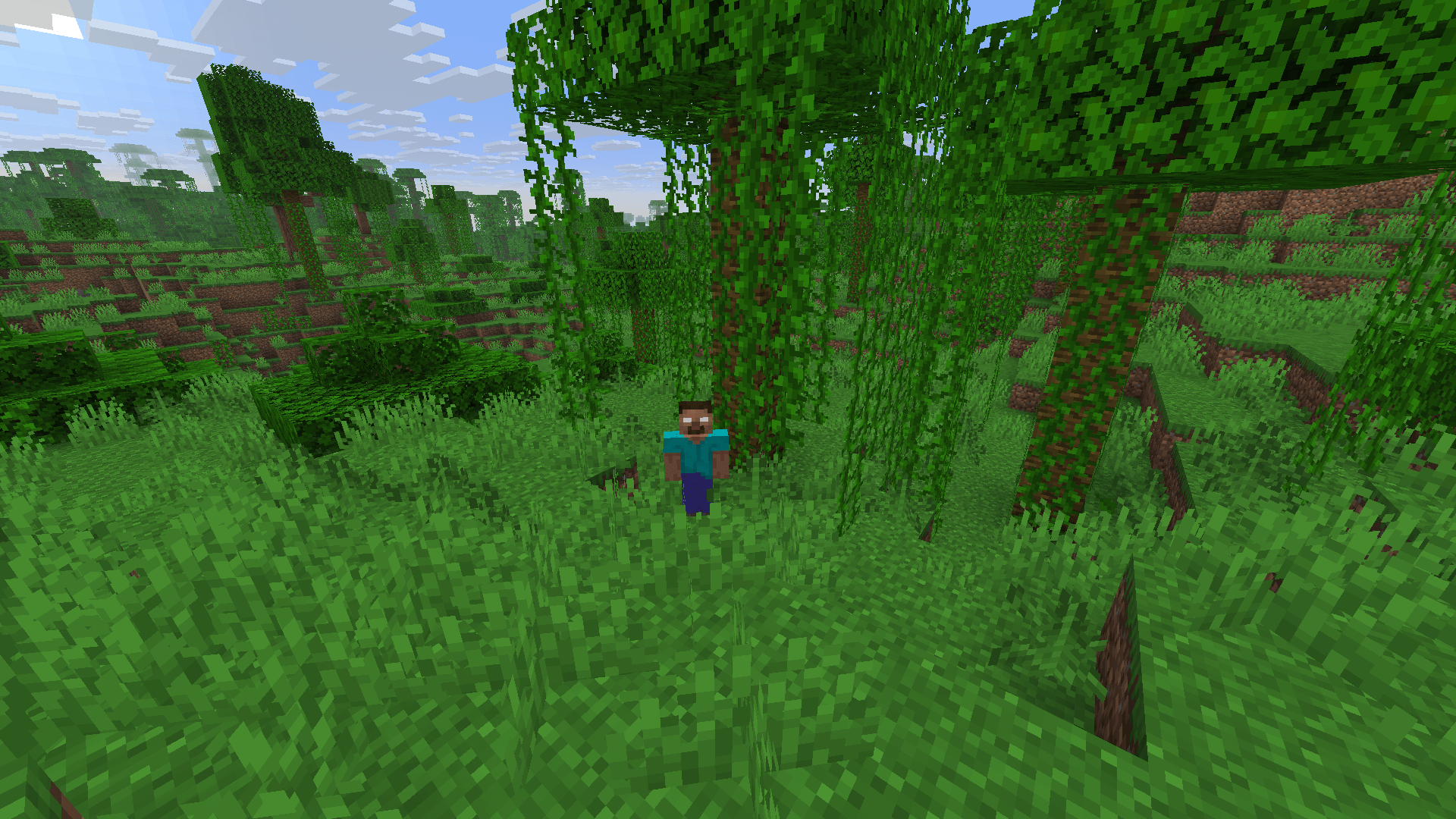
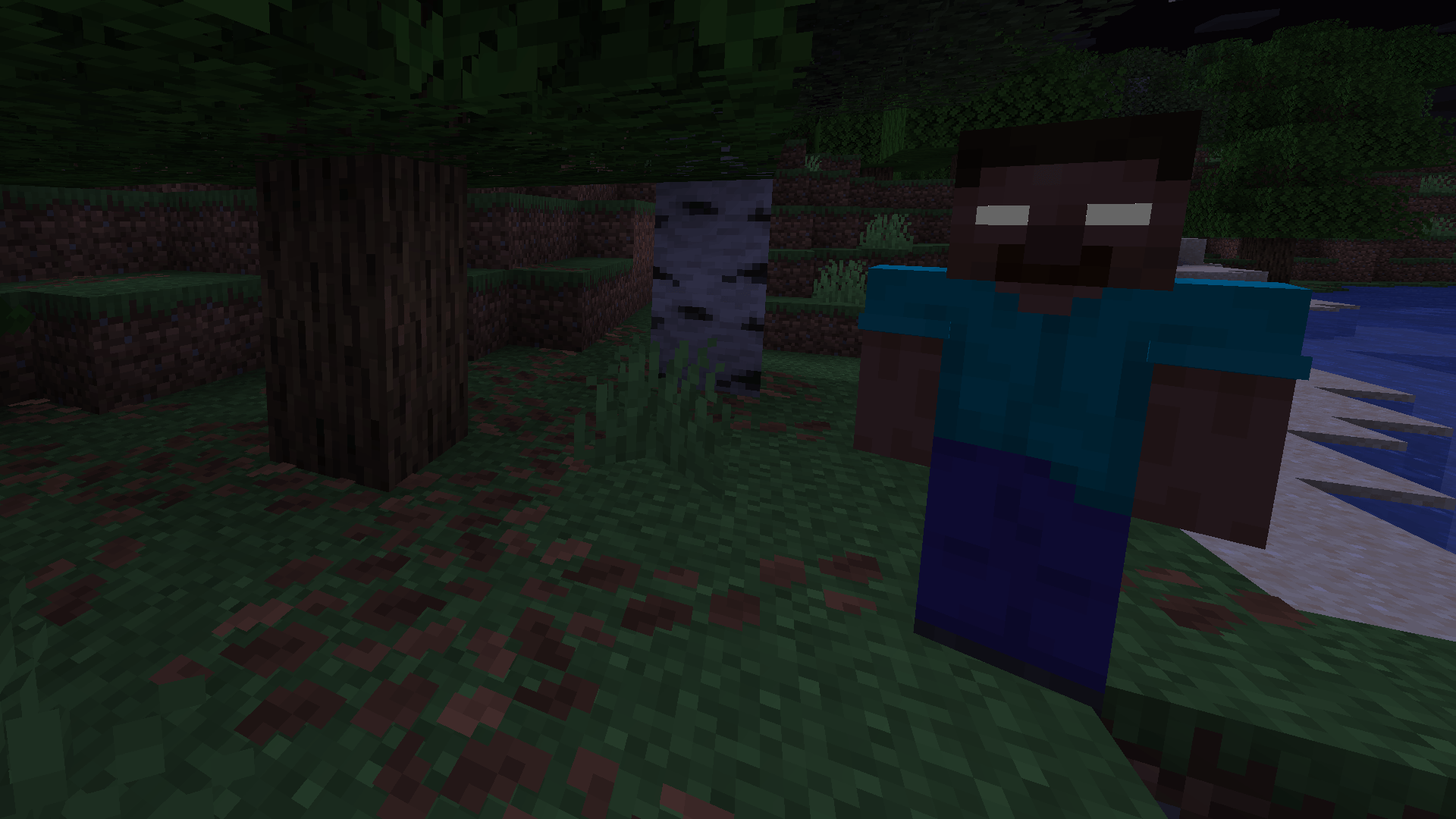
Herobrine back into minecraft with his classic structures


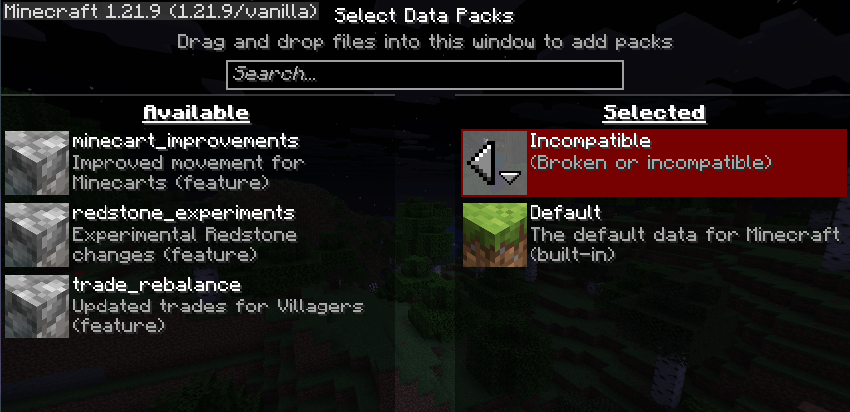
For 1.21.9+ data it will show "Broken or incompatible", you can see image below. It's full compatible with that version

Install as resourcespack & datapack!

Settings are available under command /trigger


Strutures:

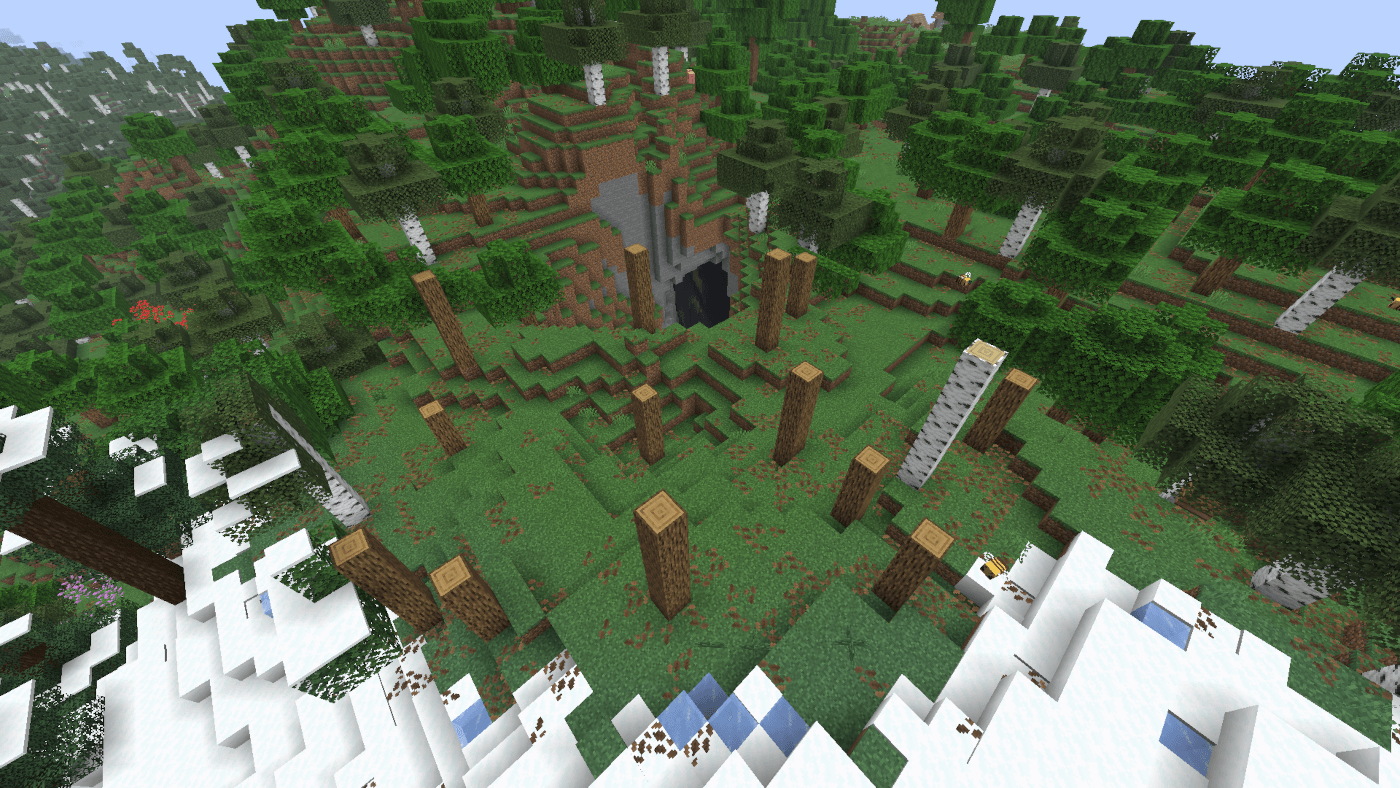
  • Forest without leaves
  • Sand pyramids
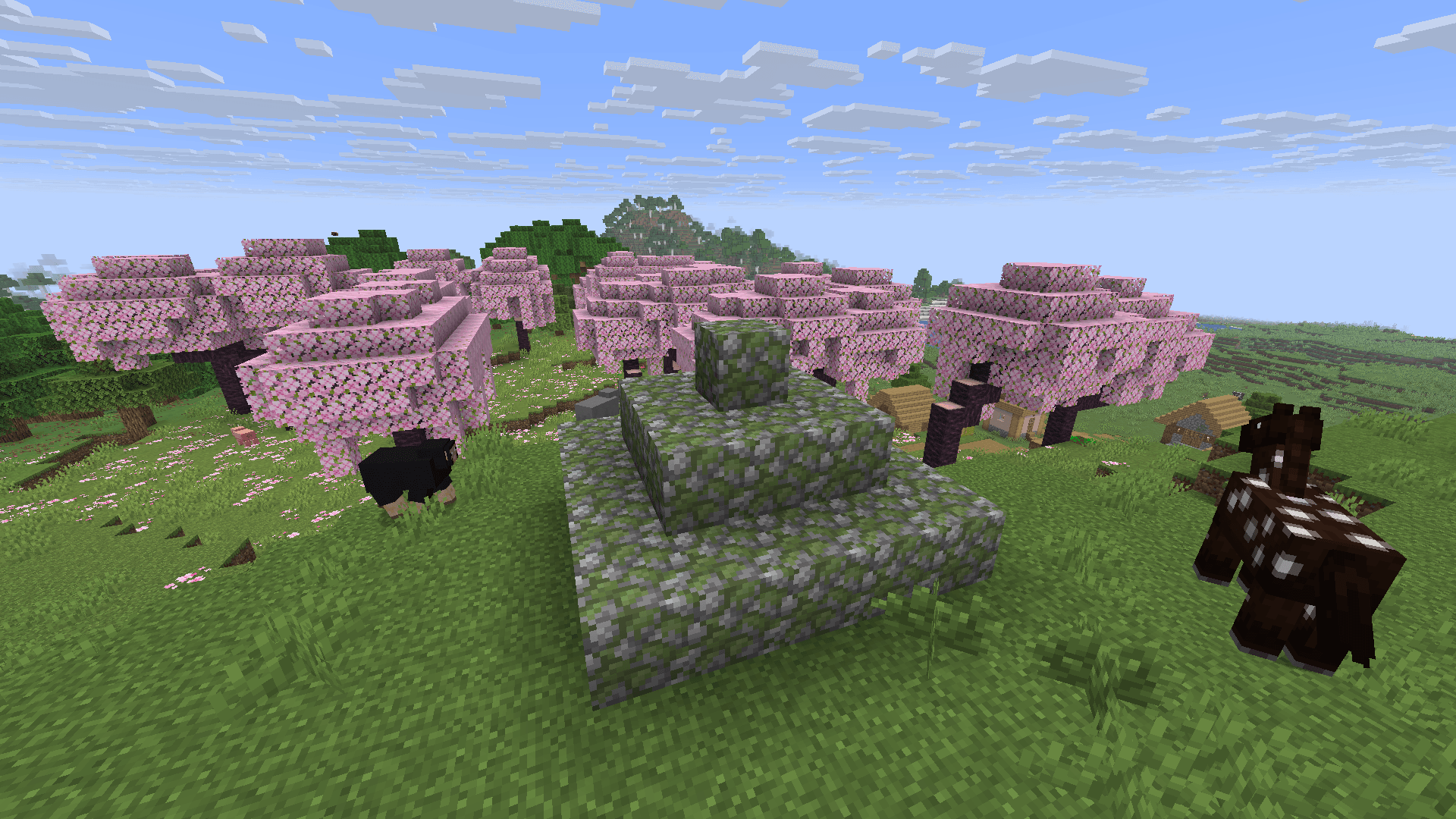
  • Big mossy pyramids
  • Small mossy pyramids
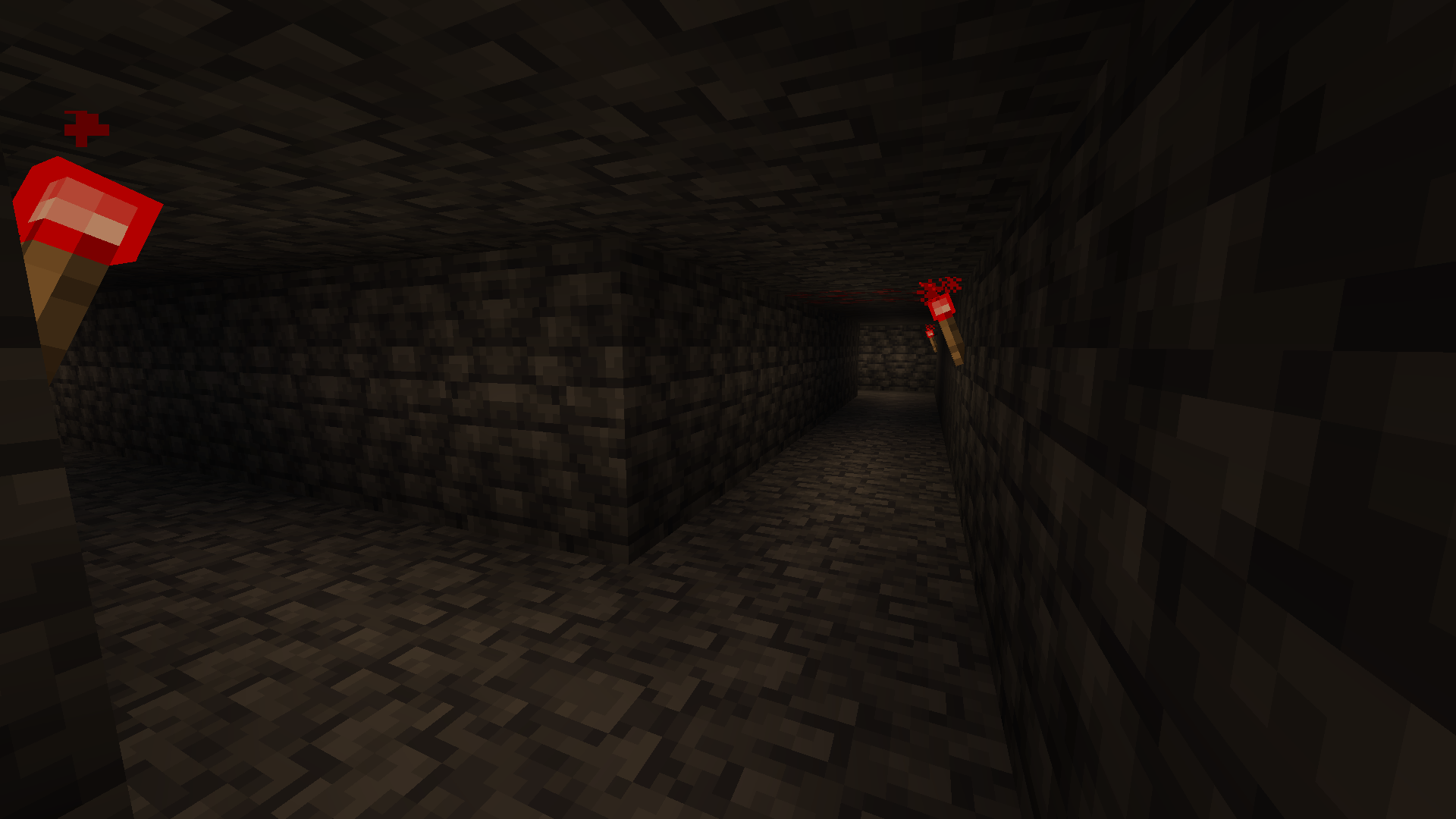
  • 2x2 caves

Herobrine:

Warning!

Emissive eyes can have model errors!

  • Near
    • He is watching near from the player
    • He hides immediately when he is detected
    • He often watches
    • In all dimensions
  • Far
    • He is watching far from the player
    • He hides after some time when he is detected
    • He rare watches
    • Only in overworld and the end
  • Nightmare
    • He sometime spawns in front of the player's bed
    • He gives to player blindness effect
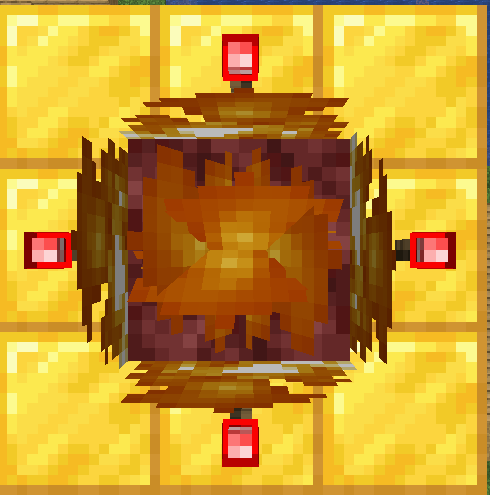
  • Totem
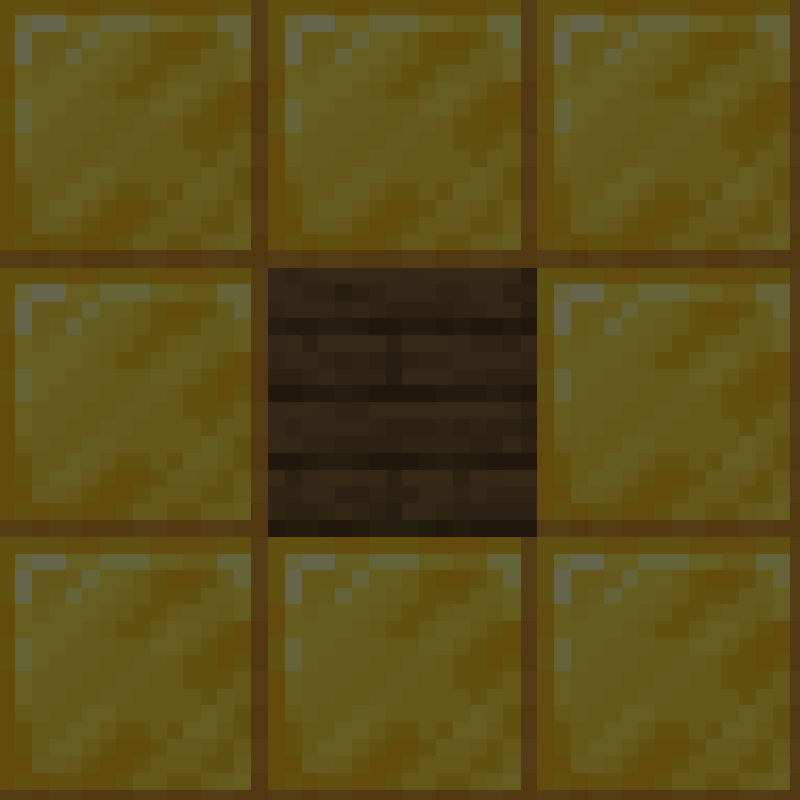
    • Lower part of totem
    • You can use any of planks that exist in minecraft
    • Upper part of totem
    • You can despawn Herobrine by throwing an enchanted golden apple into totem

Advancements:

  • Basic tree
  • 2 chanllenges
  • 1 goal

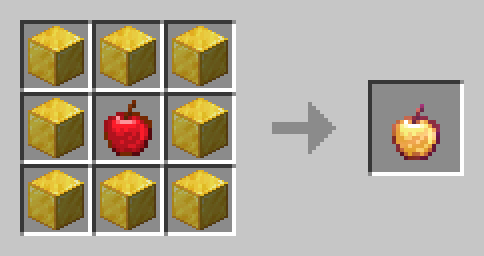
Recipes:

  • Enchanted golden apple
The Classic Error - asstes & data V1.4 MC V26.3.zip
MC 26.3
Release 2026-10-12 Get
The Classic Error - asstes data V1.3 MC V26.2.zip
MC 26.2
Release 2026-07-01 Get
The Classic Error - asstes & data V1.3 MC V26.1.zip
MC 26.1, 26.1.1, 26.1.2
Release 2026-03-31 Get
The Classic Error - assets & data V1.3 MC V1.21.11.zip
MC 1.21.11
Release 2026-01-01 Get
The Classic Error - assets & data V1.2 MC V1.21.9.zip
MC 1.21.9, 1.21.10
Release 2025-10-01 Get
The Classic Error - assets & data V1.1 MC V1.21.6-8.zip
MC 1.21.8, 1.21.7, 1.21.6
Release 2025-09-09 Get
The Classic Error - assets & data V1.0 MC V1.21.6-8.zip
MC 1.21.8, 1.21.7, 1.21.6
Release 2025-07-23 Get

Requirements & install

How to use this data pack in Minecraft
Mods needed
None, works in vanilla
Minecraft
1.21.9 – 26.3
Install folder
saves/<world>/datapacks

How to install data packs

  1. Download the data pack .zip file (do not extract it).
  2. New world: click Data Packs on the world creation screen and drop the .zip in. Existing world: open .minecraft/saves/<world>/datapacks.
  3. Put the .zip into the datapacks folder of the world (servers: world/datapacks).
  4. Run /reload in game (or rejoin the world) and check it with /datapack list.
Browse more: Data Packs for 26.3 All data packs
Advertisement Remove ads with Premium →

You Might Also Like