Mineuniverse
Data Packs
Tensura: L2Hostility

Tensura: L2Hostility

DATA PACK
Adds L2Hostility scaling and traits to Tensura: Reincarnated and Tensura: Not Enough Bosses mobs.
by Noilib
Download Claim this project
6,775 downloads
0 likes
Updated Oct 14, 2026
0 hypes
Mod Support
Advertisement Remove ads with Premium →

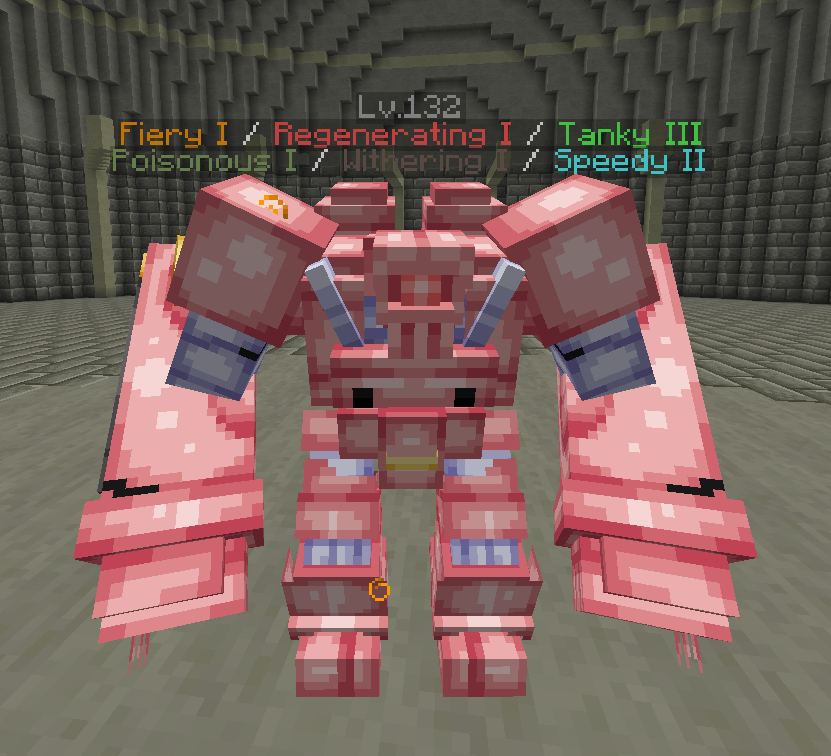
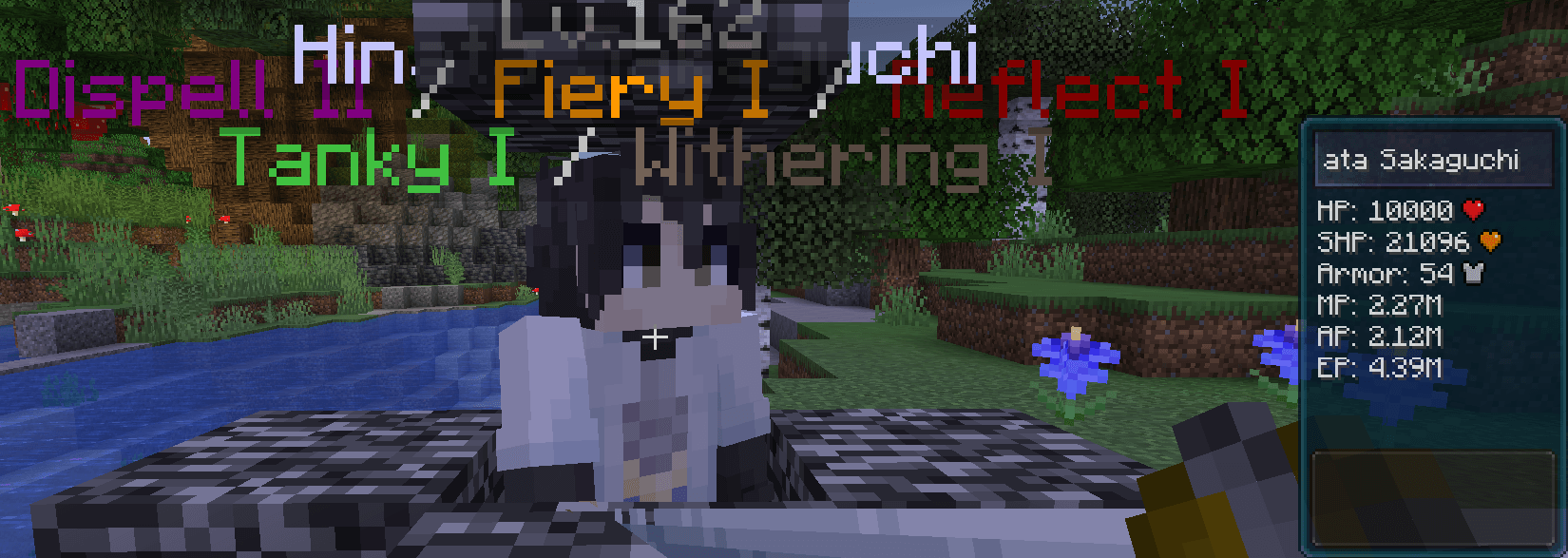
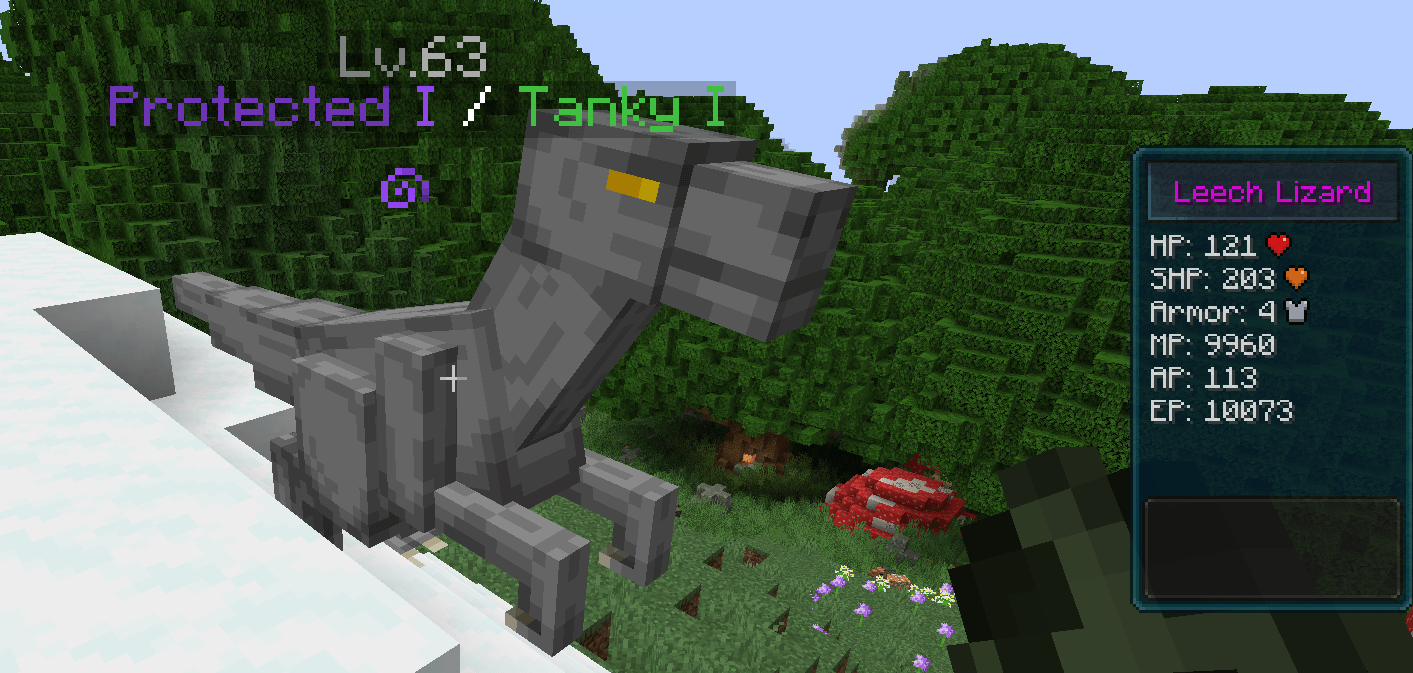
All mobs from Tensura: Reincarnated and Tensura: Not Enough Bosses are now integrated with L2 Hostility difficulty scaling. When a mob receives an L2 level, the datapack reads that level and applies dynamic scaling bonuses to the mob's stats:


- Spiritual Health: +3% per level
- Magicules: +2% per level
- Aura: +2% per level

Since Magicules and Aura are scaled, this also indirectly increases the mob's EP, causing it to grow depending on the mob's level.

These stat bonuses are applied instantly, and mobs spawn at full power without delay. The datapack uses an optimization system that only processes each mob once, preventing lag.
 
Feel free to leave feedback or suggest changes if the difficulty levels seem unbalanced.
 

Bosses

Tensura: Reincarnated

- Elemental Colossus (Lv. 75-150)
- Orc Disaster (Lv. 100-250)
- Hinata Sakaguchi (Lv. 120-280)
- Gazel Dwargo (Lv. 110-260)


Tensura: Not Enough Bosses
- Rimuru (Lv. 85-250)
- Carrion (Lv. 90-210)
- Luminous Valentine (Lv. 130-300)
 

Customization

You can customize the scaling percentages by editing `process_scaling.mcfunction`:
- Change `0.03` to a different value to adjust Spiritual Health scaling
- Change `0.02` to a different value to adjust Magicules/Aura scaling

You can also selectively disable stat scaling by removing lines in `apply_modifiers.mcfunction`. See the comments in each function for detailed instructions.
Tensura-L2Hostility 1.1.zip
MC 1.21.1
Release 2026-09-04 Get

Requirements & install

How to use this data pack in Minecraft
Mods needed
None, works in vanilla
Minecraft
1.21.1
Install folder
saves/<world>/datapacks

How to install data packs

  1. Download the data pack .zip file (do not extract it).
  2. New world: click Data Packs on the world creation screen and drop the .zip in. Existing world: open .minecraft/saves/<world>/datapacks.
  3. Put the .zip into the datapacks folder of the world (servers: world/datapacks).
  4. Run /reload in game (or rejoin the world) and check it with /datapack list.
Browse more: Data Packs for 1.21.1 All data packs

More from Noilib

Advertisement Remove ads with Premium →

You Might Also Like