Badges update automatically and link to the data pack page on MineUniverse.
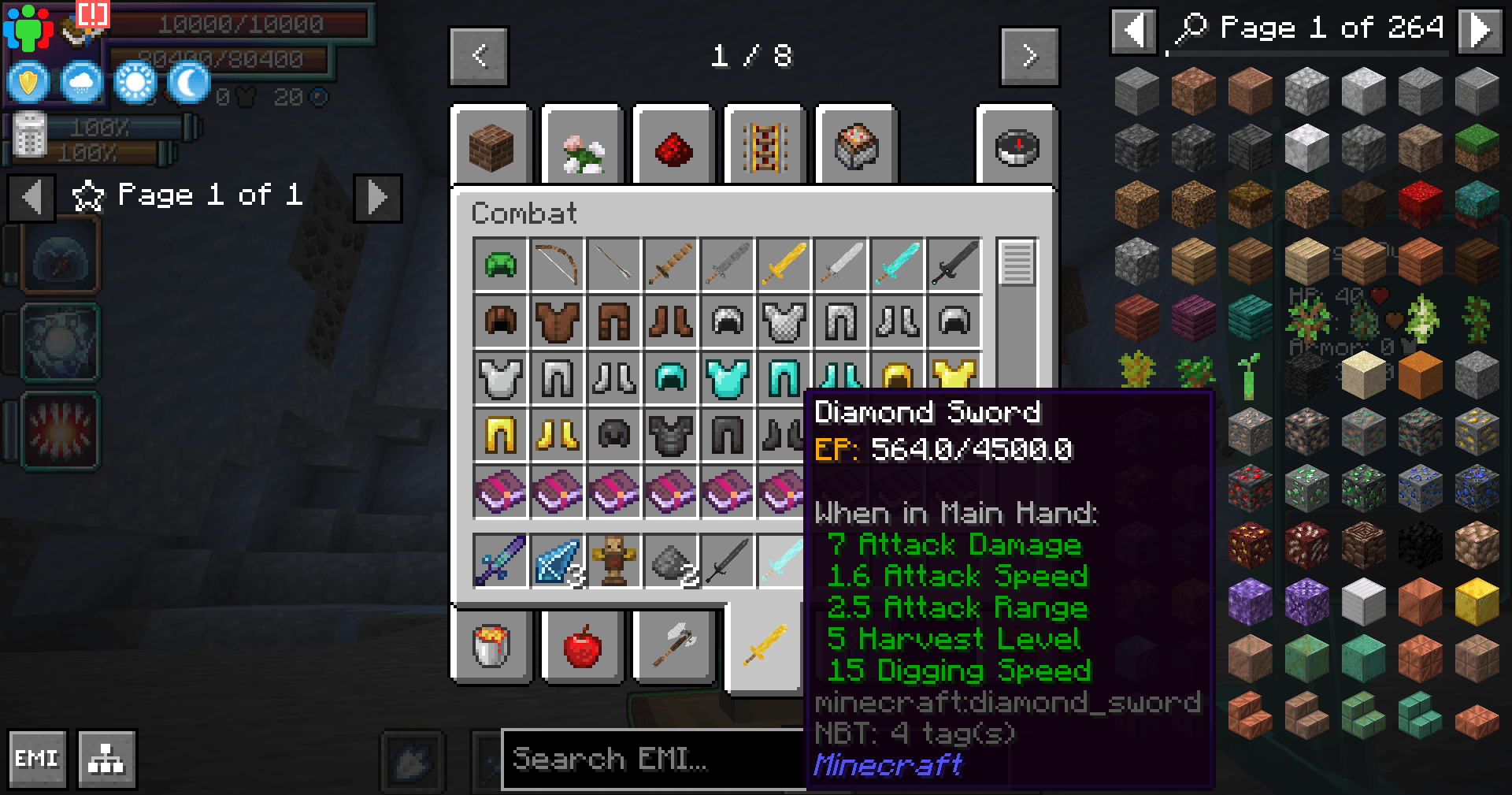
Currently this data pack supports all vanilla armour and tools into low magisteel/leather into monster leather, shield into upgraded tensura shields.
Check the included files to check exact requirements. Current mods supported that add EP and Evolving are Simply Swords, Cisco's Content/Armoury.
Armour
First number is requirement to evolve/max ep second is min EP after evolved
Vanilla
Leather (1k, 0) -> Monster Leather D (2.5k, 1k) -> C (5k, 2.5k) -> B (8k, 5k) -> A (80k, 8k) -> Special A (0, 80k)
Gold (1.5k, 0)-> Chainmail (3k, 1.5k) -> Iron (4k, 3k) -> Diamond (5k, 4k) -> Netherite (6k, 5k) -> Low Magisteel
Shield (6k, 0) -> Armoursaurus Shield (60k, 6k) -> Tempest Scale Shield (0, 60k)
Modded
Cisco Content/Armoury
Hero (20k, 0), Cisco (20k, 0), Fallen Hero (20k, 0), Windwalker (20k, 0), Gilded Eagle (20k, 0), Brightsteel (20k, 0), Fell King (20k, 0), Adventurer (20k, 0), Ascendant Azure (20k, 0), Ascendant Violet (20k, 0), Ascendant Rouge (20k, 0), Bjorn (20k, 0), Sylvi (20k, 0), Darksteel (20k, 0)
Ice and Fire
Copper (1k, 0) -> Silver (5k, 1k)
Blindfold (1k, 0), Sheep Disguise (1k, 0), Earplugs (1k, 0)
Tools and Weapons
First number is requirement to evolve second is min EP after evolved
Vanilla
Wood (0, 750) -> Stone (1.5k, 750)-> Iron (3k, 1.5k) -> Gold (3k, 4.5k) -> Diamond (5.5k, 4.5k) -> Netherite (6k, 5.5k) -> Low Magisteel
Bow (2000, 0) -> Spider Bow (0, 9000)
Crossbow (3000, 0) -> Ant Crossbow (0, 3000)
Shears Does not evolve (500)
Trident Does not evolve (1000)
Fishing Rod Does not evolve (500)
Flint and Steel Does not evolve (500)
Modded
Simply Swords
Iron (1.5k, 3k) -> Gold (4.5k, 3k) -> Diamond (5.5k, 4.5k) -> Netherite (6k, 5.5k) -> Runic (15k, 6k)
Brimstone Claymore (20k, 8k), The Watcher (20k, 8k), Storm's Edge (20k, 8k), Stormbringer (20k, 8k), Sword on a Stick (20k, 8k), Bramblethorn (20k, 8k), Watching Warglaive (20k, 8k), Longsword of the Plauge (20k, 8k), Emberblade (20k, 8k), Hearthflame (20k, 8k), Soulkeeper (20k, 8k), Twisted Blade (20k, 8k), Soul Stealer (20k, 8k),
Soulrender (20k, 8k), Soulpyre (20k, 8k), Frostfall (20k, 8k), Molten Edge (20k, 8k), Livyatan (20k, 8k), Icewhisper (20k, 8k), Arcanethyst (20k, 8k), Thunderbrand (20k, 8k), Mjolnir (20k, 8k), Shadowsting (20k, 8k), Dormant Relic (20k, 8k)
Cisco Content/Armoury
Awakened Equillibrium (20k, 0), Slumbering Equillibrium (20k, 0), Azure Thunder (20k, 0), Refined Equillibrium (20k, 0), Nightfall (20k, 0), Adjudicator (20k, 0),
Brightsteel Multitool (20k, 0), Skysplitter (20k, 0), Castor (20k, 0), Pollux (20k, 0), Glacies (20k, 0), Darksteel Multitool (20k, 0), Fell Ragnarok (20k, 0), Arcane Apparatus (20k, 0),
Brightsteel Pickaxe (20k, 0), Darksteel Pickaxe (20k, 0), Absolute Equillibrium (20k, 0), Frostfang (20k, 0)
Ice and Fire
Copper (1k, 0) -> Silver (5k, 1k)
Dread Thrall (1k, 0) -> Dread Knight (18k, 1k)
Fishing Spear (1k, 0), Death Worm Gauntlet (5k, 0), Dread Lich Staff (1k, 0), Blade of the Dreaded Queen (20k, 6k), Staff of the Dreaded Queen (20k, 6k)