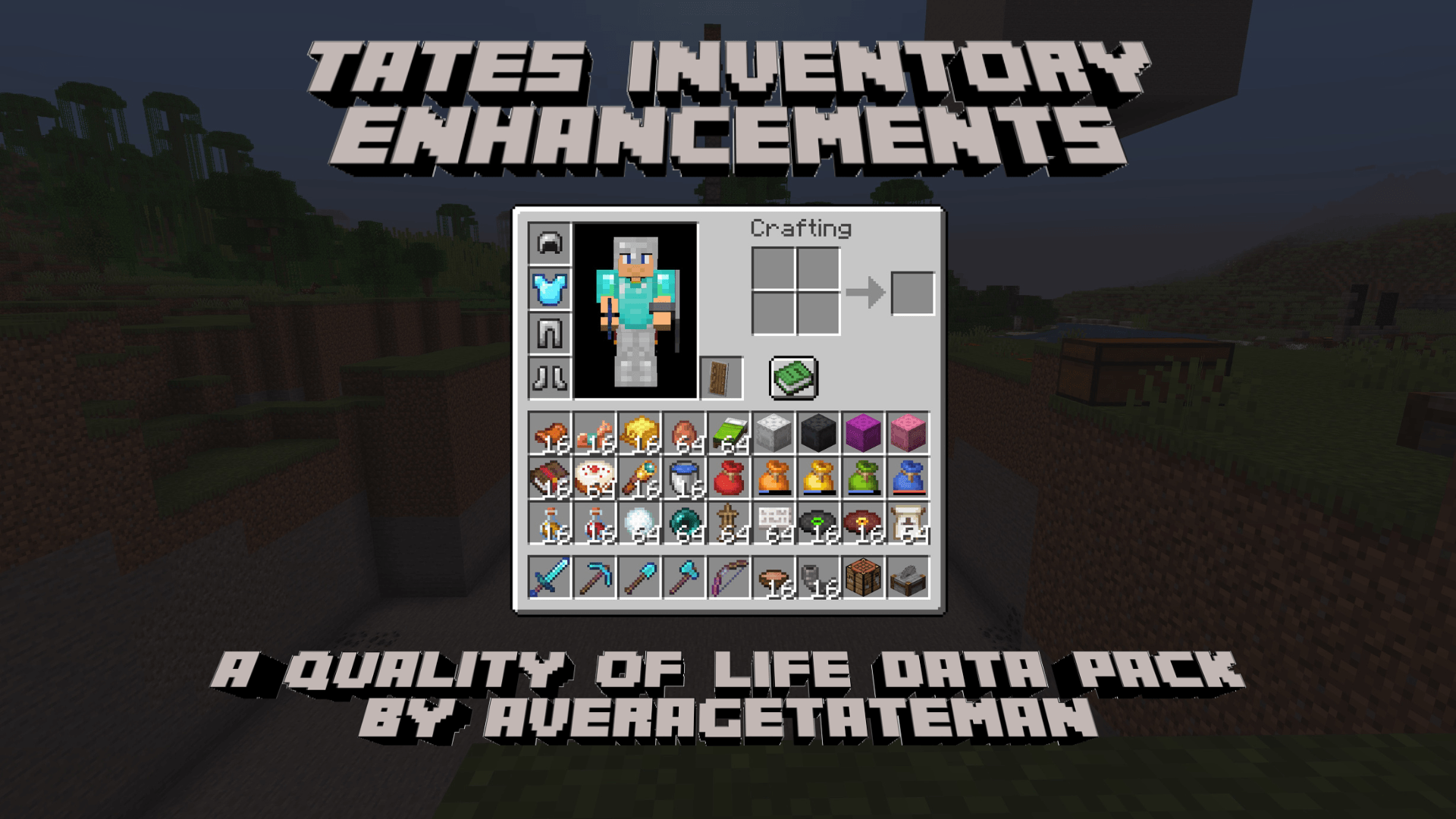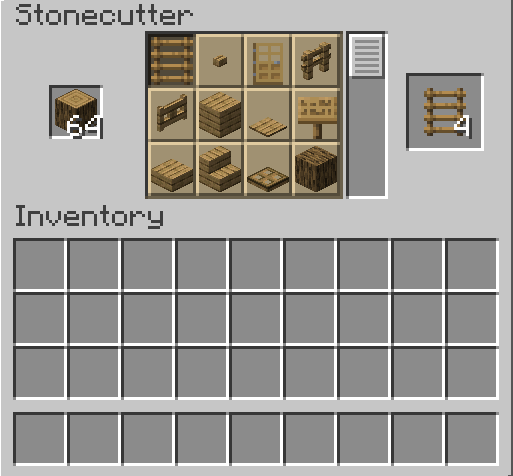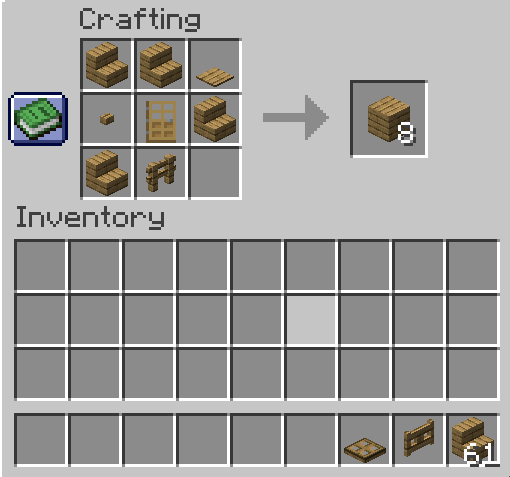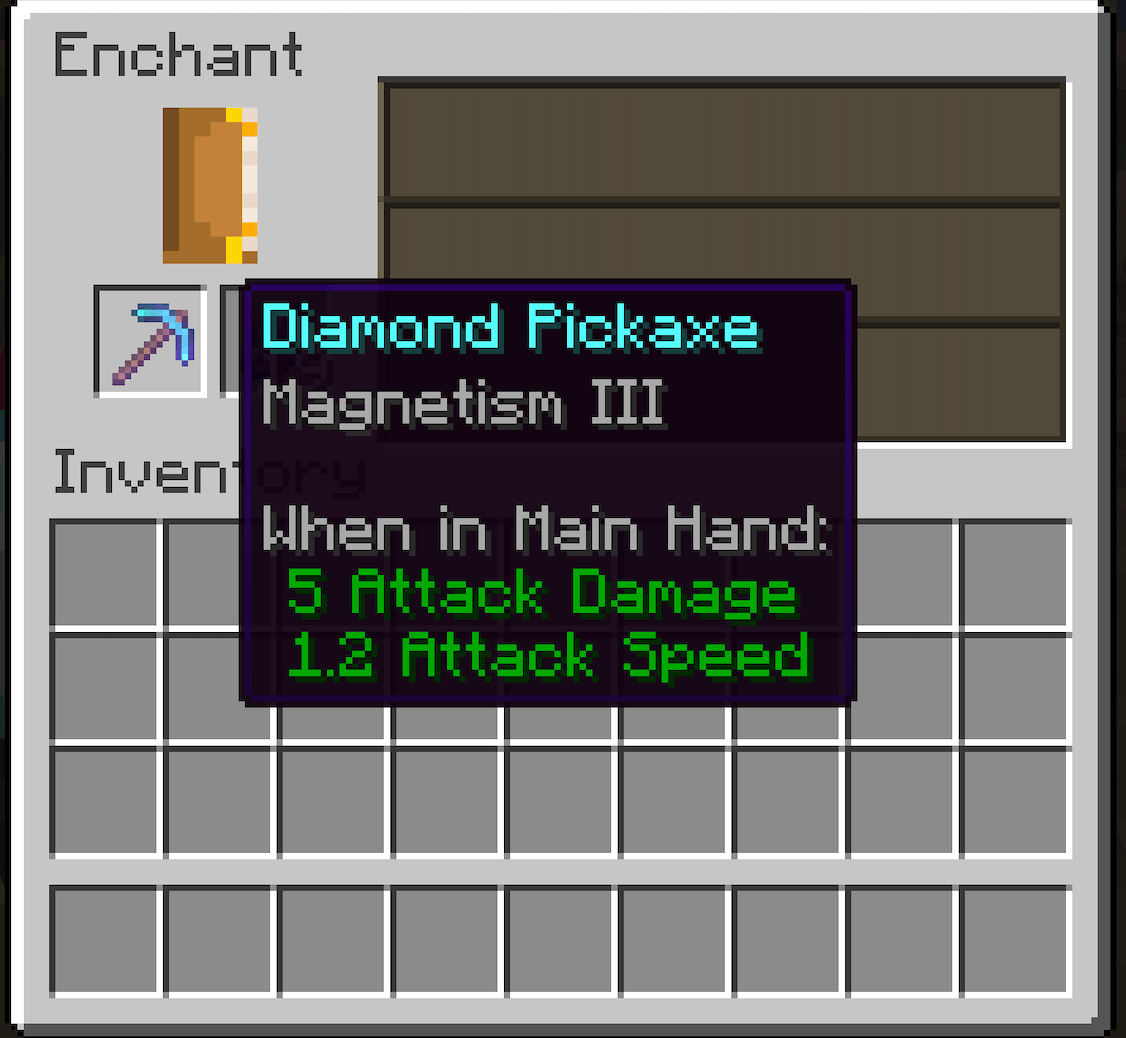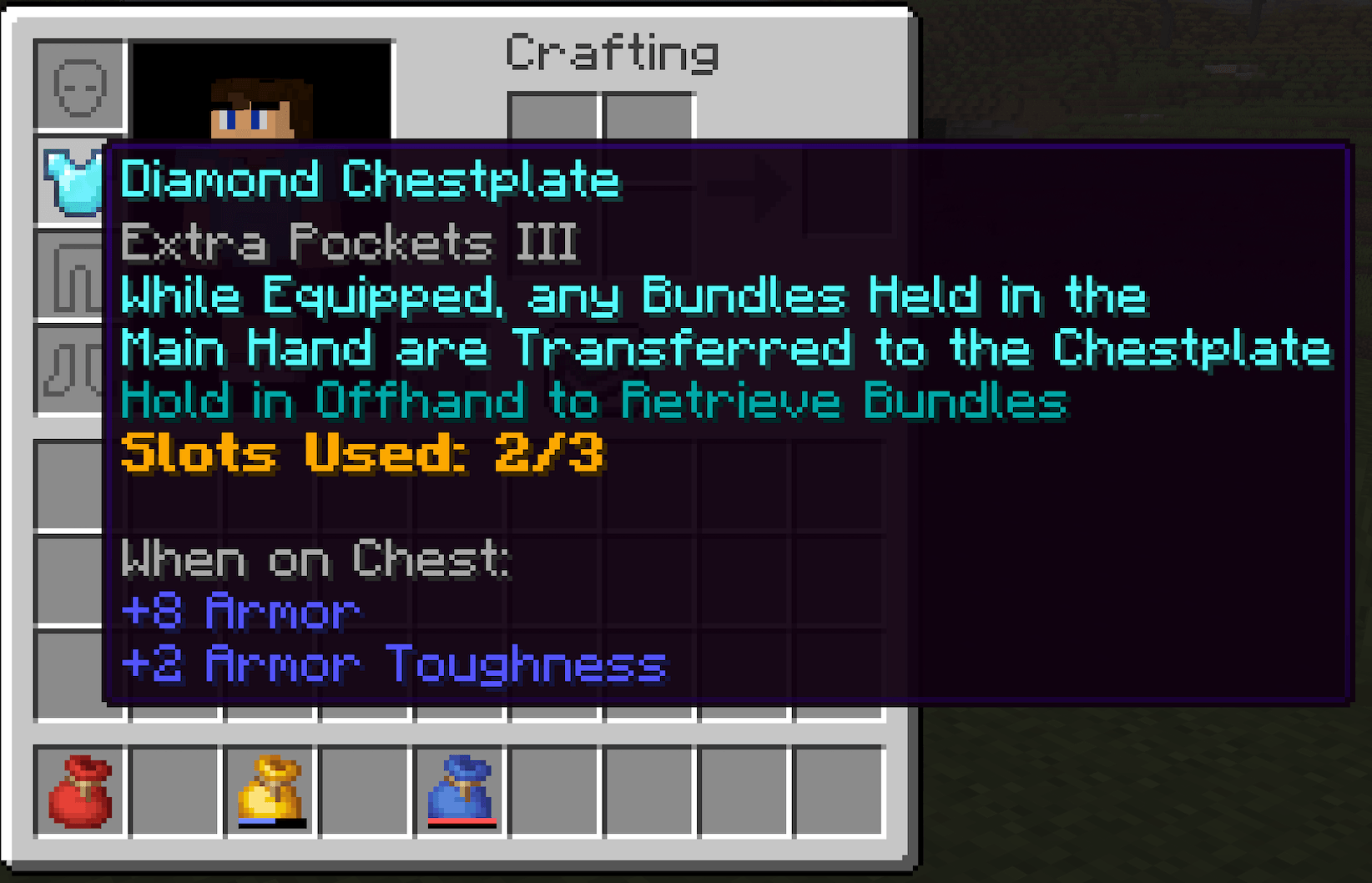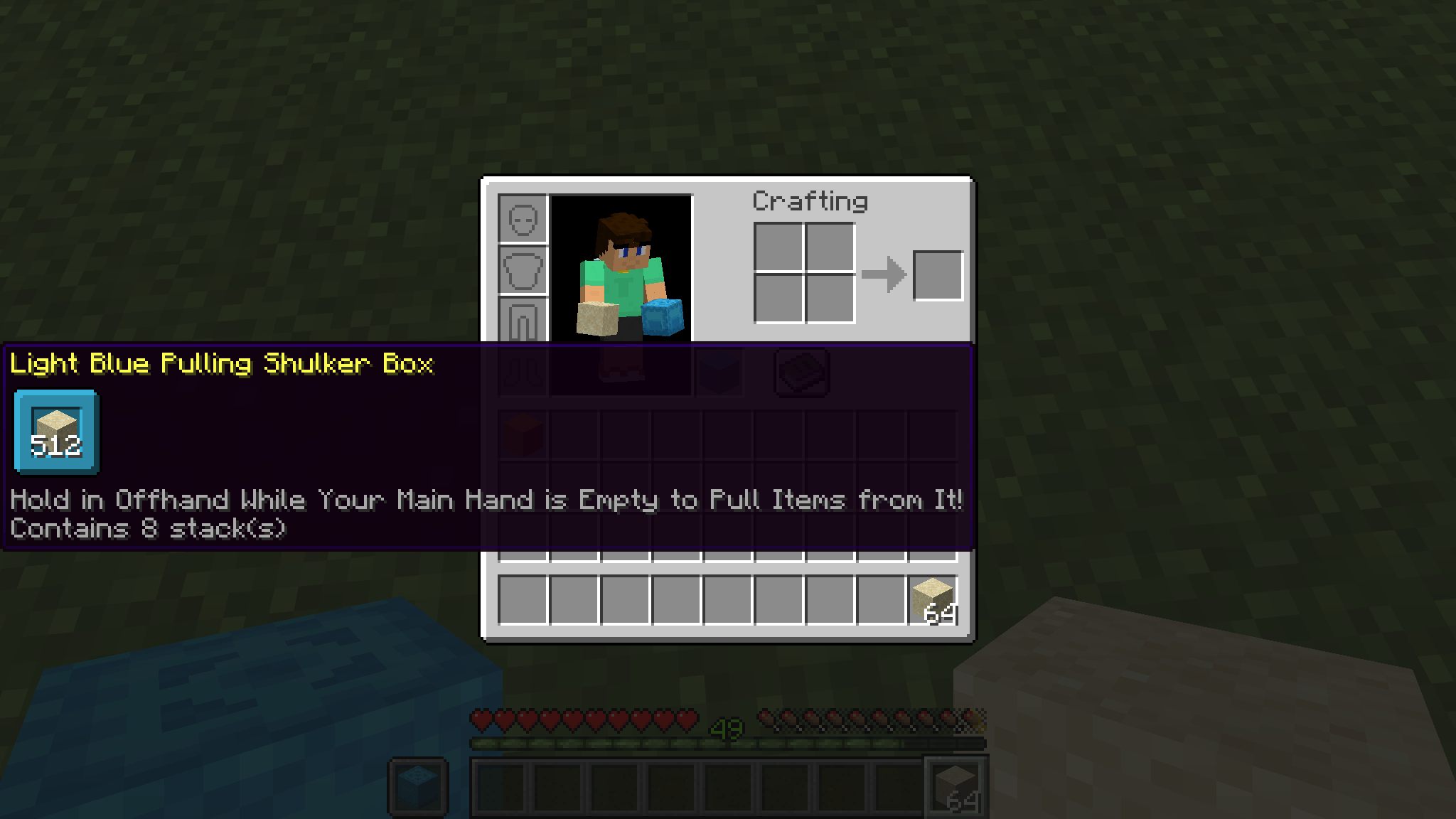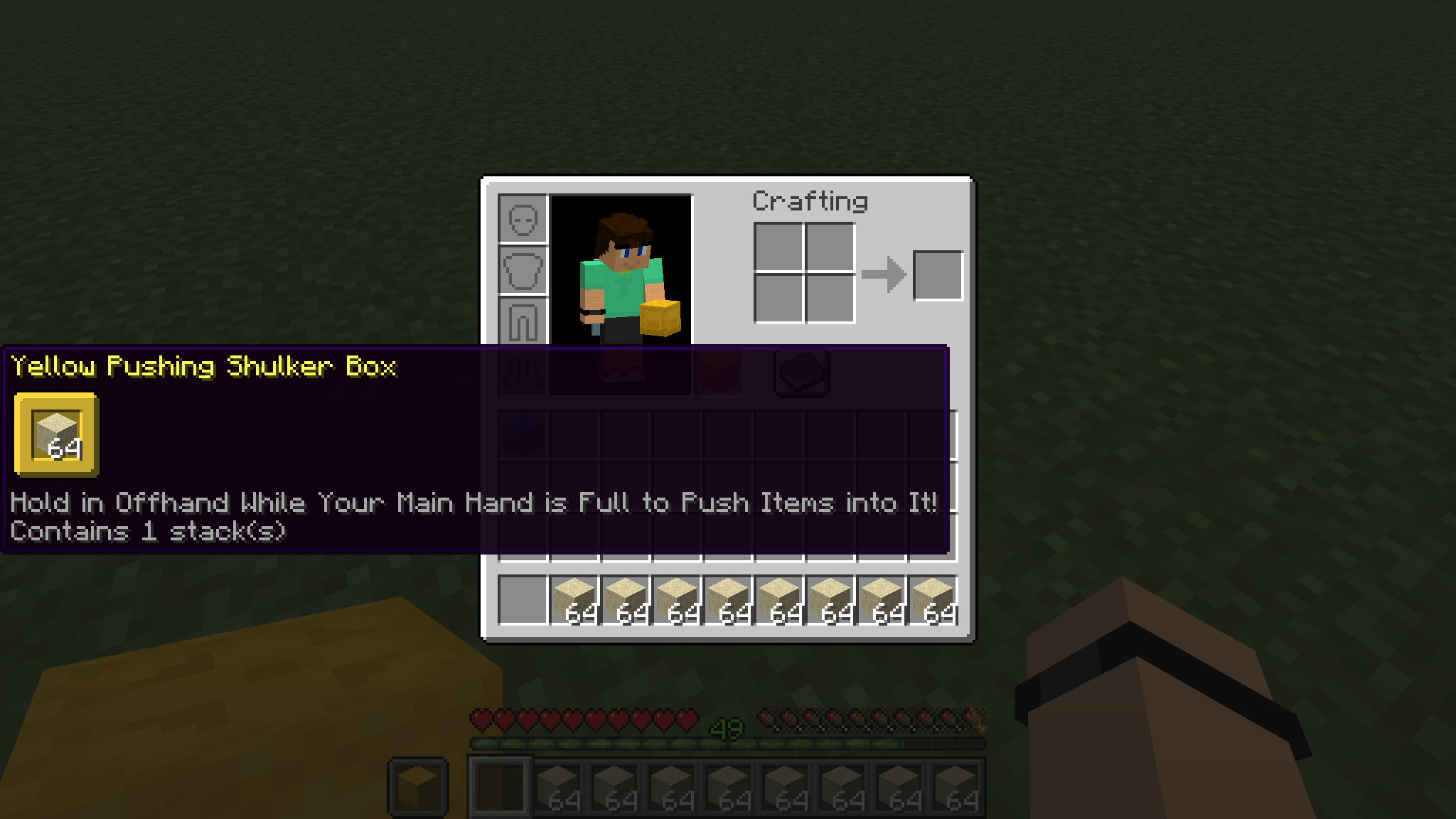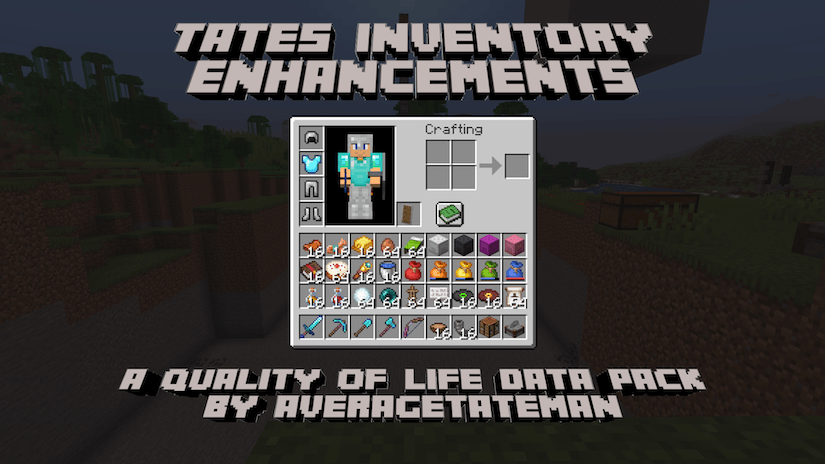
This pack aims to improve the inventory system to make it easier to use.
These changes include:
If upgrading your pack and the Magnets are missing their textures, run the following command(s) with the items in your inventory - /function tateinventory:upgrade/magnet_to_item_model
Runs the previous command for all players - /function tateinventory:upgrade/magnet_to_item_model_all
Installation Instructions to Get the Data AND Resource Packs:
1) Select "Files"

2) Select a Version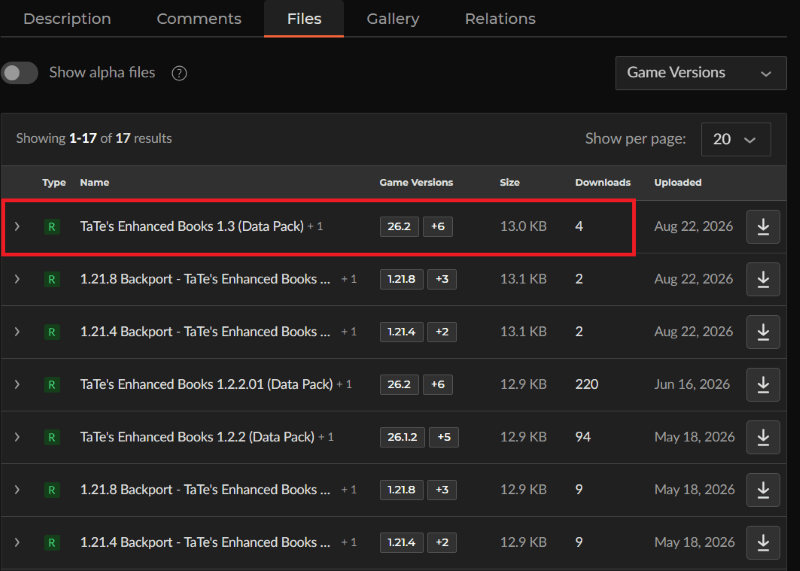
3) Click "View Full Page"
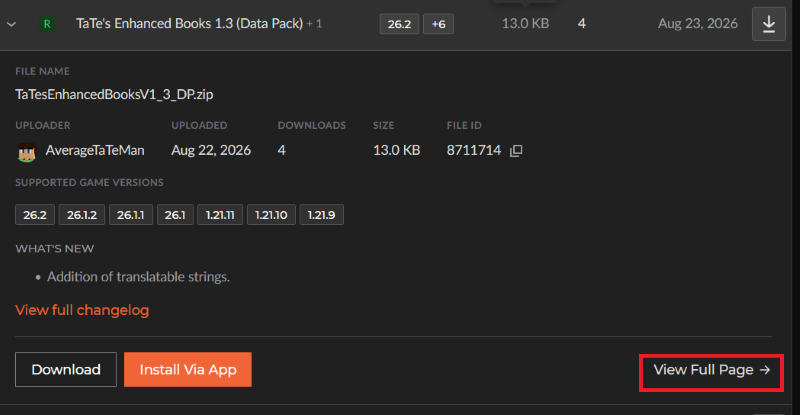
4) Click "Download" to download the data pack file, click "Additonal Files" to show the resource pack file, then click the download icon to download it, as shown below.
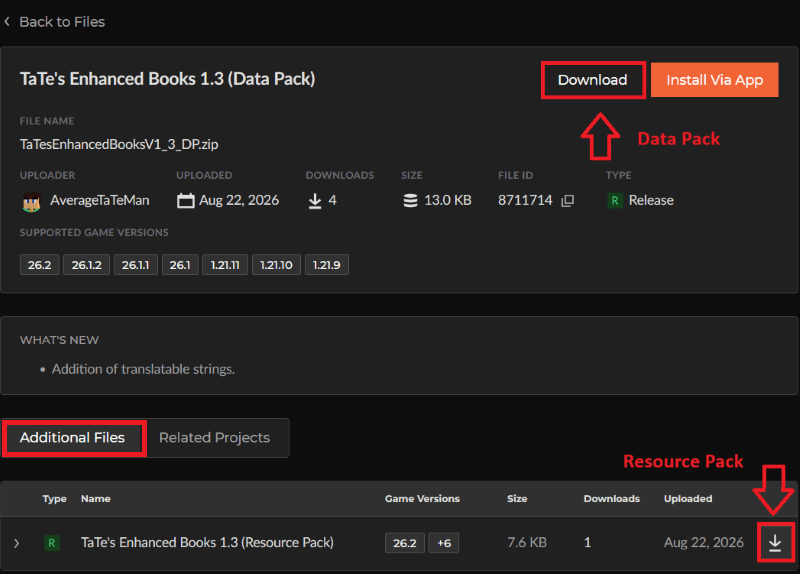
5) Unzip the files (optional, but recommended as that's how I use/test them).
6) Add the resource pack to your Selected Packs (ideally at the top) in your Resource Packs menu.
7) Add the data pack to either your Selected Packs in the Data Packs menu (if adding at world creation) OR put it in your world's 'datapacks' folder (if adding afterwards. Recommended to either not have world open at the time or to close and reopen it afterwards).
8) You may get a prompt about experimental settings not being supported when opening the world. This can safely be ignored, but it's also never a bad idea to make a backup if it's a world you care about.