Mineuniverse
Data Packs
Stopwatch Timer

Stopwatch Timer

DATA PACK
A compact stopwatch timer system built for creators
by Merio_Me
Download Claim this project
163 downloads
0 likes
Updated Oct 14, 2026
0 hypes
Miscellaneous Tech Utility
Advertisement Remove ads with Premium →

Imported from Speed Run 64 for other people to use.  

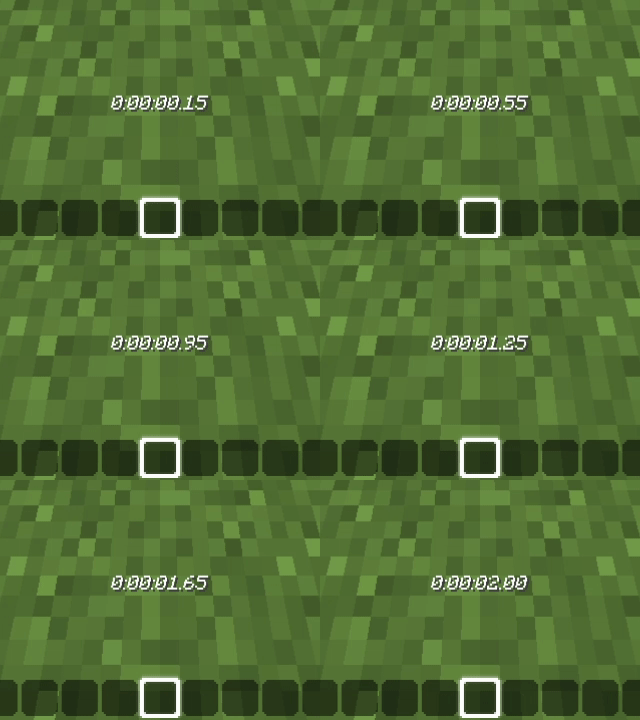
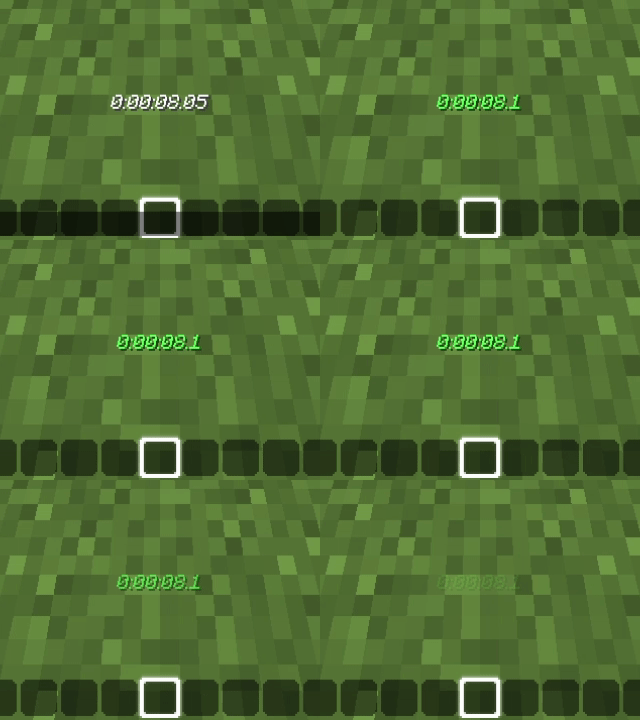
Compact stopwatch/timer framework for creators and data packs as a quick short-cut. Lightweight, customizable, and dependable. Can be used for maps, in your own solo worlds, speedruns, or just any form of enjoyability!


Why use this Stopwatch:

I've noticed that many Stopwatch/Timer data packs don't seem to work or are too complex for people that don't know how to tinker with them. This Stopwatch can be very easily understood, and customized - though this uses confusing scoreboard objectives.


Customizability:

To customize on how it's used, for example, if you need the Stopwatch to stop when you mine wood, YOU have to find out how to detect wood being broken yourself and toggle the Stopwatch to stop if it happens.

It's THAT compact.


How to toggle the Stopwatch:

Simply use the command: "/function stopwatch:on" to turn it on, and off - "/function stopwatch:off"


Future features:

  • A possible "Personal Best" if it will be needed;
  • Customizable stopped Stopwatch color;
  • Customizable Stopwatch time format, for example, h:mm:ss, or mm:ss, or h:mm, and so on.

But for a long time, these won't probably be all done, since not much people would know about this Stopwatch, or i wouldn't have much time anymore. I'll try my best.

Stopwatch 1.13.2-1.20.6 FIXED
MC 1.16.3, 1.17.1, 1.16.1, 1.18.1, 1.14.3, 1.15, 1.16, 1.16.5, 1.19.3, 1.20.2, 1.19.4, 1.14.4, 1.14.1, 1.17, 1.20.5, 1.18, 1.20.1, 1.20, 1.20.6, 1.15.2, 1.14, 1.19.1, 1.20.4
Release 2026-08-19 Get
Stopwatch 1.21-26.2 FIXED
MC 1.21, 1.21.8, 1.21.5, 1.21.4, 1.21.1, 1.21.6, 1.21.3, 1.21.7, 1.21.2, 1.21.9, 1.21.10, 1.21.11, 26.1, 26.1.1, 26.1.2, 26.2
Release 2026-08-19 Get
Stopwatch 1.13-1.20.6.zip
MC 1.16.3, 1.13.1, 1.17.1, 1.16.1, 1.18.1, 1.14.3, 1.15, 1.16, 1.13, 1.16.5, 1.19.3, 1.20.2, 1.19.4, 1.14.4, 1.14.1, 1.17, 1.20.5, 1.18, 1.20.1, 1.20, 1.20.6, 1.15.2, 1.14
Beta 2026-06-24 Get
Stopwatch 1.21-26.2.zip
MC 1.21, 1.21.8, 1.21.5, 1.21.4, 1.21.1, 1.21.6, 1.21.3, 1.21.7, 1.21.2, 1.21.9, 1.21.10, 1.21.11, 26.1, 26.1.1, 26.1.2, 26.2
Beta 2026-06-24 Get

Requirements & install

How to use this data pack in Minecraft
Mods needed
None, works in vanilla
Minecraft
1.21.8 – 26.2
Install folder
saves/<world>/datapacks

How to install data packs

  1. Download the data pack .zip file (do not extract it).
  2. New world: click Data Packs on the world creation screen and drop the .zip in. Existing world: open .minecraft/saves/<world>/datapacks.
  3. Put the .zip into the datapacks folder of the world (servers: world/datapacks).
  4. Run /reload in game (or rejoin the world) and check it with /datapack list.
Browse more: Data Packs for 26.2 All data packs
Advertisement Remove ads with Premium →

You Might Also Like