Mineuniverse
Data Packs
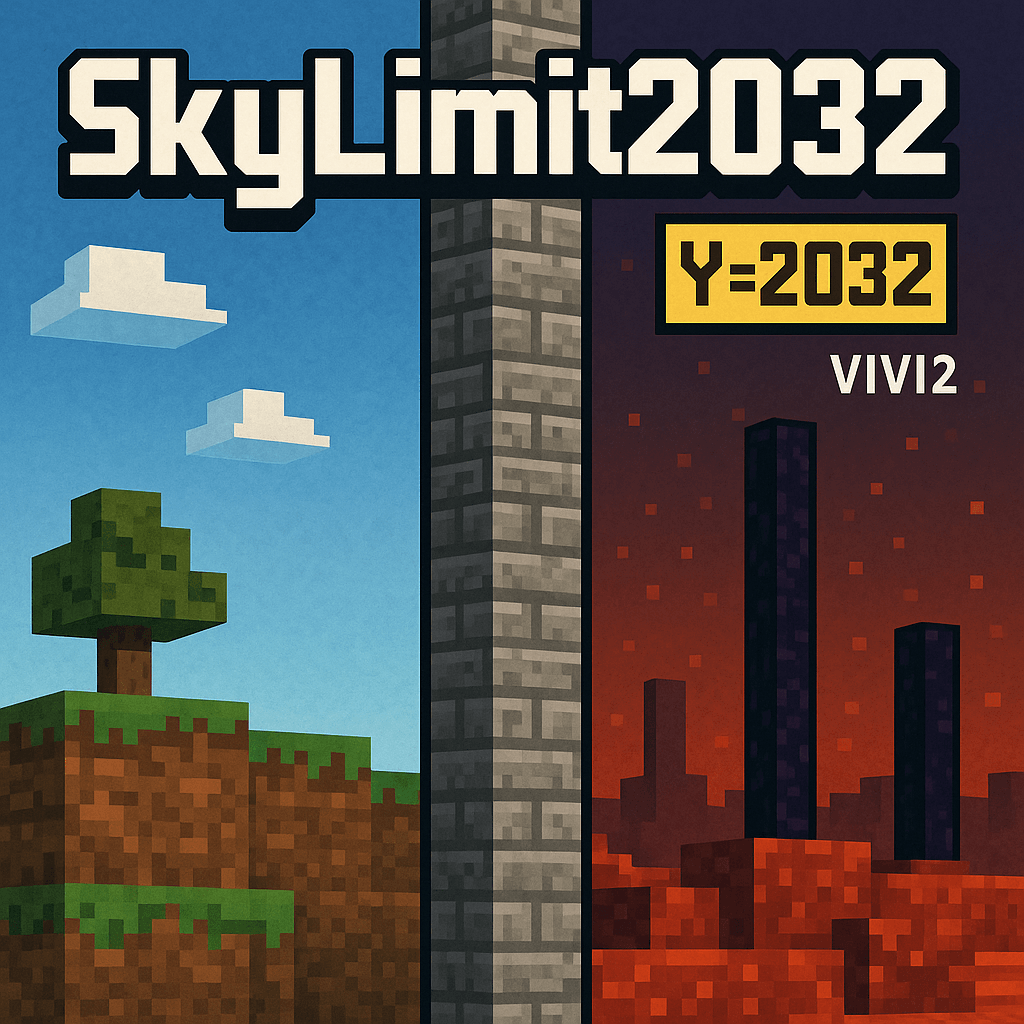
SkyLimit2032 (VIVI2)

SkyLimit2032 (VIVI2)

DATA PACK
Expands Minecraft’s build height to Y=2032 across all three dimensions.
by Tnazv
Download Claim this project
1,453 downloads
0 likes
0 followers
Updated Oct 14, 2026
0 hypes
Follow0
Miscellaneous Tech Utility
Advertisement Remove ads with Premium →

English

SkyLimit2032
breaks Minecraft’s limits by expanding the build height up to Y=2032 in all three dimensions: Overworld, Nether, and End.

With this datapack you can raise giant towers, create massive landscapes, and explore a new vertical scale that takes the game far beyond.

✨ Features

  • Build up to Y=2032 in Overworld, Nether, and End.
  • Lightweight and simple: adds no extra items or mechanics, only vertical expansion.

🤝 Support & Community
For any issues or bugs you encounter, feel free to comment or reach out on our VIVI2 Discord server:
👉 https://discord.gg/C4sgWp4fCM

If you’d like to support this project and stay up to date with our content, you can join our community where we share news, updates, and future projects.


Español

SkyLimit2032 rompe los límites de Minecraft expandiendo la altura de construcción hasta Y=2032 en las tres dimensiones: Overworld, Nether y End.

Con este datapack podrás levantar torres gigantes, crear paisajes masivos y explorar una nueva escala vertical que lleva el juego mucho más allá.


✨ Características

  • Construye hasta Y=2032 en Overworld, Nether y End.
  • Ligero y simple: no añade ítems ni mecánicas extra, solo la expansión vertical.

🤝 Soporte y comunidad

Por cualquier problema o bug que encuentres, no dudes en comentarlo o comunicarte en nuestro servidor de Discord de VIVI2:

👉 https://discord.gg/C4sgWp4fCM

Si quieres apoyar este proyecto y estar más al tanto de nuestro contenido, puedes unirte a nuestra comunidad, donde compartimos novedades, actualizaciones y futuros proyectos.

SkyLimit2032 (VIVI2).zip
MC 1.20.1
Release 2025-09-20 Get

Requirements & install

How to use this data pack in Minecraft
Mods needed
None, works in vanilla
Minecraft
1.20.1
Install folder
saves/<world>/datapacks

How to install data packs

  1. Download the data pack .zip file (do not extract it).
  2. New world: click Data Packs on the world creation screen and drop the .zip in. Existing world: open .minecraft/saves/<world>/datapacks.
  3. Put the .zip into the datapacks folder of the world (servers: world/datapacks).
  4. Run /reload in game (or rejoin the world) and check it with /datapack list.
Browse more: Data Packs for 1.20.1 All data packs

More from Tnazv

Advertisement Remove ads with Premium →

You Might Also Like