Mineuniverse
Data Packs
Simplest Chairs | Sit

Simplest Chairs | Sit

DATA PACK
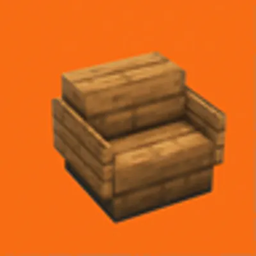
Simplest functional chairs: 1 stair, 2 signs or shelves, that's it. | You can now also sit anywhere!
by Ferbook3000
Download Claim this project
104 downloads
0 likes
Updated Oct 14, 2026
0 hypes
Adventure Miscellaneous Utility
Advertisement Remove ads with Premium →

Simplest functional chairs

INSTRUCTIONS

CREATE A CHAIR

Put a couple signs or shelves on the sides of a stair and you've got yourself a fully functional chair.
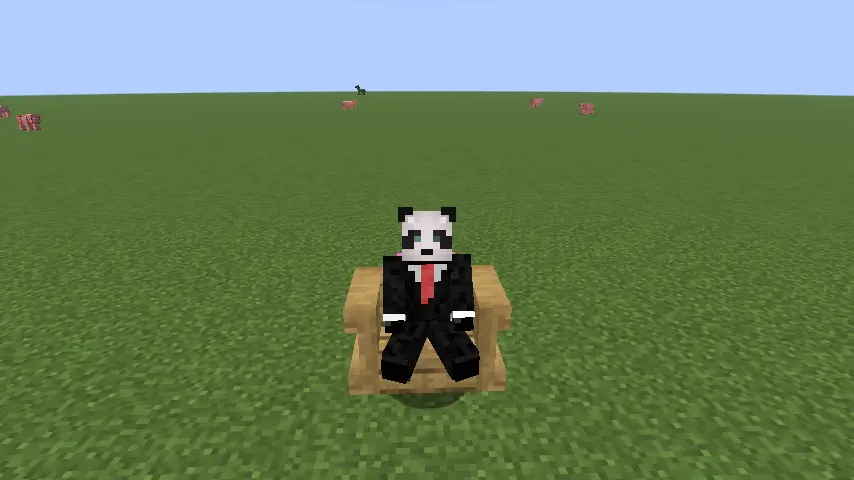
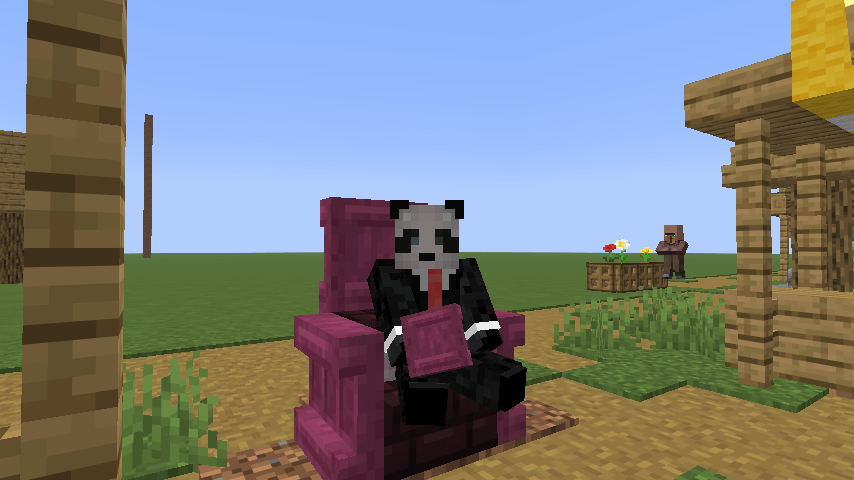
Player sitting in a chair

SIT IN A CHAIR

Right click to sit in a chair.

REMOVE A CHAIR

Sneak and left click to remove a chair.

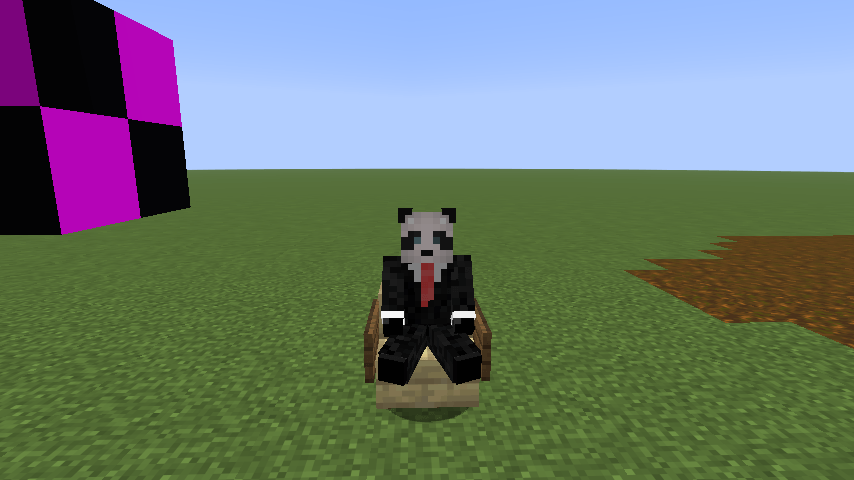
SIT ANYWHERE (like a /sit command)

/trigger sc.sit
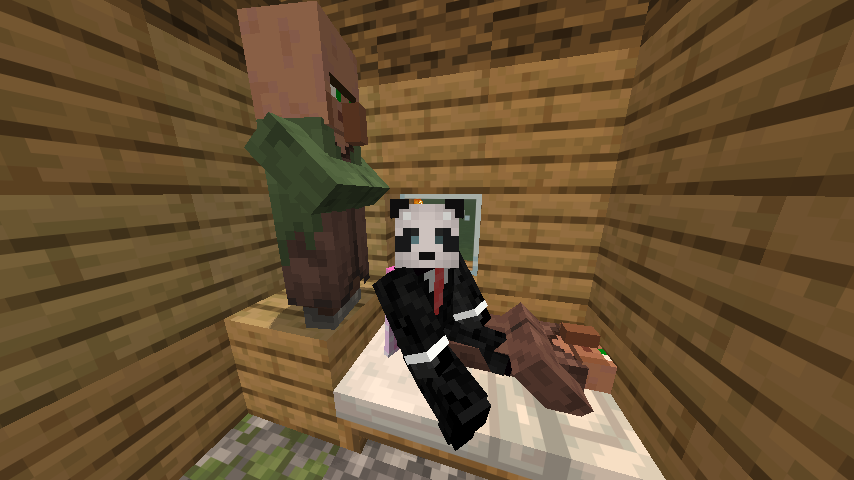
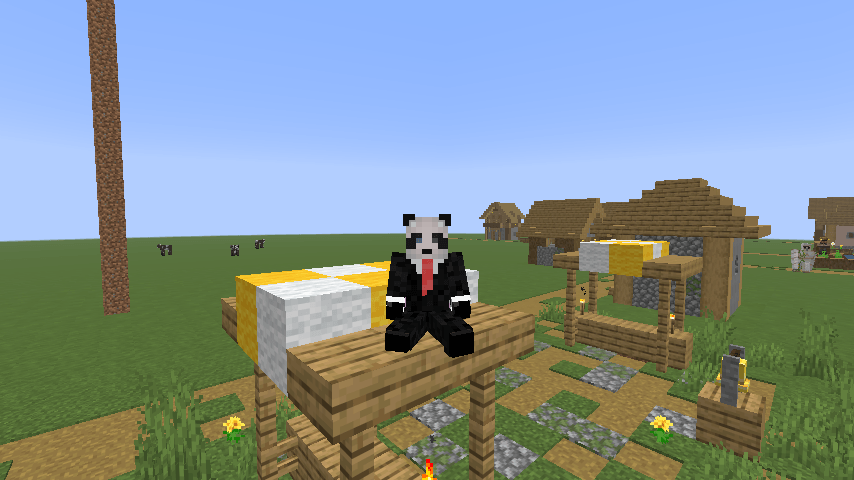
Player sitting on a bed

UPDATE DATAPACK FROM 1.0

Remove the previous datapack and paste this one. A database migration will start automatically next time you join or type /reload.

REPAIR UNRESPONSIVE CHAIRS

  • ONCE. /function simplechairs:repair/repair_nearby_chairs. It will repair all chairs within a 128 radius.
  • AUTOMATICALLY. /function simplechairs:repair/start_auto_repair. It will repair all chairs within a 128 radius every 3 seconds. Use /function simplechairs:repair/stop_auto_repair to stop it.

UNINSTALL DATAPACK

  • /function simplechairs:uninstall/uninstall. It will erase all chairs and all data, it migth take seconds or minutes.
  • /function simplechairs:uninstall/resume_uninstall. Use this if the uninstall somehow stopped without finishing.

Simplest Chairs 2.0 for 1.21.11 - 26.2
MC 1.21.11, 26.1, 26.1.1, 26.1.2, 26.2
Release 2026-08-08 Get

Requirements & install

How to use this data pack in Minecraft
Mods needed
None, works in vanilla
Minecraft
1.21.11 – 26.2
Install folder
saves/<world>/datapacks

How to install data packs

  1. Download the data pack .zip file (do not extract it).
  2. New world: click Data Packs on the world creation screen and drop the .zip in. Existing world: open .minecraft/saves/<world>/datapacks.
  3. Put the .zip into the datapacks folder of the world (servers: world/datapacks).
  4. Run /reload in game (or rejoin the world) and check it with /datapack list.
Browse more: Data Packs for 26.2 All data packs
Advertisement Remove ads with Premium →

You Might Also Like