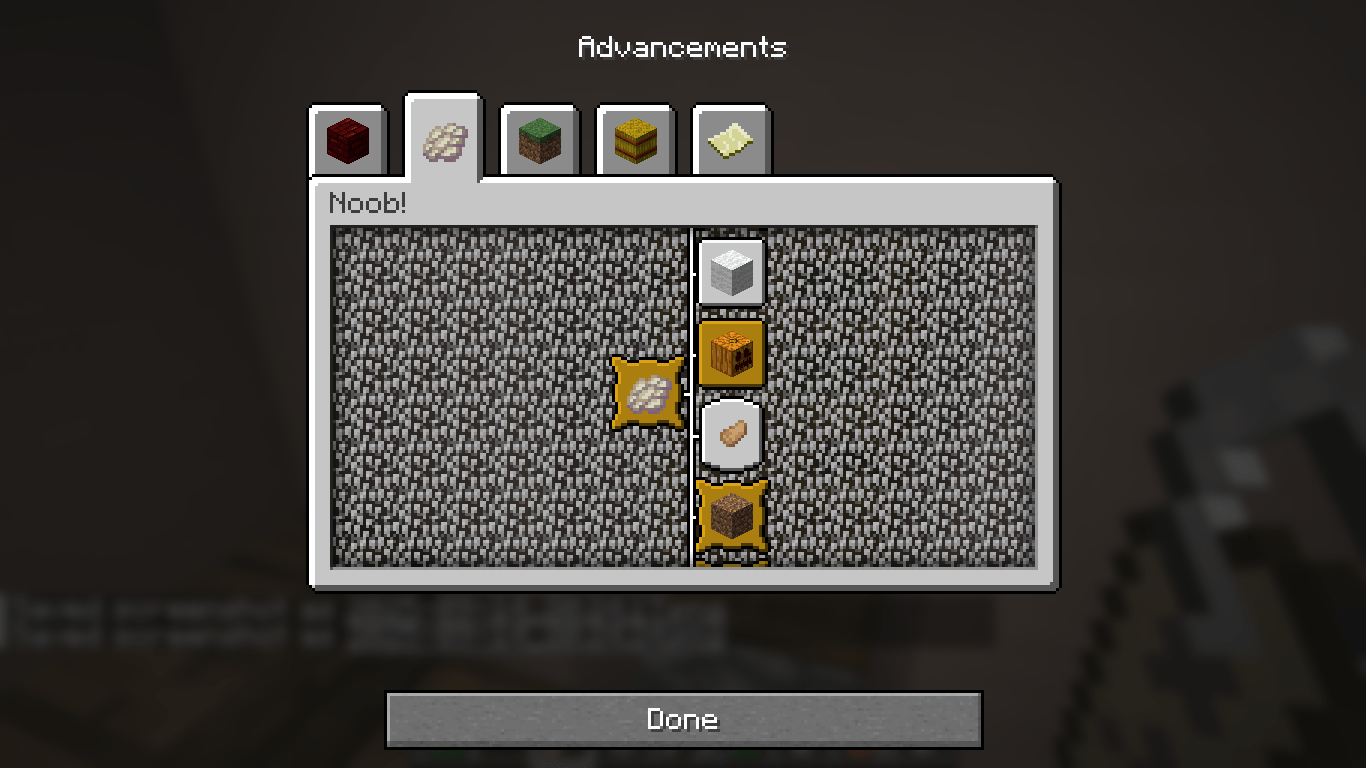
Welcome to Silly Advancements, the datapack that rewards you for doing the dumbest, most pointless things in Minecraft.
Why grind bosses or beat the Ender Dragon when you could… jump 100 times in place, throw away dirt, or stare at the sun until your eyes burn?
This datapack adds a brand new advancement tab called Noob!, filled with ridiculous tasks that no sane adventurer would bother with—until now.
Think of it as Minecraft’s version of a comedy achievement system.
16 total advancements:
Silly stuff like eating rotten flesh, wearing a pumpkin, standing on flowers, or dropping dirt.
Weird challenges like killing a zombie with a potato, riding a pig with a carrot, or punching a tree with steak.
Meta-goals like jumping 100 times or swimming in lava (and living).
1 Final Challenge Advancement:
Certified Clown – unlock it by completing all the silly tasks, proving you’ve officially wasted your time.
Fully wired with scoreboards + functions, so even strange conditions (jump counts, dirt drops) actually work.
A lighthearted addition to any survival or multiplayer world.
Download the latest release .zip of Silly Advancements.
Navigate to your world save folder:
.minecraft/saves/<your_world_name>/datapacks
Drop the .zip file (don’t unzip it) into the datapacks folder.
Load your world and run:
/reload
Open the advancements menu (L) → find the Noob! tab.