Mineuniverse
Data Packs
Shulkerwave | End Music Disc

Shulkerwave | End Music Disc

DATA PACK
End Cities have a new music disc!
by Napino
Download Claim this project
Add a badge to your pageLink to Shulkerwave | End Music Disc from a README, website or forum post.
Preview: Badge

Badges update automatically and link to the data pack page on MineUniverse.

125 downloads
0 likes
0 followers
Updated Oct 14, 2026
0 hypes
Follow0
Adventure Miscellaneous Utility
Advertisement Remove ads with Premium →

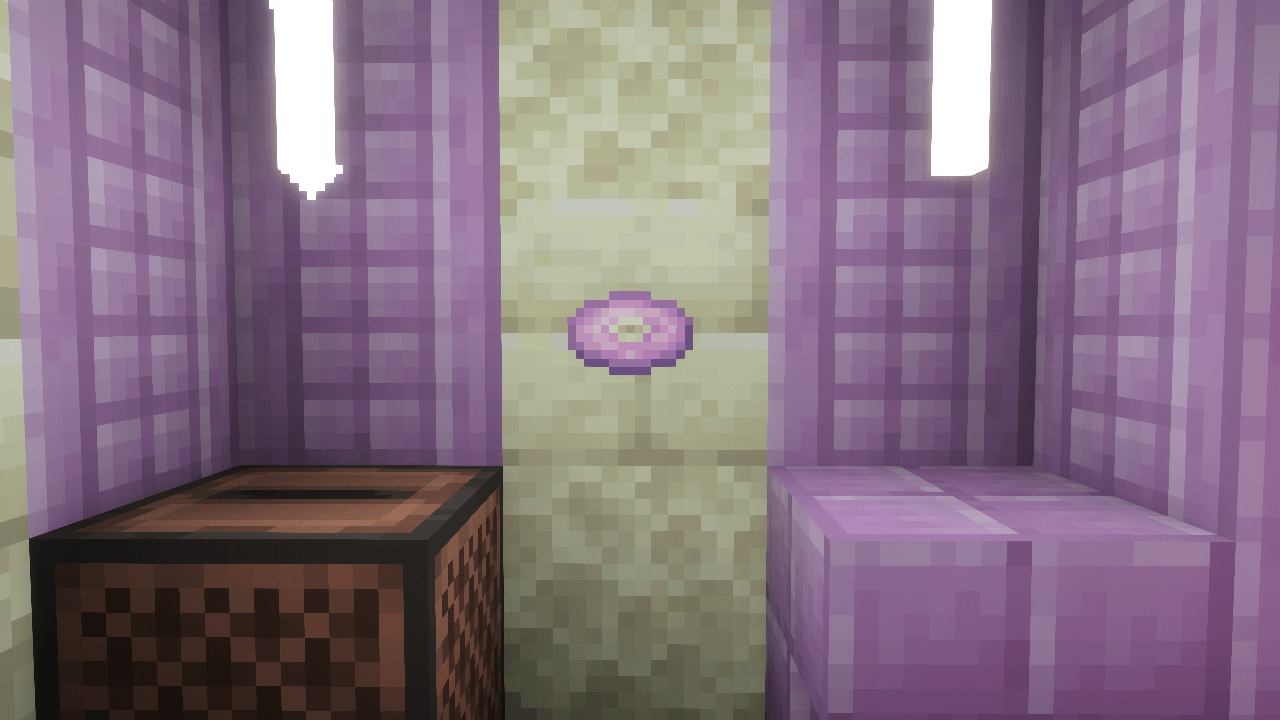
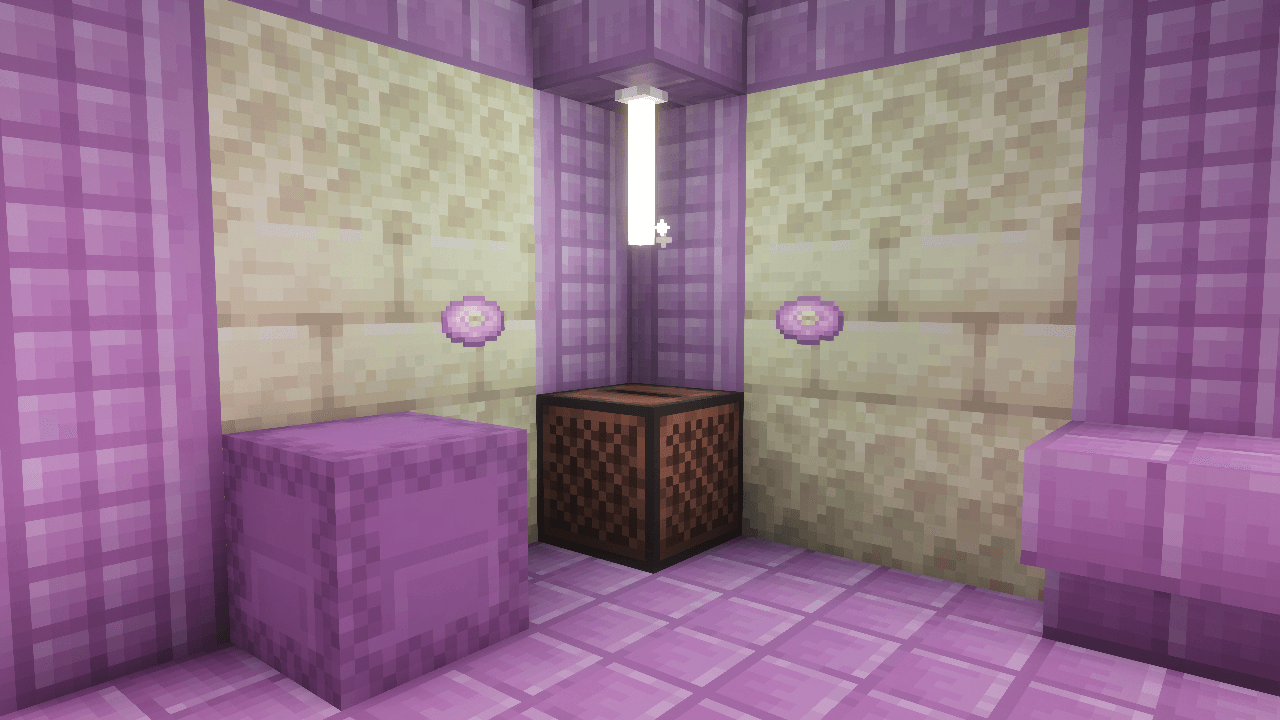
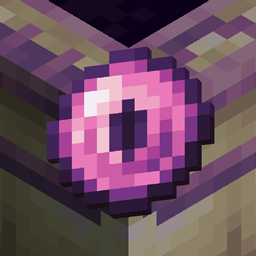
This small Data Pack adds a new music disc that can be found in End Cities that plays a new End-themed song called Shulkerwave!


Shulkerwave is a music track originally made in 2024 for an old Data Pack focused on overhauling the End dimension, which was then discontinued. However, I still wanted to release Shulkerwave in some way and finally ended up releasing it in the form of a smaller Data Pack to make it appear as loot in the End Cities!


INSTALLATION

To work properly and play the new track, the Data Pack requires the installation of a Resource Pack. In the Files page, be sure to go in the specific Release page and download both the Data Pack and the Resource Pack!


COMPATIBILITY

On the technical side, the Data Pack replaces vanilla loot tables by adding an extra entry for the music disc, that way no existing loot is replaced by the Music Disc, however, this makes the Data Pack incompatible with any other packs that change the End City loot table.

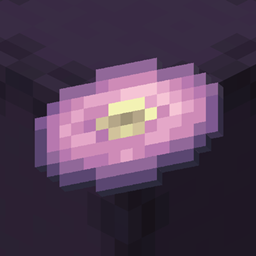
Shulkerwave | End Music Disc 1.0
MC 1.21.6-snapshot, 1.21.8, 1.21.5, 1.21.4, 1.21.5-Snapshot, 1.21.6, 1.21.3, 1.21.7, 1.21.4-Snapshot, 1.21.2, 1.21.9-snapshot, 1.21.9, 1.21.10, 1.21.11-snapshot, 1.21.11, 26.1, 26.1.1
Release 2026-05-11 Get

Requirements & install

How to use this data pack in Minecraft
Mods needed
None, works in vanilla
Minecraft
1.21.8 – 26.1.1
Install folder
saves/<world>/datapacks

How to install data packs

  1. Download the data pack .zip file (do not extract it).
  2. New world: click Data Packs on the world creation screen and drop the .zip in. Existing world: open .minecraft/saves/<world>/datapacks.
  3. Put the .zip into the datapacks folder of the world (servers: world/datapacks).
  4. Run /reload in game (or rejoin the world) and check it with /datapack list.
Browse more: Data Packs for 26.1.1 All data packs

More from Napino

Advertisement Remove ads with Premium →

You Might Also Like