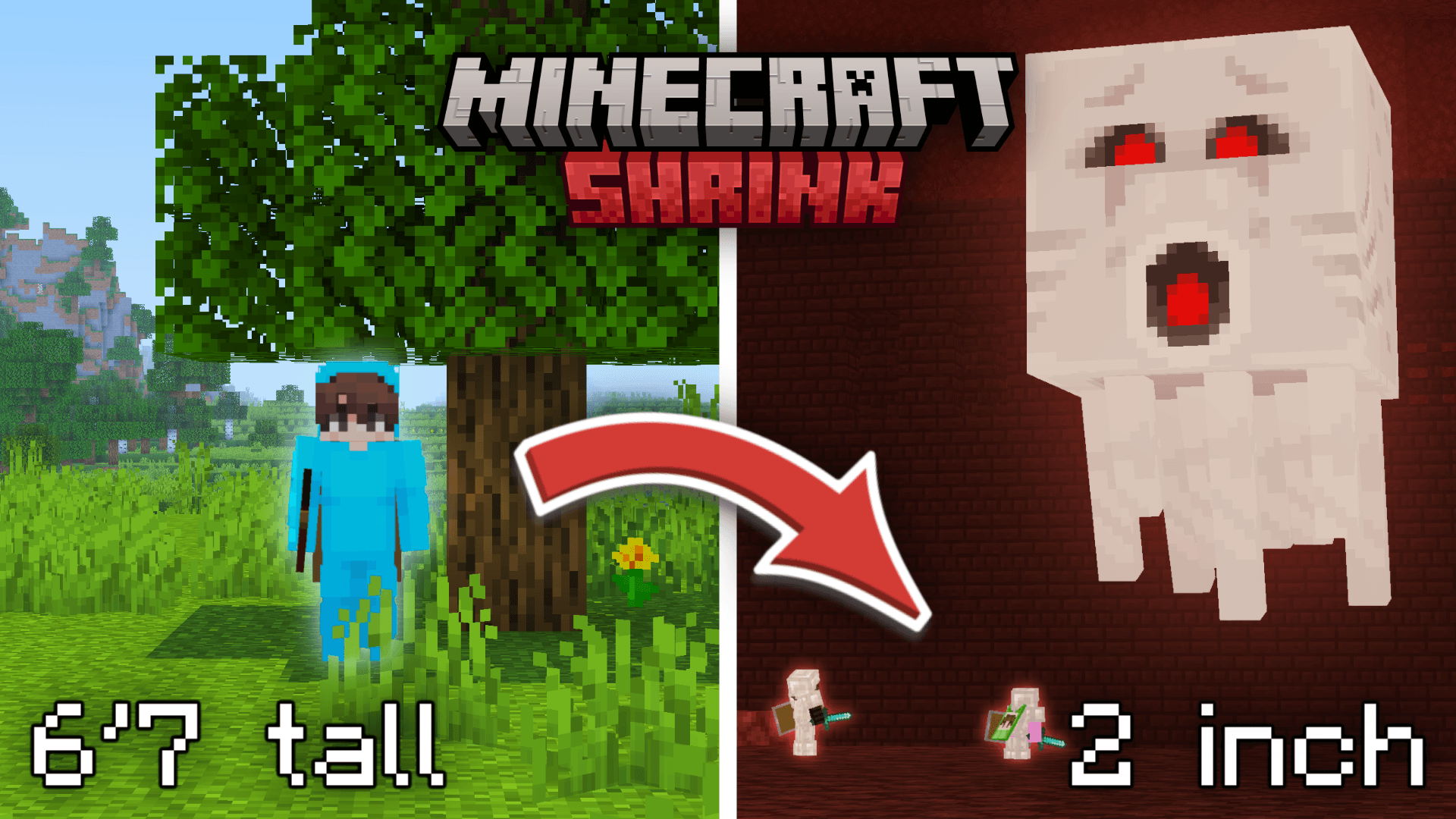
Shrink Datapack – Minecraft But We Shrink Every 15 Minutes
The official datapack required to play the challenge from
“Minecraft But We Shrink Every 15 Minutes”
Start at full size… and slowly get smaller and smaller until survival becomes nearly impossible.
⏳ Every few minutes, players shrink
🫧 Movement and jump height scale with your size
⚠️ A final warning appears before the last, lethal shrink
💀 Stay alive as long as you can… or get crushed by the world around you
How to Play
/function shrink:start
You may need to enable the datapack manually with the /datapack enable file/shrink.zip command or use a datapack loader mod.
Commands
/function shrink:start — Starts the Shrink challenge/function shrink:reset — Stops the game and resets all progress/function shrink:config_set — Opens config info / default settings/function shrink:config_set_1m — Sets shrink interval to 1 minute/function shrink:config_set_5m — Sets shrink interval to 5 minutes/function shrink:config_set_15m — Sets shrink interval to 15 minutesDatapack created by pqlv, aidennurie and addie2cool for their youtube video! You are more than welcome to try out the challenge yourself! We would love to see what you guys do with it. I'm not an experienced programmer myself so you might encounter some bugs. Feel free to tweak the code and reuse it for your needs.