Mineuniverse
Data Packs
Seals Delight Compat

Seals Delight Compat

DATA PACK
Adds brand new Seals (player titles) for the Seals Mod based on Farmer's Delight advancements!
by Hirschbok
Download Claim this project
68 downloads
0 likes
0 followers
Updated Oct 14, 2026
0 hypes
Follow0
Mod Support
Advertisement Remove ads with Premium →

Seals Delight Compat is a datapack adds compatibility between Farmer's Delight and Seals! 


Details

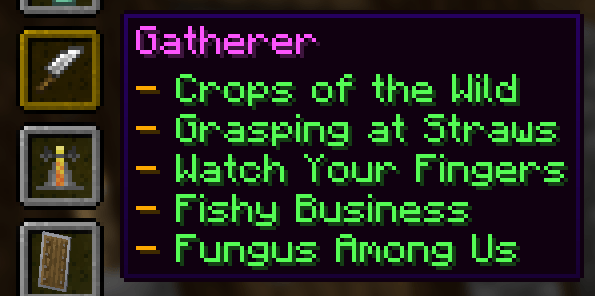
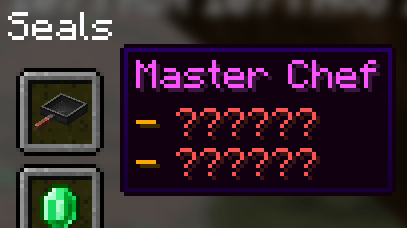
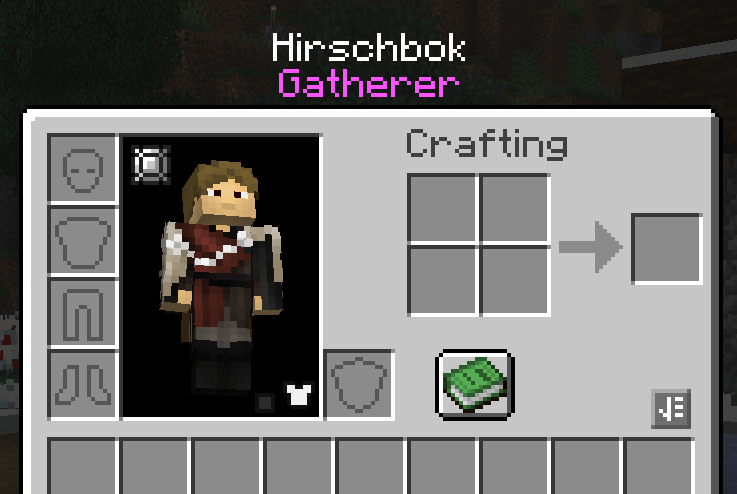
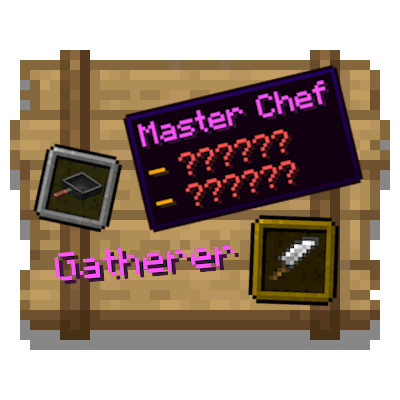
Adds two additional Seals that players can earn by completing Farmer's Delight advancements!

  • Gatherer: Earned by completing four advancements related to harvesting crops and one for fishing.
  • Master Chef: Earned by completing two secret advancements... 

    One requires you to eat every placeable meal, and the other requires you to obtain a netherite knife.


Usage

  • Ensure you have both Farmer's Delight and Seals installed
  • Copy the .zip to both the datapack folder and your resourcepack folder
  • Ensure the .zip in the resourcepack folder is enabled (if you see "seals.exampletitlename" when hovering over the seal, it is not enabled)
  • Recommended: Global Packs (or similar alternatives) to simplify the process 

    The Global Packs method is the method I use personally. I keep the datapack in my resourcepack folder and enable it so the lang file shows the appropriate titles.


Issues

Please comment any issues you are experiencing with the datapack (assuming you followed all of the Usage steps) and I will do my best to address them.

SealsDelight-1.21.1-1.0.0.zip
MC 1.21.1
Release 2026-06-29 Get
SealsDelight-1.20.1-1.0.0.zip
MC 1.20.1
Release 2026-06-29 Get

Requirements & install

How to use this data pack in Minecraft
Mods needed
None, works in vanilla
Minecraft
1.20.1 – 1.21.1
Install folder
saves/<world>/datapacks

How to install data packs

  1. Download the data pack .zip file (do not extract it).
  2. New world: click Data Packs on the world creation screen and drop the .zip in. Existing world: open .minecraft/saves/<world>/datapacks.
  3. Put the .zip into the datapacks folder of the world (servers: world/datapacks).
  4. Run /reload in game (or rejoin the world) and check it with /datapack list.
Browse more: Data Packs for 1.21.1 All data packs

More from Hirschbok

Advertisement Remove ads with Premium →

You Might Also Like