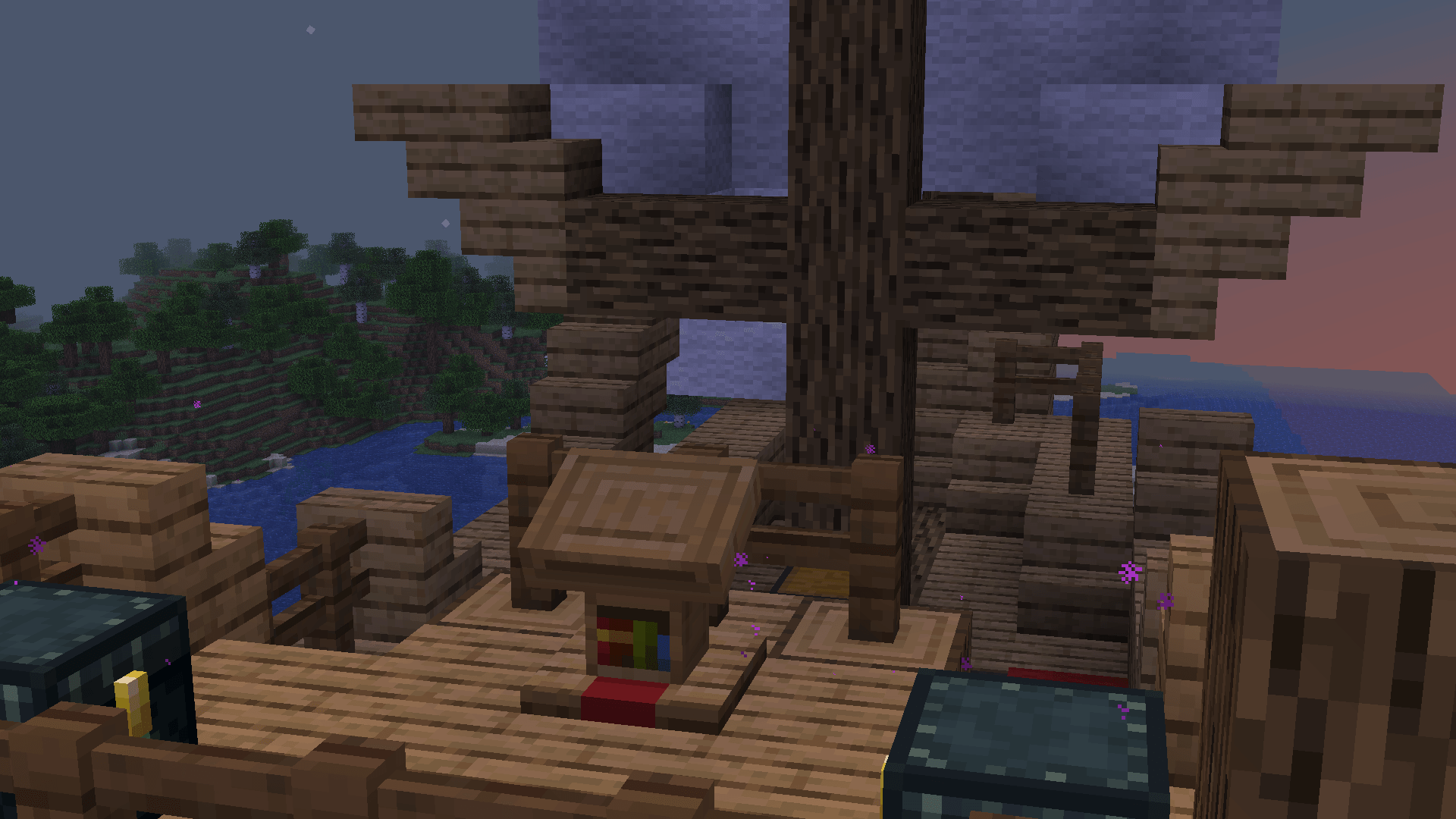
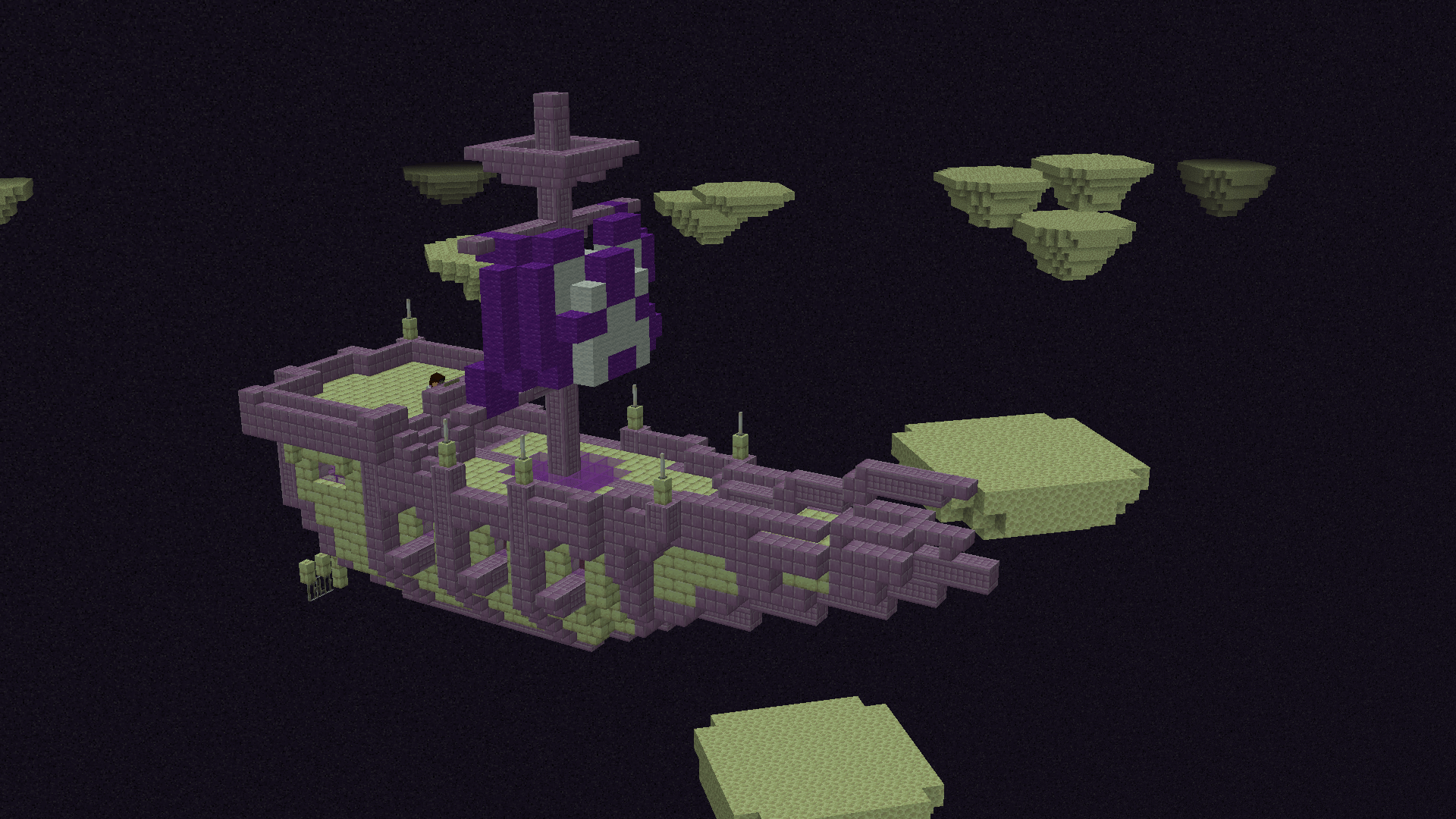
As a challenge i've coded a ship building mod entirely in vanilla using datapacks!
it works pretty well however some blocks may have some inconsistencies.
Obtaining the tools:
To build a ship, get the tools using /function ships:items/_give
or by crafting them in the crafting table (Recipes are auto unlocked under "wrench")
Assembing your vehicle!
Click the lectern using the wrench to begin assembling it.
Then you must set the size of the vehicle, this can be bigger than the vehicle,
but should generally only include what you intend to assemble.
After you set the size, click the lectern again to finish it!
The lectern then becomes the ships helm.
Special blocks!
Some block have special interaction, These are listed below!
Balloons / sails: Any wool
Wheels: Any basalt, Blackstone
Engine: Beacon (Tier 2), Blast Furnace (Tier 1)
Train cart: Place lectern ontop of rail with minecart below
Harvester (Harvests crops for you): Any Copper Grate
Storage: Chest / Barrel
Seats: Wool Carpets / Scaffolding
Ontop of these blocks, vehicles have a specific ratio they need to gain traits.
To fly, a vehicle must be atleast 25% balloons.
To drive, a vehicle must be atleast 10% wheels.
Flight is unlocked with the nether wand or better
Ships are limited at 4096 blocks however this limit can be increased by using this command:
You can technically push this number above the base value, however your mileage may vary.
Legacy Bounding tool:
To use the legacy tools, make sure /trigger toggle_advanced is enabled.
Use /trigger set_bounding to set the upper limits of your vehicle
Press toggle box to view the bounding box,
you can click it again to view the box on a armor stand renamed "bounding_target".
You can rename the armor stand using an anvil.
The box should always be centered on the lectern.
As a general rule of thumb, you should make sure the bounding box clips with the furthest block on the vehicle.
To disable the use of a bounding box entirely, You can also max all,
this will result in the vehicle taking up the max amount of blocks it can, so it may not be the best if you intend on building vehicles indoors.