Made by Flyingcarrots
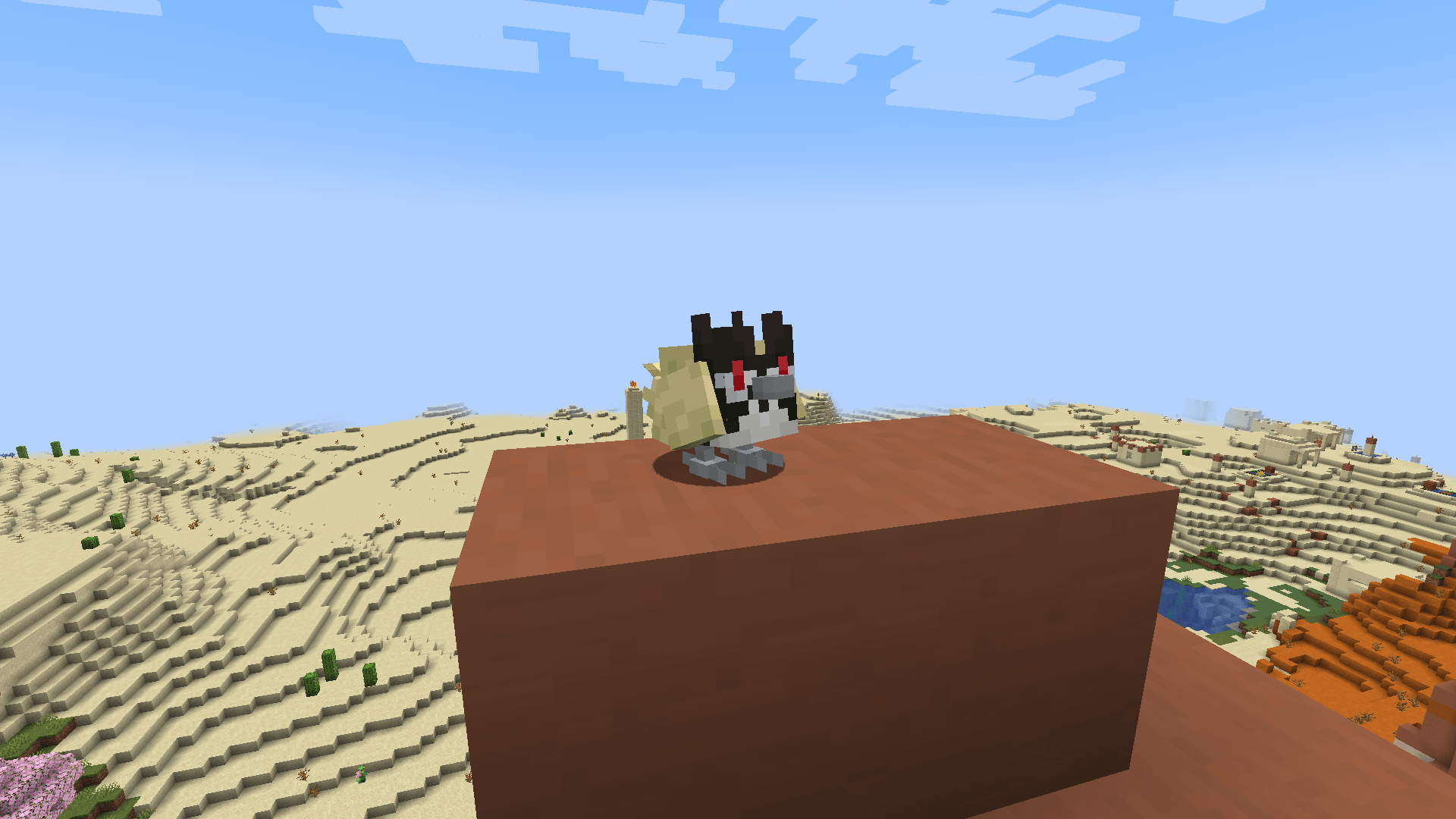
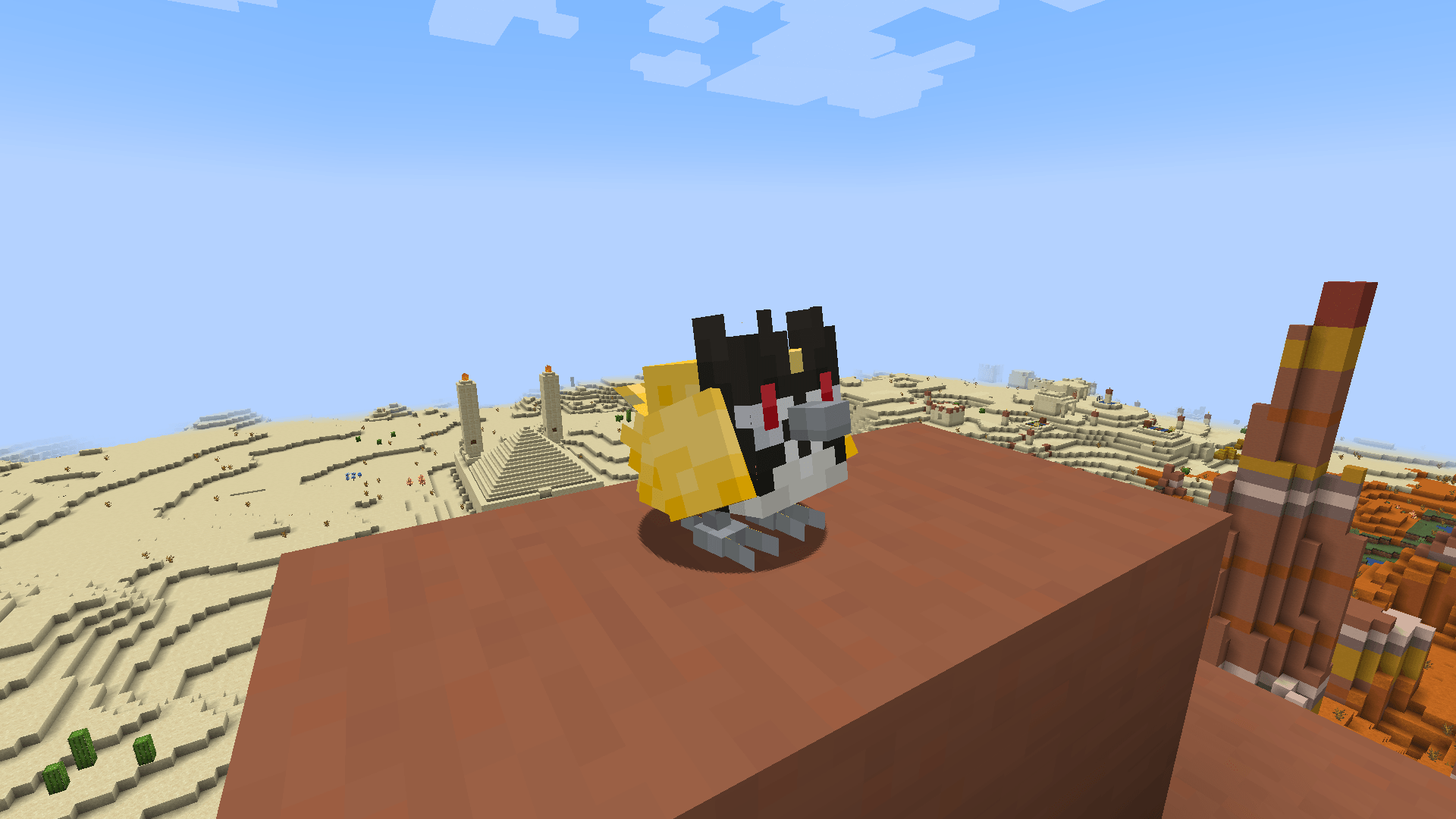
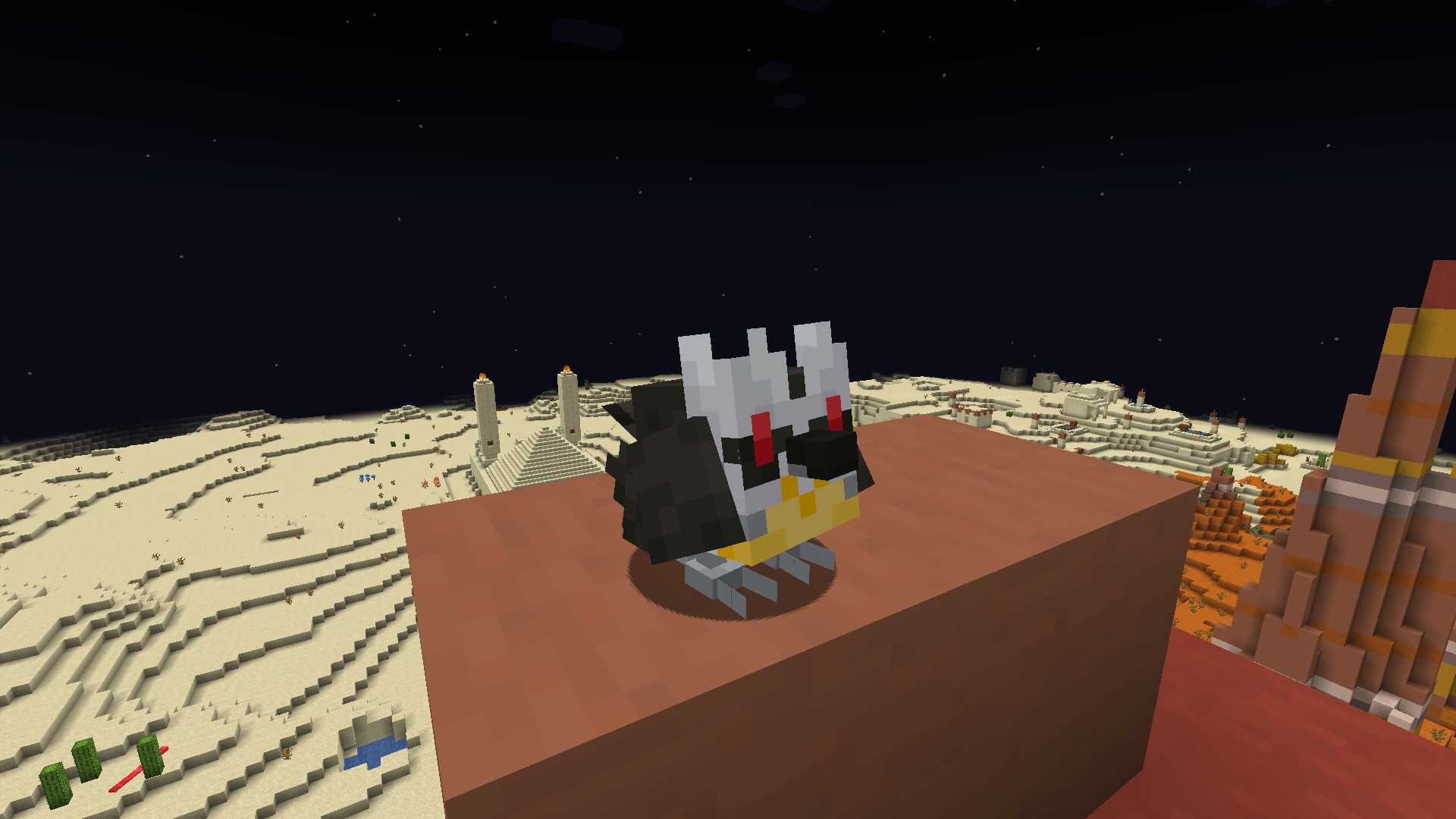
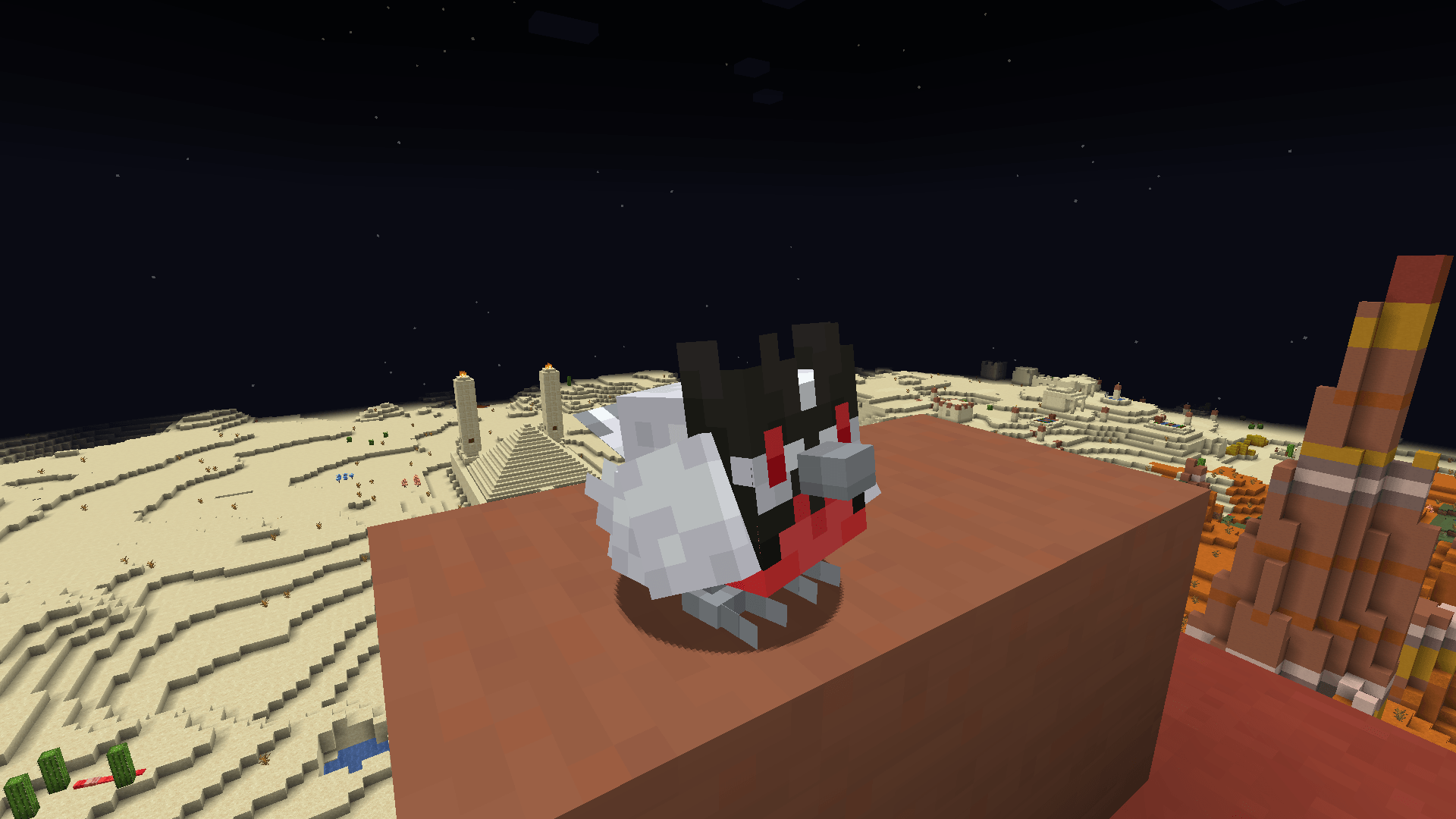
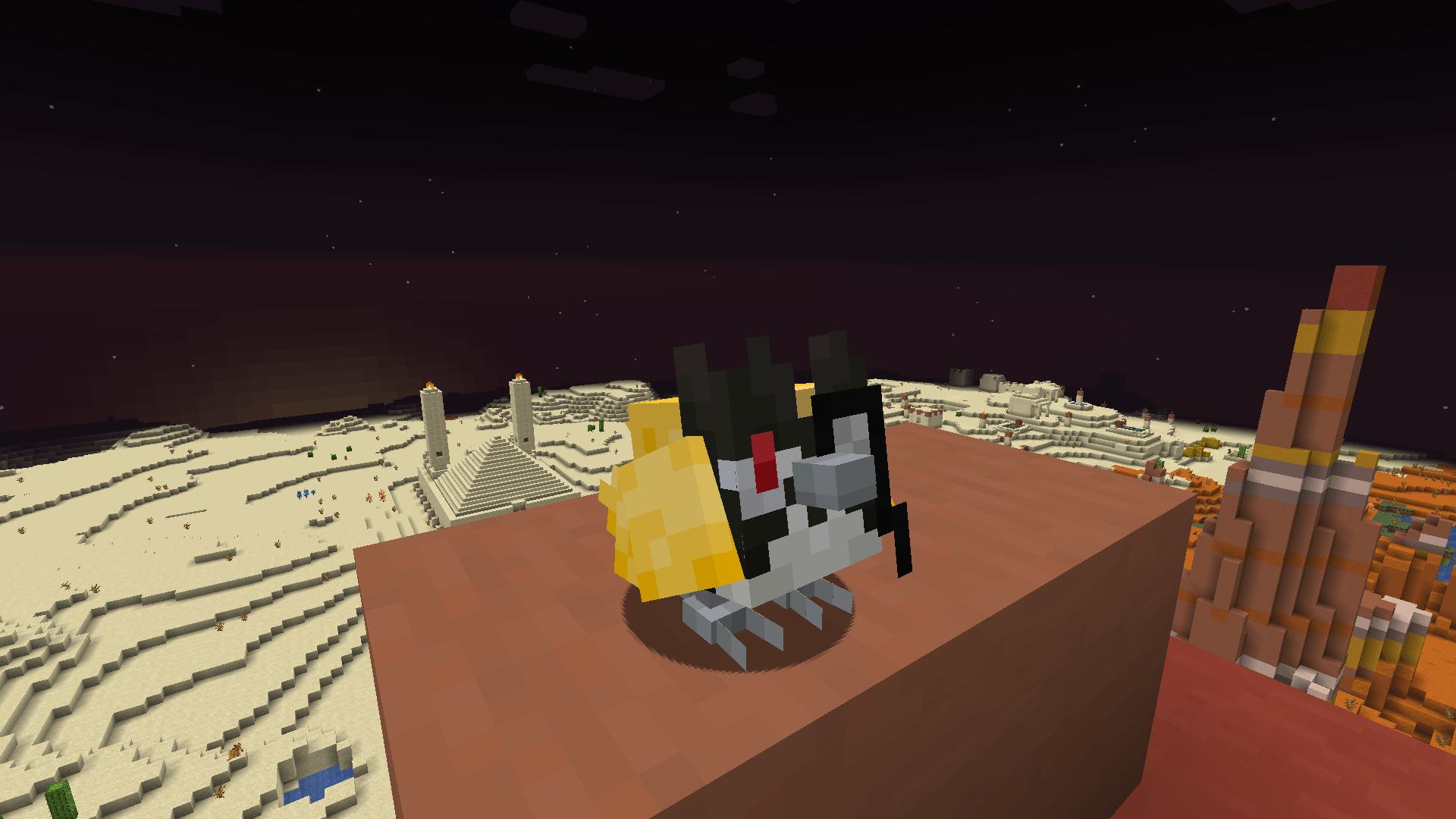
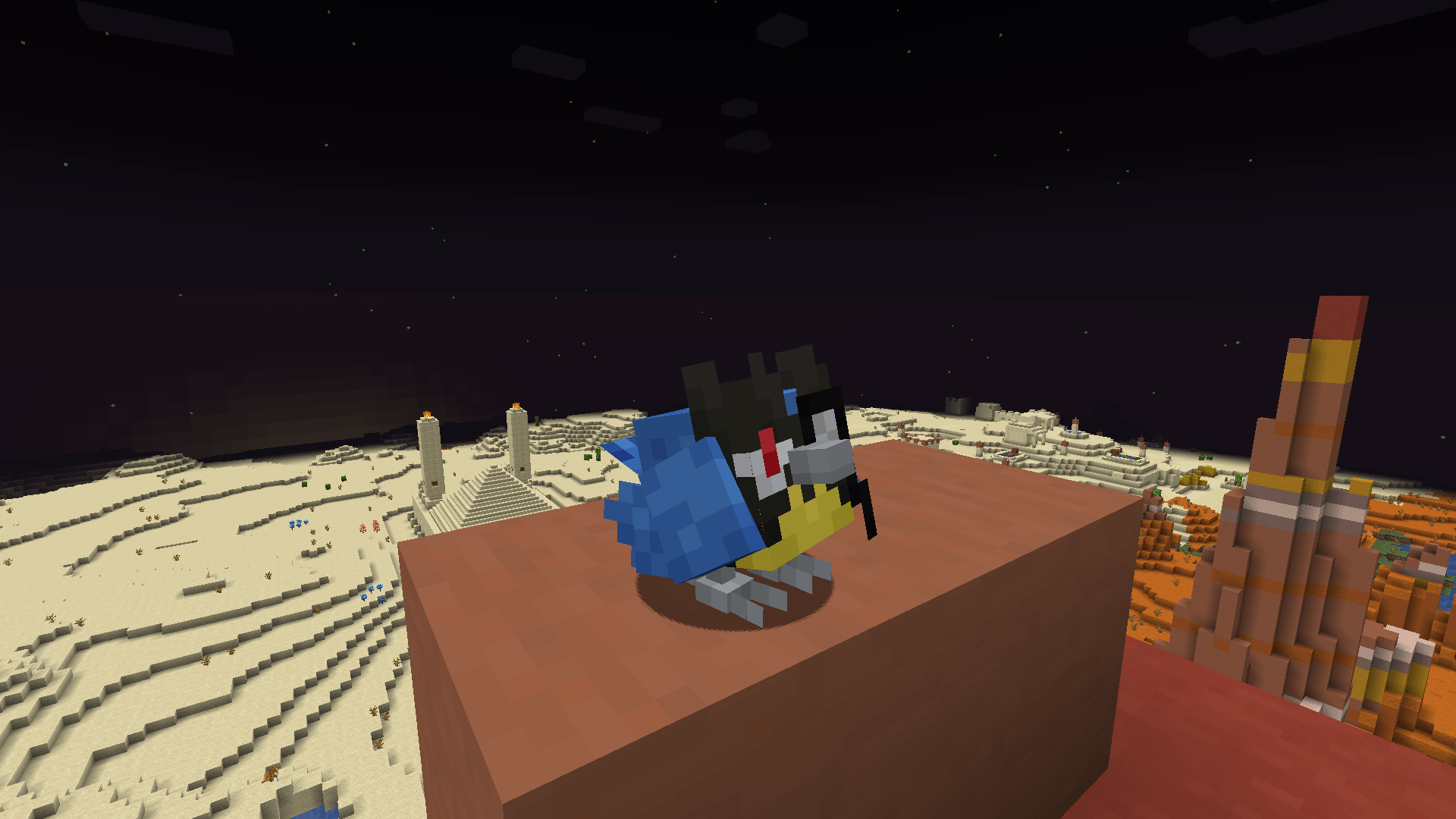
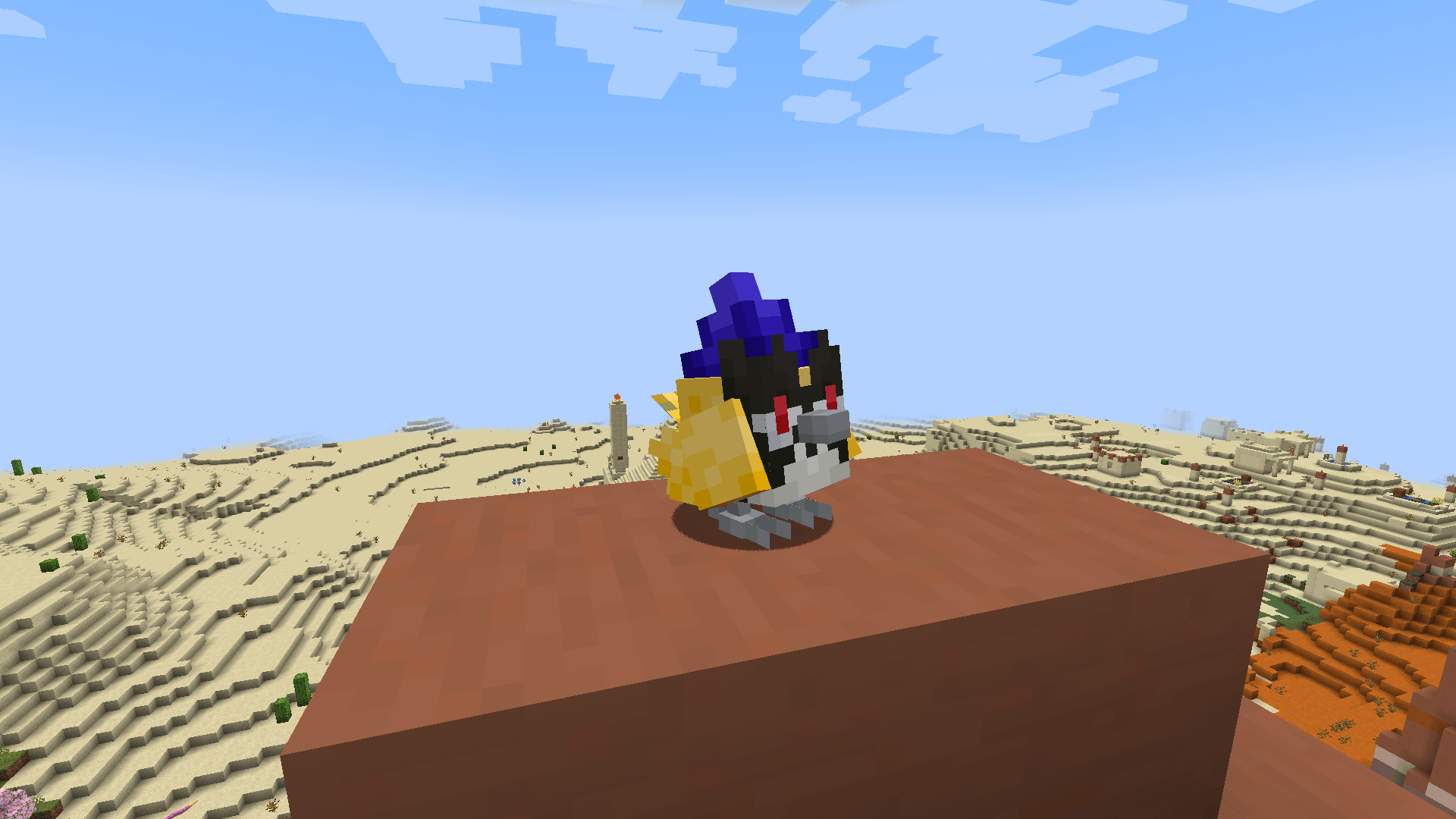
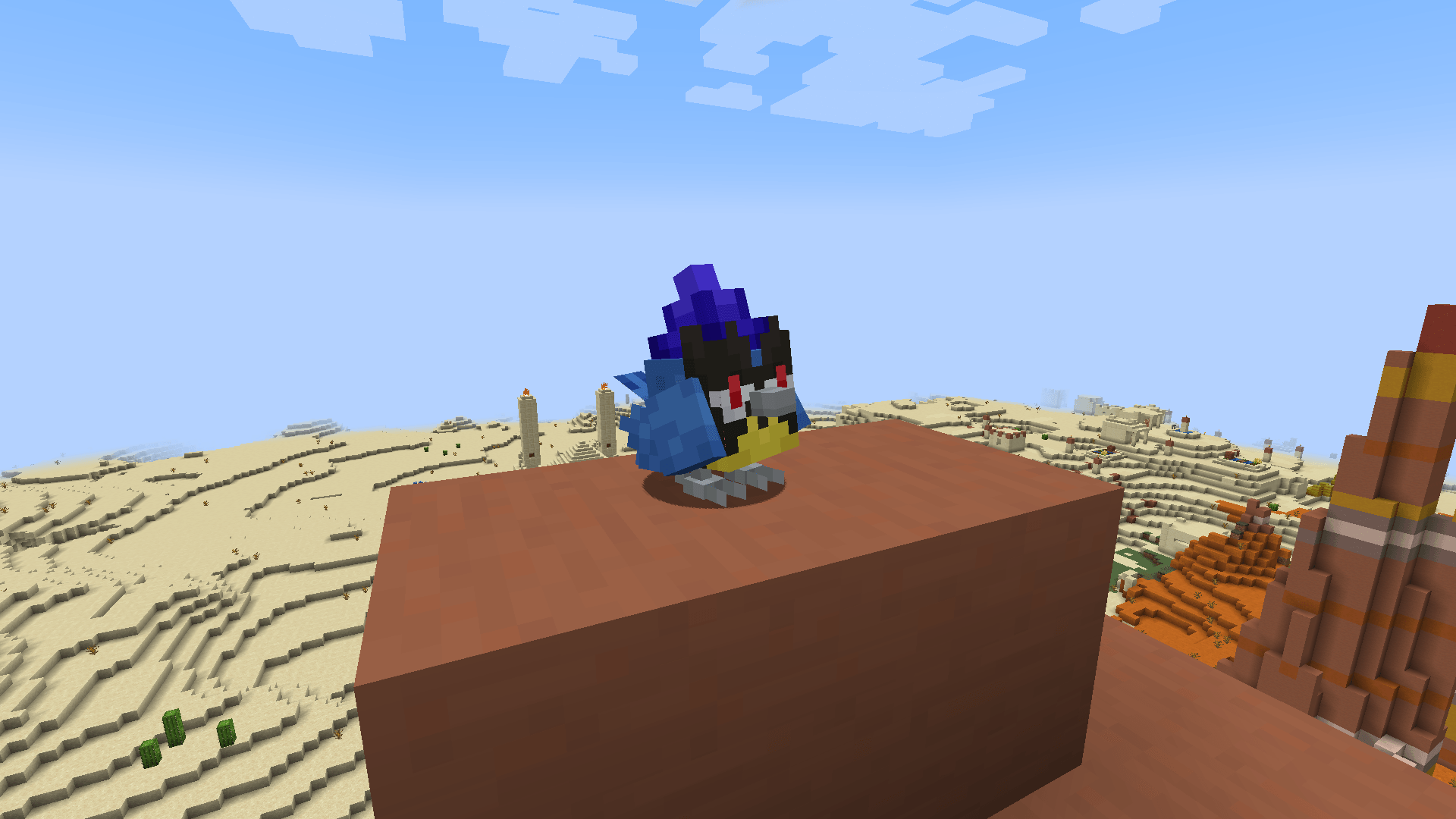
This is a Cobblemon cosmetics addon for Rookidee, adding more cosmetic styles and a refreshed default shiny texture, giving you new ways to customize your Rookidee.
📦 Installation
Place the .zip file into both your datapacks and resourcepacks folders to activate the pack.
🎨 Pokémon Cosmetics Included
You can apply cosmetics using either the required item or commands:
/pokegive rookidee aspect=<style>
Monocle Style Rookidee
Tinted Glass → aspect=monocle
Sunglasses Style Rookidee
Glass block → aspect=sunglasses
White Style Rookidee
White Wool → aspect=white
Witch Style Rookidee
Purple Wool → aspect=witch
Brain Style Rookidee
Pink Wool → aspect=brain
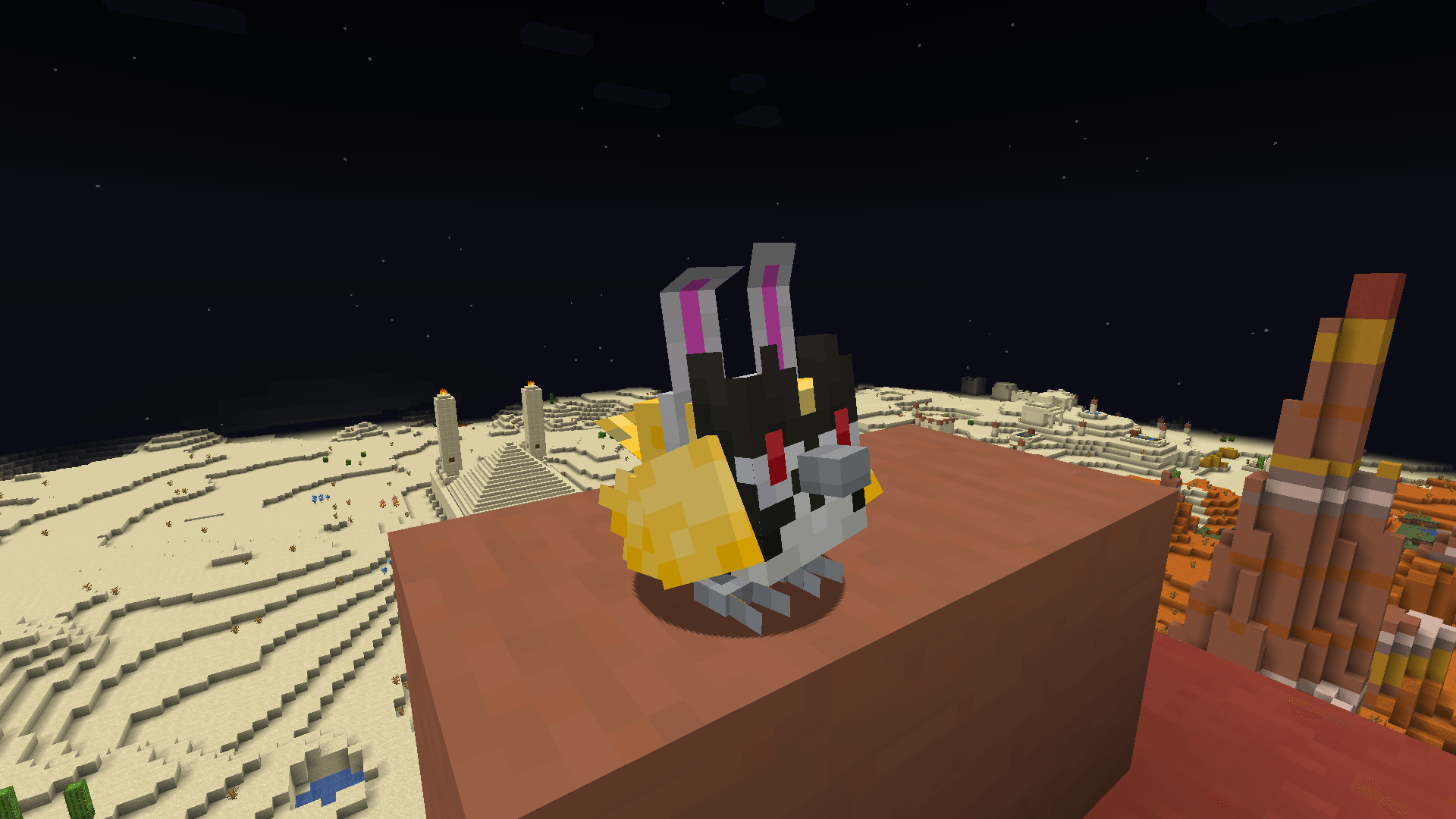
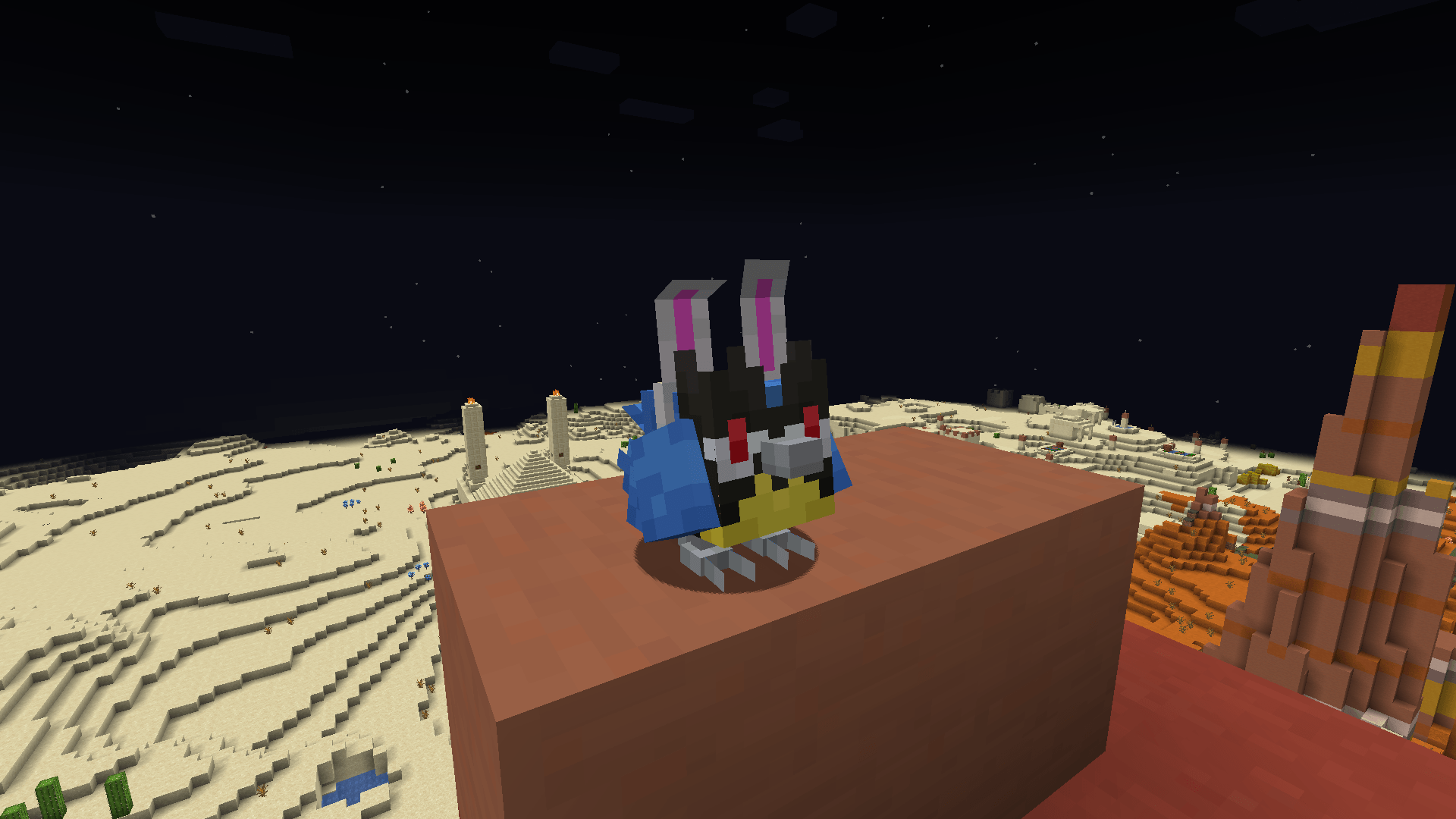
Bunny Style Rookidee
Rabbit Foot → aspect=bunny
Egg Style Rookidee
Egg → aspect=egg
Flower Style Rookidee
Any flower (Dandelion, Poppy, Blue Orchid, Allium, Azure Bluet, Tulips, Daisy, Sunflower, Lilac, Rose Bush, Peony, Cornflower)
→ aspect=flower
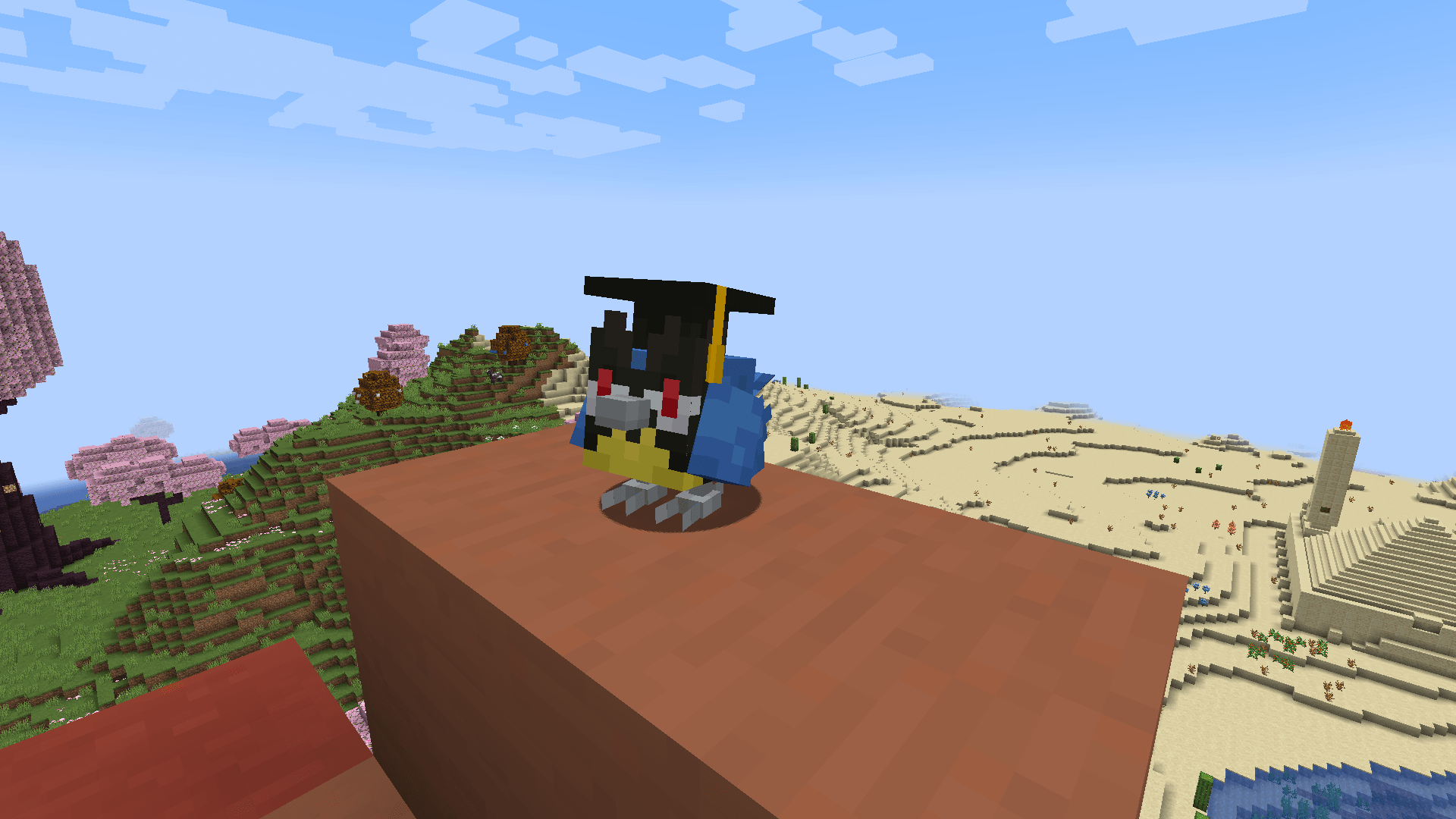
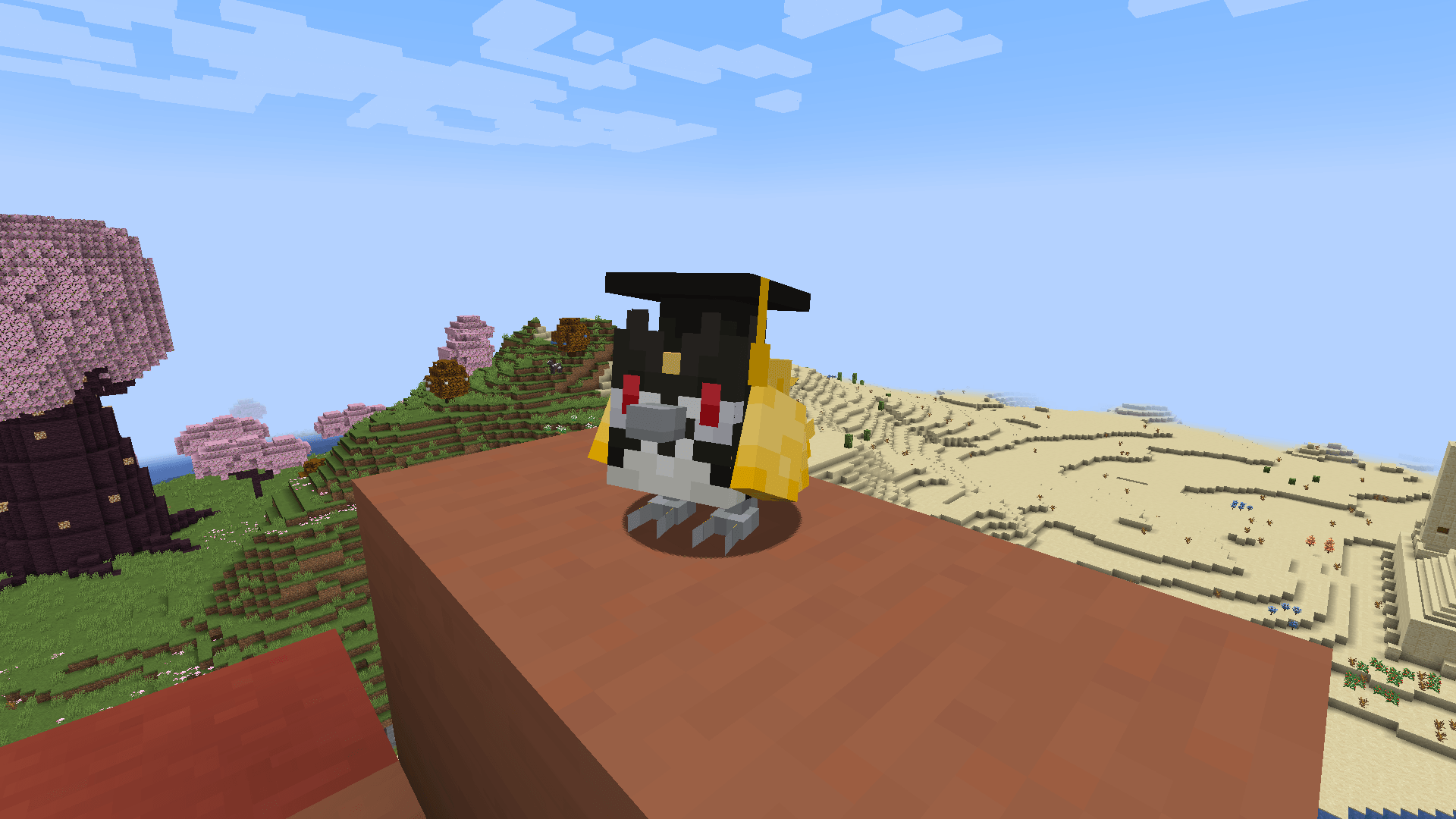
Graduation Style Rookidee
Black Wool → aspect=graduation
A small cosmetic pack designed to give Rookidee more personality, charm, and customization options while keeping its original Cobblemon feel.