Mineuniverse
Data Packs
Reworked Vanishing Curse Enchantment

Reworked Vanishing Curse Enchantment

DATA PACK
A Semi Useful Curse?!
by H_y_o_m_a
Download Claim this project
Add a badge to your pageLink to Reworked Vanishing Curse Enchantment from a README, website or forum post.
Preview: Badge

Badges update automatically and link to the data pack page on MineUniverse.

107 downloads
0 likes
0 followers
Updated Oct 14, 2026
0 hypes
Follow0
Magic Miscellaneous Utility
Advertisement Remove ads with Premium →


Summary:


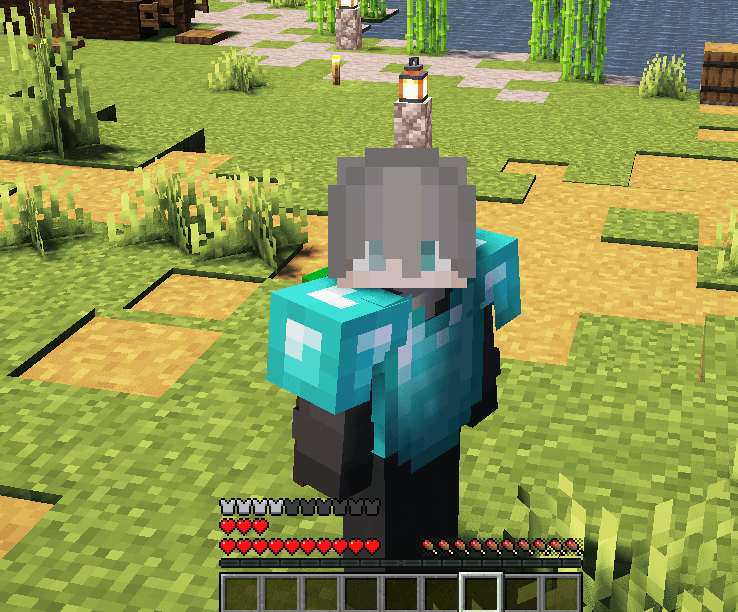
This datapack adds +6 heart points (+3 Full Hearts) to chestplates only, giving you extra durability in battle. However, it keeps the Curse of Vanishing effect—meaning the boosted gear will disappear upon death, making it a high-risk, high-reward upgrade. For the best experience, it’s recommended (but optional) to use my custom resource pack for enhanced text. Equip wisely and fight stronger—but don’t get too reckless! :)

Resource Pack -> https://www.curseforge.com/minecraft/texture-packs/reworked-vanishing-curse-enchantment-pack

IMPORTANT!
In-game run:

/function hearty:apply_hearty

/function hearty:tick


PS; The enchantment lore/descriptions aren’t part of this datapack or resource pack. They come from the Enchantment Descriptions mod.
If you're curious, you can check it yourself:
Open the mod with WinRAR, go to the lang folder, then use Ctrl + F and search for "vanish".
From there, you can rename the description however you like.

ReworkedCurseOfVanishing-v2.zip
MC 1.20.1, 1.20
Release 2025-05-12 Get
ReworkedCurseOfVanishing-V1.zip
MC 1.20.1, 1.20
Release 2025-05-09 Get
ReworkedVanishingCurse.zip
MC 1.20.1, 1.20
Release 2025-05-08 Get

Requirements & install

How to use this data pack in Minecraft
Mods needed
None, works in vanilla
Minecraft
1.20 – 1.20.1
Install folder
saves/<world>/datapacks

How to install data packs

  1. Download the data pack .zip file (do not extract it).
  2. New world: click Data Packs on the world creation screen and drop the .zip in. Existing world: open .minecraft/saves/<world>/datapacks.
  3. Put the .zip into the datapacks folder of the world (servers: world/datapacks).
  4. Run /reload in game (or rejoin the world) and check it with /datapack list.
Browse more: Data Packs for 1.20.1 All data packs

More from H_y_o_m_a

Advertisement Remove ads with Premium →

You Might Also Like