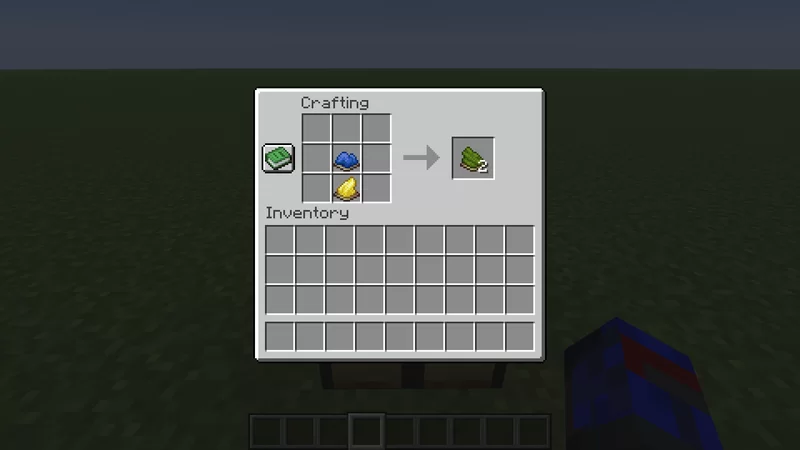
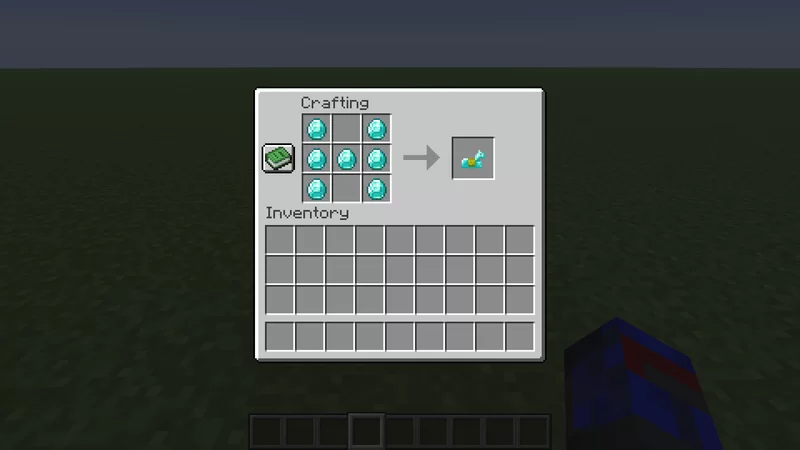
RecipesPlus adds new crafting recipes to make Minecraft more enjoyable. This includes the ability to craft horse armor, Notch apples, elytra, tridents, and more. It also adds recipes that allow for un-crafting things such as glowstone blocks, nether quartz blocks, and melons. In addition, the ability to mix and match dyes as well as dye sand and nether bricks to get their red variation and much more.
Crafting recipes:
- Elytra
- Totem of undying
- Chainmail armor
- All horse armor
- Saddle
- Enchanted Golden Apple
- Bottle O' Enchanting
- Trident
- Glow berries
- Glowstone
- Red sand/sandstone & varients
- Red nether brick
- Crying obsidian
- Frosted ice
- Gilded blackstone
- Glow ink sac
- Reinforced deepslate
- Cobweb
- String
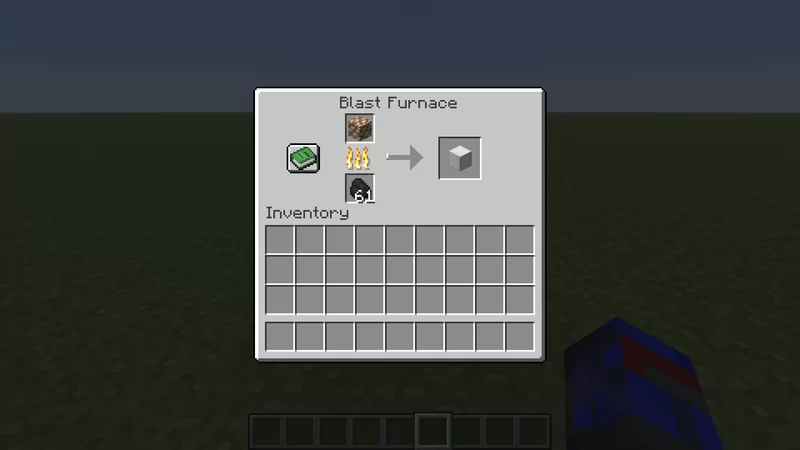
Smelting:
- Poisonous potato -> baked potato
- Raw gold/iron/copper blocks -> gold/iron/copper blocks
- Rotten flesh -> leather
- Spider eye -> slime ball
- Oak slab -> petrified oak slab
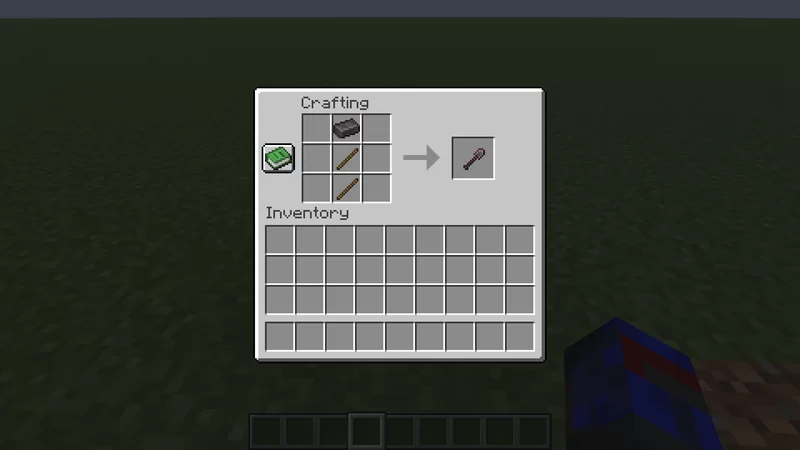
Extra recipes in addition to default:
- Cake
- Netherite armor/tools
- Many dyes
- Stone tools
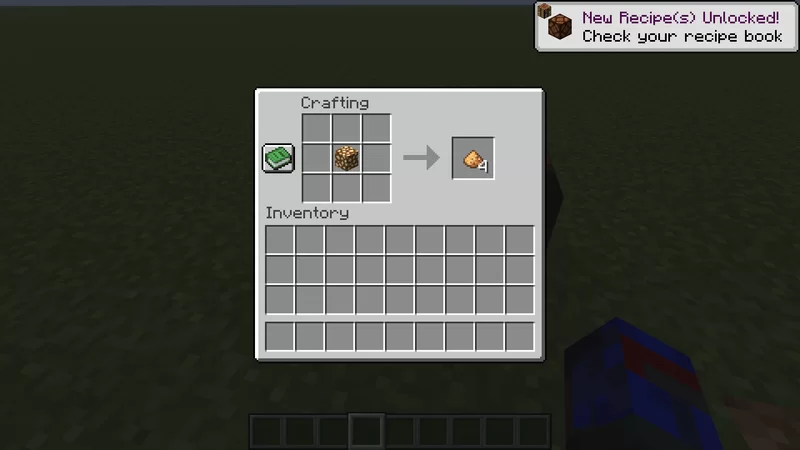
Reverse craftable:
- Glowstone block -> glowstone dust
- Amythest block -> amythest shard
- Nether wart block -> nether wart
- Nether quartz block -> nether quartz
- Blue ice -> packed ice
- Packed ice -> blue ice
- Clay -> clay ball