Mineuniverse
Data Packs
Realistic Item Drop

Realistic Item Drop

DATA PACK
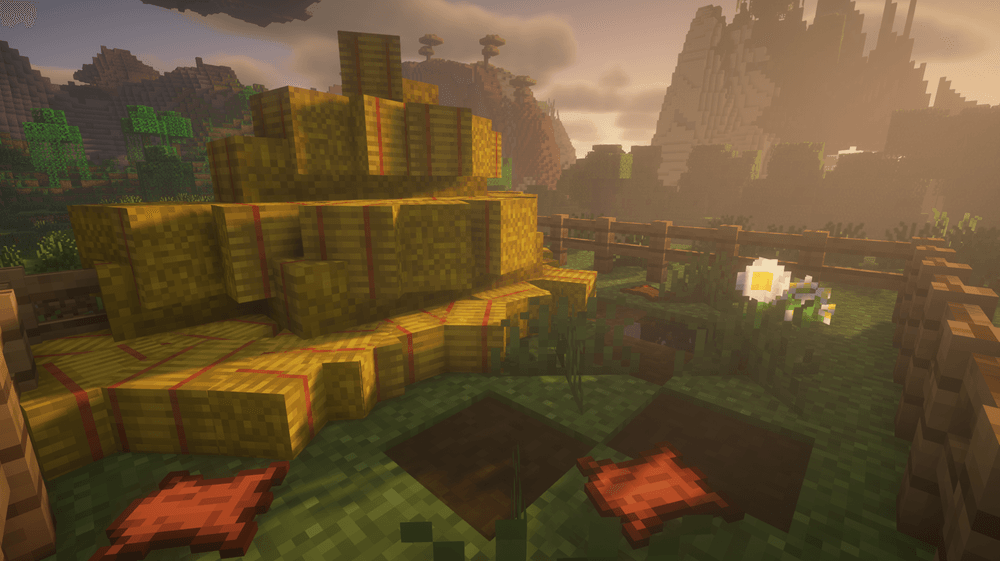
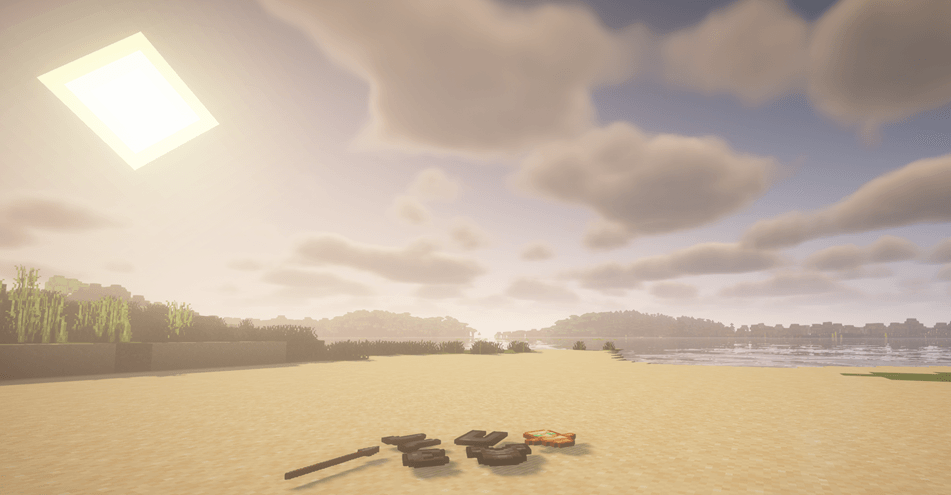
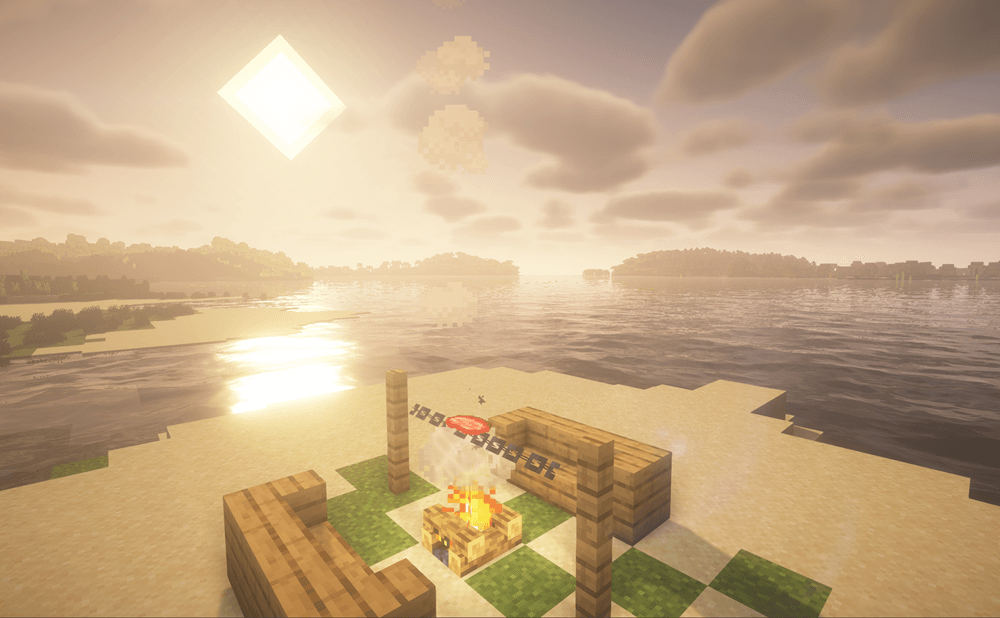
The «Realistic Item Drop» data pack transforms the standard item drop mechanics into a realistic process: instead of hovering in the air, items naturally fall and rest on the surface.
by CartaRIKIZ
Download Claim this project
3,513 downloads
0 likes
0 followers
Updated Oct 14, 2026
0 hypes
Follow0
Adventure Tech
Advertisement Remove ads with Premium →

EU:
The «Realistic Item Drop» data pack transforms the standard item drop mechanics into a realistic process: instead of hovering in the air, items naturally fall and rest on the surface. The mechanics work both in single‑player worlds and on servers, don’t affect game performance, and require no additional mods or resource packs. With this data pack, the Minecraft world becomes more alive and immersive — whether you’re exploring caves, fighting enemies, or building structures. Experience the difference in detail with «Realistic Item Drop»! 🎯
RU:
Дата-пак «Realistic Item Drop» превращает стандартное выпадение предметов в реалистичный процесс: вместо того чтобы «парить» в воздухе, вещи естественно падают и ложатся на поверхность. Механика работает как в одиночном мире, так и на сервере, не нагружает игру и не требует дополнительных модов или ресурспаков. С этим дата-паком мир Minecraft становится более живым и атмосферным — будь то исследование пещер, сражения или строительство. Ощутите разницу в деталях с «Realistic Item Drop»! 🎯

*There may be errors in the English text

RealisticItemDrop_1.20.1_Beta
MC 1.20.1, 1.20
Beta 2026-05-08 Get
RealisticItemDrop 1.0
MC 1.21.11
Release 2026-04-19 Get
RealisticItemDrop 1.1
MC 1.21.8, 1.21.5, 1.21.4, 1.21.6, 1.21.7, 1.21.9, 1.21.10
Release 2026-04-19 Get

Requirements & install

How to use this data pack in Minecraft
Mods needed
None, works in vanilla
Minecraft
1.21.4 – 1.21.11
Install folder
saves/<world>/datapacks

How to install data packs

  1. Download the data pack .zip file (do not extract it).
  2. New world: click Data Packs on the world creation screen and drop the .zip in. Existing world: open .minecraft/saves/<world>/datapacks.
  3. Put the .zip into the datapacks folder of the world (servers: world/datapacks).
  4. Run /reload in game (or rejoin the world) and check it with /datapack list.
Browse more: Data Packs for 1.21.11 All data packs
Advertisement Remove ads with Premium →

You Might Also Like