Mineuniverse
Data Packs
Random Gravity

Random Gravity

DATA PACK
Randomly changes gravity for all players at configurable intervals — can you survive the chaos?
by WewennJr
Download Claim this project
614 downloads
0 likes
Updated Oct 14, 2026
0 hypes
Adventure
Advertisement Remove ads with Premium →

🌌 Random Gravity

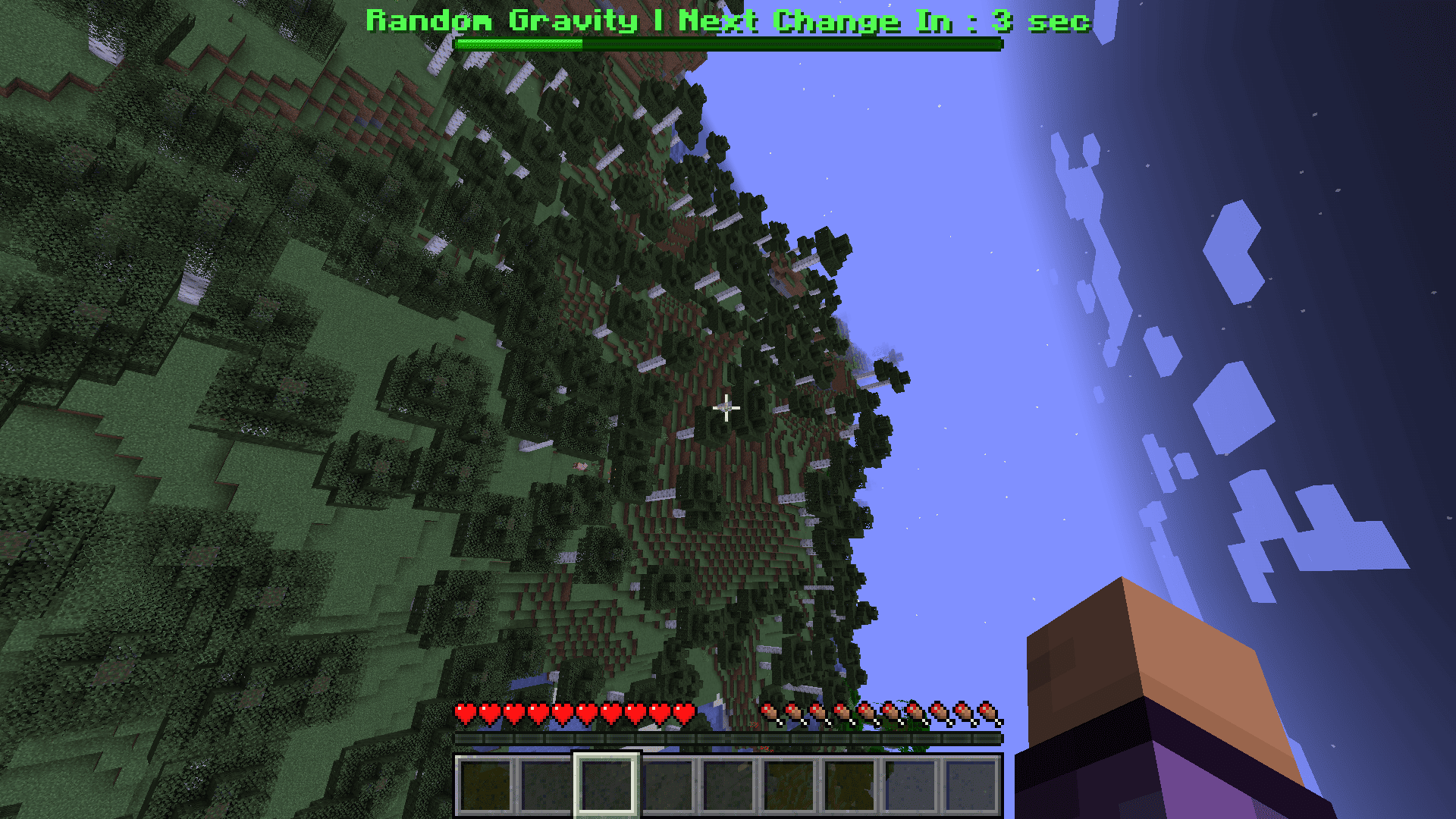
Random Gravity is a Minecraft datapack that randomly changes the gravity direction for all players at configurable intervals.

Will you suddenly fall sideways? Upside down? Or straight into the void? Adapt to constantly changing gravity and try to survive!


✨ Features

  • 🔄 Random gravity directions for all players
  • ⏱️ Configurable timer — use presets or set your own interval
  • 🎮 Easy to start and stop with simple commands
  • 👥 Multiplayer compatible


📦 Requirements

⚠️ Gravity Changer and Cloth Config are required for this datapack to work.


📥 Installation

  1. Download the datapack from the Files tab.

  2. Make sure Gravity Changer and Cloth Config are installed on your server.

  3. Place the downloaded .zip file into your server's world/datapacks/ folder.

  4. Return to Minecraft and use /reload, or restart the server.

  5. The datapack is now installed and ready to play!

💡 Tip: You can check that the datapack is loaded with /datapack list.


⏱️ Timer

Use a preset:

/function randomgravity:set_timer/10sec

Or set a custom timer in ticks:

/function randomgravity:set_timer/custom {ticks:400}


▶️ Start & Stop

Start Random Gravity:

/function randomgravity:start

Stop Random Gravity:

/function randomgravity:stop


🦖 Dual Rawr Studio

💬 Join our Discord: https://discord.gg/YPepJCYWKw
💖 Support our projects: https://fr.tipeee.com/yoshidala-and-wewennjr

Join our Discord to follow our projects, get updates, report bugs, suggest ideas, and chat with the community!

If you enjoy our projects and want to support their development, you can also support us on Tipeee. ❤️


Random_Gravity.zip
MC 1.21.1
Release 2026-08-08 Get

Requirements & install

How to use this data pack in Minecraft
Mods needed
None, works in vanilla
Minecraft
1.21.1
Install folder
saves/<world>/datapacks

How to install data packs

  1. Download the data pack .zip file (do not extract it).
  2. New world: click Data Packs on the world creation screen and drop the .zip in. Existing world: open .minecraft/saves/<world>/datapacks.
  3. Put the .zip into the datapacks folder of the world (servers: world/datapacks).
  4. Run /reload in game (or rejoin the world) and check it with /datapack list.
Browse more: Data Packs for 1.21.1 All data packs

More from WewennJr

Advertisement Remove ads with Premium →

You Might Also Like