Random Chunk
Every chunk. One block type
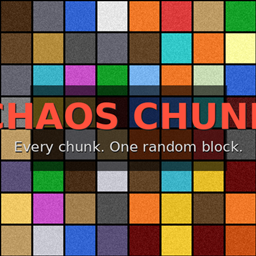
Random Chunk is a lightweight Java datapack that transforms your world into an unpredictable patchwork of single-block type chunks. Every time you step into an unvisited chunk, it gets filled — floor to ceiling — with a randomly chosen block type. No two worlds will ever look the same.
Features
- 10 block categories rolled per chunk: Stone, Wood, Wool, Concrete, Terracotta, Metal, Nether, End, Miscellaneous, and Special blocks
- Fully automatic — no commands needed after installation
- Chunk-based detection: only triggers on newly entered chunks
- Lightweight — minimal performance impact (maybe)
Installation
1. Download `Chaos_Chunk_v5.zip`
2. Place it in your world's `datapacks/` folder
3. Run `/reload` in-game
4. Start exploring
Compatibility
| Version | Support |
| Java 1.21.9 – 1.26.1 | ✅ Fully supported |
| Outside that range | ⚠️ Untested |
| Fabric / Forge | ✅ Compatible (no mod conflicts) |
⚠️ Disclaimer
📬 Credits
Made by AlpDbang |
This project is licensed under Creative Commons Attribution 4.0 International (CC BY 4.0).
You are free to:
Use and play with this datapack
Modify and build upon it
Monetize it (videos, modpacks, servers ) ( didn't know how someone will monetize it but Yeaa the license say so)
As long as you:
📌 Credit the original creator with name and link to this page