2 datapacks create different bossbars depending on the game mode. They are designed to give players a better experience when surviving in the Minecraft world. In addition, a setting has been added to customize that bossbar.
For the Singleplayer pack, it is designed for a single player, and does not work when there are 2 or more players. For the Multiplayer pack, it is designed for multiple players to share a single bossbar.
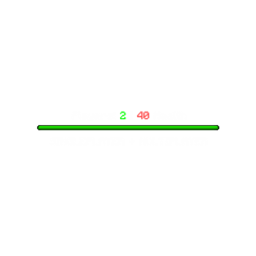
The Singleplayer pack will name the bossbar based on the name of 1 player. The Multiplayer pack will count the number of players and their health, then update the bossbar name (if playing alone, the bossbar name will default to "Players: 1 | 20 Health"; if playing multiplayer, the bossbar name will increase the "Players" and "Health" values).
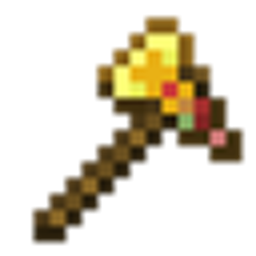
To customize the bossbar, you need a book and an emerald. Then use the crafting table to craft a book that customizes the health bar. Both datapacks support this customization book.
Preview of the book's contents:
Page 1:
HEALTHBAR CONFIGURATION
Color:
Pink
Red
Blue
Green
Yellow
Purple
White
Page 2:
STYLE
Style:
Progress
Notched 6
Notched 10
Notched 12
Notched 20
Command Output:
Hide Messages
Show Messages
Page 3:
CREATION & RESET
Create HealthBar
Delete HealthBar
This book will help players customize that bossbar, it is useful and easy to craft.
Overall, these 2 datapacks provide a better experience when playing Minecraft, regardless of Singleplayer or Multiplayer mode.
If you want to install them from Modrinth, go that unlisted project here: https://modrinth.com/datapack/player-boss-bar