Mineuniverse
Data Packs
OneBlock Data Pack [One Block]

OneBlock Data Pack [One Block]

DATA PACK
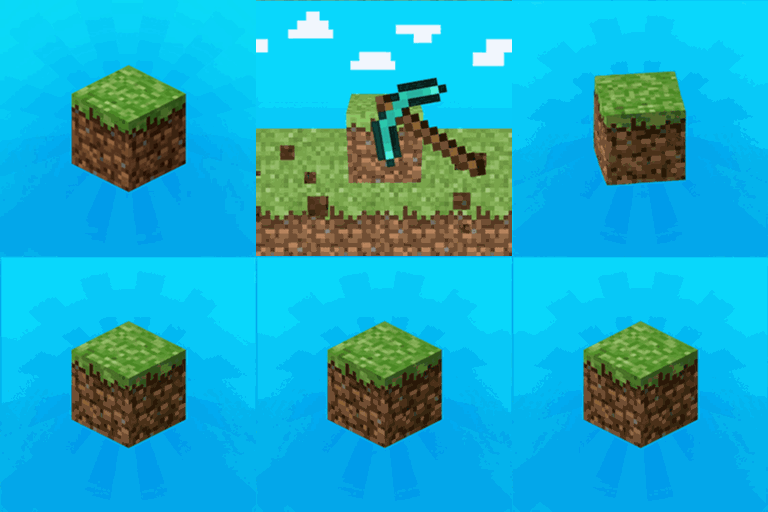
Your entire world begins with a single regenerating block.
by navzary
Download Claim this project
17,647 downloads
0 likes
Updated Oct 14, 2026
0 hypes
Adventure Miscellaneous
Advertisement Remove ads with Premium →

Your entire world begins with a single regenerating block.

       You spawn on a single, infinitely regenerating block floating in the void.
       By continuously mining it, you'll gather building materials, valuable items, encounter mobs and monster parties!
       You'll progress through unique phases, each with its own theme, such as Plains, Forest, Deep Ocean, and even the Nether and The End.

The One Block Mod is heavily recommended to fix the dark sky horizon
and make creating new One Block worlds easier.

Feel free to share any suggestions or report any bugs or glitches you find!

PERFORMANCE

It should be the most performant experience ever! it all starts with only One Block.
From that single block, you begin to shape an entire world.


PLANNED FEATURES:

1 time Monster Party loss drawback + 1 life in multiplayer, second chance in solo

Non-collidable blocks and half-blocks will spawn on the One Block.
Phase 11: The Deep Dark
Phase 12: Sulfur Caves
Giants, illusioners, still ghasts and more mobs
Elite mobs (rare mobs with modifiers and better rewards)
More monster party mob spawn variants
Nether revamp
End revamp
Villagers revamp
Wandering Trader revamp
Treasure events found in One Block chests
One Block fire ritual
Special Trial Chambers phase unlocked by a trial key or trial spawners
Running blocks?
Random? events
Players will be able to change biomes
Make end portal frames mineable
Personal One Blocks
Ender Dragon revamp + overworld encounter in phase 9
Custom One Block boss
+++

One Block v1.2.4
MC 1.21, 1.21.1-Snapshot, 1.21.1, 1.21-Snapshot
Release 2026-10-08 Get

Requirements & install

How to use this data pack in Minecraft
Mods needed
None, works in vanilla
Minecraft
1.21-Snapshot – 1.21.1
Install folder
saves/<world>/datapacks

How to install data packs

  1. Download the data pack .zip file (do not extract it).
  2. New world: click Data Packs on the world creation screen and drop the .zip in. Existing world: open .minecraft/saves/<world>/datapacks.
  3. Put the .zip into the datapacks folder of the world (servers: world/datapacks).
  4. Run /reload in game (or rejoin the world) and check it with /datapack list.
Browse more: Data Packs for 1.21.1 All data packs

More from navzary

Advertisement Remove ads with Premium →

You Might Also Like