Mineuniverse
Data Packs
No time to explain

No time to explain

DATA PACK
Control and configure When dimensions are available
by Reddogg
Download Claim this project
49 downloads
0 likes
Updated Oct 14, 2026
0 hypes
Miscellaneous Utility
Advertisement Remove ads with Premium →
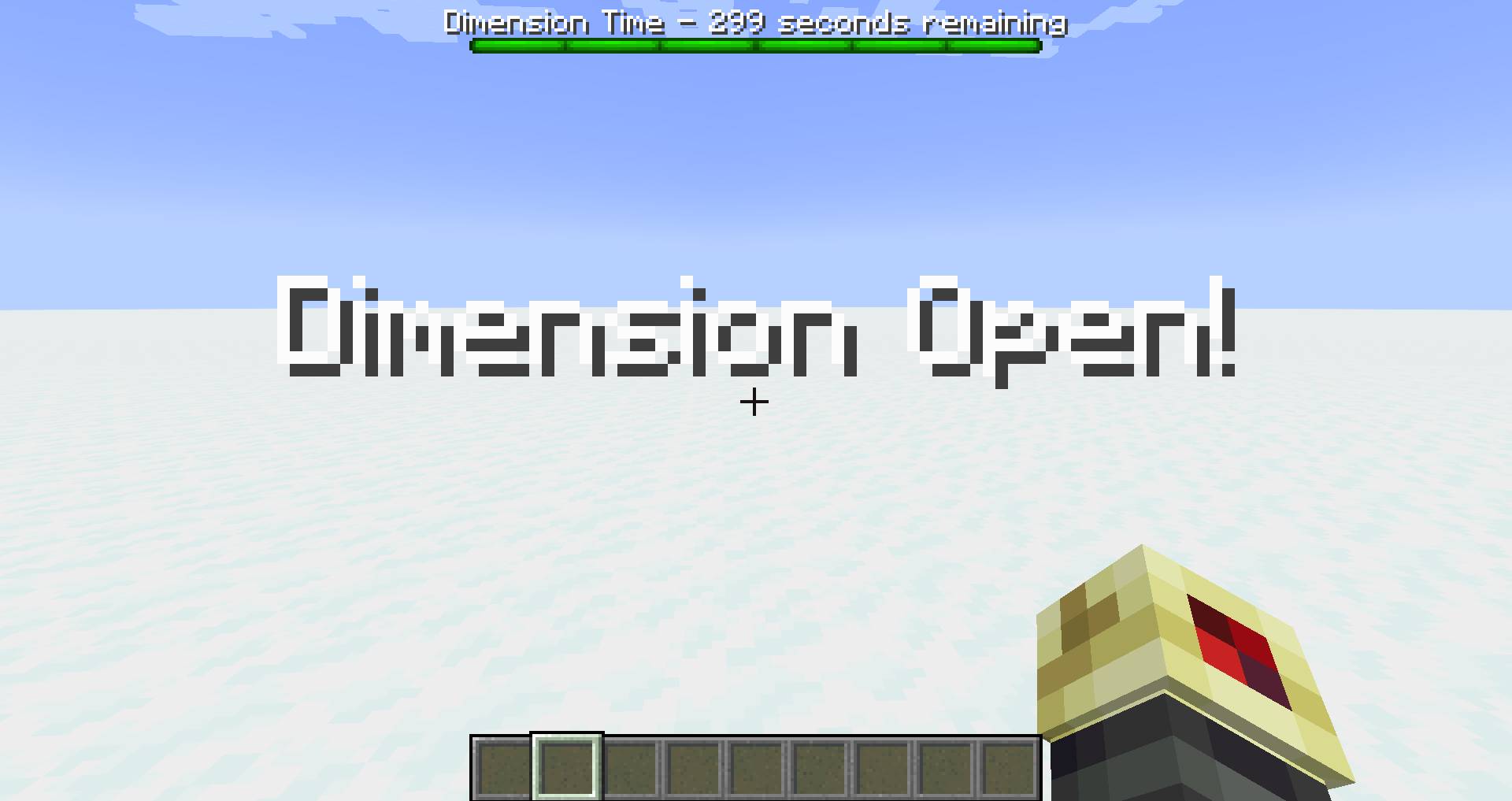
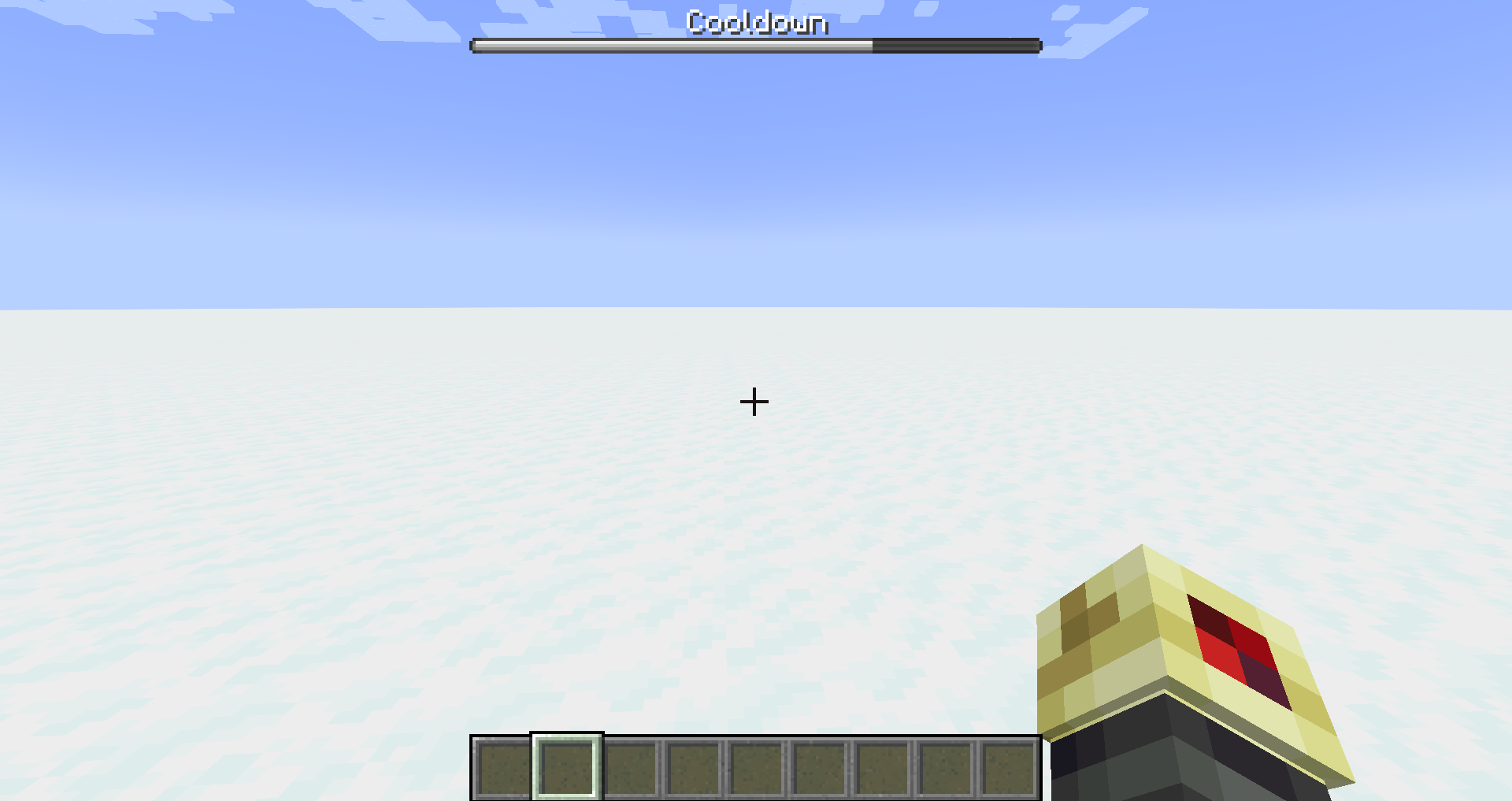
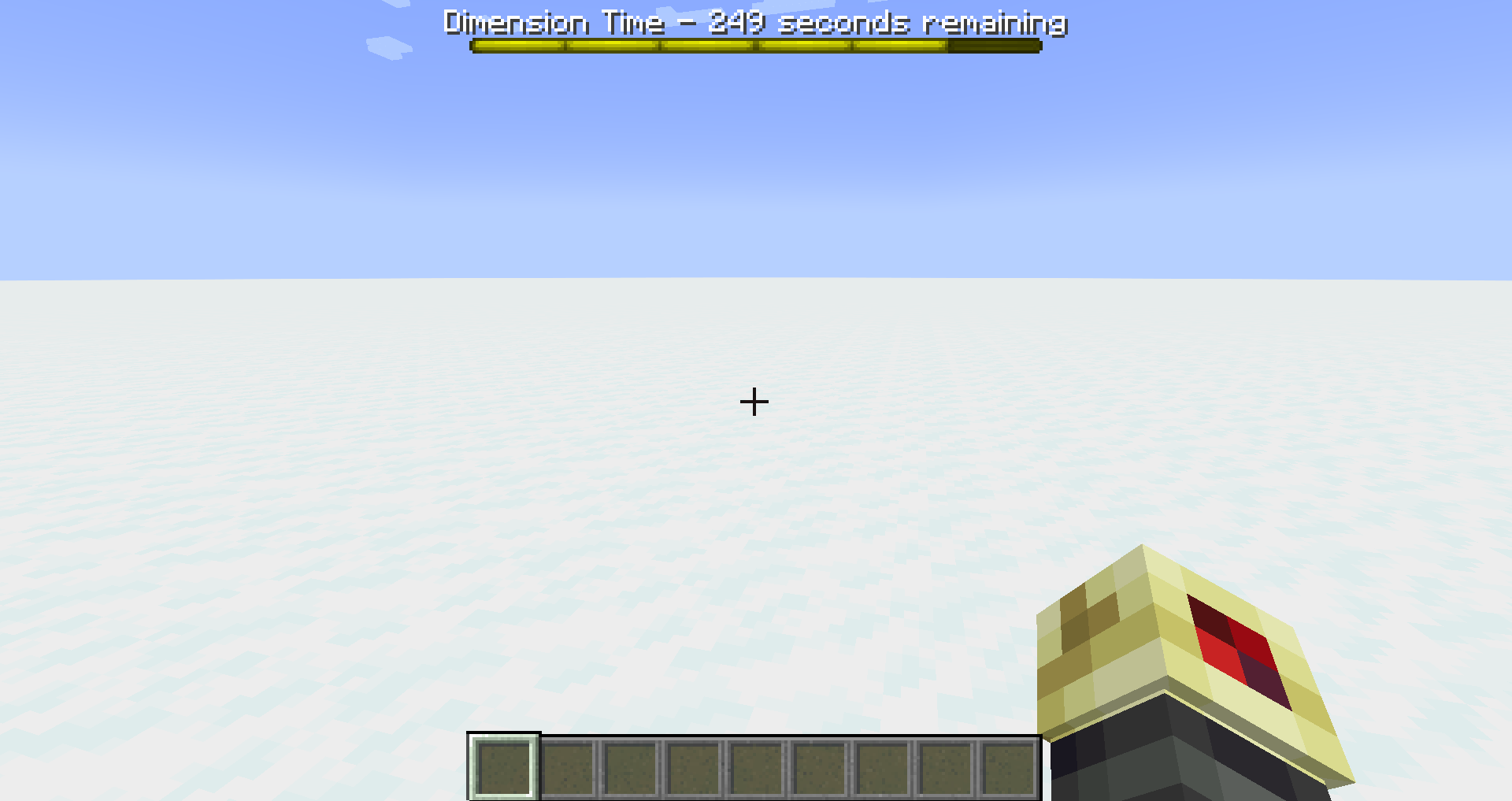
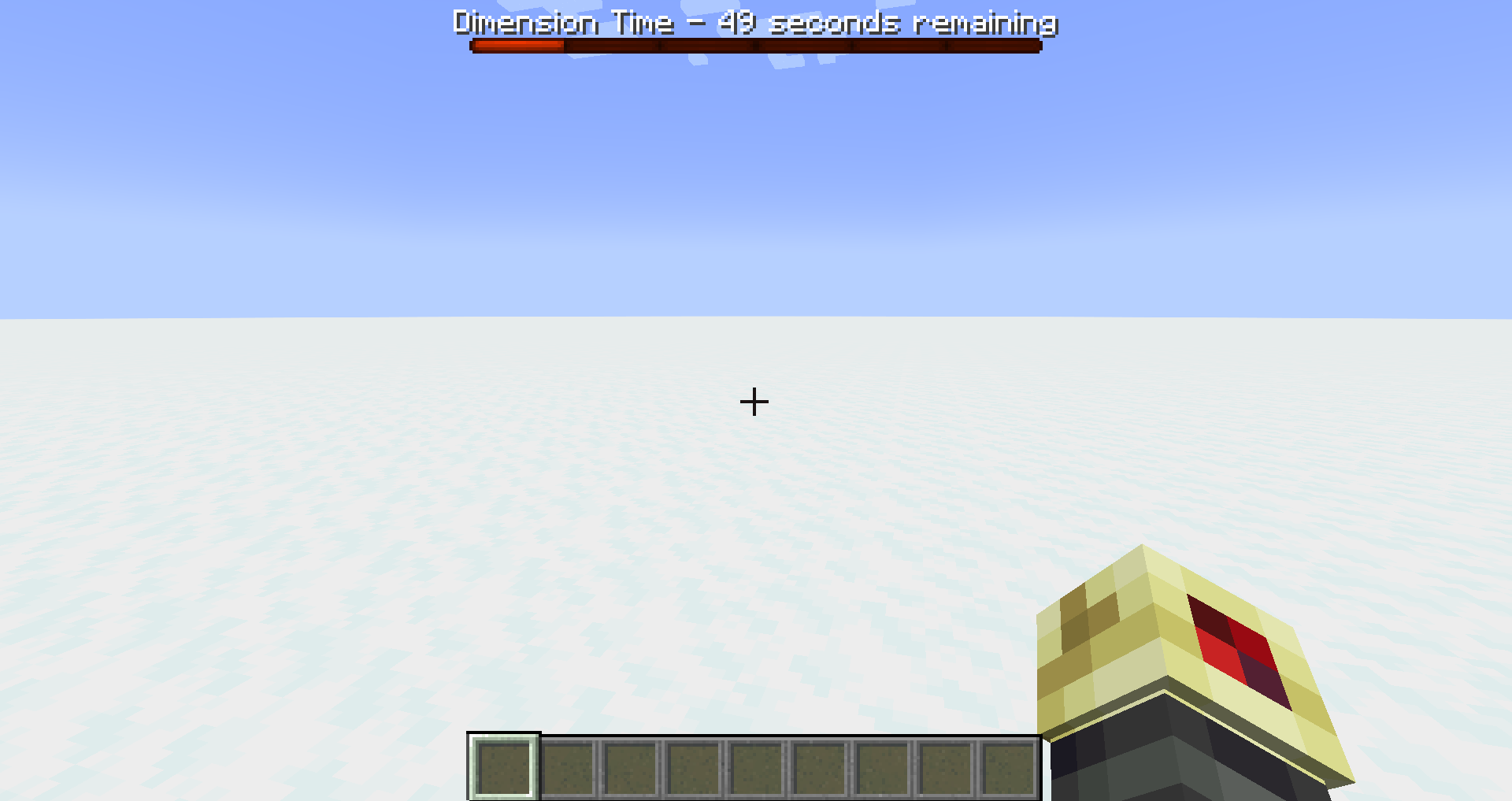
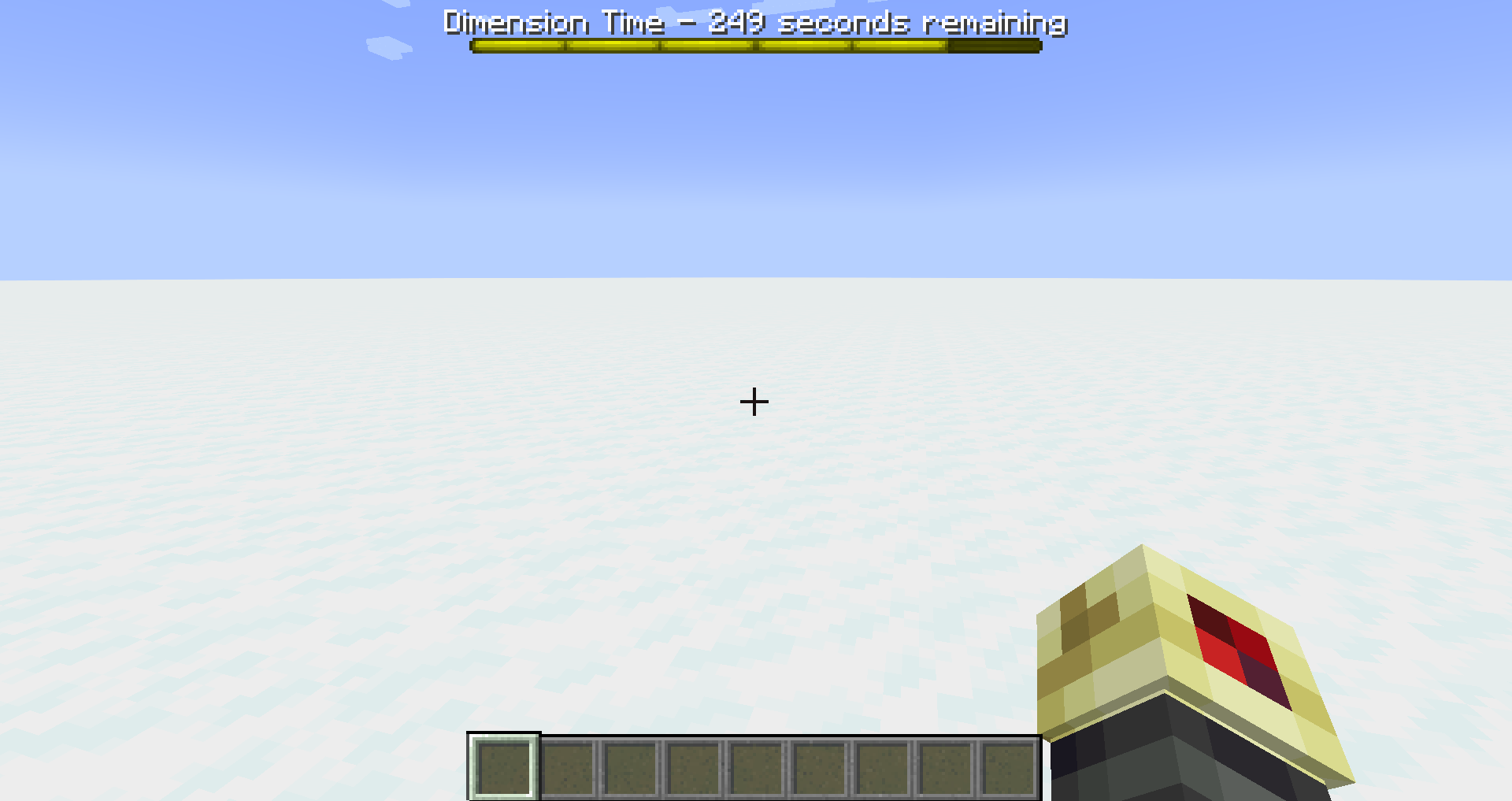
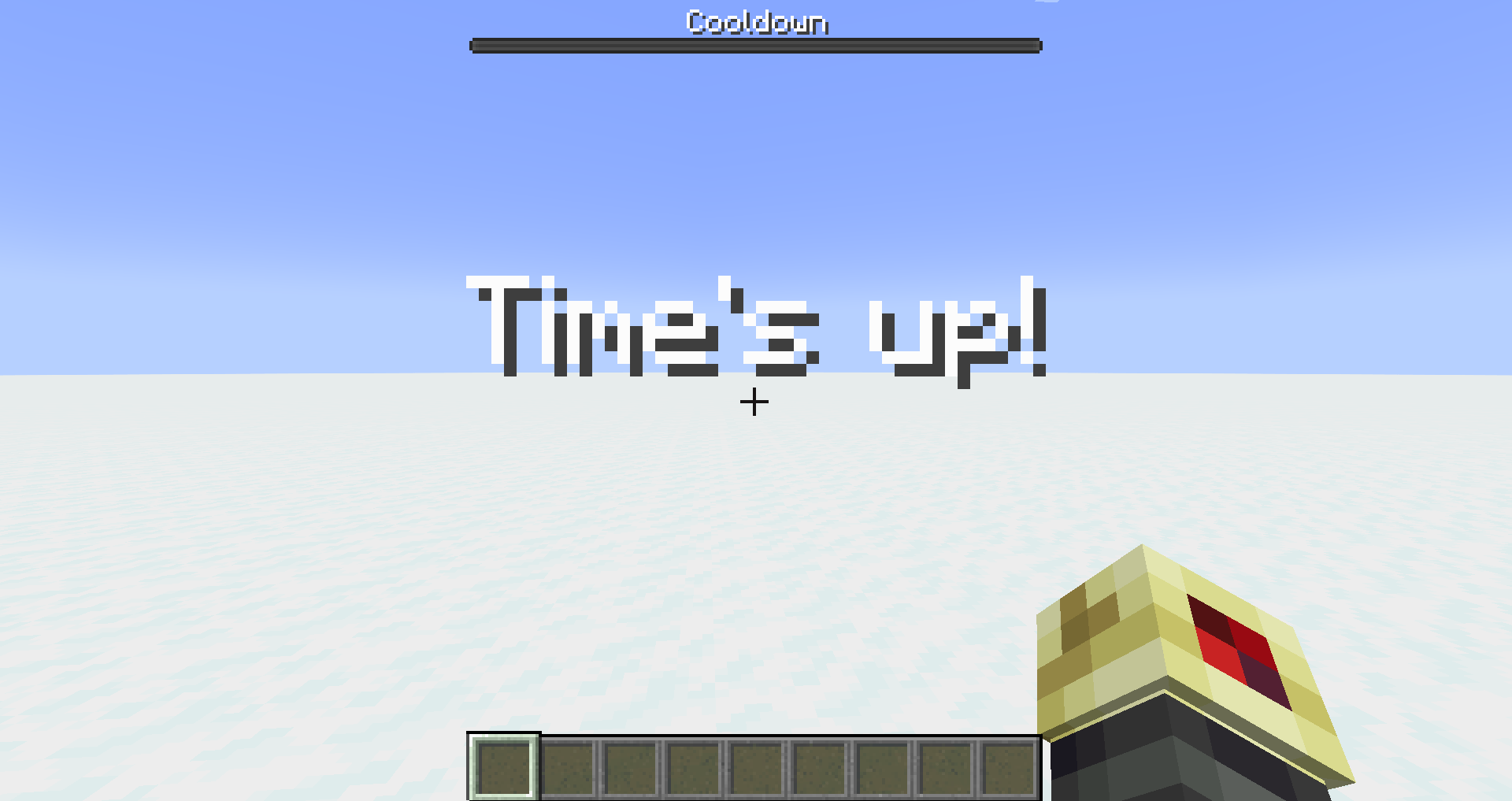
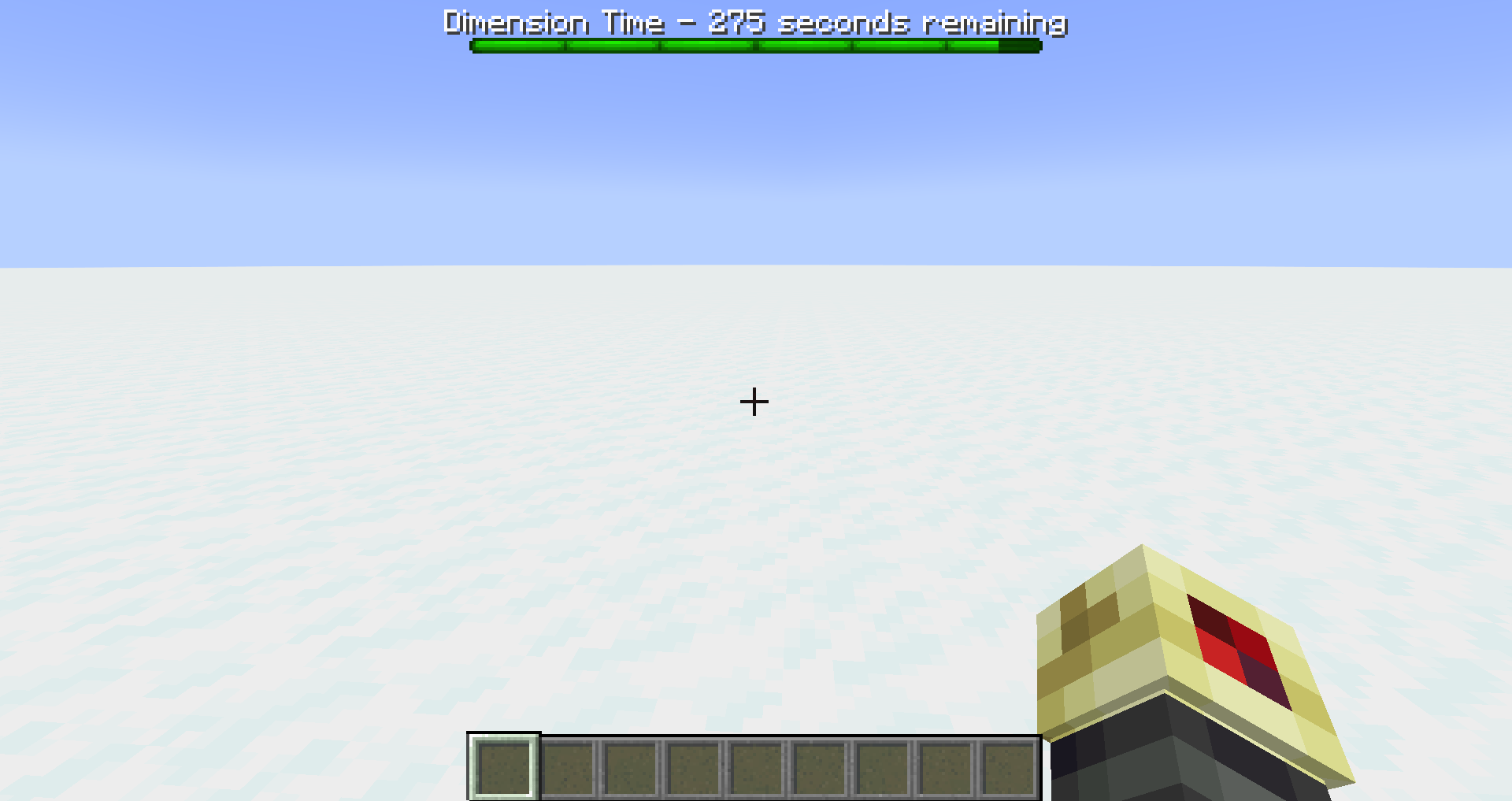
This data pack does one thing Which does two things When the World is loaded the "dimension Timer" starts which means you have 5 minutes of "dimension time" where you can be outside of the overworld When the Dimension Timer hits 0 the data pack begins to kill players in other dimensions But it gives them time to escape While this is happening the Dimension timer gets replaced with a "Cooldown Timer" which lasts 20 minutes When the Cooldown Timer hits 0 it restarts the Dimension Timer and allows players to go to other dimensions again This has two effects Firstly, It makes other dimensions inherently hostile and exiting Secondly it requires players to play more in the overworld

notimetoexplain5-20.zip
MC 1.19.2
Release 2025-06-16 Get

Requirements & install

How to use this data pack in Minecraft
Mods needed
None, works in vanilla
Minecraft
1.19.2
Install folder
saves/<world>/datapacks

How to install data packs

  1. Download the data pack .zip file (do not extract it).
  2. New world: click Data Packs on the world creation screen and drop the .zip in. Existing world: open .minecraft/saves/<world>/datapacks.
  3. Put the .zip into the datapacks folder of the world (servers: world/datapacks).
  4. Run /reload in game (or rejoin the world) and check it with /datapack list.
Browse more: Data Packs for 1.19.2 All data packs

More from Reddogg

Advertisement Remove ads with Premium →

You Might Also Like