Mineuniverse
Data Packs
No More Corpses

No More Corpses

DATA PACK
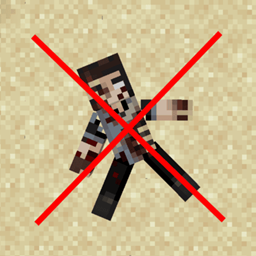
Disables natural generation of the Horror Elements mod's blocks. (Except in structures)
by Agarmal
Download Claim this project
279 downloads
0 likes
Updated Oct 14, 2026
0 hypes
Miscellaneous
Advertisement Remove ads with Premium →

No More Corpses

An extremely simple datapack aimed at disabling world generation of the "spooky" blocks offered by the Horror Elements mod.

Why does this datapack even exist?

I'm glad you asked. Horror Elements mod lacks a configuration file, so you can't disable the absurdly high rate generation of features. Since some mods or modpacks (like ChaosZPack or Cave Horror Project) require it, I had to find a workaround instead of removing it directly.

Dependencies

You (obviously) need the Horror Elements mod by predator97427fr.

Installation

First option: Manual setup in world folder.

  1. Download the latest release from the Files tab
  2. Drop the .zip into <world>/datapacks/

  3. Run /reload or restart the world

Second option: Use a Data Pack loader

  1. Install any datapack loader mod (Global Packs, for example)
  2. Install this datapack using the CurseForge app (or moving the .zip into /datapacks/
  3. Launch Minecraft
No More Corpses v1.0.0-1.20.1.zip
MC 1.20.1
Release 2025-07-06 Get

Requirements & install

How to use this data pack in Minecraft
Mods needed
None, works in vanilla
Minecraft
1.20.1
Install folder
saves/<world>/datapacks

How to install data packs

  1. Download the data pack .zip file (do not extract it).
  2. New world: click Data Packs on the world creation screen and drop the .zip in. Existing world: open .minecraft/saves/<world>/datapacks.
  3. Put the .zip into the datapacks folder of the world (servers: world/datapacks).
  4. Run /reload in game (or rejoin the world) and check it with /datapack list.
Browse more: Data Packs for 1.20.1 All data packs

More from Agarmal

Advertisement Remove ads with Premium →

You Might Also Like