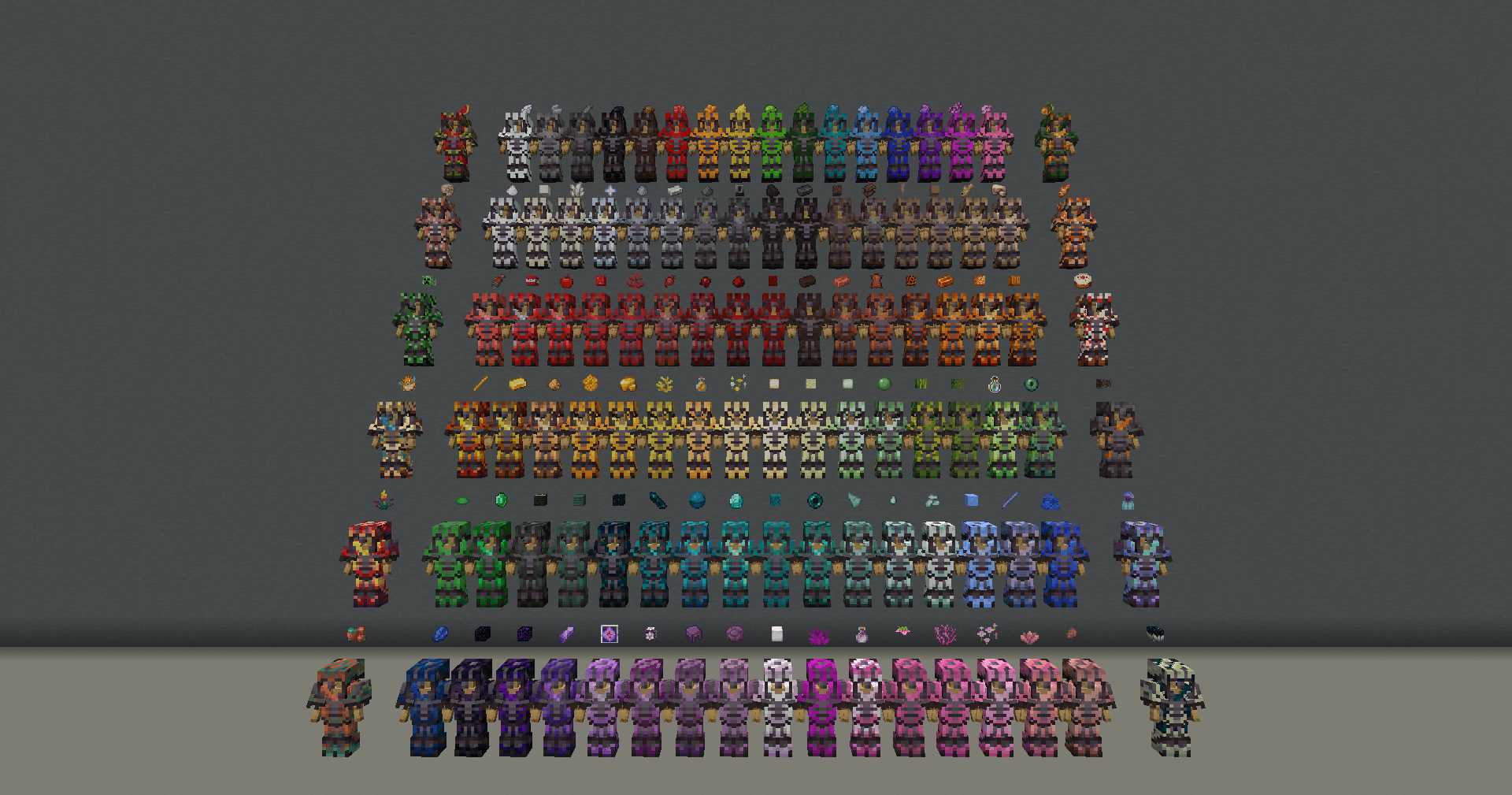
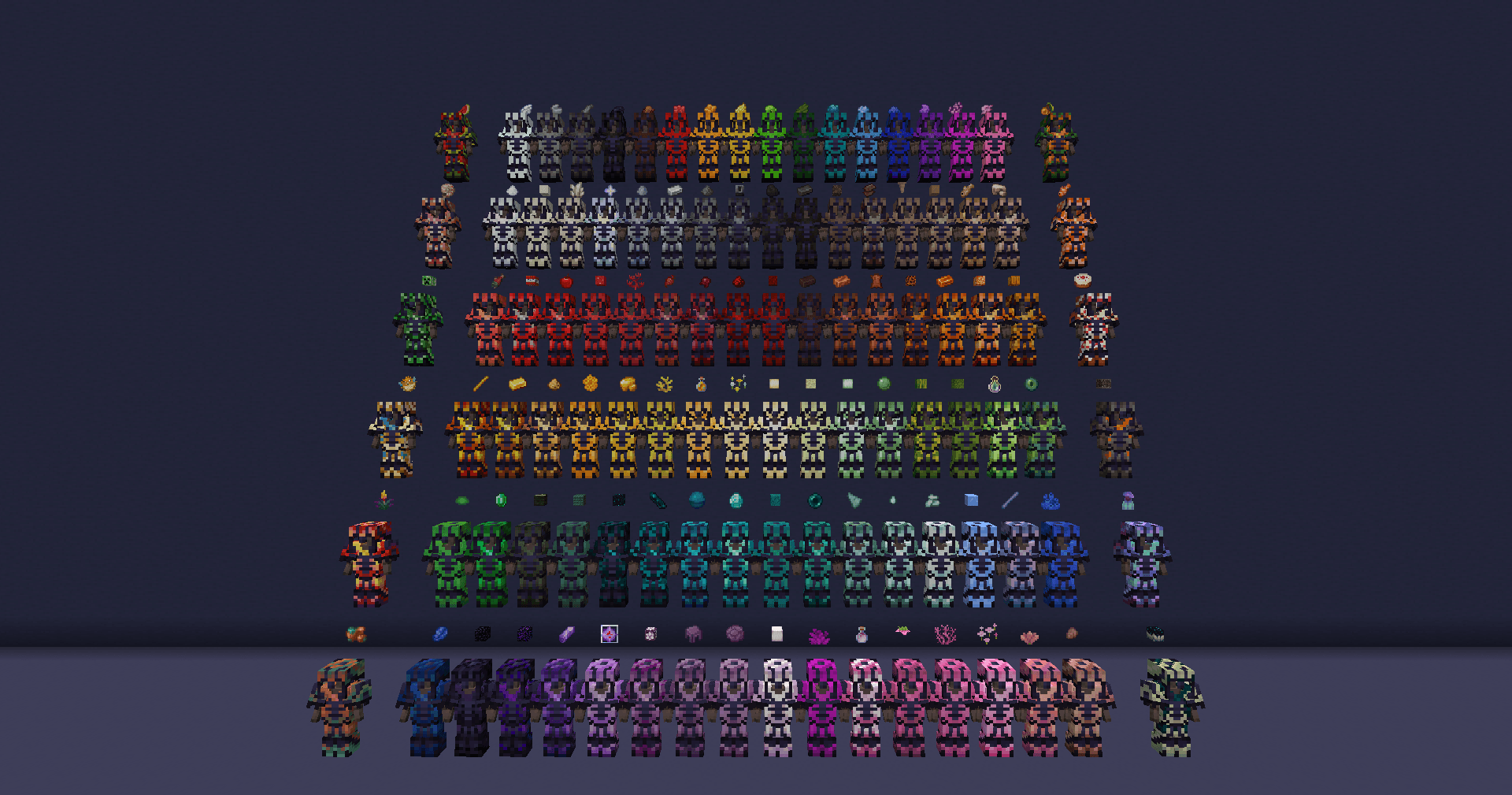
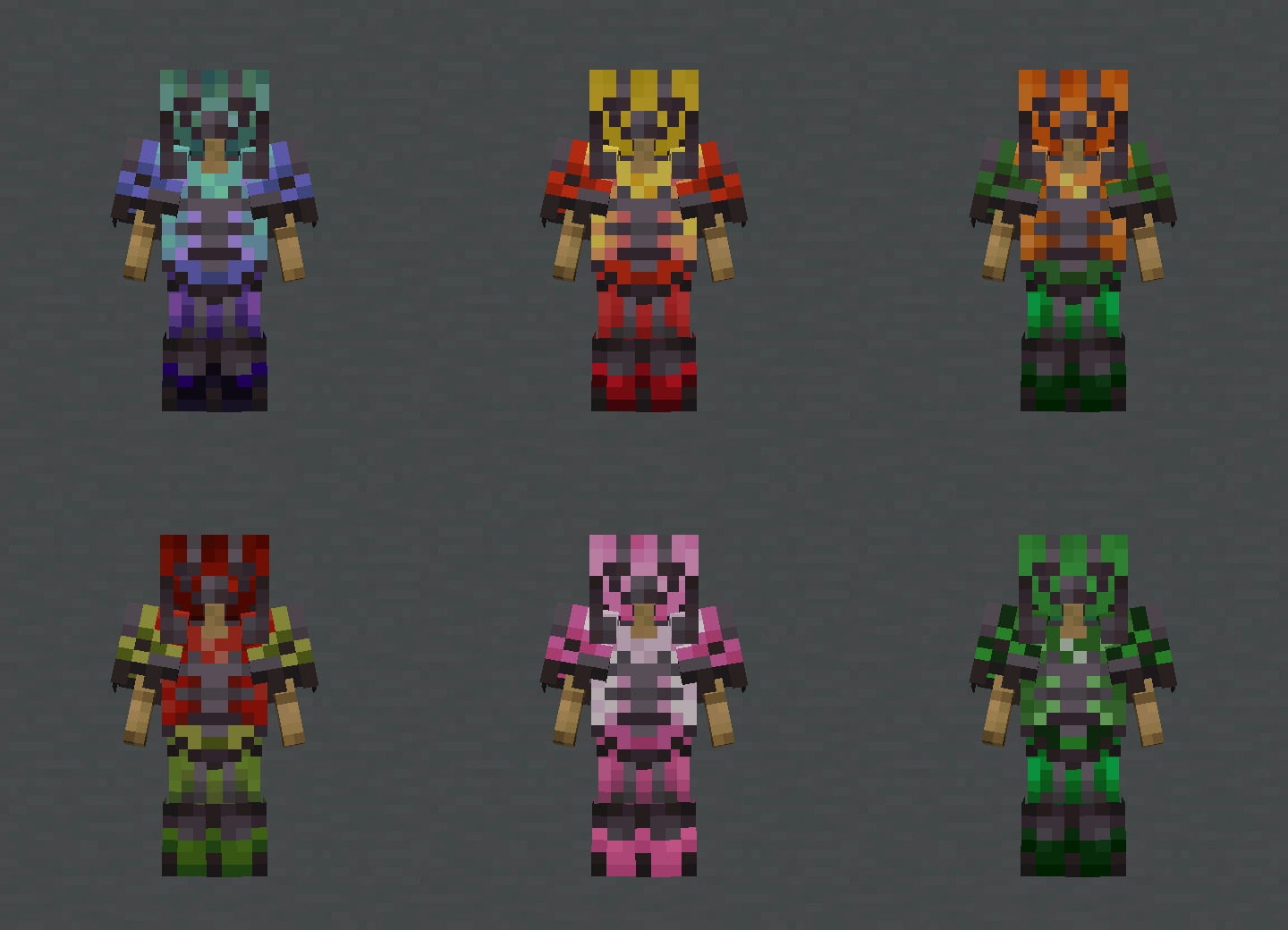
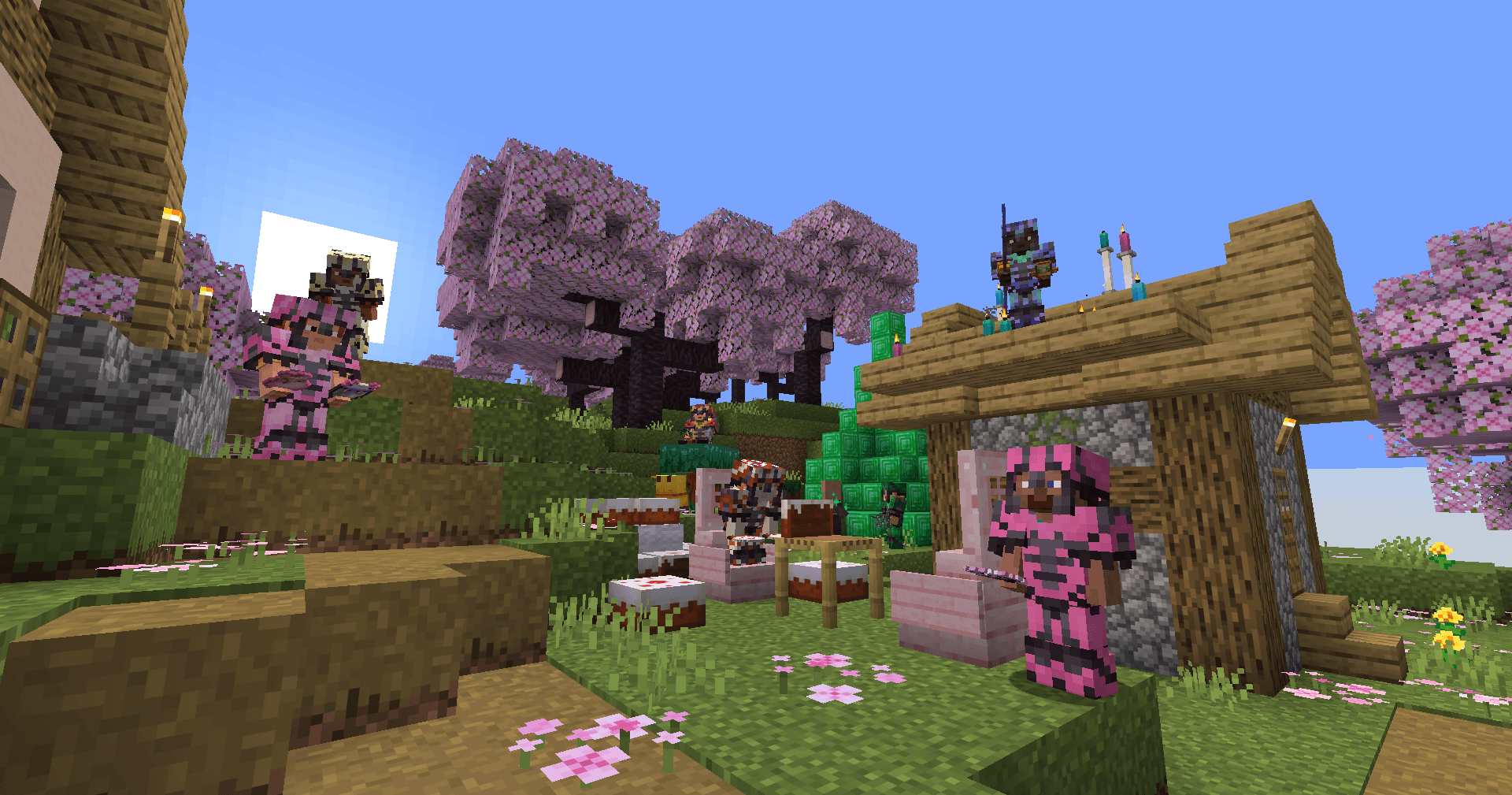
There's both glowing and non-glowing variants of every material, with over 136 MILLION armor trim combinations on Netherite Armor alone, so play around with the different ones and find something that speaks to you!
All Dyes
Apple
Armadillo Scute
Beetroot
Blaze Rod
Blue Ice
Bone Block
Bottle o' Enchanting|
Breeze Rod
Brown Mushroom Block
Cactus Flower
Cake
Chorus Flower
Clay Ball
Coal
All Corals
Creaking Heart
Creeper Head
Crying Obsidian
Dark Prismarine
Dragon's Breath
Dried Kelp Block
Echo Shard
End Crystal
End Stone
Ender Pearl
Eye of Ender
Fermented Spider Eye
All Froglights
Ghast Tear
Glow Berries
Glowstone Dust
Gunpowder
Heart of the Sea
Heavy Core
Honey Bottle
Honeycomb
Leather
Magma Block
Melon Block
Melon Slice
Moss Block
Nautilus Shell
Nether Brick
Nether Star
Nether Wart Block
Netherite Scrap
Obsidian
Pink Petals
Pitcher Plant
Pointed Dripstone
Popped Chorus Fruit
Prismarine Crystals
Prismarine Shard
Pufferfish
Pumpkin
Raw Cod
Raw Copper
Raw Gold
Raw Iron
Raw Salmon
Red Mushroom Block
Sculk Block
Sculk Catalyst
Shroomlight
Shulker Shell
Slimeball
Spore Blossom
Sugar
TNT
Torchflower
Tropical Fish
Turtle Scute
Warped Wart Block
Wildflowers
And 3 Secret materials ony accessable via commands
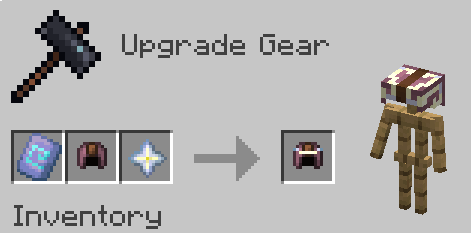
Unlike many trim material packs, this lets you apply your trims the same way you always would with vanilla items, with the smithing table. This functionality does come with a slight caveat however, that if you add this datapack into an existing world, some items may not stack with ones they should, the fix is easy though; Just pick up the pre-existing stack and drag it in your inventory. Once it's been inside your inventory, it should update and become stackable with eveything else like normal! This won't be required if you use this datapack from the start of a world, as all items should be converted immediately
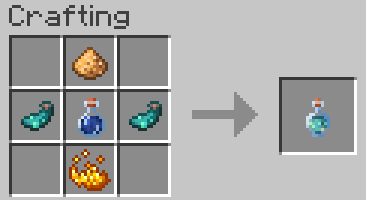
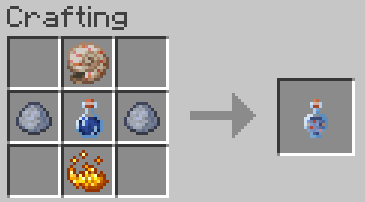
To make the trims glow, all you need to do is wear the armor you want to make emissive, and use a new item; The Glowing Trim Dye!
Glowing dyed armor trims keep their color, so you don't have to worry about any extra changes to the materials you love, they simply make the trim glow in the dark!
If you decide however, that you don't want your trims to glow, you can do the exact same process with Muted Trim Dye