⚠ This Datapack requires the use of a Resource Pack, which is available as a separate download. Please make sure you have activated it when playing with the pack. ⚠
⚠ Only tested in 1.20.4 and 1.20.5/1.20.6. Other versions might make the pack break! ⚠
⚠ Please Report any bugs/suggestions in the ShardGate discord server! ⚠
⚠ This datapack will most likely not update to future versions. ⚠
🌐This video is part of the first DATAPACK TENNIS competition hosted by SwitchedCube!
🏓Subscribe to their channel to see more datapacks!
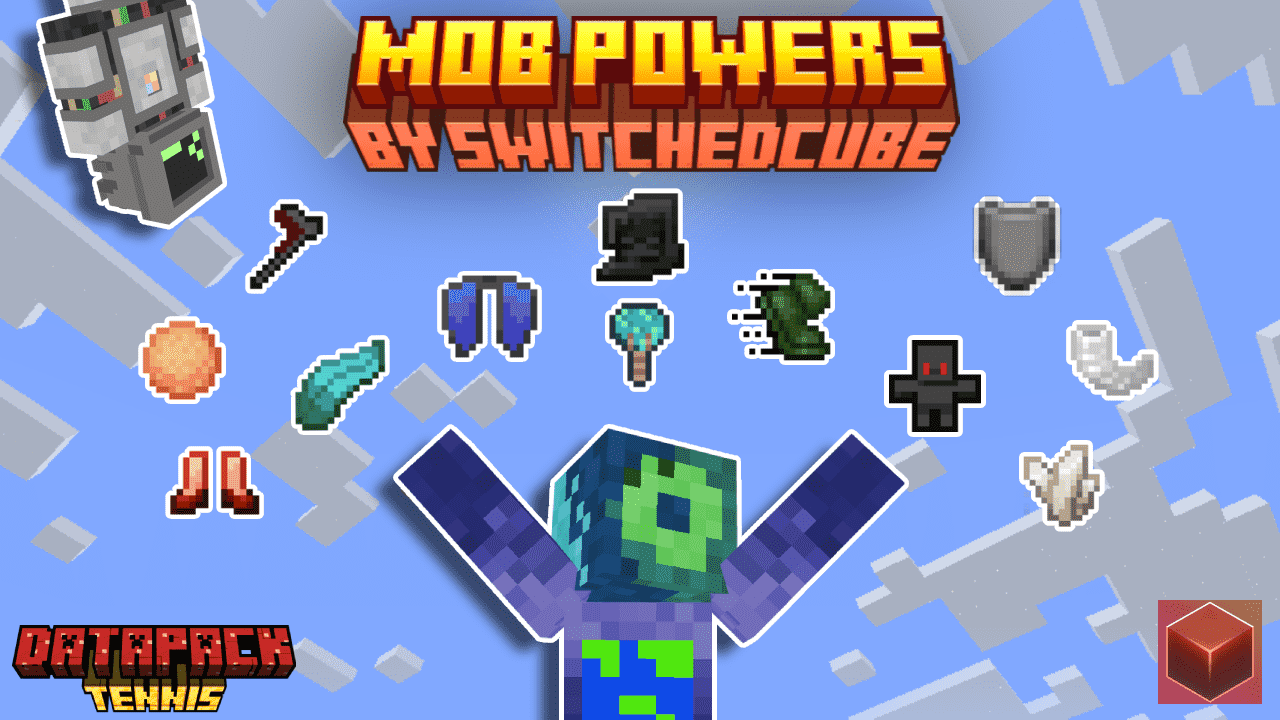
This Datapack adds 12 powers based on MINECRAFT MOBS to Minecraft! All of them have their own abilities!
Watch the YouTube video to learn more about the items!
/function dpt1-general:give_items_creator - give the items made by the creator team
/function dpt1-general:give_items_upgrader - give the items made by the upgrader team
/function dpt1-general:menu - menu to enable/disable item cooldowns
=<mark><mark>License======================================================</mark></mark>
Mob Powers © 2024-2026 by [SwitchedCube/ShardGate] is licensed under
Attribution-NonCommercial-NoDerivatives 4.0 International An exception is made for video content, which can be monetized. However, video creators must give appropriate credit by leaving a link to this page and/or the ShardGate discord in the video description.