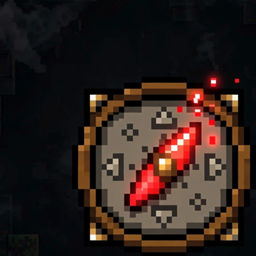
Manhunt
Dream-style Manhunt in 100% vanilla Minecraft. One speedrunner. A compass that never lies.
What is this?
Manhunt is a vanilla datapack for Minecraft: Java Edition 26.3. No mods, no plugins, no resource pack. One player is the speedrunner — everyone else are hunters, armed with a compass that automatically tracks the runner's position, refreshing every 5 seconds.
How it works
- Tag your speedrunner:
/tag <player> add mh_runner
- Start the hunt:
/function manhunt:start
- Every hunter gets a Hunter Compass — its needle points straight at the runner, wherever they hide.
- Runner wins by slaying the Ender Dragon. Hunters win by taking the runner down.
Features
- Auto-tracking compass — lodestone target rewritten every 5 seconds; hold it in main hand or off hand
- Cross-dimension hint — when the runner slips into the Nether or the End, hunters see their dimension in the actionbar
- Colored teams — red runner vs aqua hunters
- Fair wins — the dragon advancement is revoked at start, so only a fresh kill counts
- Multiplayer-safe — works on vanilla servers and Paper/Purpur
- Simple controls — /function manhunt:setup, /function manhunt:start, /function manhunt:stop
Installation
- Download the .zip.
- Drop it into your world's datapacks/ folder.
- Run /reload. Done — tag a runner and start the hunt.
FAQ
How many players do I need? At least 2 (1 runner + 1 hunter). More hunters = more chaos = more fun.
Does the compass work in the Nether/End? The needle spins when the target is in another dimension (vanilla behavior) — that's why hunters get an actionbar dimension hint.
Does it work on servers? Yes — it's pure vanilla datapack mechanics.
Credit
Inspired by Dream's Minecraft Manhunt. Made with vanilla commands. Run.