Living Flatlands
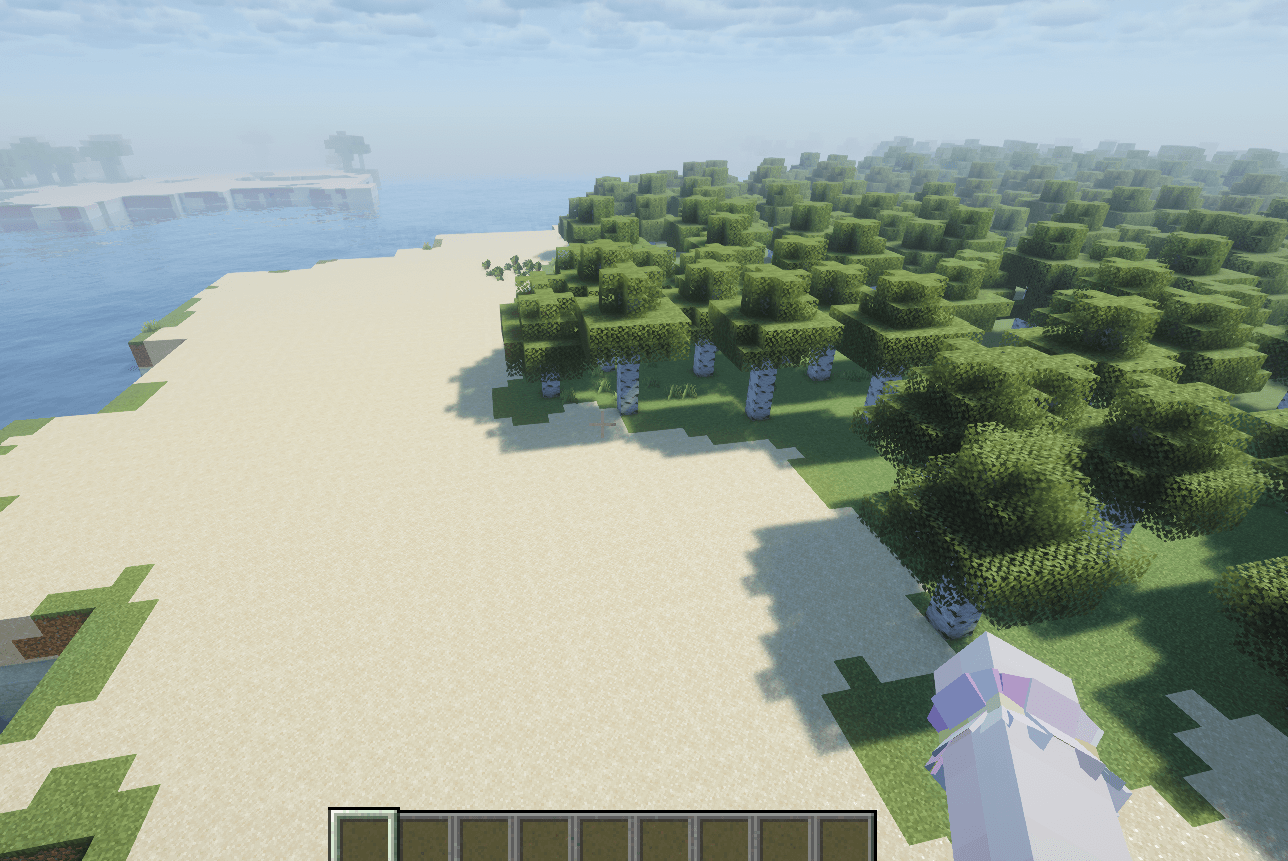
Living Flatlands is a survival-friendly world-generation data pack that creates an almost completely flat Overworld while preserving natural biome variety and exploration.
Features
Flat land generated around Y=64
Rivers with lowered riverbeds
Shallow and deep oceans
Natural coastlines and islands
Forests, deserts, snowy areas, swamps, beaches, and other vanilla biomes
Normal caves and ore generation
Vanilla structures such as villages and mineshafts
Standard Nether and End generation
No mods or mod loaders required
The terrain remains flat and convenient for building, while oceans, rivers, forests, caves, ores, and structures make normal survival gameplay possible.
Compatibility
- Minecraft Java Edition
- Vanilla compatible
- Singleplayer and multiplayer compatible
- No required dependencies
Please check the Files section for the Minecraft versions supported by each release.
Installation
This data pack must be enabled before creating the world.
Open Create New World.
Go to More → Data Packs.
Drag the ZIP file into the game window.
Enable the data pack.
Return to the world settings.
Select the Living Flatlands world preset, shown as flatlands:flat_overworld if its translated name is unavailable.
Create the world.
Important
Do not add this data pack to an already generated world. Existing and newly generated chunks may have visible terrain borders.