[🇬🇧 English]
Ever wanted to play pseudo-hardcore without one life limitation? Than this datapack is for you.
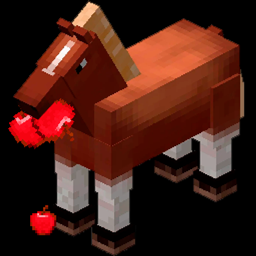
This datapach provides mechanic of losing hearths every ingame death. So there is maximum of 10 lifes. When you lose all of them you go into spectator mode.
Additionaly there are hearth exchange (for multiplayer) and a bunch of advancements. You can give away hearth by crafting together honey bottle, wooden sword and redstone dust. Then you drink it and get a Hearth flask and lose one hearth. Then when another player (or you) drink Hearth flask you get a hearth (with limit of 10 hearths).
❗ DISCLAIMER
This datapack is resource pack at the same time. So add it to your resource packs AND to datapacks when creating a world.
[🇷🇺 Русский]
Вы когда-нибудь хотели сыграть в псевдо-хардкор без ограничения в одну жизнь? Тогда этот дапак для вас.
Этот датапак предоставляет механику потери сердец при каждой смерти. В итоге у вас 10 жизней. Когда у вас их не остаётся, то вы переходите в режим наблюдателя (спектатора).
Дополнительно добавлены механика обмена сердец (для мультиплеера) и несколько достижений. Для обмена нужно создать Пустую сердечную колбу из бутылочки мёда, деревянного меча и редстоуна. После того как вы выпиваете её, то получаете Сердечную колбу и теряете одну из жизней. Другой игрок (или вы) может выпить заполненную колбу и получить сердце (до десяти сердец).
❗ ПРЕДУПРЕЖДЕНИЕ
Этот датапак также является и ресурспаком. Поэтому добавьте его И в свои ресурспаки, И при создании нового мира.