Badges update automatically and link to the data pack page on MineUniverse.
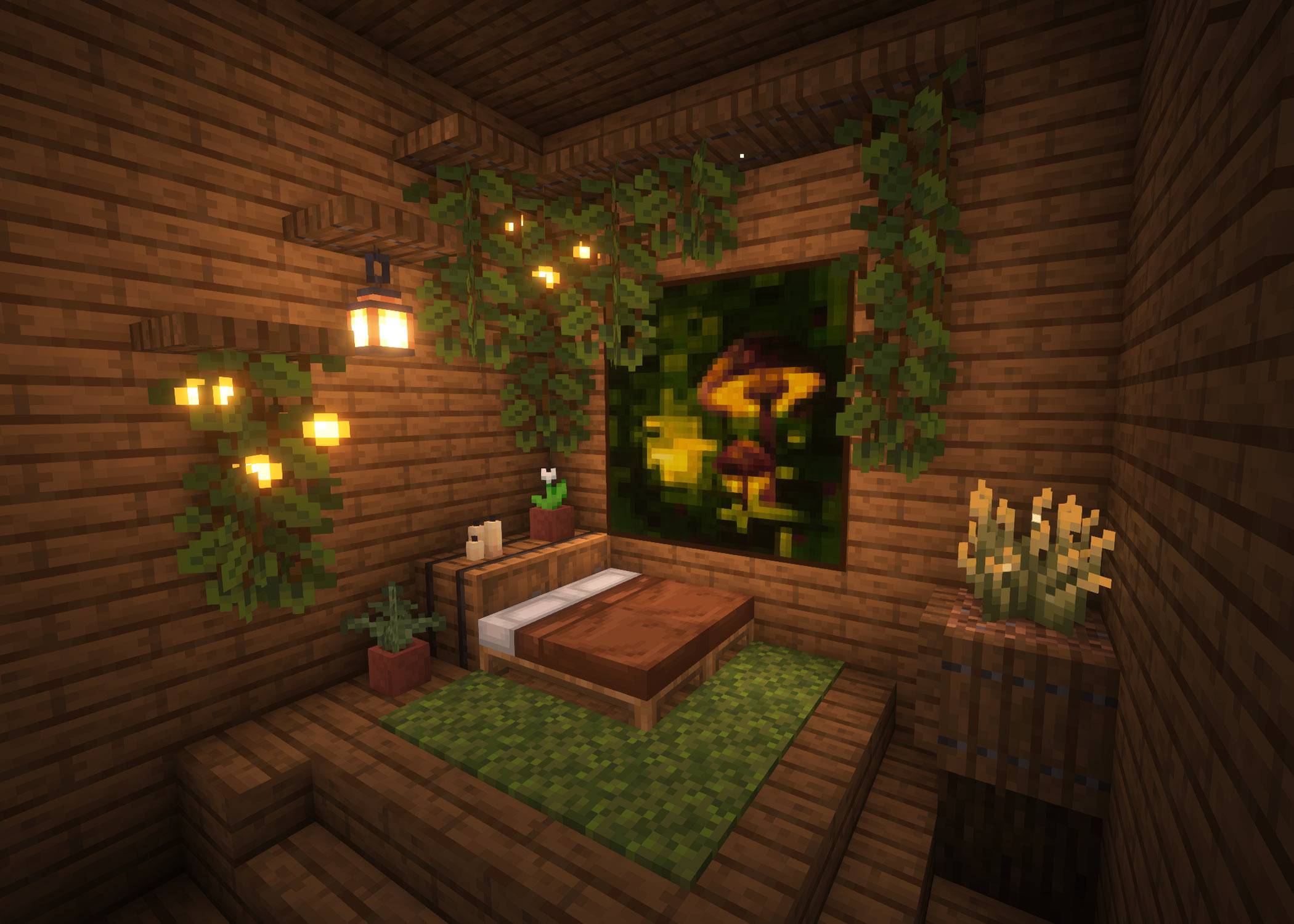
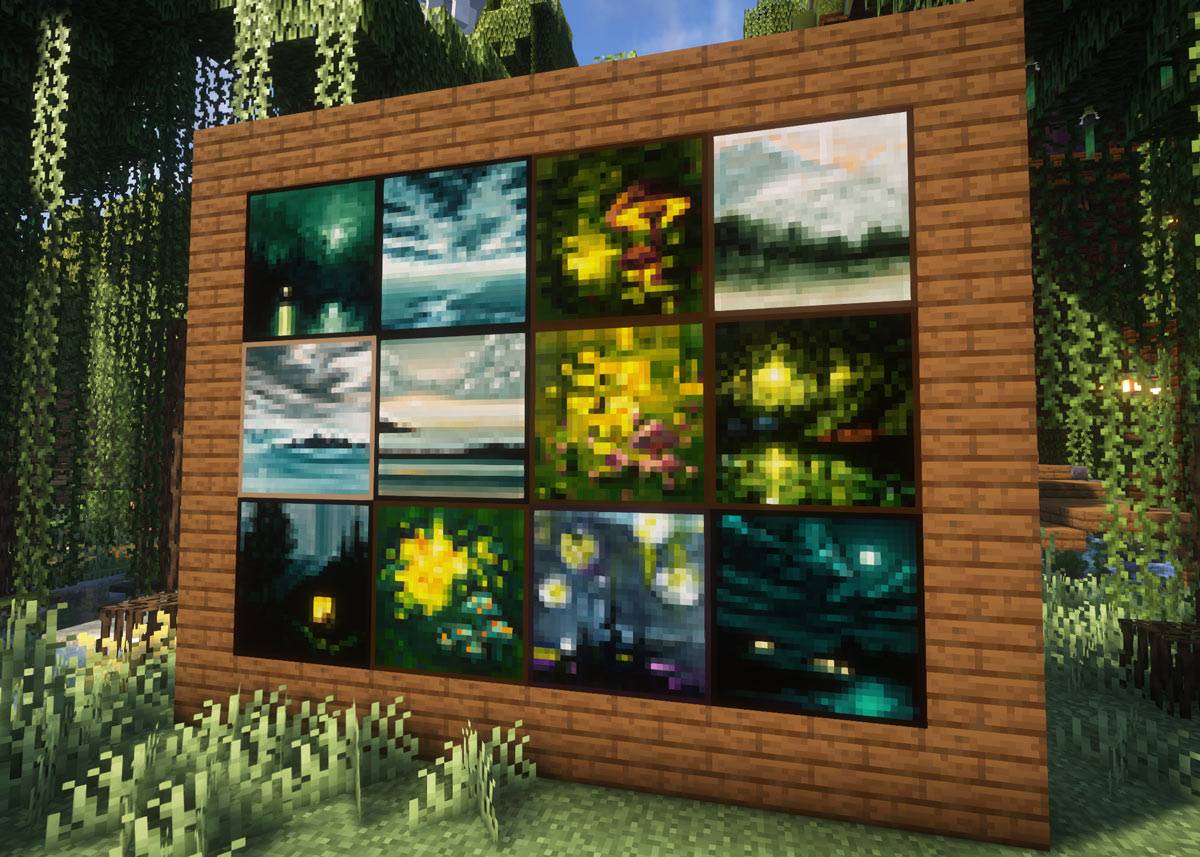
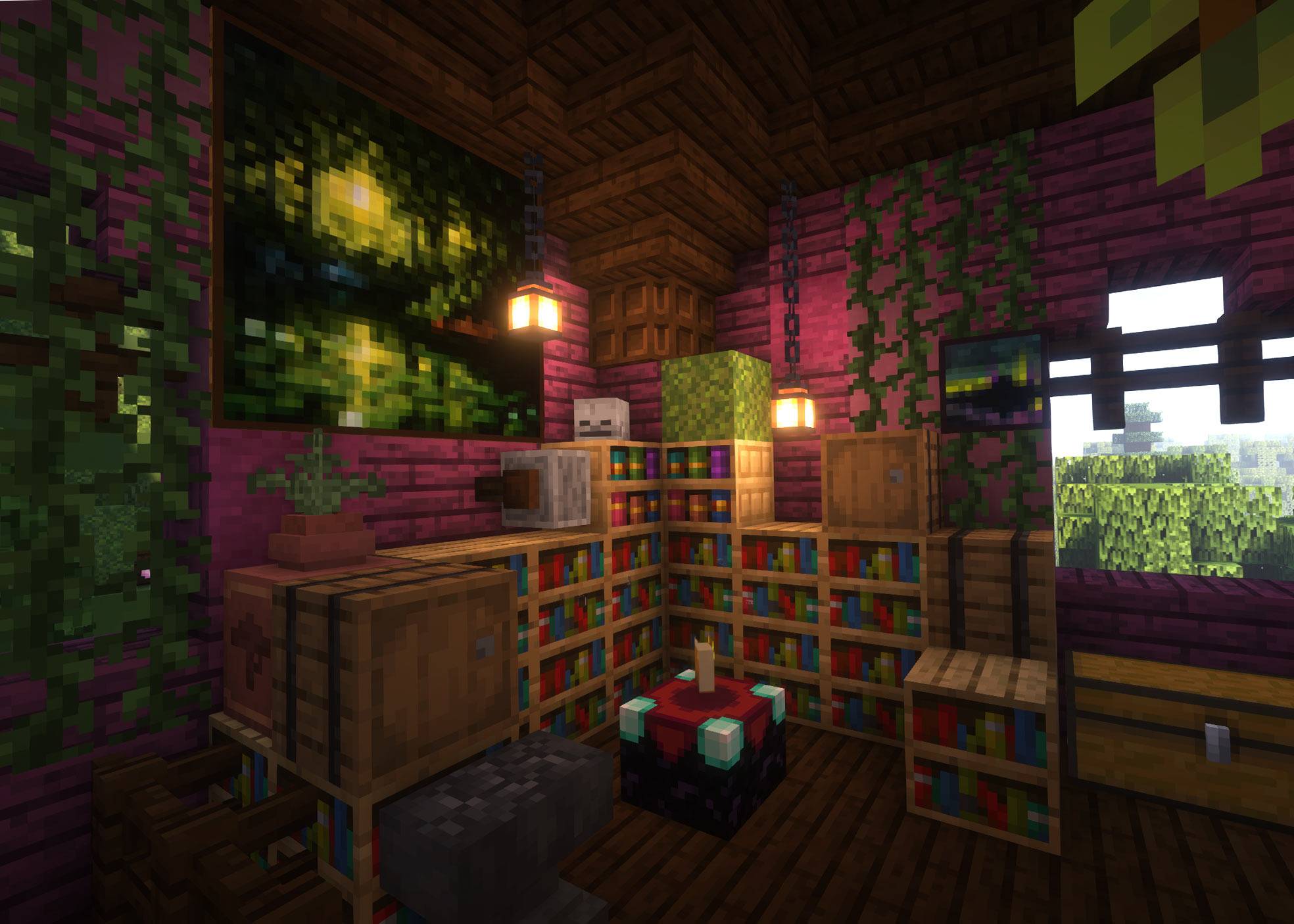
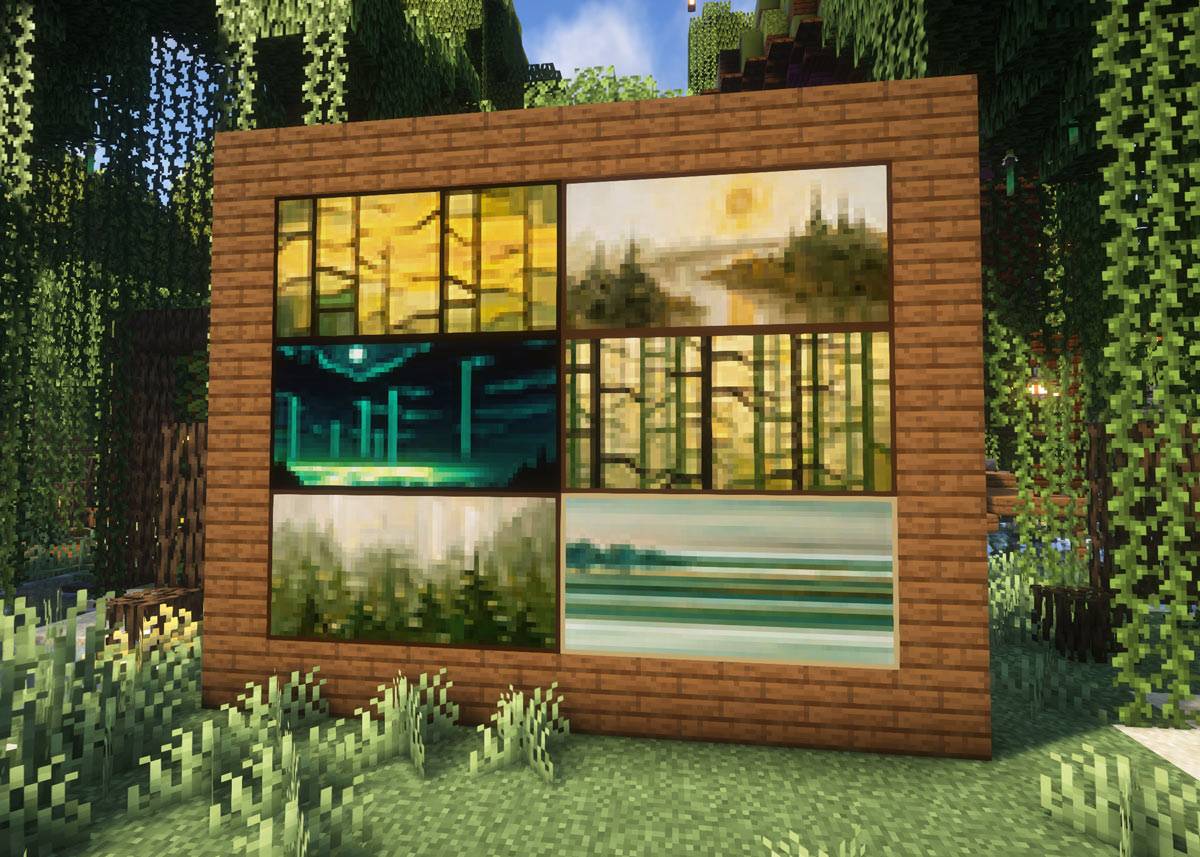
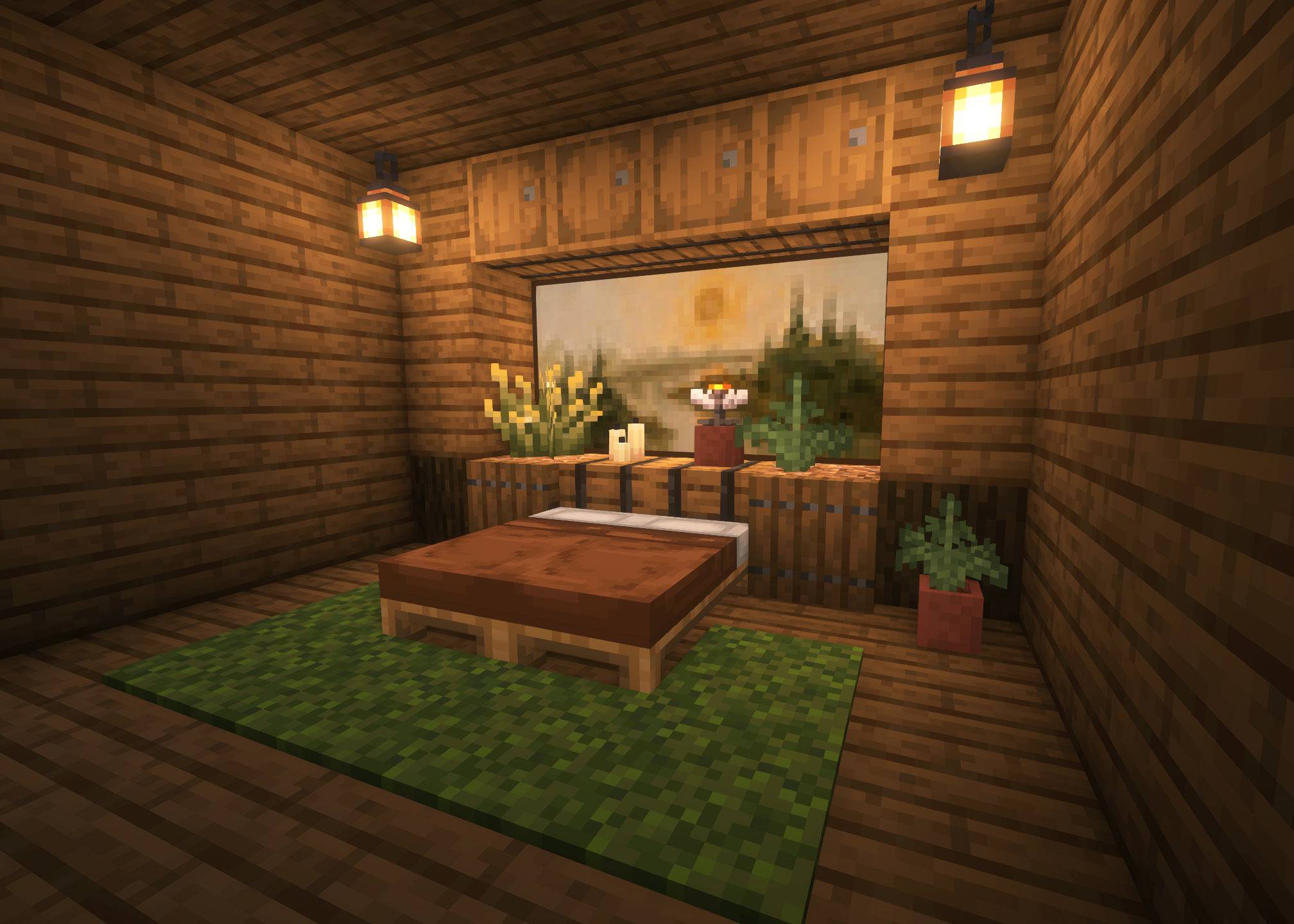
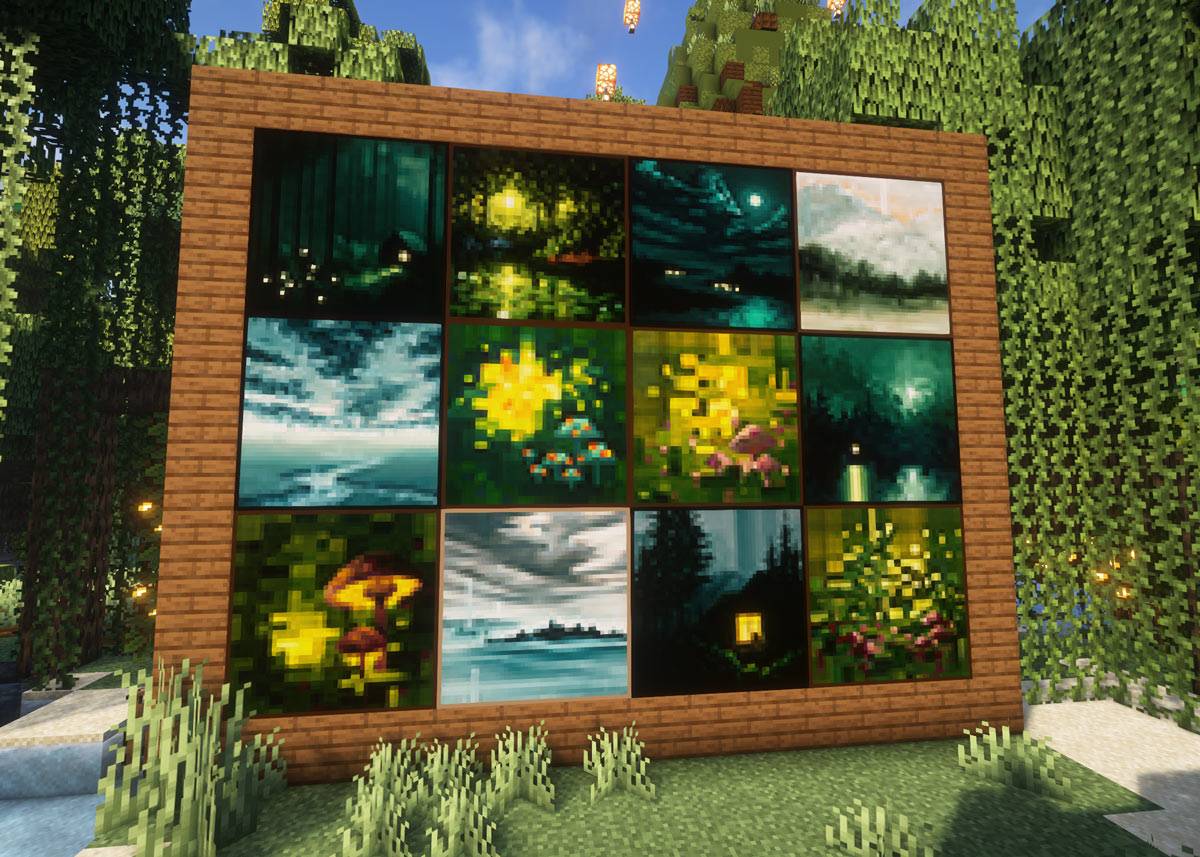
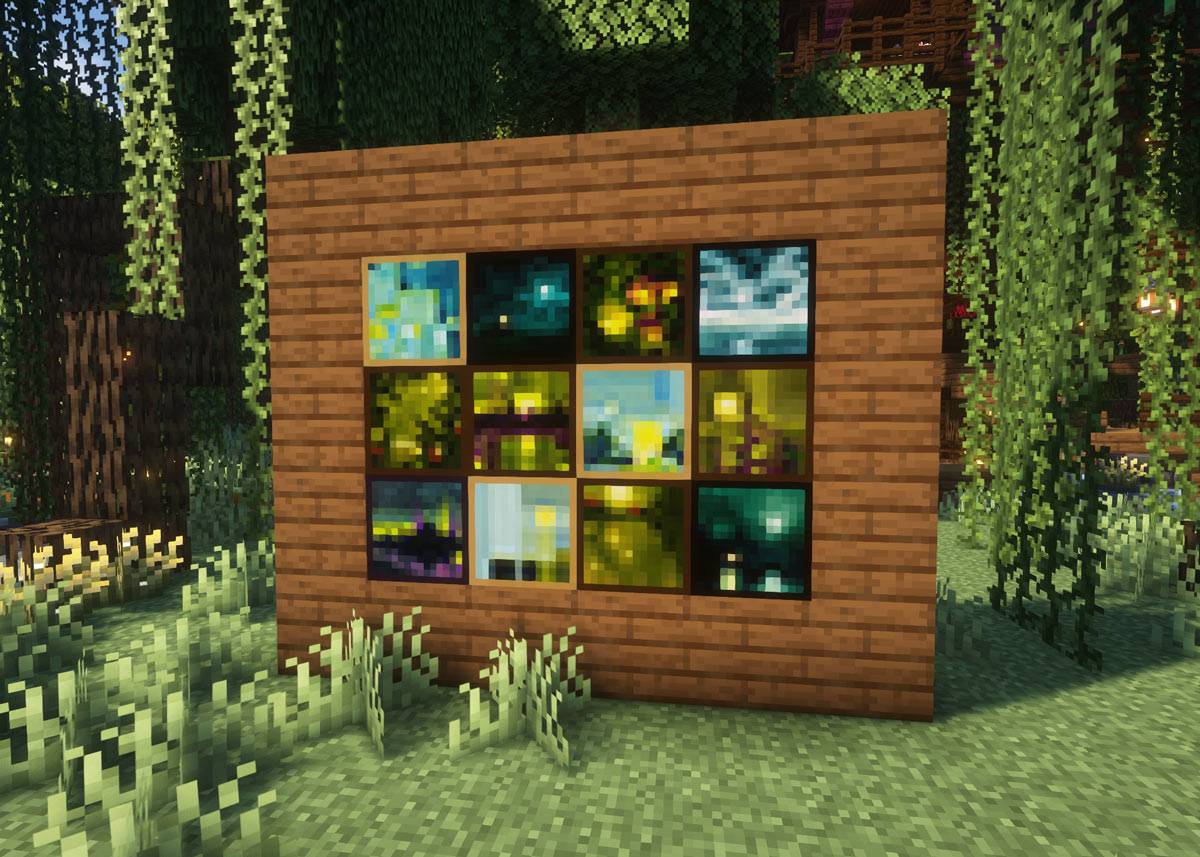
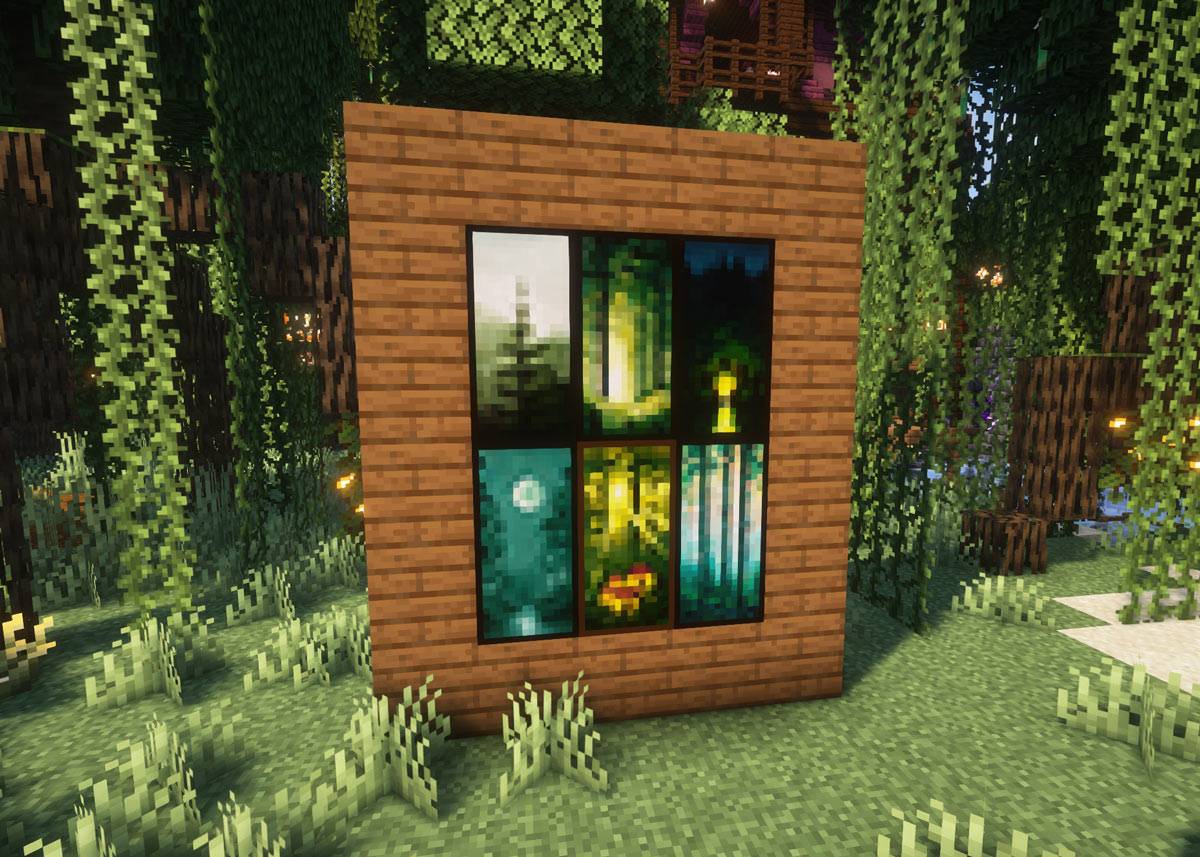
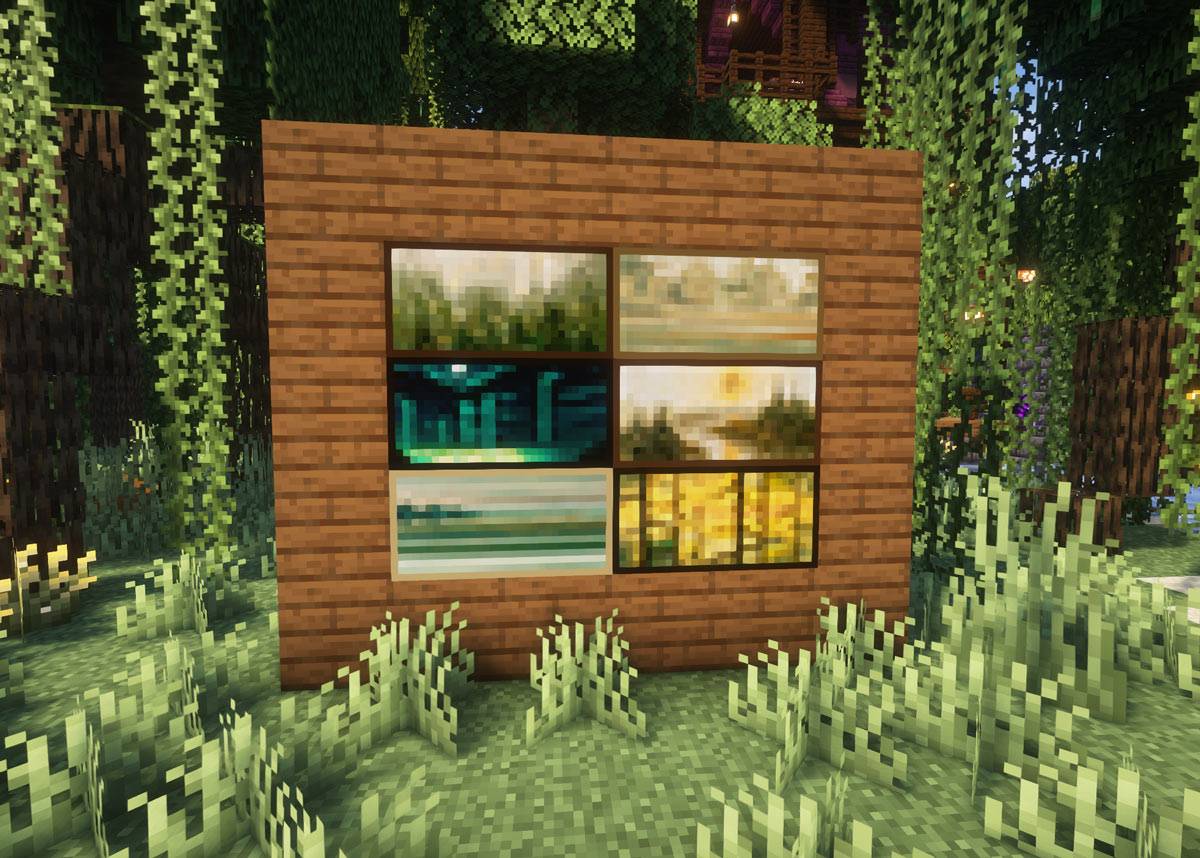
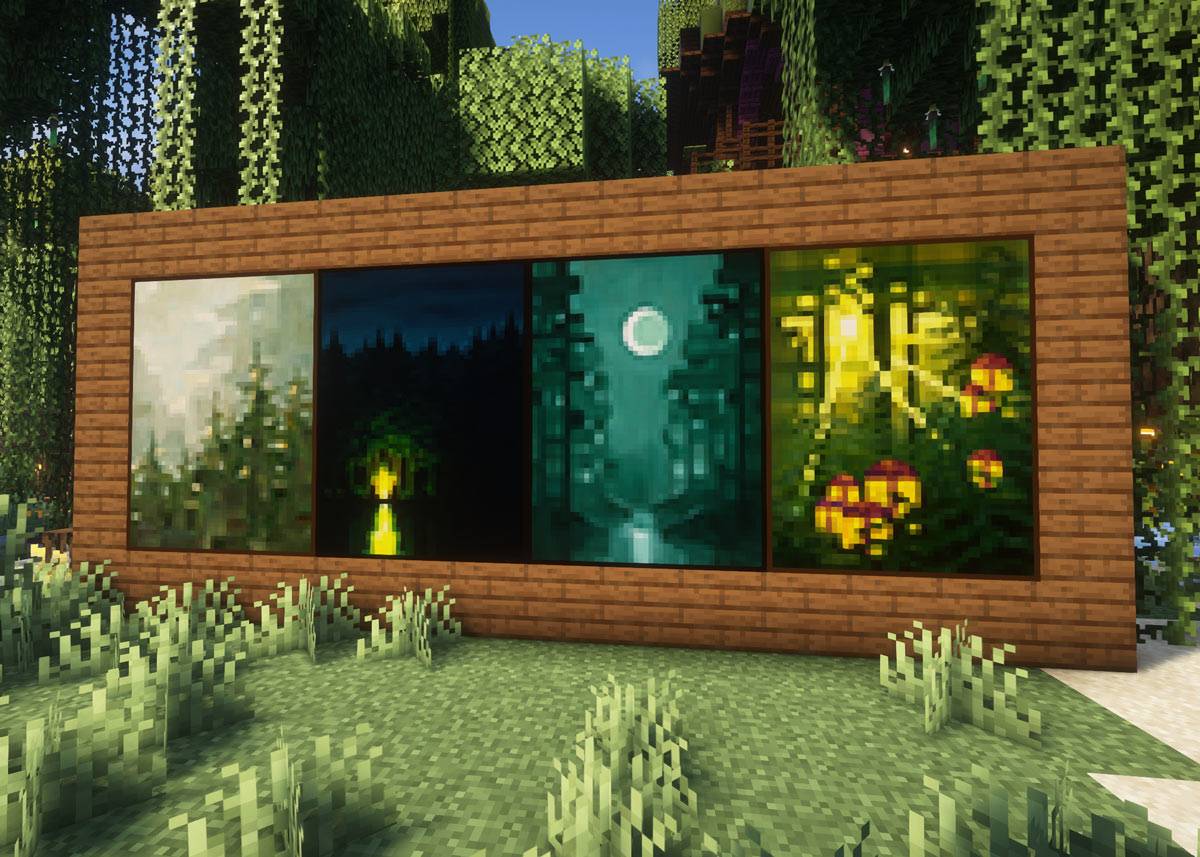
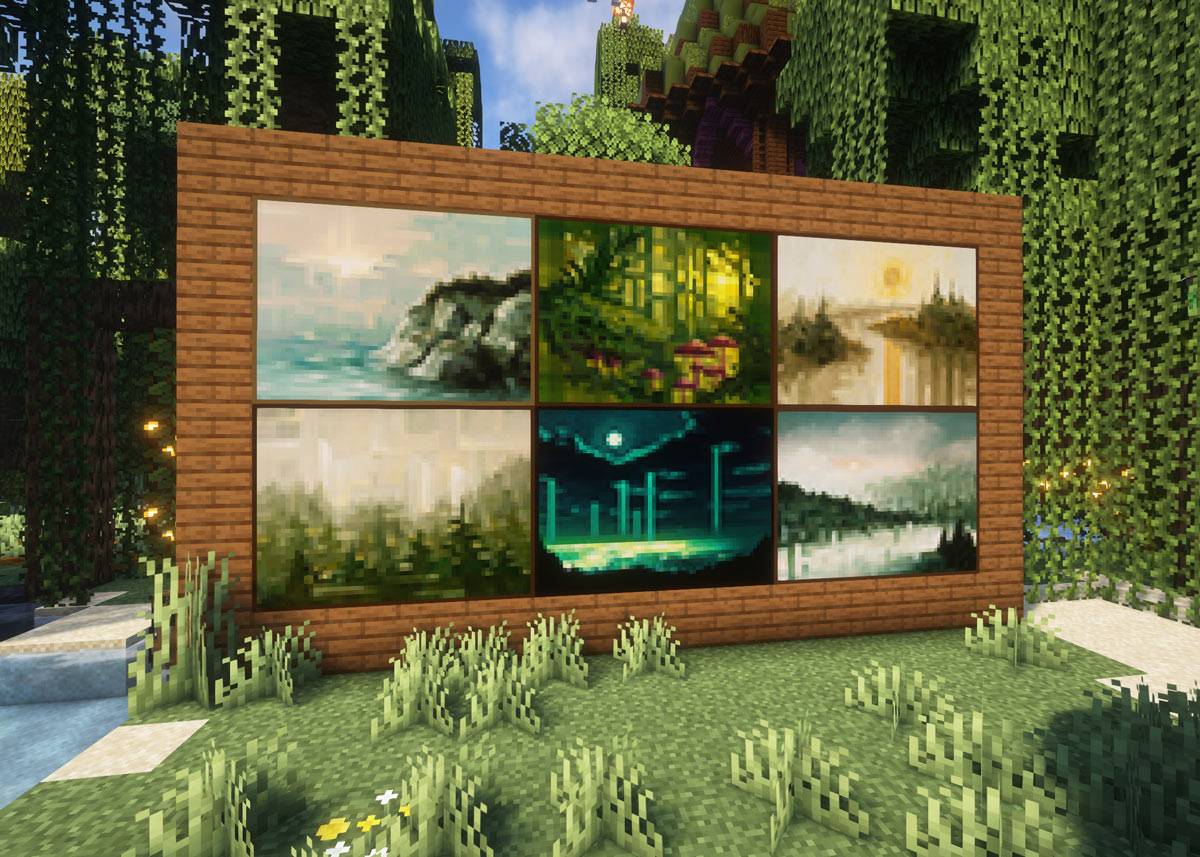
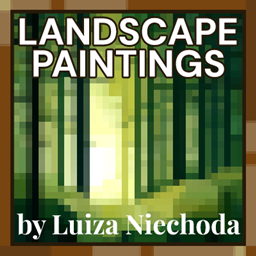
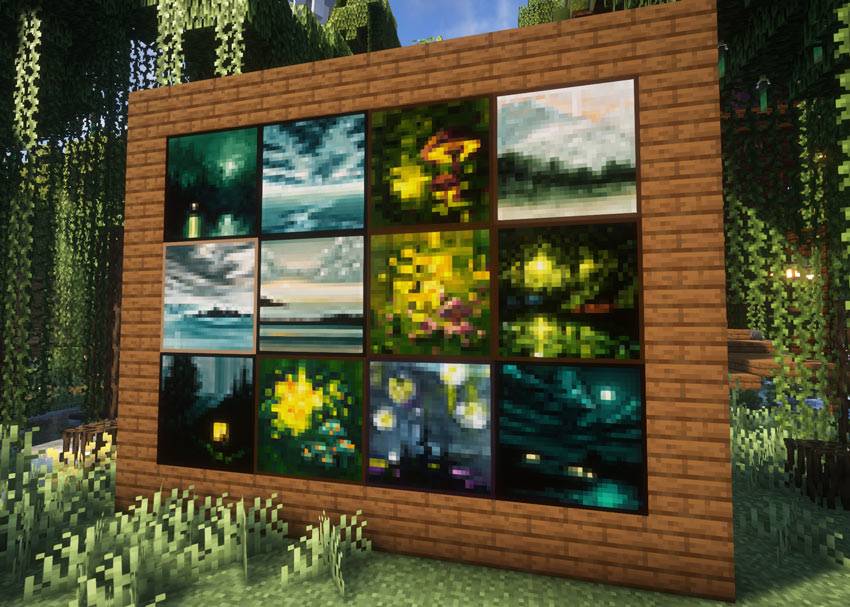
This datapack adds over 70 new painting variants to Minecraft, based on original artwork by Luiza Niechoda.
⚠️ Important: This datapack only defines the painting variants. To actually see the artworks, you also need the matching Resource Pack:
⏩ Luiza’s Paintings – Resource Pack ⏪
INSTALLATION
Datapack (painting variants)
1. Download `Luiza_Paintings_Datapack.zip`.
2. Copy it into your world’s datapacks folder.
- Singleplayer:
...\saves\<WorldName>\datapacks\
- Multiplayer server:
...\<ServerFolder>\<WorldName>\datapacks\
3. Restart your world.
USAGE
- Place a painting on a wall as usual.
- Minecraft will cycle through both vanilla and custom variants that fit the available wall space.
- To directly summon a specific painting (requires cheats or OP):
/summon painting ~ ~ ~ {variant:"luiza:<name>",facing:0b}
Example:
/summon painting ~ ~ ~ {variant:"luiza:moonbather_l",facing:2b}
COPYRIGHT
All paintings included in this pack are original artworks by Luiza Niechoda.
- You may install and use this pack for personal enjoyment.
- You may feature it in screenshots, streams, or videos (credit is appreciated).
- You may not redistribute, modify, or claim the artworks as your own.
- You may not sell or repackage the paintings in any form.
For commercial licensing or collaborations, please contact me by email: [email protected].
NOTES
- Tested on all Minecraft Java Edition 1.21.x versions.
- The pack uses 16×16 pixels per block for a classic Minecraft look.
- Maximum painting sizes supported: 4×4 blocks (64×64 px).
- Some of the paintings are available in multiple sizes, but may be cropped.
- If you only install one of the two packs, the paintings will appear as pink/black missing textures or not at all.