# 💥 Jericho Missile Datapack (Iron Man)
Bring Stark Industries' most iconic weapon to Minecraft! The **Jericho Missile Datapack** introduces a high-performance, multi-stage cluster artillery system designed to vaporize entire landscapes with maximum cinematic effect.
---
### 🚀 Key Features
* **Dispenser & Redstone Ready:** Fully automated firing support! Load them into Dispensers and connect Redstone clocks for continuous barrage attacks.
* **1-Tick Vector Guidance:** Advanced alignment engine ensures projectiles launch cleanly out of Dispensers without blowing up inside your launcher.
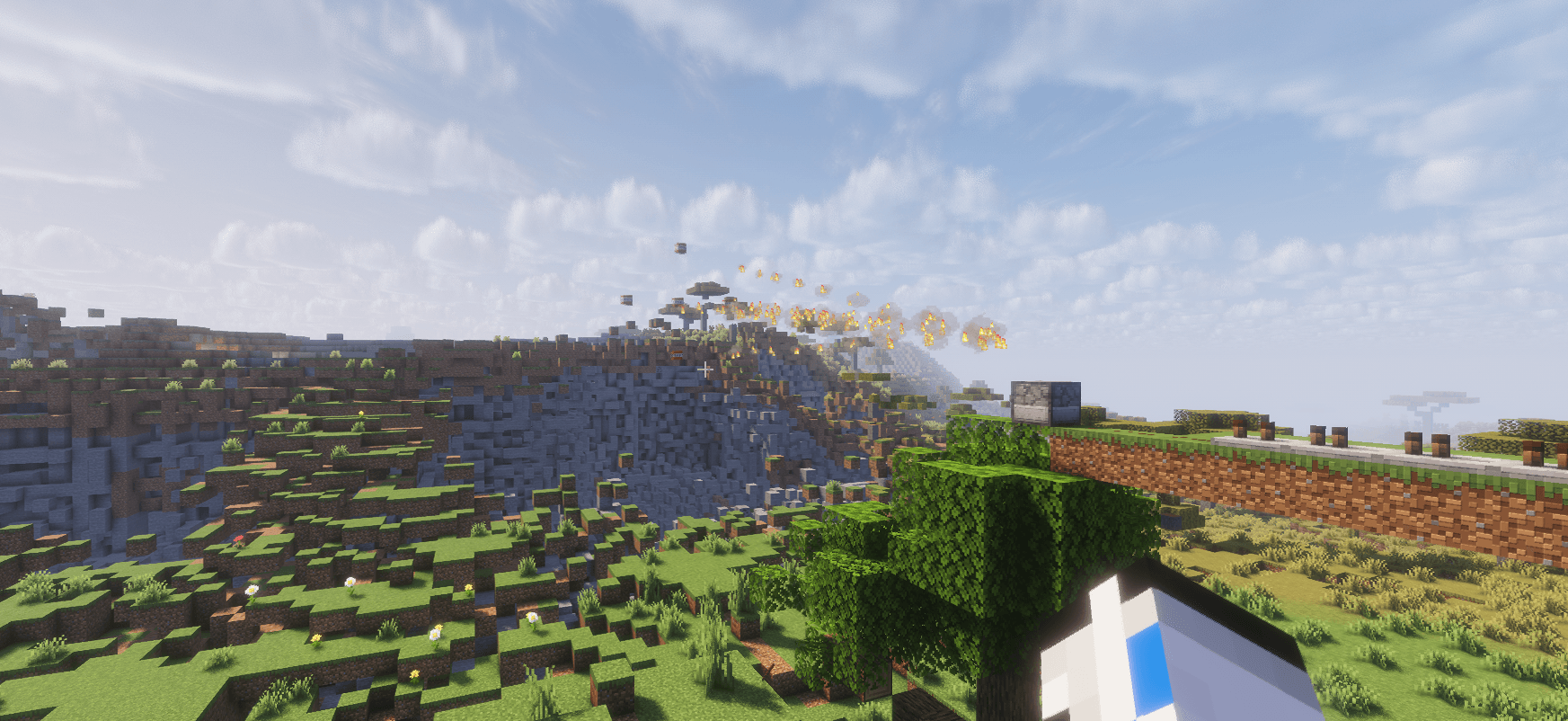
* **Cinematic Cluster Spread:** Splits into 4 visual cluster warheads mid-flight to recreate the legendary movie aesthetics.
* **Water-Vaporization Logic:** Automatically clears water blocks right before impact to guarantee complete terrain destruction in aquatic environments.
* **Nuclear Blast Radius:** Multi-stage chain explosions powered by heavy custom radii ($ExplosionRadius: 120$).
---
### 🛠️ How to Obtain & Fire
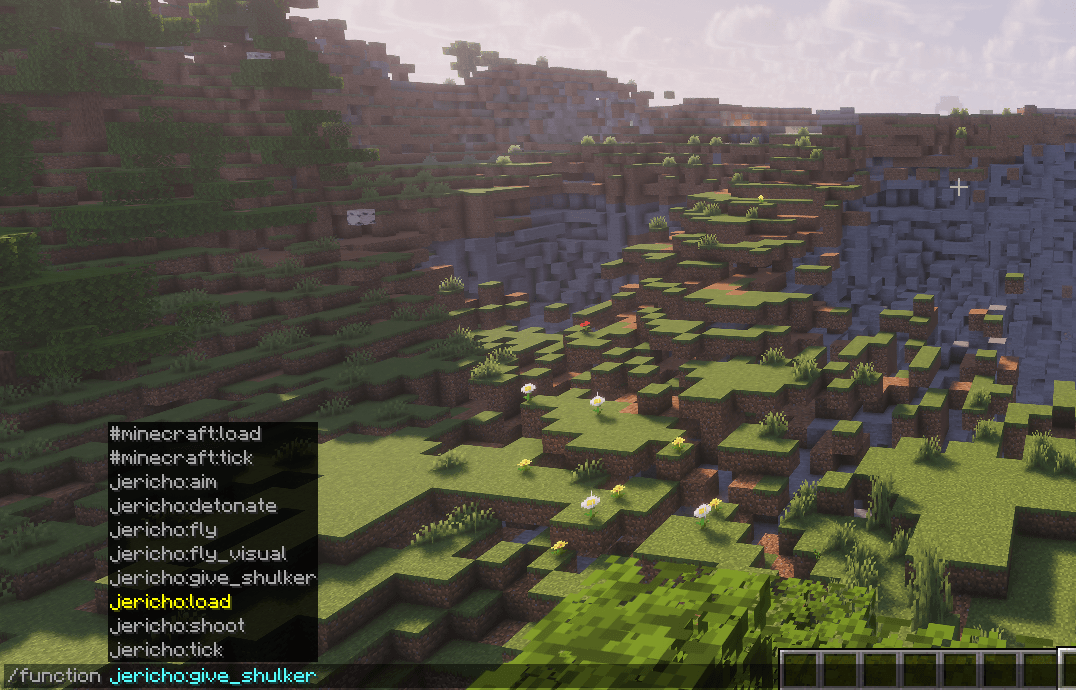
1. Run `/function jericho:give_shulker` to get a Shulker Box filled with **Jericho Missiles**.
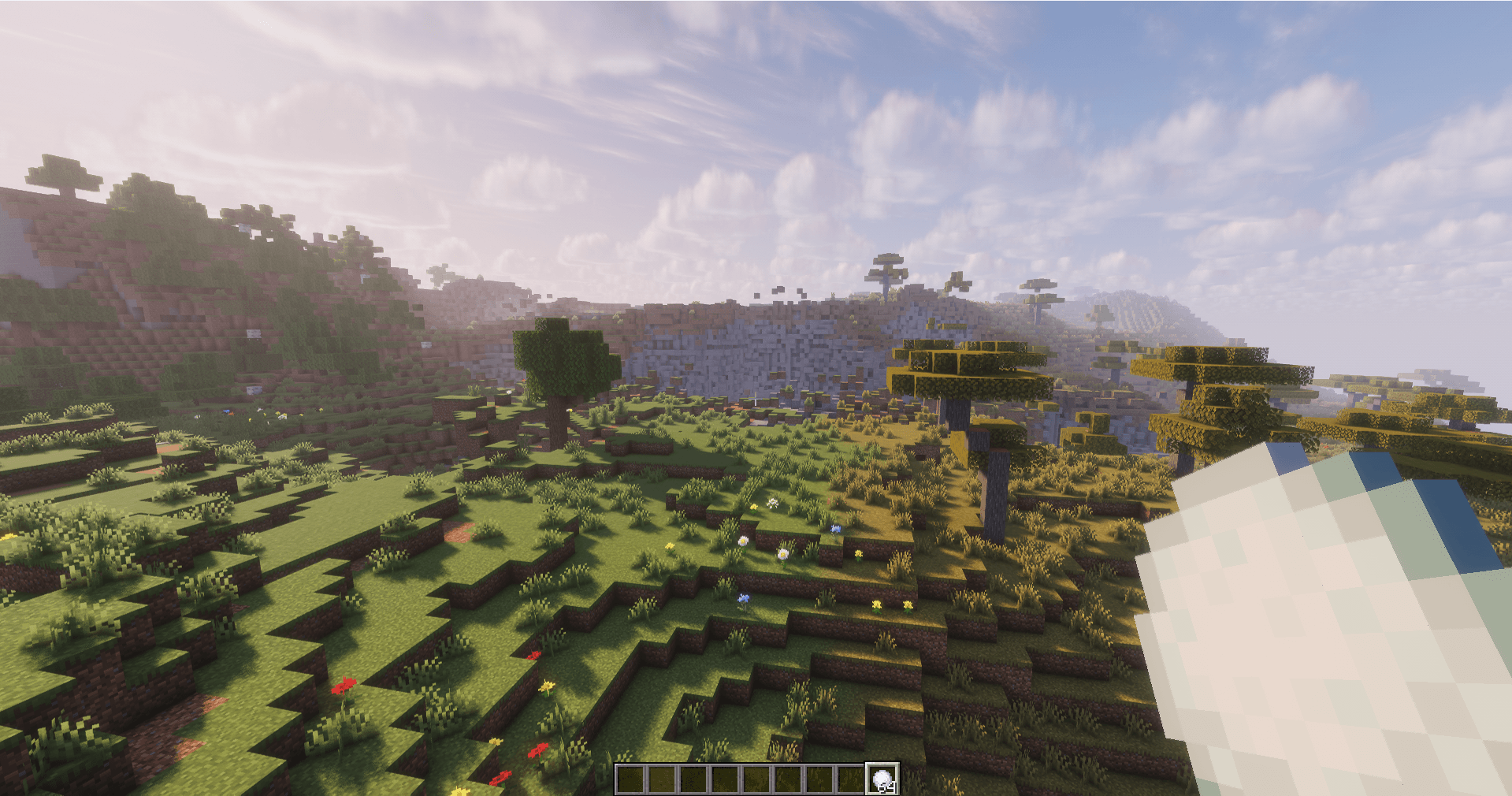
2. **Hand Launch:** Throw the ammo item directly to fire towards your crosshair.
3. **Automated Battery:** Place ammo into a **Dispenser** and trigger it with Redstone.
---
### 📦 Installation
1. Download the `.zip` file.
2. Drop it into your world's `datapacks` folder (`.minecraft/saves/<world_name>/datapacks/`).
3. Run `/reload` in-game to activate.