Mineuniverse
Data Packs
Immersive Info Signs F/A

Immersive Info Signs F/A

DATA PACK
Immersive Paintings datapack for your Fossils and Archeology needs! Give your guests a little infographic sign for each enclosure!
by D3V1LKITTEN
Download Claim this project
Add a badge to your pageLink to Immersive Info Signs F/A from a README, website or forum post.
Preview: Badge

Badges update automatically and link to the data pack page on MineUniverse.

104 downloads
0 likes
0 followers
Updated Oct 14, 2026
0 hypes
Follow0
Miscellaneous
Advertisement Remove ads with Premium →

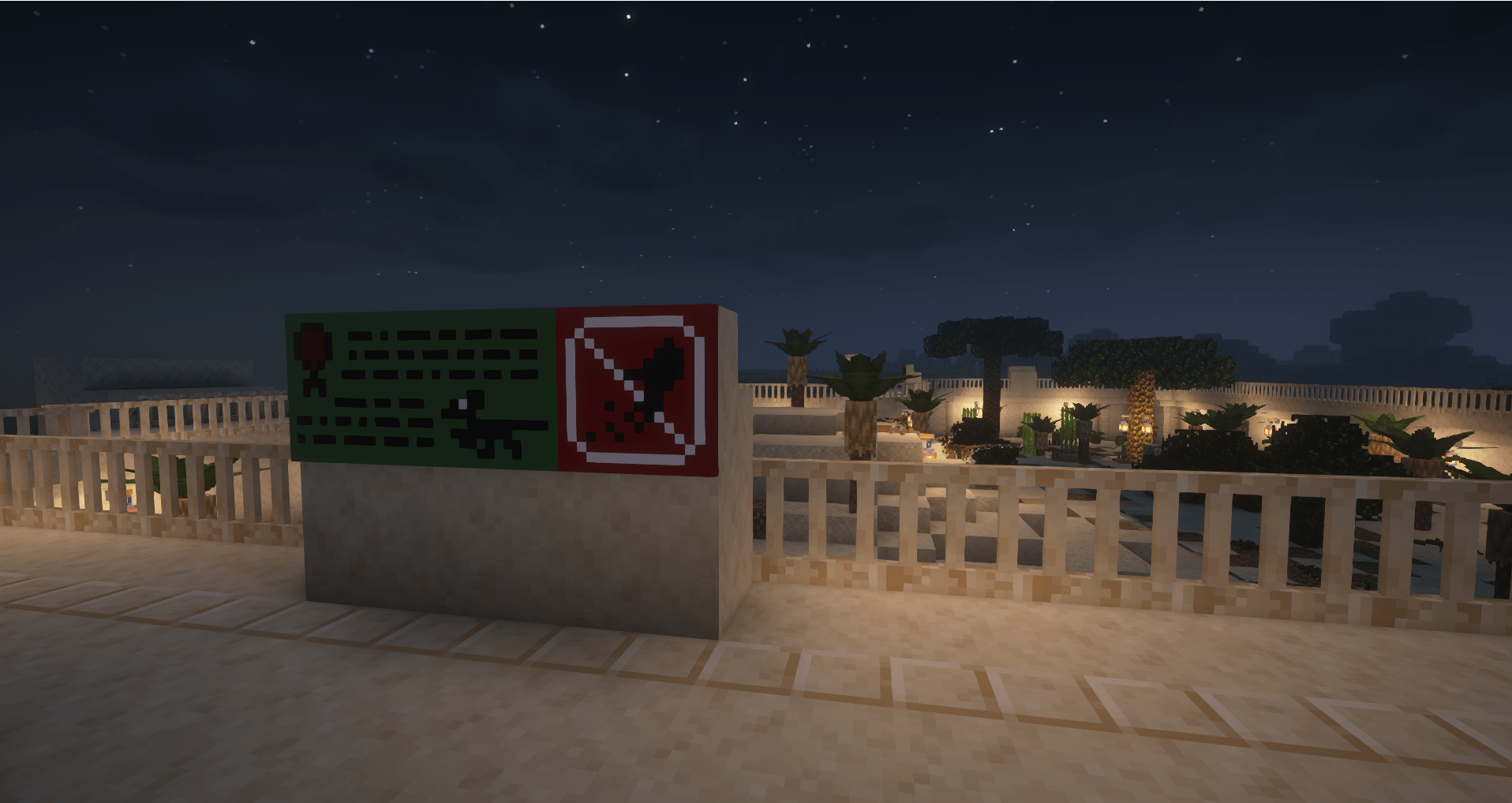
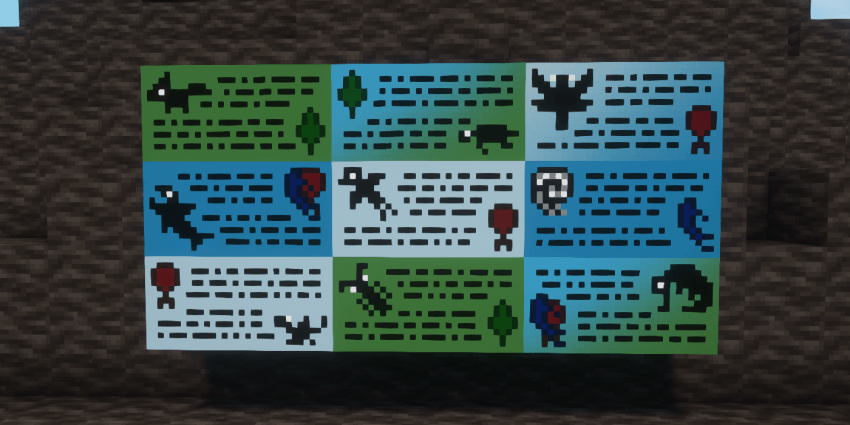
Simple infographic signs for Fossils and Archeology, using Immersive Paintings to bring some valuable decorations for everyone's parks!
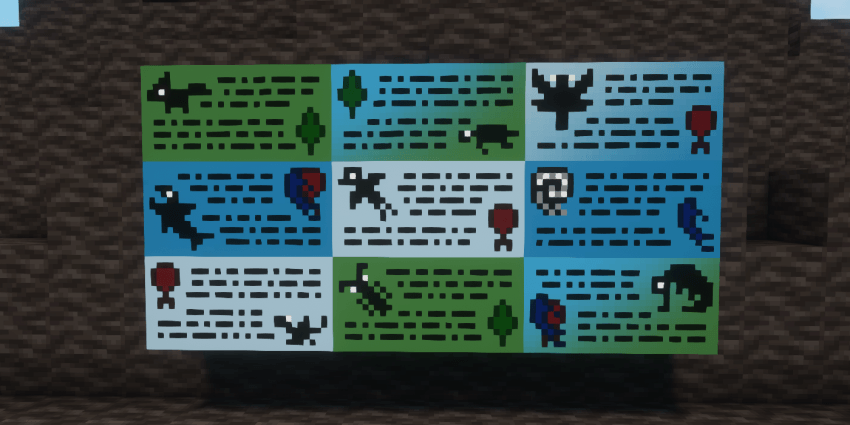
Above are some examples. May be updated in the future alongside F/A.

As of 1.1, there is a total of 128 signs for your park's needs!


HOW TO USE:

  1. Place the .ZIP in your datapacks folder for a world
  2. Open the world with that datapack in it
  3. Right click once with an Immersive Painting to place
  4. Right click the placed painting to configure it into the painting you want


REQUIREMENTS:

Immersive Paintings

FossilSigns1.1.zip
MC 1.18.2
Release 2025-02-10 Get
FossilSigns-1.0.zip
MC 1.18.2
Release 2025-02-09 Get

Requirements & install

How to use this data pack in Minecraft
Mods needed
None, works in vanilla
Minecraft
1.18.2
Install folder
saves/<world>/datapacks

How to install data packs

  1. Download the data pack .zip file (do not extract it).
  2. New world: click Data Packs on the world creation screen and drop the .zip in. Existing world: open .minecraft/saves/<world>/datapacks.
  3. Put the .zip into the datapacks folder of the world (servers: world/datapacks).
  4. Run /reload in game (or rejoin the world) and check it with /datapack list.
Browse more: Data Packs for 1.18.2 All data packs

More from D3V1LKITTEN

Advertisement Remove ads with Premium →

You Might Also Like