Mineuniverse
Data Packs
Hostile Neural Networks: Extra Data Models

Hostile Neural Networks: Extra Data Models

DATA PACK
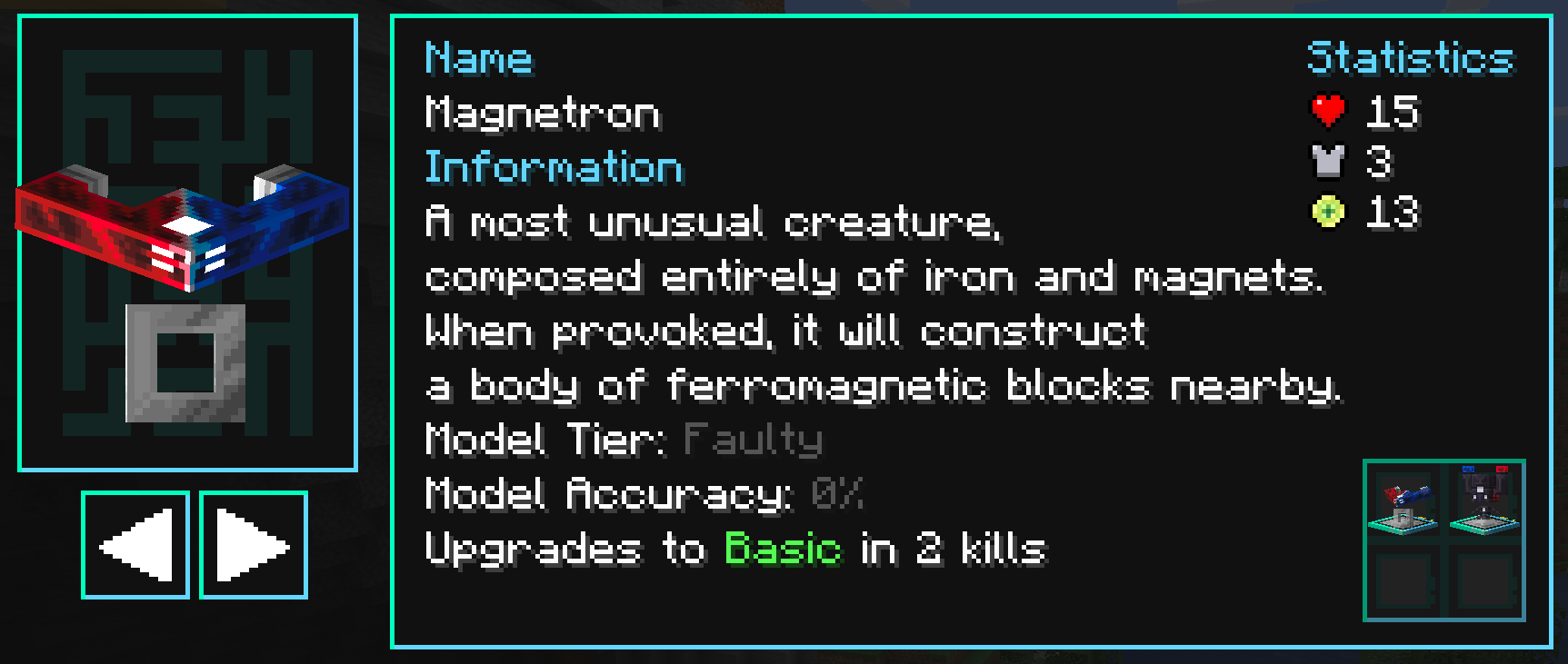
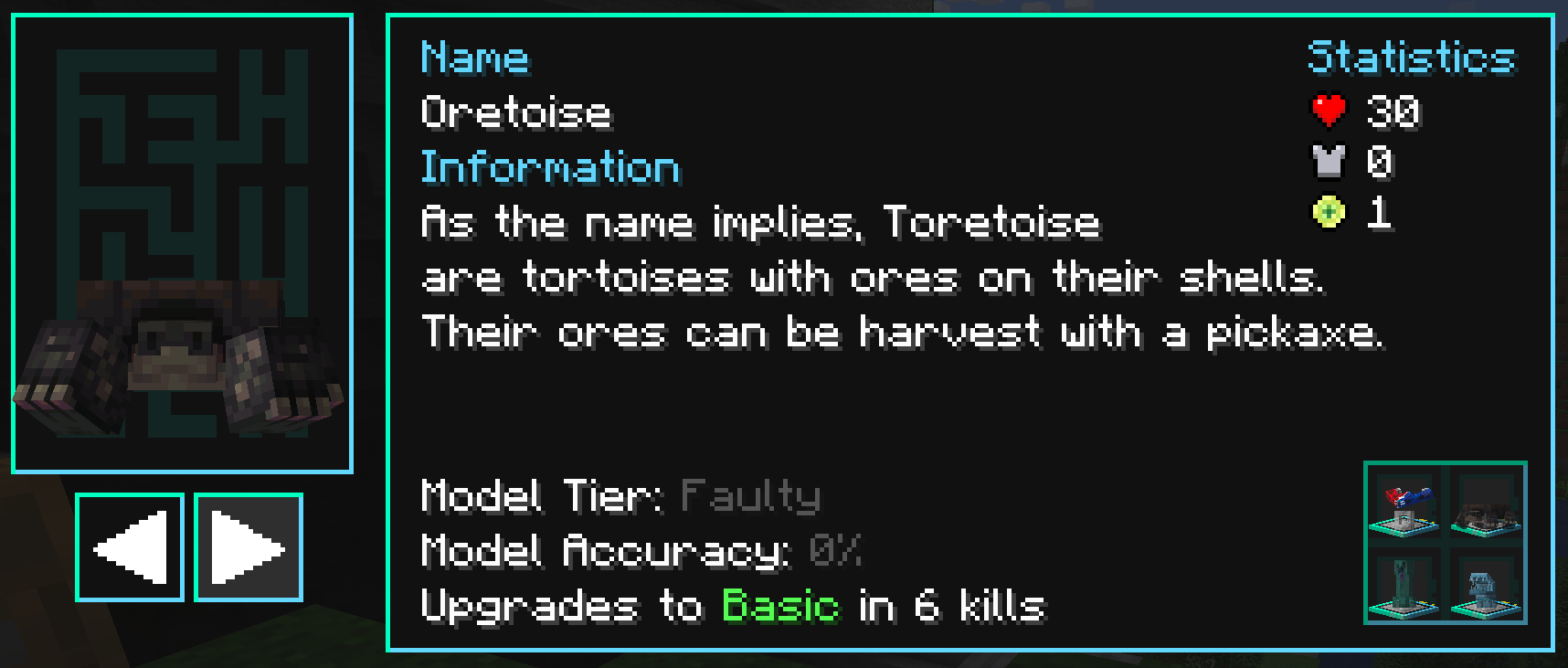
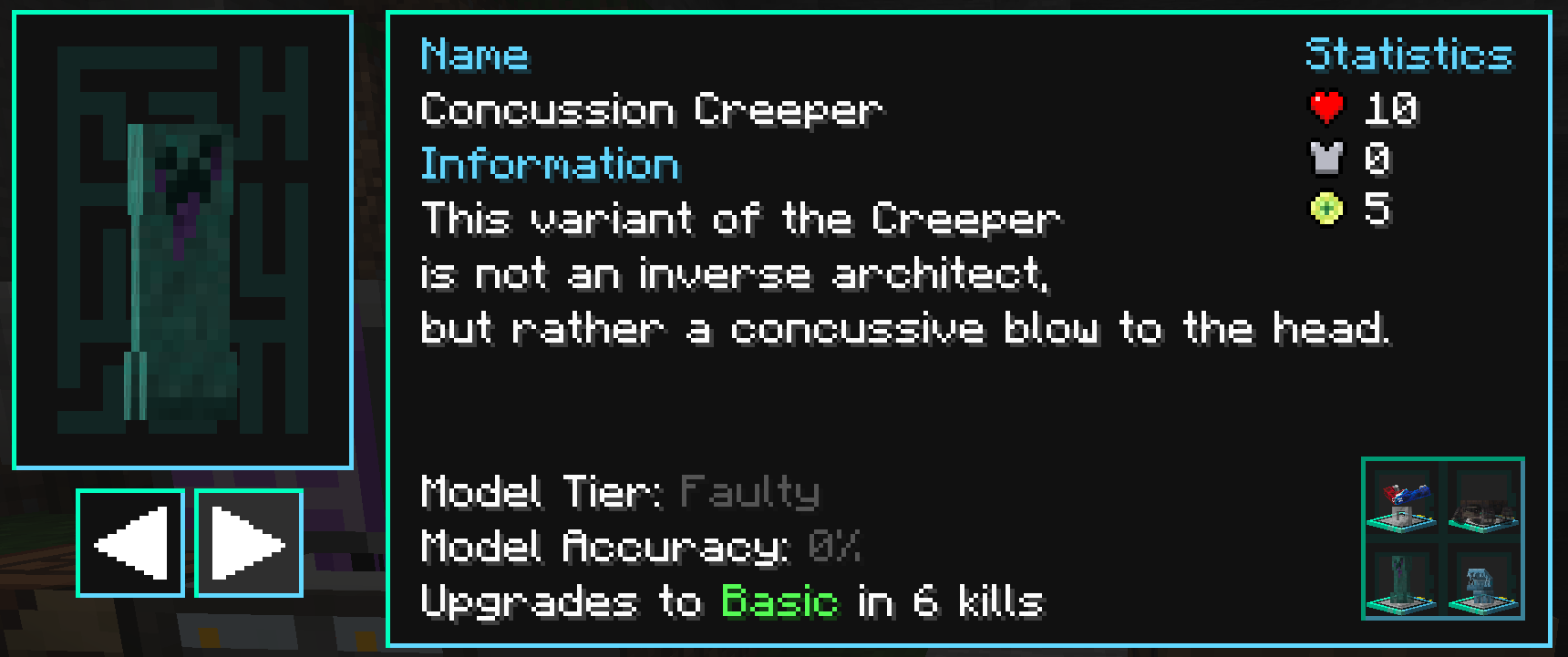
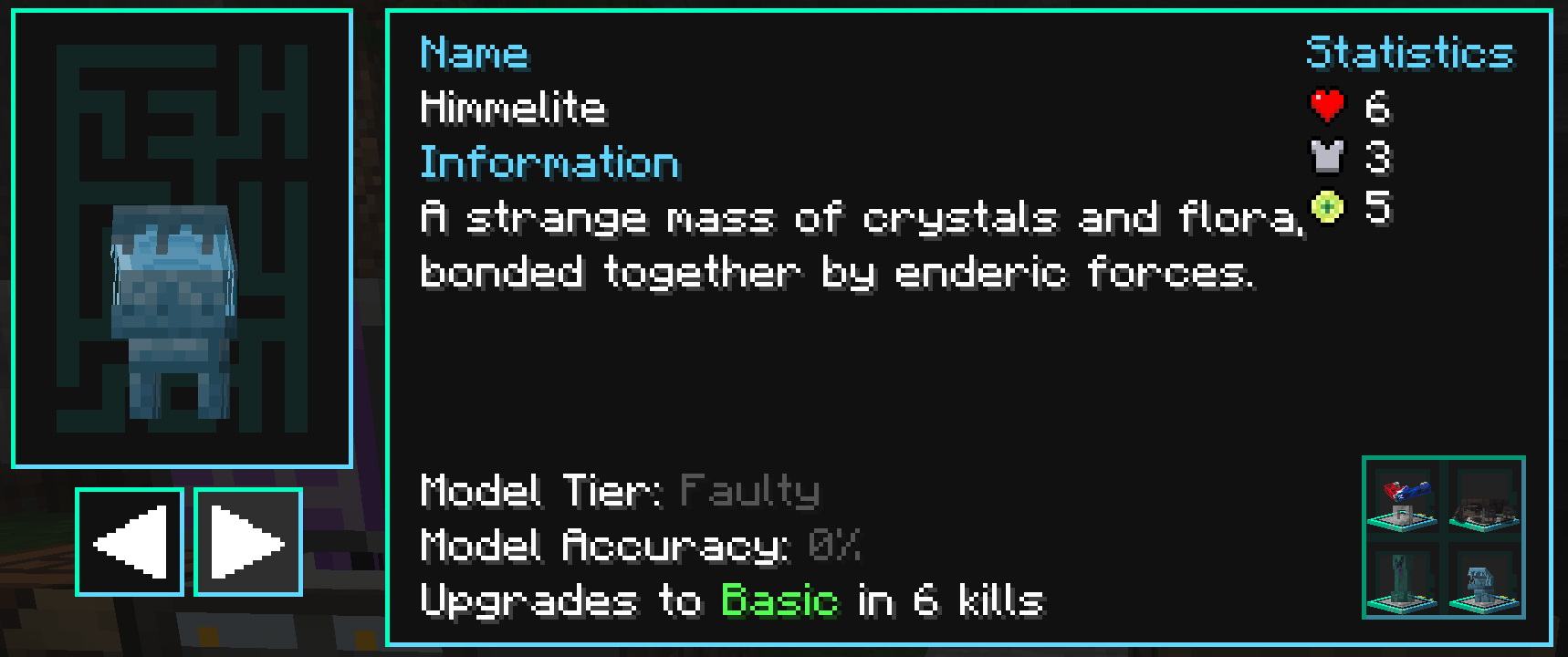
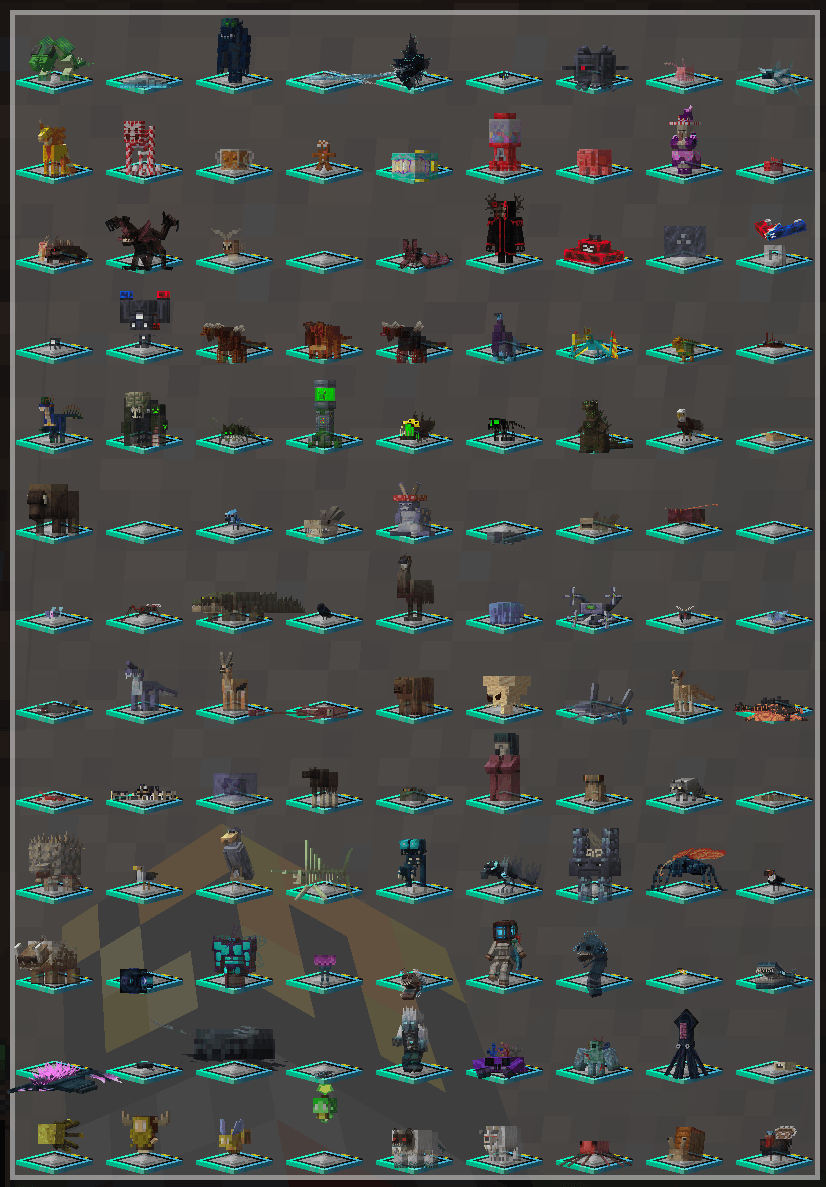
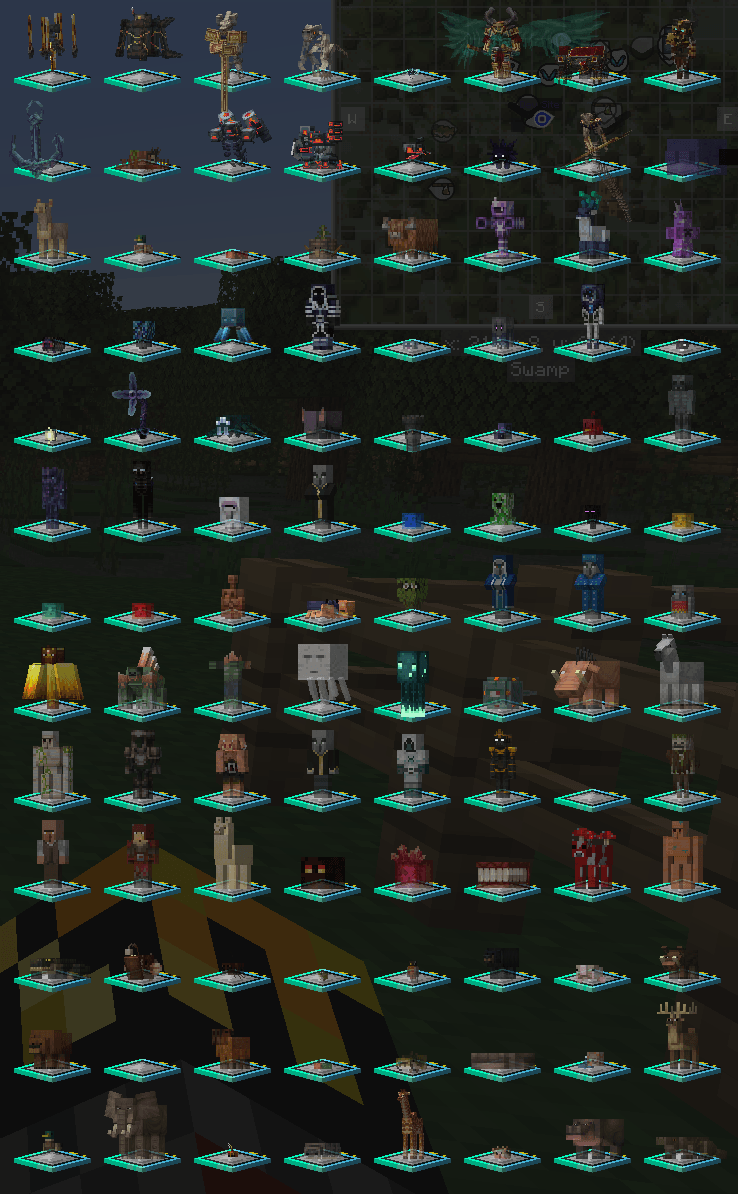
Adds Data Models and fabricator loot for mobs from over 50 mods.
by vizthex
Download Claim this project
1,962,284 downloads
0 likes
Updated Oct 14, 2026
0 hypes
Fantasy Miscellaneous Mod Support Tech Utility
Advertisement Remove ads with Premium →

Trivia for all of them (the paragraph of text that appear in the Deep Learner) is in the resource pack!

This datapack adds more Data Models to Hostile Neural Networks and tweaks some of the existing ones.

There's a good chunk of mod support (full list can be viewed here, with a basic overview below), and you can suggest more on the issue tracker or discord server.

Designed for my Hi-Tech Revolution modpack.

  Suggest mods I should add support for in the comments, on the issue tracker, or on the Discord!

Enjoy the pack? Send me a dollar or two on Ko-Fi or Patreon!


Note: Since I made this for a 1.20 modpack, I'll start adding support starting on that version (but will still (back)port any changes I make - they just might take a bit longer to release).


Installation Instructions

1) After downloading the datapack, get Open Loader. If you want the trivia entries, download the latest version of the resource pack as well

2) Place the datapack into config/openloader/data

3) Optional: Enable the trivia pack in the game's settings. If you downloaded it manually, you can place it into config/openloader/resources and it will auto-enable itself.

4) Optional: Load your world and check one of the models from the datapack to view its trivia entry. If the datapack isn't loaded, this resource pack won't do anything!

5) When updating the datapack, repeat step 2 - just override the .zip with the new one and it'll update everything. Same applies for manually updating the resource pack.

If you downloaded the trivia pack through a launcher, just enable it in-game (and make sure it's enabled by default if you plan to publish your modpack)


1.21

There are two ways to install this pack: Using Open Loader and the CurseForge App (other launchers might work, but I don't use them so idk) or by using Paxi.

Paxi is the preferred method since it works like Open Loader did on 1.20 & earlier. Open Loader's devs changed the way packs are loaded and neglected to update either project page lol, so idk how it works now.


Paxi

1) Download the mod and datapack

2) Place the datapack into config\paxi\datapacks

3) When updating the datapack, repeat step 2 - just override the .zip with the new one and it'll update everything. Same applies for manually updating the resource pack.

4) Optional: Enable the trivia pack in the game's settings. If you downloaded it manually, you can place it into config/paxi/resourcepacks and it will auto-enable itself.

5) Optional: Load your world and check one of the models from the datapack to view its trivia entry. If the datapack isn't loaded, this resource pack won't do anything!

If you downloaded the trivia pack through a launcher, just enable it in-game (and make sure it's enabled by default if you plan to publish your modpack)


Open Loader

1) Make sure the CurseForge App is installed. Other launchers should work if they have a section to download datapacks, though - that's the important part for this.

2) Download the mod, and in the instance for the modpack download the datapack (you can just search for vizthex to quickly find it, or copy & paste the project ID off of the CF page)

3) If you're using another launcher, make sure Open Loader's config file is set to load packs from wherever it's installed. It should just use vanilla's datapacks folder, which it covers by default - but if not, you'll have to add it yourself.

4) Optional: Enable the trivia pack in the game's settings. If you downloaded it manually, you can place it into wherever Open Loader stores stuff now (they forgot to update the CF page and tell us lol) and it should auto-enable itself.

5) Optional: Load your world and check one of the models from the datapack to view its trivia entry. If the datapack isn't loaded, this resource pack won't do anything!

If you downloaded the trivia pack through a launcher, just enable it in-game (and make sure it's enabled by default if you plan to publish your modpack)

undefined

Mod Support

Mod support only loads in if the mod(s) are also loaded into the game, so you don't need to install all of these mods.

For a table of supported versions, head here.

Note: Most Ad Astra mobs are variants due to the lack of drops. Martian Raptors only give items from Thermal Expansion and/or Alex's Caves if either mod is installed.

 

Changes to Default Models

  • Several modded enemies are now variants for some default models (if the supported mod is loaded, of course)
  • A few models now support some modded drops (such as the Ender Dragon). For a full list, you can view the source files.
  • Adds a model for Salmon, Tropical Fish, Pufferfish, Skeleton Horses, Zombie Horses, and more!
  • Adds Eggs to the Chicken's fabricator drops
  • Adds Dragon Scales & more to the Ender Dragon's fabricator drops
  • Adds Glow Squid Tentacles to Glow Squids' fabricator drops
  • Adds Hoglin Meat & Hides to Hoglin' fabricator drops (I recommend removing the default loot if you've got the mod installed).
  • Adds Alpha Roses to Iron Golems' fabricator drops
  • Removes Slime Blocks from the Slimes' fabricator drops
Extra Data Models v4.4.2
MC 1.21.1
Release 2026-08-14 Get
Extra Data Models v3.12.2
MC 1.20.1
Release 2026-08-09 Get
Extra Data Models v4.4.1
MC 1.21.1
Release 2026-08-05 Get
Extra Data Models v3.12.1
MC 1.20.1
Release 2026-08-04 Get
Extra Data Models v4.4
MC 1.21.1
Release 2026-08-04 Get
Extra Data Models v2.3
MC 1.19.2
Release 2026-07-30 Get
Extra Data Models v3.12
MC 1.20.1
Release 2026-07-30 Get
Extra Data Models v1.4
MC 1.18.1, 1.18.2
Release 2026-07-29 Get
Extra Data Models v3.11
MC 1.20.1
Release 2026-02-18 Get
Extra Data Models v3.10.3
MC 1.20.1
Release 2026-02-08 Get
Extra Data Models v3.10.2
MC 1.20.1
Release 2025-12-30 Get
Extra Data Models v4.3
MC 1.21.1
Release 2025-12-27 Get
Extra Data Models v2.2.2
MC 1.19.2
Release 2025-12-20 Get
Extra Data Models v3.10.1
MC 1.20.1
Release 2025-12-20 Get
Extra Data Models v1.3.1
MC 1.18.1, 1.18.2
Release 2025-12-19 Get
Extra Data Models v2.2.1
MC 1.19.2
Release 2025-12-18 Get
Extra Data Models v1.3
MC 1.18.1, 1.18.2
Release 2025-12-18 Get
Extra Data Models v2.2
MC 1.19.2
Release 2025-12-16 Get
Extra Data Models v3.10
MC 1.20.1
Release 2025-12-11 Get
Extra Data Models v4.2.3
MC 1.21.1
Release 2025-11-25 Get
Extra Data Models v4.2.2
MC 1.21.1
Release 2025-11-11 Get
Extra Data Models v4.2.1
MC 1.21.1
Release 2025-11-06 Get
Extra Data Models v3.9.1
MC 1.20.1
Release 2025-10-19 Get
Extra Data Models v4.2
MC 1.21.1
Release 2025-10-19 Get
Extra Data Models v3.9
MC 1.20.1
Release 2025-10-17 Get
Extra Data Models v3.8
MC 1.20.1
Release 2025-10-09 Get
Extra Data Models v3.7.1
MC 1.20.1
Release 2025-07-13 Get
Extra Data Models v1.2
MC 1.18.1, 1.18.2
Release 2025-02-01 Get
Extra Data Models v2.1
MC 1.19.2
Release 2025-02-01 Get
Extra Data Models v3.7
MC 1.20.1
Release 2025-02-01 Get
Extra Data Models v3.6.1
MC 1.20.1
Release 2024-10-26 Get
Extra Data Models v3.6
MC 1.20.1
Release 2024-10-24 Get
Extra Data Models v3.5.1
MC 1.20.1
Release 2024-10-20 Get
Extra Data Models v3.5
MC 1.20.1
Release 2024-10-18 Get
Extra Data Models v4.1
MC 1.21.1
Release 2024-10-17 Get
Extra Data Models v0.7
MC 1.17.1
Release 2024-10-15 Get
Extra Data Models v4.0
MC 1.21.1
Release 2024-10-08 Get
Extra Data Models v3.4
MC 1.20.1
Release 2024-10-07 Get
Extra Data Models v1.1
MC 1.18.1, 1.18.2
Release 2024-07-21 Get
Extra Data Models v0.6
MC 1.17.1
Release 2024-07-21 Get
Extra Data Models v3.3
MC 1.20.1
Release 2024-07-20 Get
Extra Data Models v2.0.2
MC 1.19.2
Release 2024-07-20 Get
Extra Data Models v1.0
MC 1.18.1, 1.18.2
Release 2024-05-27 Get
Extra Data Models v0.5
MC 1.17.1
Release 2024-05-27 Get
Extra Data Models v3.2
MC 1.20.1
Release 2024-05-24 Get
Extra Data Models v3.2.1
MC 1.20.1
Release 2024-05-24 Get
Extra Data Models v2.0.1
MC 1.19.2
Release 2024-05-24 Get
Extra Data Models v3.1.1
MC 1.20.1
Release 2024-05-01 Get
Extra Data Models v2.0
MC 1.19.2
Release 2024-05-01 Get
Extra Data Models v3.1
MC 1.20.1
Release 2024-04-30 Get

Requirements & install

How to use this data pack in Minecraft
Mods needed
None, works in vanilla
Minecraft
1.17.1 – 1.21.1
Install folder
saves/<world>/datapacks

How to install data packs

  1. Download the data pack .zip file (do not extract it).
  2. New world: click Data Packs on the world creation screen and drop the .zip in. Existing world: open .minecraft/saves/<world>/datapacks.
  3. Put the .zip into the datapacks folder of the world (servers: world/datapacks).
  4. Run /reload in game (or rejoin the world) and check it with /datapack list.
Browse more: Data Packs for 1.21.1 All data packs

More from vizthex

Advertisement Remove ads with Premium →

You Might Also Like