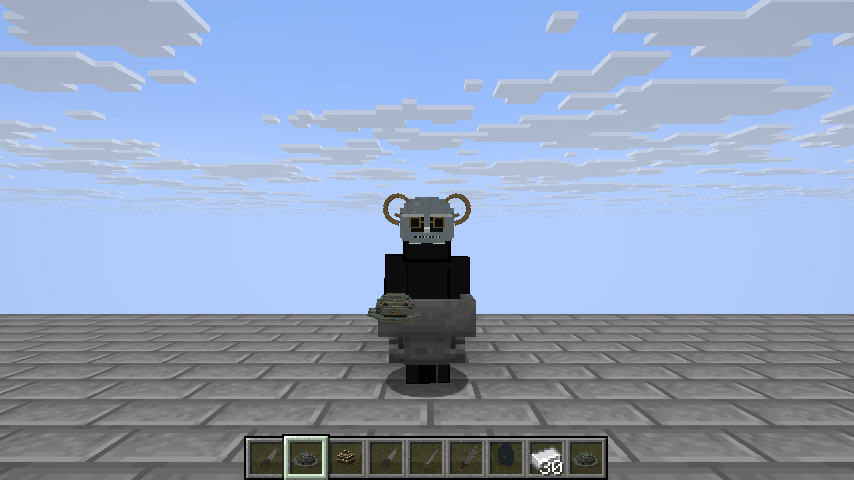
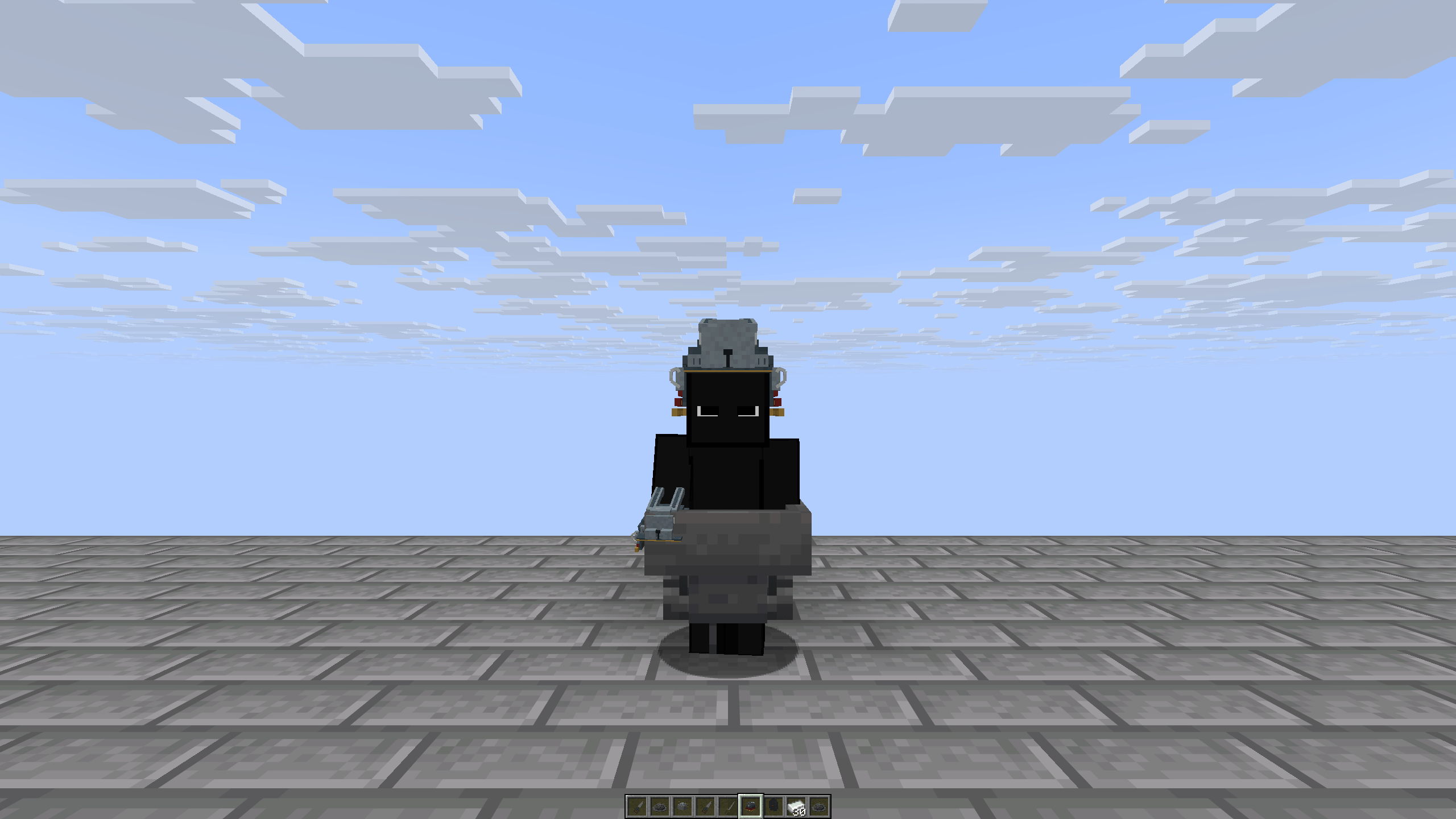
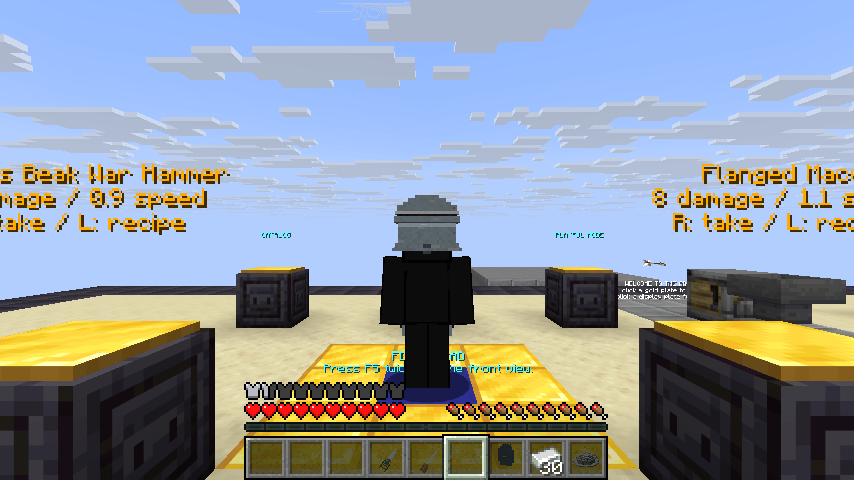
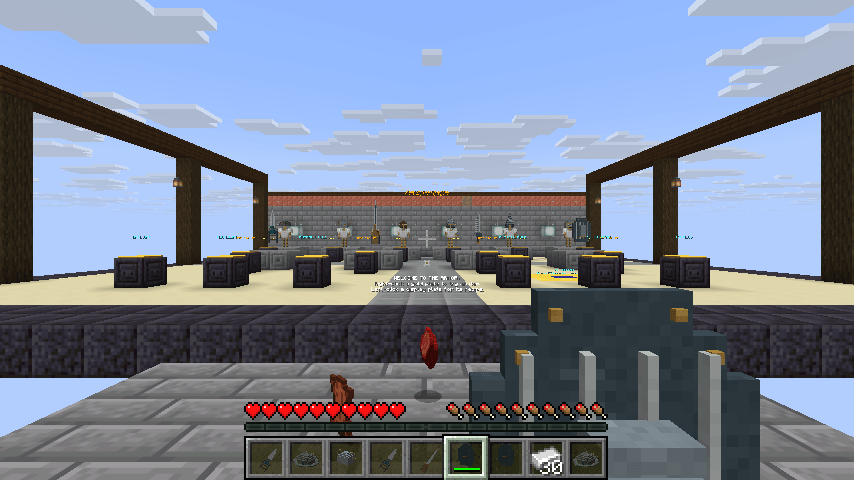
Historical Oddities adds 15 craftable items based on strange and interesting pieces of historical equipment.
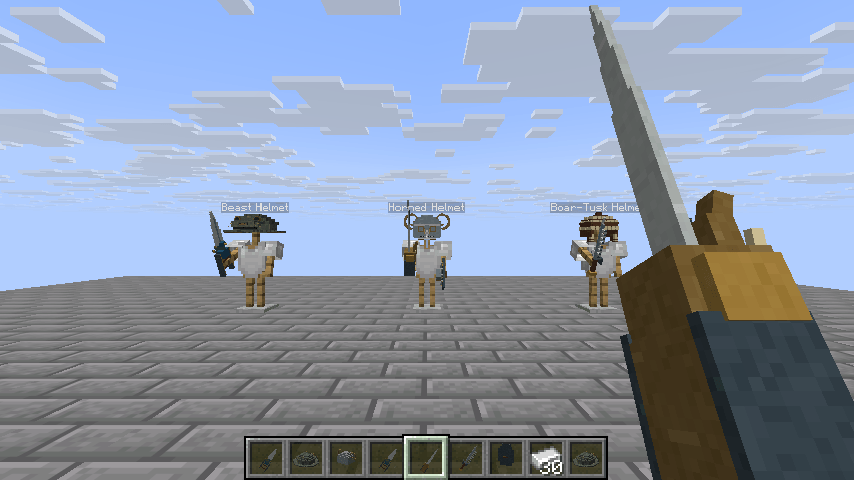
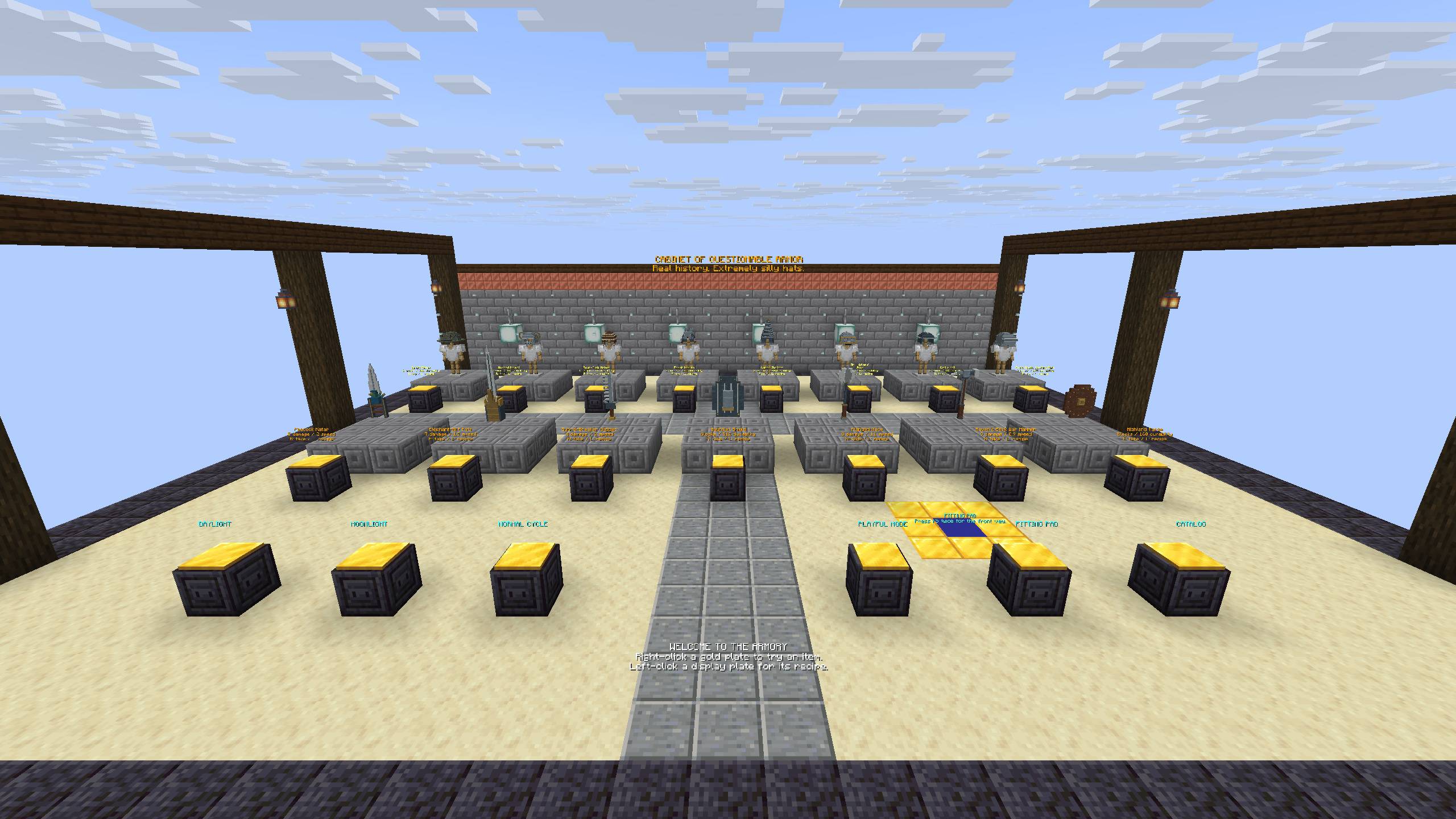
There are eight helmets, five weapons and two shields, including Henry VIII's horned helmet, a rabbit kabuto, a peacock katar, a sword-breaker dagger and a raven's-beak war hammer. All of them have custom 3D models and can be crafted normally in survival.
Some items have their own trade-offs. The heavier helmets give more protection but can slow you down, while the weapons have different damage and attack speeds. The shields work like normal Minecraft shields.
There's also an optional Playful Mode for a few of the helmets. For example, crouching with the Rabbit Kabuto gives you a short jump boost, while the Conch Shellmet can make a horn sound. It's disabled by default, so you can ignore it if you just want the items.
The pack uses vanilla items with custom components, so no mod loader is needed.
Minecraft Java 26.3
You need both the data pack and the resource pack for the custom models and textures to work.
Put the data pack ZIP into your world's datapacks folder and the resource pack ZIP into resourcepacks. Keep both files zipped.
Enable the resource pack, open the world and you're good to go.
For servers, the data pack goes on the server while every player needs the resource pack on their client.
If you want to quickly check out all of the items, you can use:
/function oddities:give_all
There's also a small showroom for testing everything in Creative:
/function oddities:armory/build
Use the showroom in a test world, since it builds around the world origin and changes a few world settings.