




Mineuniverse
Data Packs
Health Indicator

Health Indicator

DATA PACK
Health Indicator shows every player's health under their name tag and as hearts in the tab list, colour coded from green to red. Unlike other health indicators, it never gets stuck showing 0 for players at full health.
by Draco12191712
Download Claim this project
367 downloads
0 likes
Updated Oct 14, 2026
0 hypes
Miscellaneous Utility
Advertisement Remove ads with Premium →

Health Indicator Datapack!


My Discord Follow me on GitHub Donate to me on PayPal Subscribe to my YouTube Channel Follow my CurseForge Profile Contact me via Gmail


    This datapack lets you see anyone's health just by looking below their name! Unlike many other health indicator datapacks, it doesnt get stuck at 0 hearts for people who are at full health.

Features

  • Health: Health is displayed under the player's nametag. (e.g., 10 hearts above someone at full health.)
  • Hearts: You can also hold Tab to see everyone's health at once! (You can turn this off if you don't want it.)
  • Colour coding: You can also check someone's health without looking at the number.
    • Green means 7-10 hearts
    • Yellow means 3.5-6.5 hearts
    • Red means 0-3 hearts
    • Gold means people who have extra hearts (like a person after popping a totem or eating a Gapple)

Supported Versions

Works in Minecraft: Java Edition 1.20.3 to 26.3! The same file works on them hall.  

Works in singleplayer, on vanilla servers, and on servers that support data packs (like Paper and Fabric).


Commands

"><span_style="color:_rgb(255,_255,_255);">command">

Command

"><span_style="color:_rgb(255,_255,_255);">what_it_does">

What it does

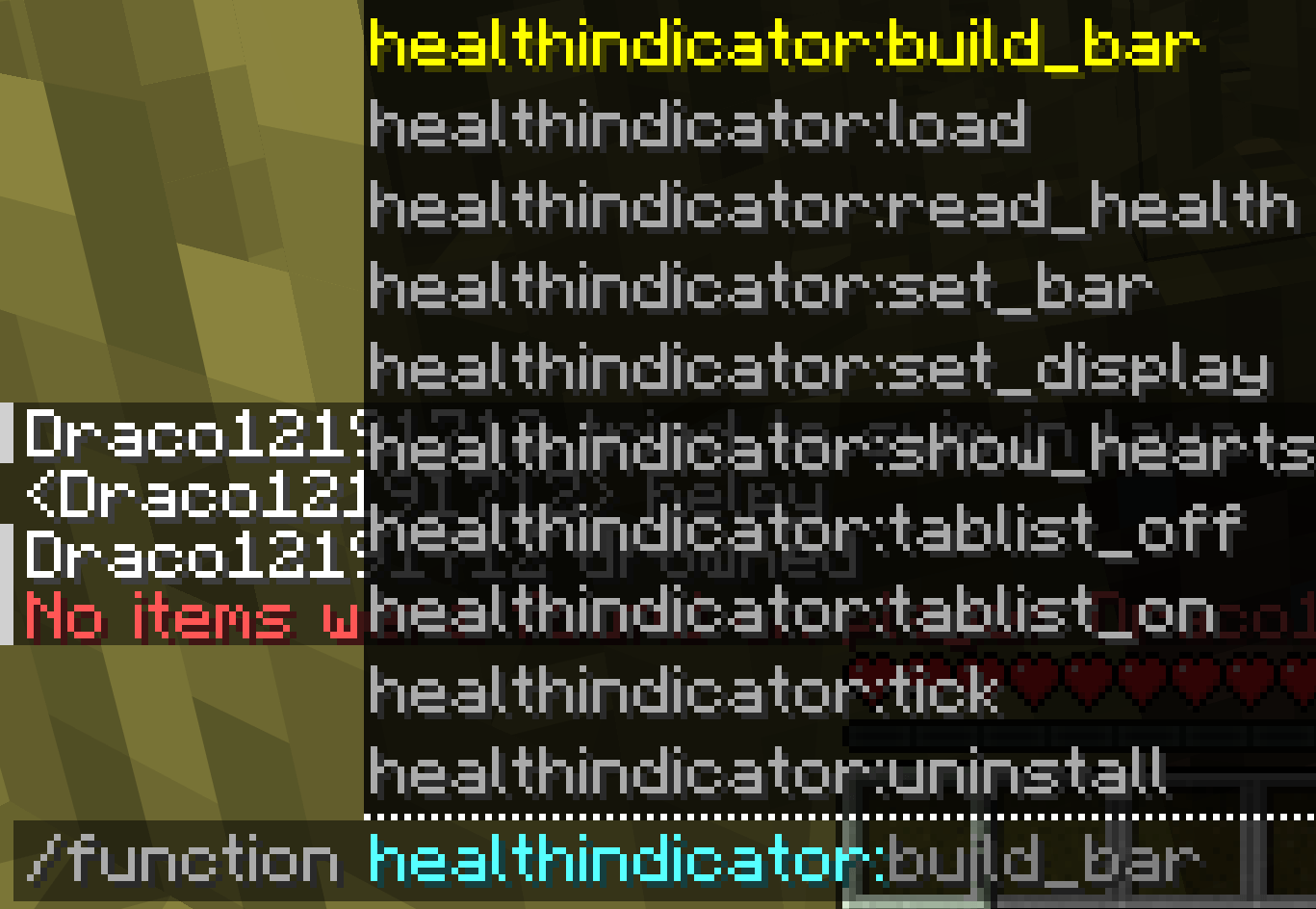
/function healthindicator:tablist_off Hides the hearts in the tab list
/function healthindicator:tablist_on Shows the hearts in the tab list again
/function healthindicator:uninstall Removes the health display completely (see below)

How to uninstall

  1. Run /function healthindicator:uninstall.
  2. Delete HealthIndicator.zip from the datapacks folder.
  3. Run /reload.


Hope ya like it! :D

Created & maintained by Draco12191712, licensed under Apache 2.0.

Health Indicator v0.1.0
MC 1.21.2-Snapshot, 1.21, 1.21.6-snapshot, 1.20.5-Snapshot, 1.21.1-Snapshot, 1.21.8, 1.20.5, 1.21.5, 1.21.4, 1.21.5-Snapshot, 1.20.6, 1.21.1, 1.21.6, 1.21.3, 1.21.7, 1.20.4
Release 2026-09-30 Get

Requirements & install

How to use this data pack in Minecraft
Mods needed
None, works in vanilla
Minecraft
1.21.3 – 1.21.8
Install folder
saves/<world>/datapacks

How to install data packs

  1. Download the data pack .zip file (do not extract it).
  2. New world: click Data Packs on the world creation screen and drop the .zip in. Existing world: open .minecraft/saves/<world>/datapacks.
  3. Put the .zip into the datapacks folder of the world (servers: world/datapacks).
  4. Run /reload in game (or rejoin the world) and check it with /datapack list.
Browse more: Data Packs for 1.21.8 All data packs
Advertisement Remove ads with Premium →

You Might Also Like