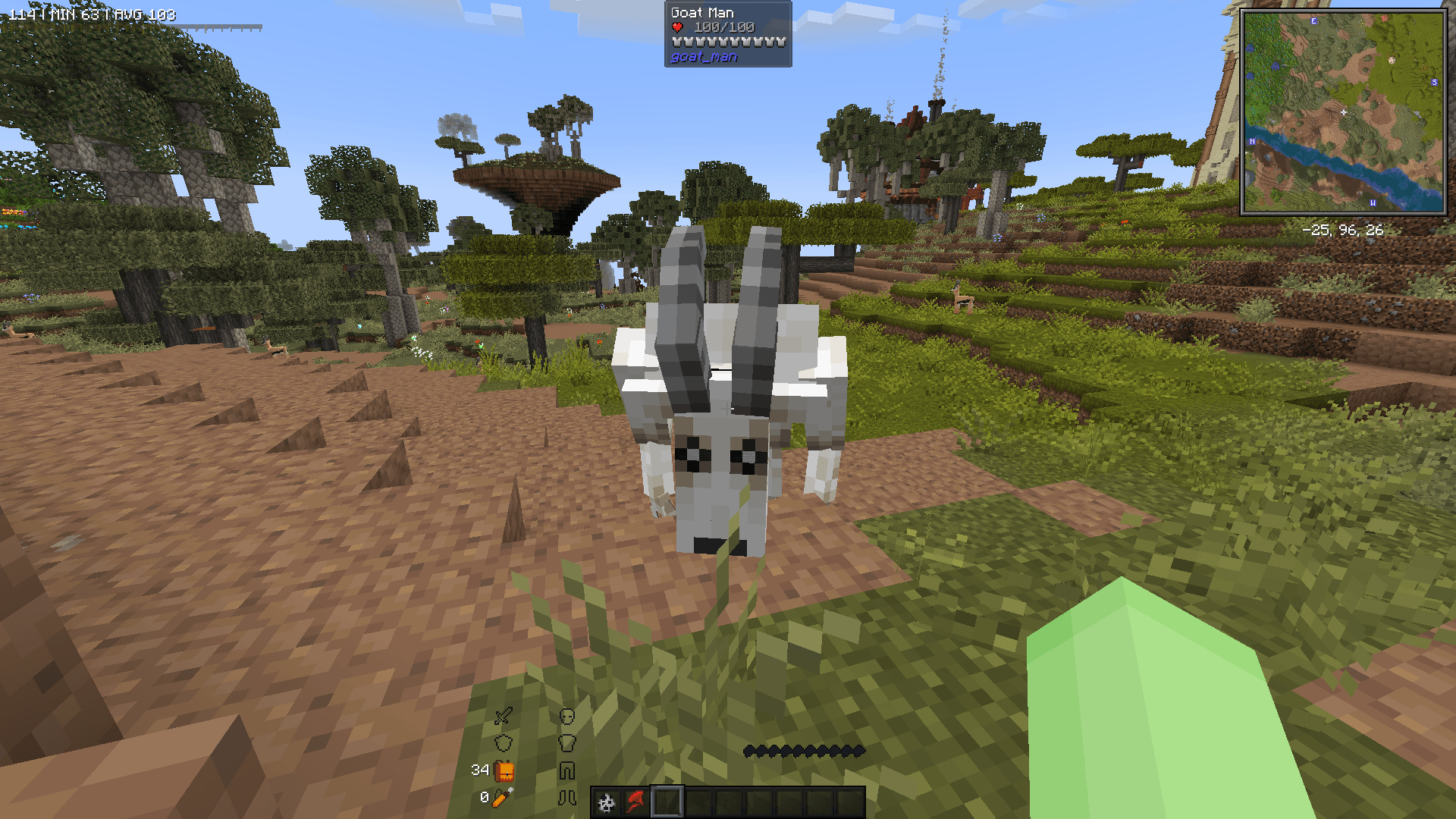
The Goatman Blacklist datapack allows you to permanently disable the Goatman from the Goatman Mod (by Llamii_Lama) after killing him once. This ensures that he never respawns in that world again. The blacklist is triggered by an FTB Quest reward (or manually with a command) and persists even after reloading or leaving the world.
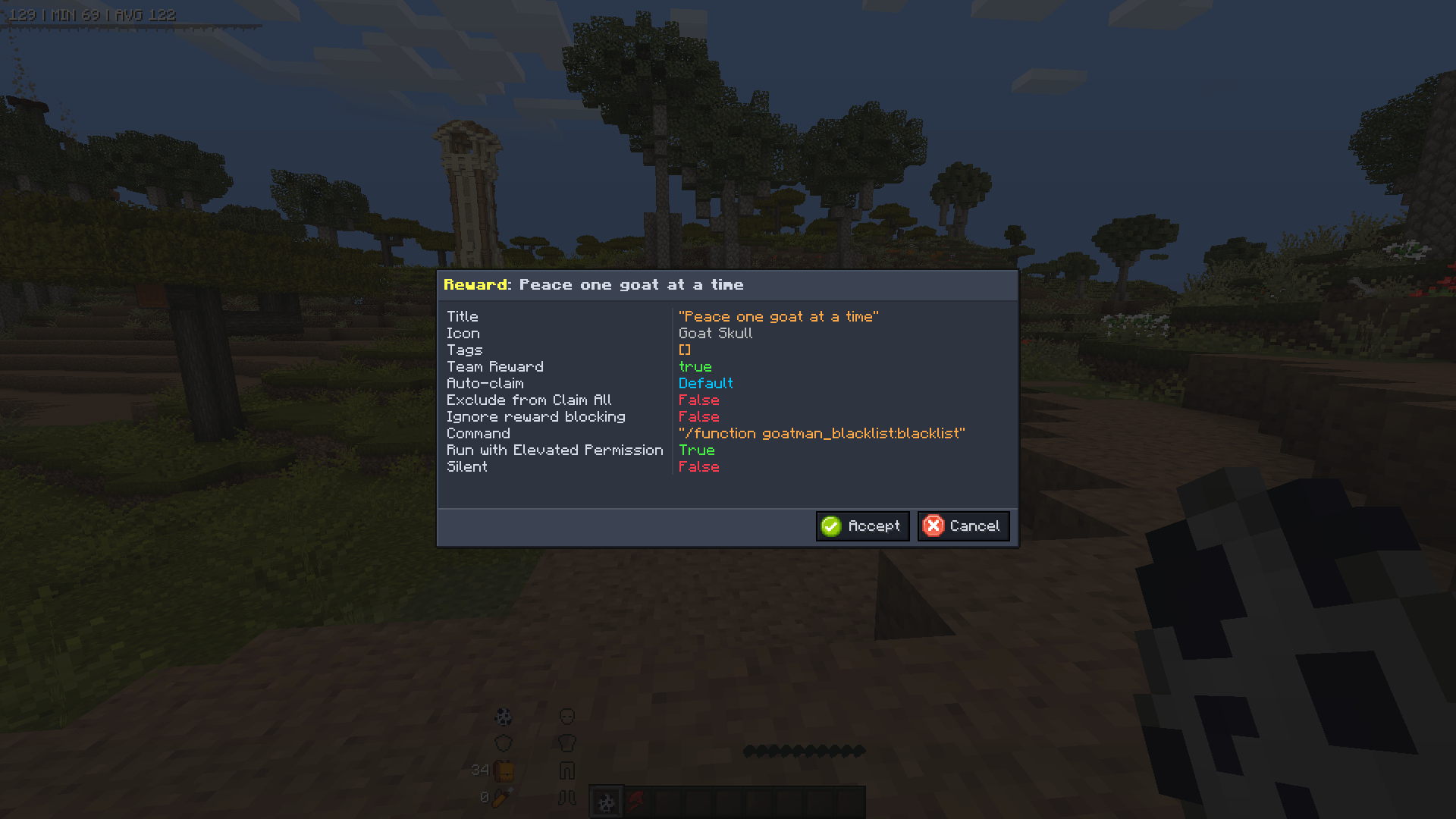
When a player kills the Goatman, he will automatically be killed repeatedly when trying to spawn. FTB Quest is recommended to trigger the following command for heavily modded packs and ensure the datapack works properly:
/function goatman_blacklist:blacklist
This activates the blacklist, preventing new Goatmen from spawning.
Any existing Goatmen are instantly removed.
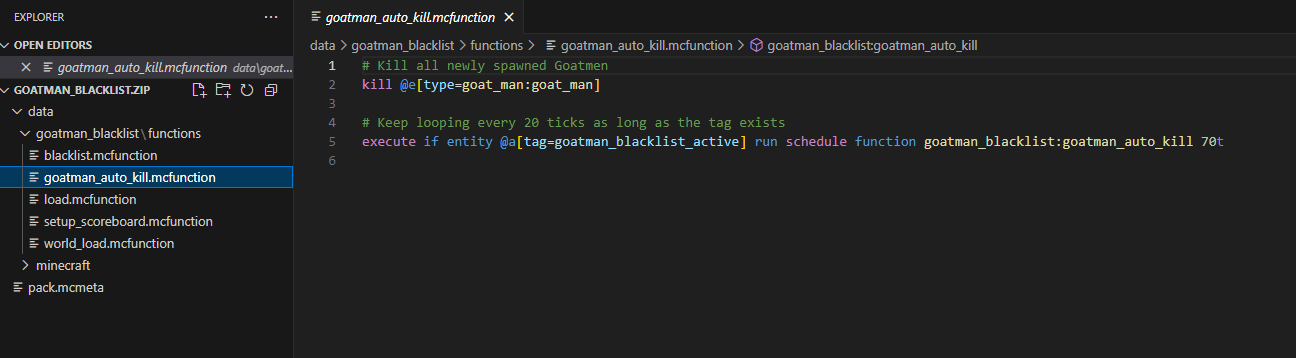
The datapack continuously auto-kills any Goatman if he somehow spawns.
The blacklist remains active after reloading the world.
You can tweak the following values to optimize performance and responsiveness:
| Setting | Description | Default Value | How to Change |
|---|---|---|---|
| Auto-Kill Interval | How often the function checks for and removes Goatman | 100t (5 sec) |
Change 100t to another value in world_load.mcfunction |
| Trigger Scoreboard | Score that determines if Goatman is blacklisted | 1 |
Adjust in blacklist.mcfunction |
| Blacklist Activation Command | The command that starts the blacklist | /function goatman_blacklist:blacklist |
Run manually or through an FTB Quest |
To automatically activate the blacklist when a player completes a quest:
Open your FTB Quests
/function goatman_blacklist:blacklist
NOTE: It is highly recommended but optional to add "Modern Fix" by embeddedt. This will help with keeping ticks smooth if you're using scheduled functions, which is what this datapack adds. Along with Datapack Utils by rhm176, and Datapack Commands by Miner3D. Both of these datapack support mods add features to support more complex datapack logic, along with letting datapacks execute commands like scoreboard or tag manipulation. Why is it recommended to include FTB Quests? Mainly to make him feel more like a miniboss and for modpack creators to add more content with an eerie twist, but can also help be a failsafe in heavily modded environments where certain mods can change or override, or even cull mobs, therefore cancelling the features of this datapack. So in the end, the command isn't necessary but useful. ANY BUGS OR PROBLEMS, LET ME KNOW IN THE COMMENTS!
You can use this in any modpack just make sure it has the "Goatman Mod" by Llami_Llama and "FTB Quests" by FTB. Also works with datapack loaders like "Paxi". This is explicitly for Minecraft version 1.20.1 Newer versions will be made if the "Goatman" mod gets updated to newer versions. DON'T FORGET TO CREDIT ME!