Mineuniverse
Data Packs
Furnicraft

Furnicraft

DATA PACK
Furnish your creations with a wide variety of unique furniture in the vanilla style, without the need for any resource packs.
by Efeketket__
Download Claim this project
72,061 downloads
0 likes
Updated Oct 14, 2026
0 hypes
Miscellaneous Tech Utility
Advertisement Remove ads with Premium →

FurniCraft - Furnish Your Creations!


A Minecraft Quality of Life datapack, mod for version 1.20 & 1.21.6 This datapack introduces new furniture to your game. (No Texture Pack Required)


For more information and updates about the project, visit the ketket.dev page.

alt


FEATURES


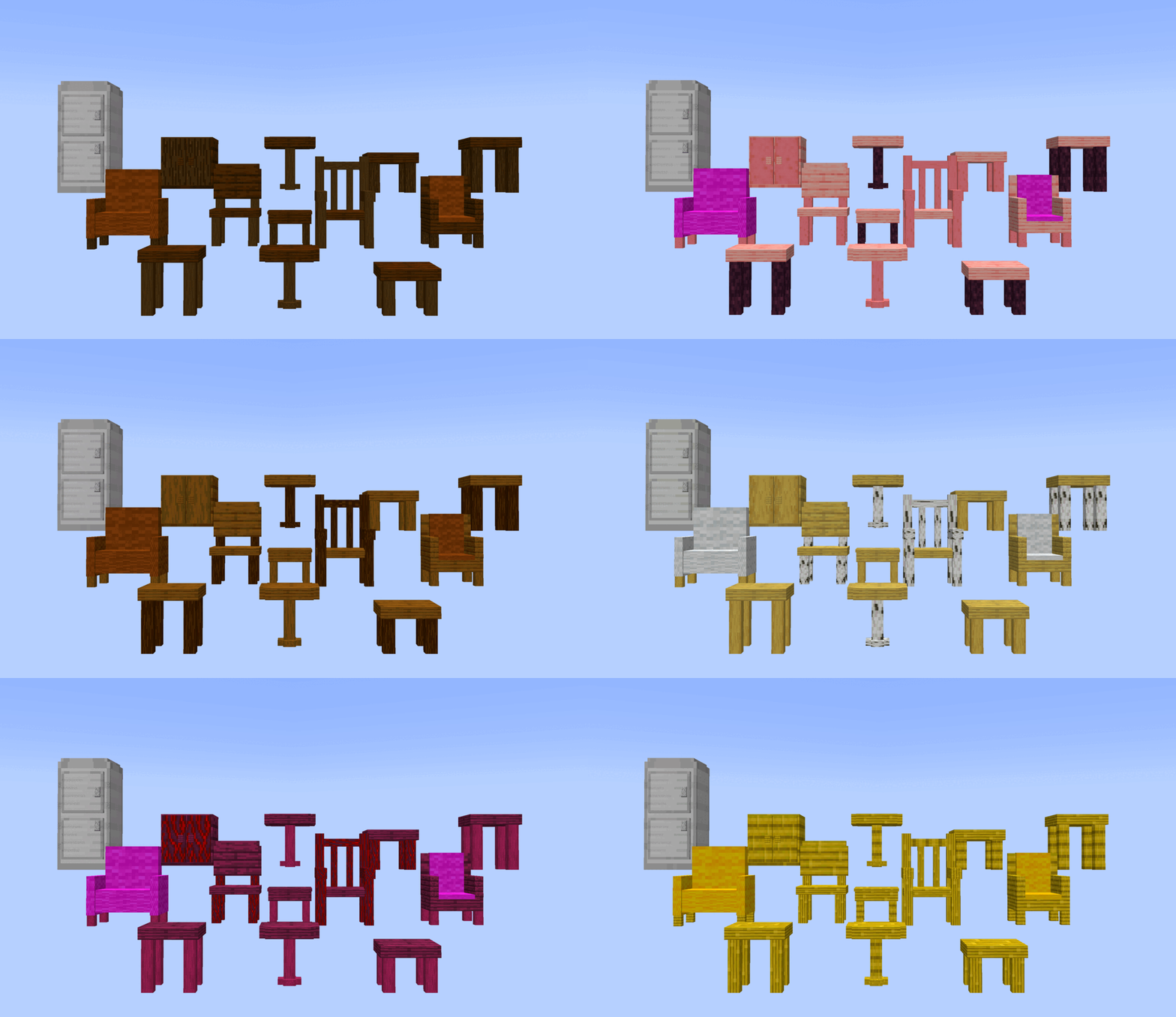
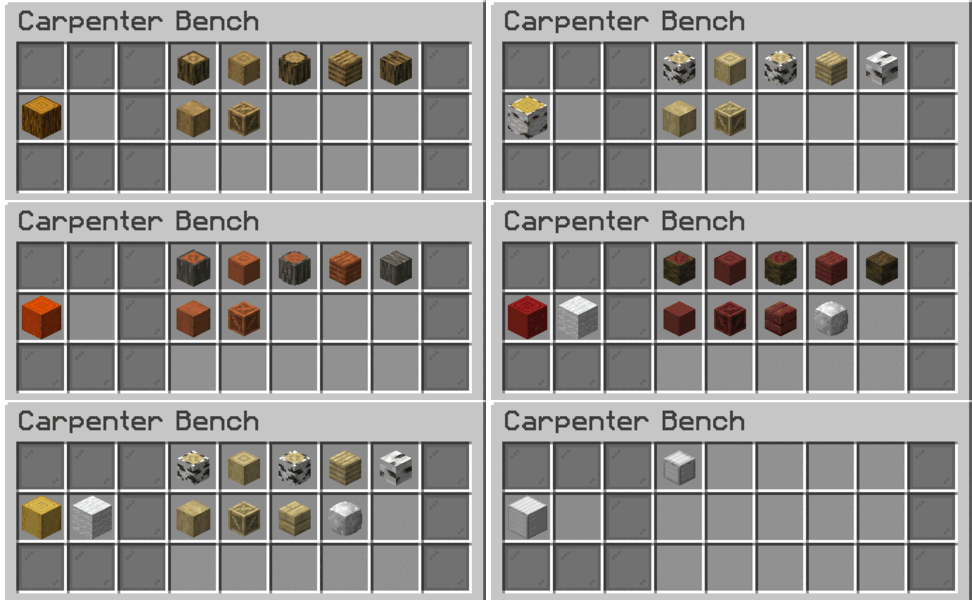
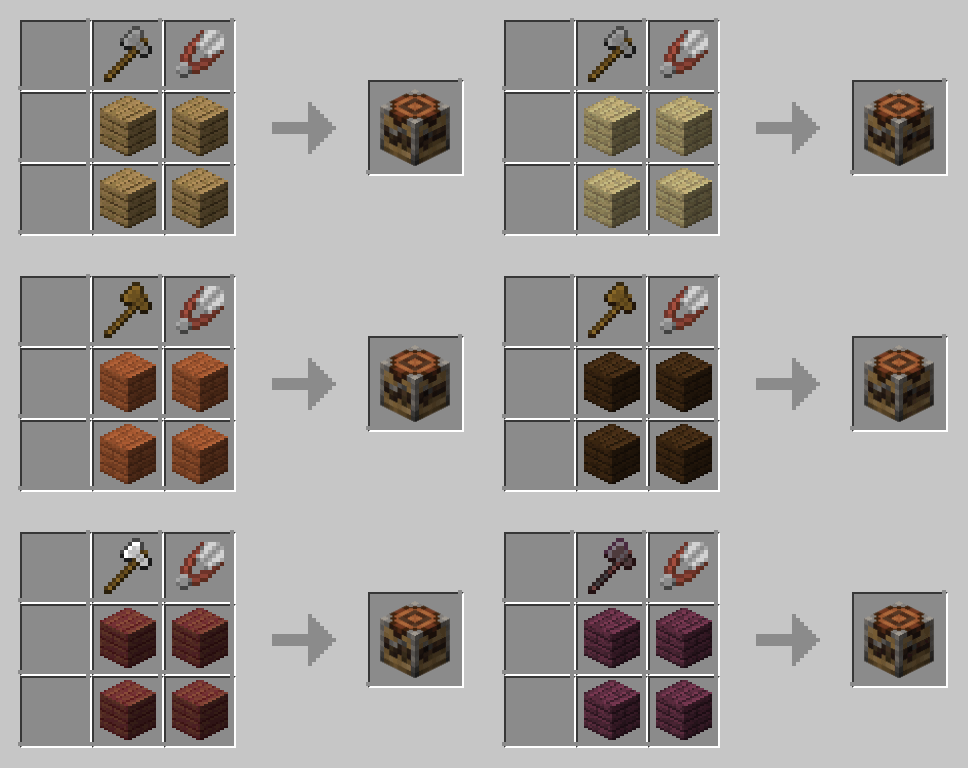
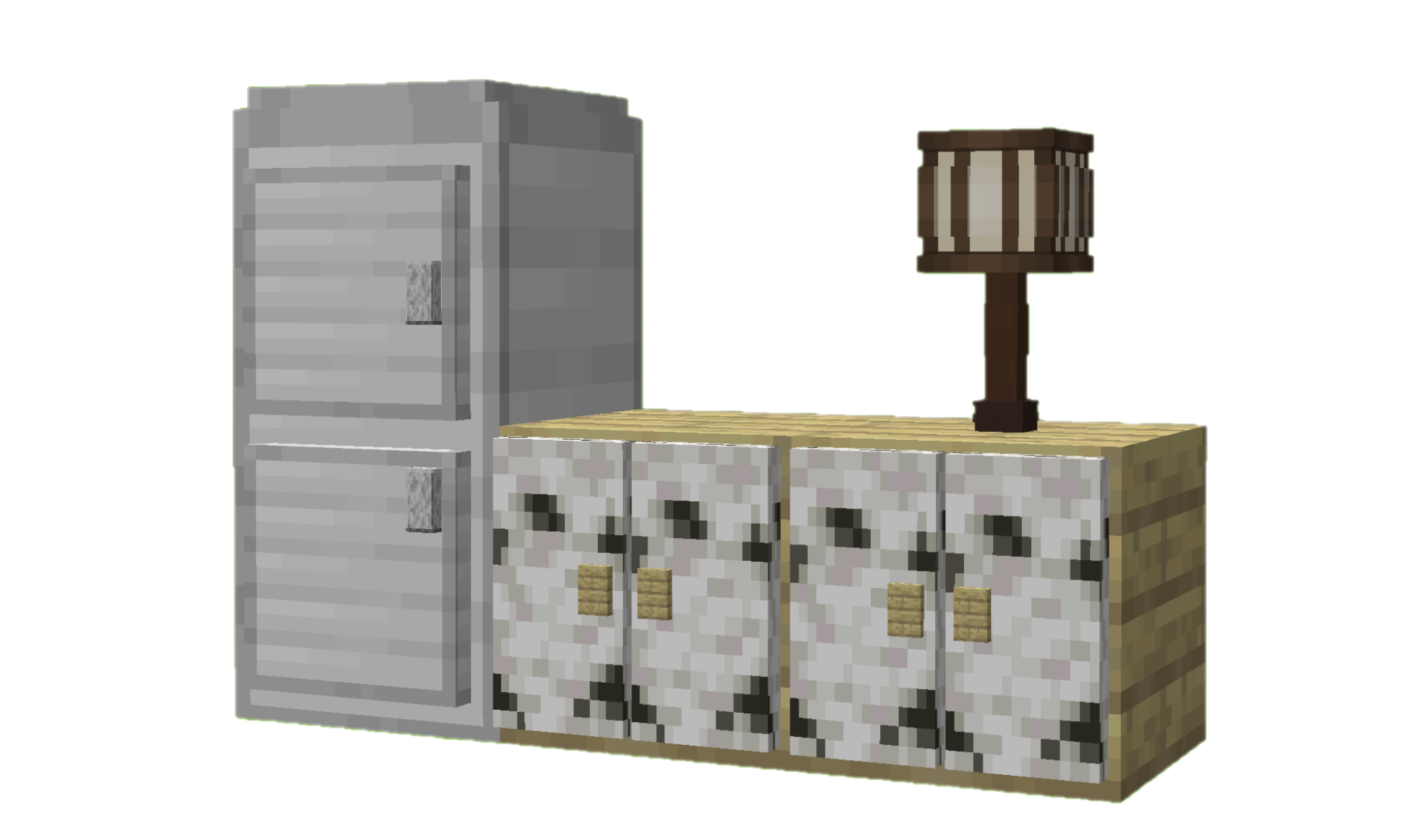
FurniCraft adds 20 unique furniture pieces in 6 categories to Minecraft, each with various wood and color options.


🛌List of Furniture

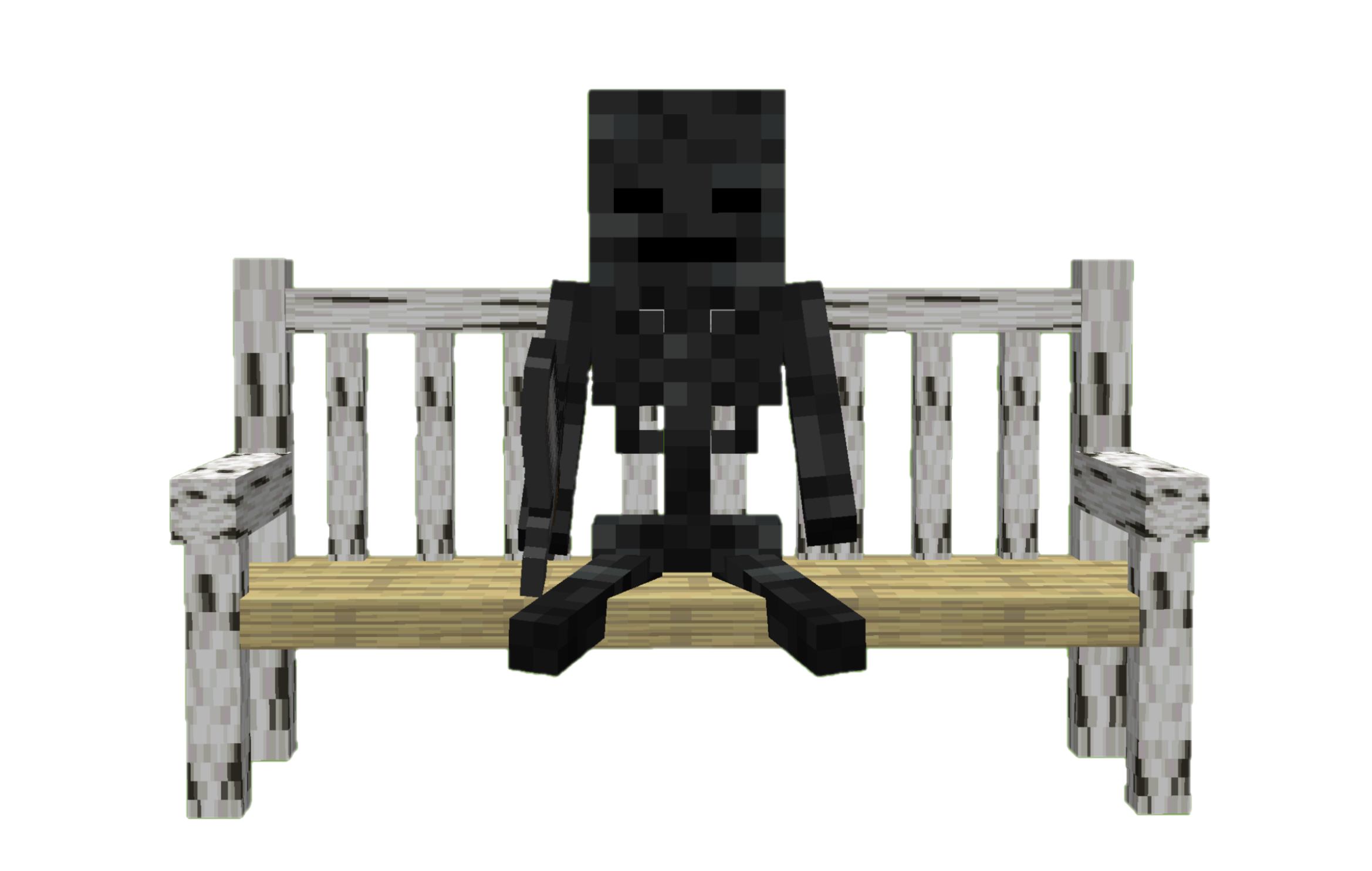
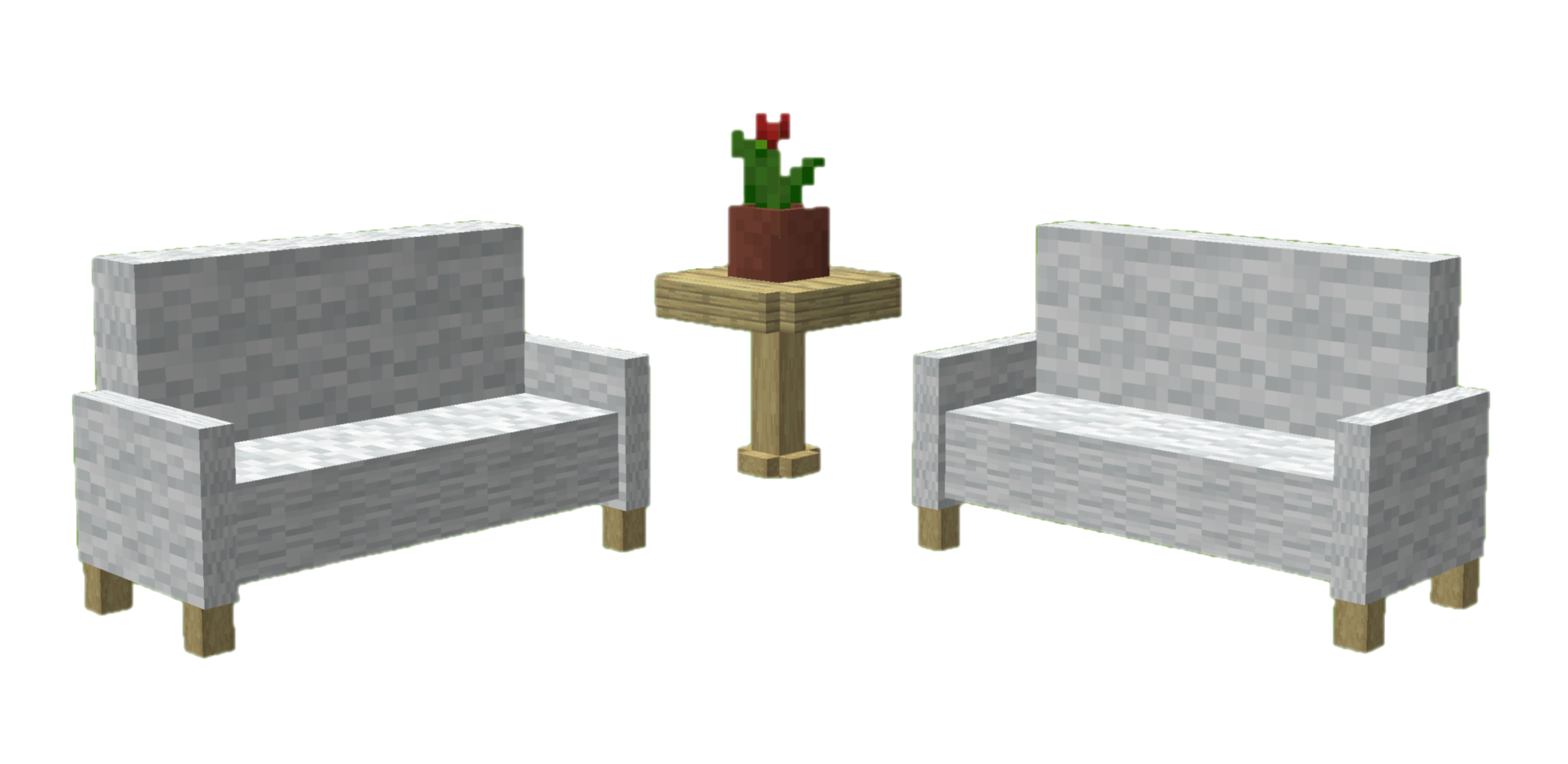
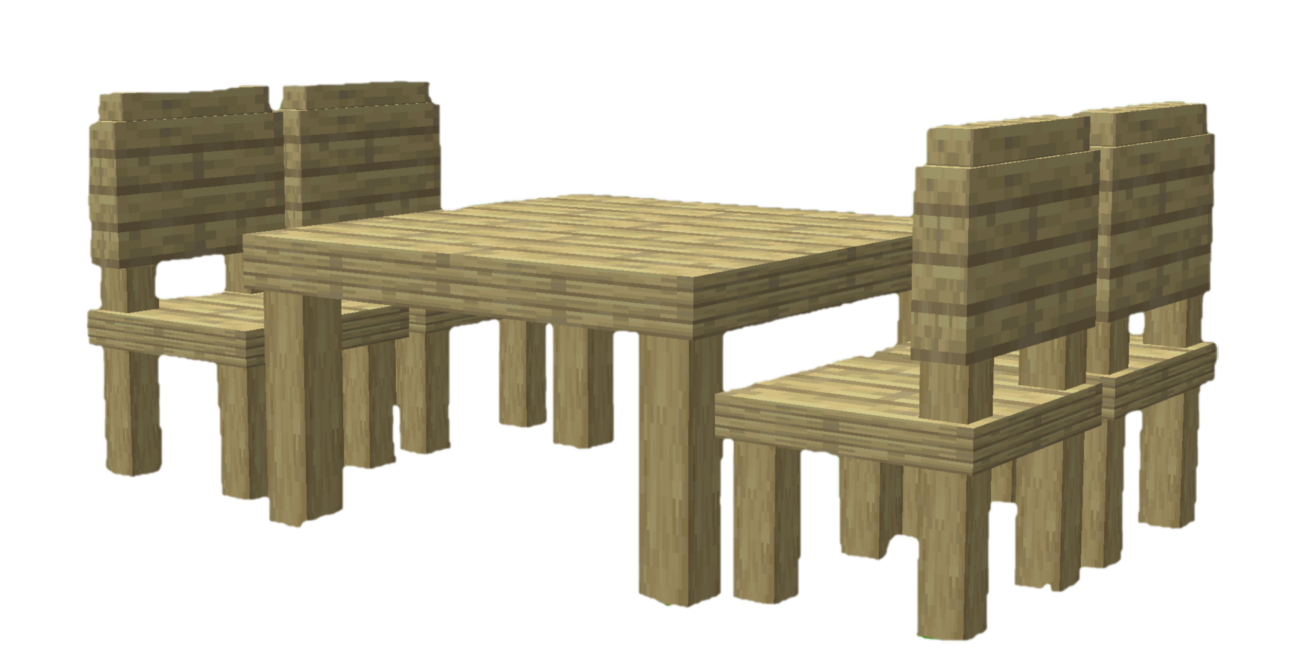
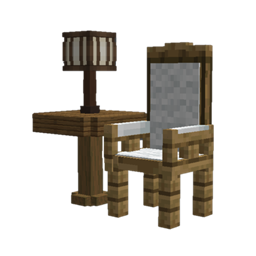
  • Chair (Stool, Chair, Armchair, Sofa, Park Bench,Throne Chair)
  • Table (Table, Low Table, Pedestal Table, Accent Table)
  • Cabinet (Cabinet, Bedside Cabinet, Fridge, Mailbox)
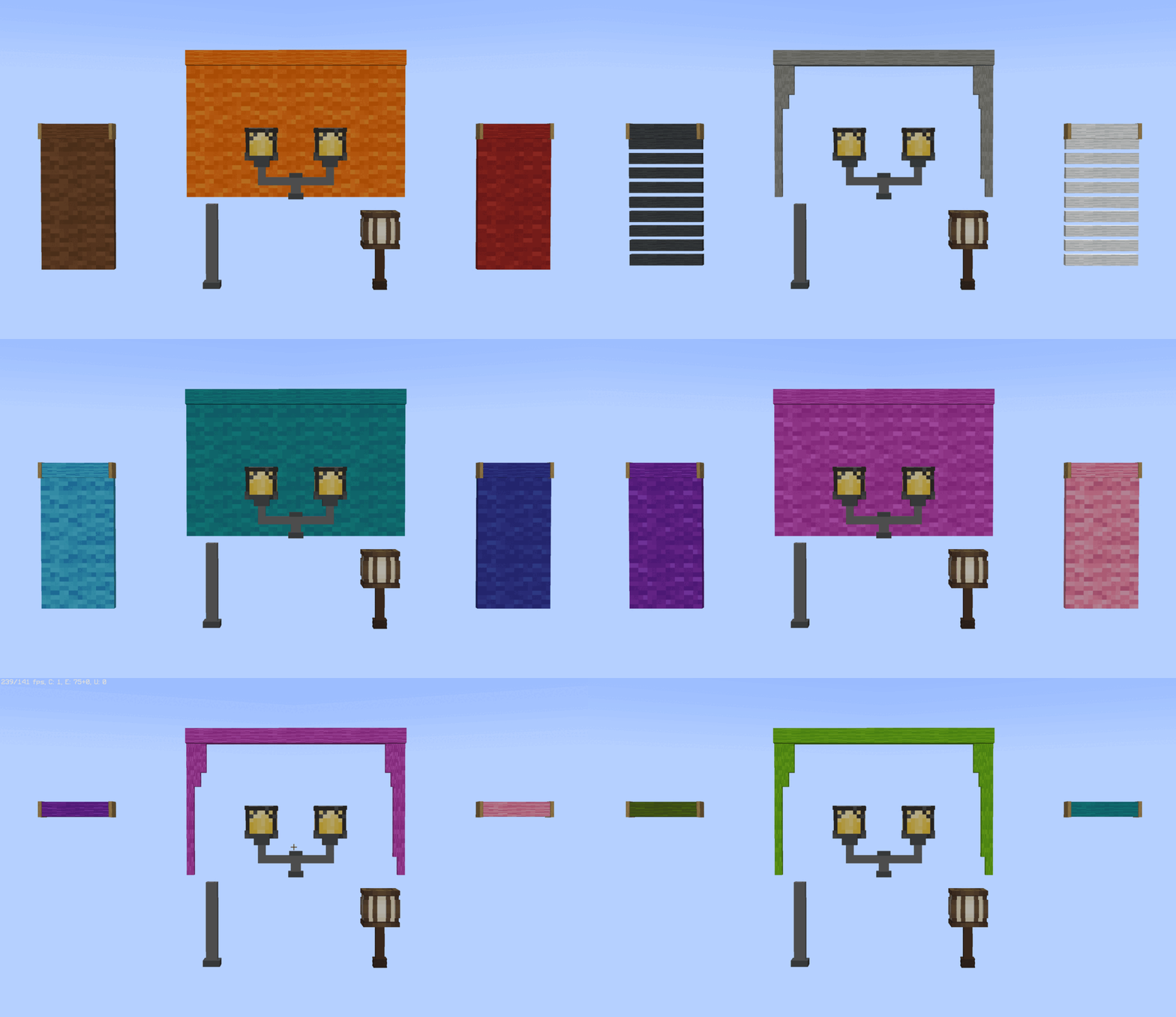
  • Light Fixture (Street Lamp, Street Lamp Pole , Desk Lamp)
  • Curtain (Curtain, Roller Blind)
  • Rack (Wall Rack)

alt alt


For more information and updates about the project, visit the ketket.dev page.


UTILITIES

In addition to decorative additions, it also adds game-mechanical additions.


💡 Additions

  • Players and mobs can sit on the all type of chair.
  • Players can switch whether mobs can sit on a chair by shift right-clicking with an empty hand.
  • With fridge, you can generate ice and water. For ice click bottom block of the fridge with water bucket. You can also fill empty buckets, bottles with fridge.
  • You can easily change the wood type of the furniture. Simply hold any log in your hand and use Shift + right- click.
  • You can strip furniture while holding axe with Shift + Right click.
  • You can open & close curtain with empty handed Shift + Right click.
  • Add a splash of color to your furniture by dyeing their wool with the dyes in your hand. Simply use Shift + right-click.
  • You can store your items at cabinets.
  • Table, sofa, park bench and curtain connect automatically with their same types.
alt alt alt alt

furnicraft-v7.5.zip
MC 26.3
Release 2026-09-26 Get
furnicraft-v7.4.zip
MC 26.1, 26.1.1, 26.1.2, 26.2
Release 2026-07-05 Get
furnicraft-v7.3.zip
MC 26.1, 26.1.1, 26.1.2, 26.2
Release 2026-06-28 Get
Furnicraft v26.1
MC 26.1, 26.1.1, 26.1.2
Release 2026-04-10 Get
furnicraft-v7.1.zip
MC 1.21.9, 1.21.10, 1.21.11
Release 2025-12-26 Get
furnicraft-v6.3.zip
MC 1.21.9, 1.21.10
Release 2025-12-20 Get
furnicraft-v7.0.zip
MC 1.21.11
Release 2025-12-20 Get
Furnicraft v6.2 1.21.9
MC 1.21.9
Release 2025-10-12 Get
Furnicraft v5.7
MC 1.21.8, 1.21.7
Release 2025-07-25 Get
Furnicraft v5.5
MC 1.21.6
Release 2025-06-25 Get
furnicraftv5.5.zip
MC 1.21.5, 1.21.6
Release 2025-06-19 Get
furnicraft-1.21.4-v5.0.zip
MC 1.21.4, 1.21.3, 1.21.2
Release 2025-06-19 Get
furnicraft-v4.4.zip
MC 1.21, 1.21.1
Release 2025-06-19 Get

Requirements & install

How to use this data pack in Minecraft
Mods needed
None, works in vanilla
Minecraft
1.21.9 – 26.3
Install folder
saves/<world>/datapacks

How to install data packs

  1. Download the data pack .zip file (do not extract it).
  2. New world: click Data Packs on the world creation screen and drop the .zip in. Existing world: open .minecraft/saves/<world>/datapacks.
  3. Put the .zip into the datapacks folder of the world (servers: world/datapacks).
  4. Run /reload in game (or rejoin the world) and check it with /datapack list.
Browse more: Data Packs for 26.3 All data packs

More from Efeketket__

Advertisement Remove ads with Premium →

You Might Also Like