Mineuniverse
Data Packs
Force it!

Force it!

DATA PACK
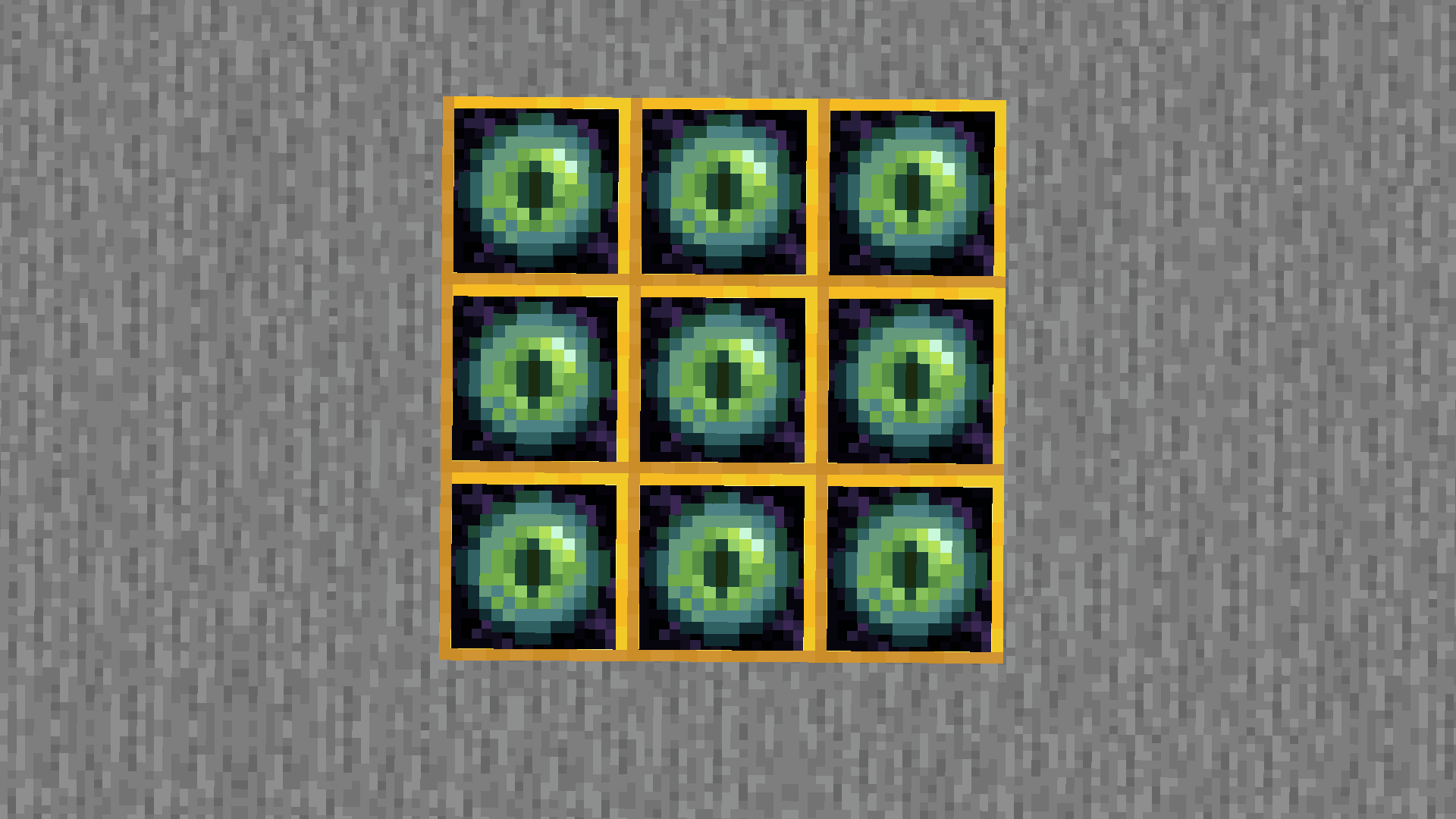
Adds a "World Anchor" block that forces chunks to be loaded even without a player present.
by SG_Team
Download Claim this project
74 downloads
0 likes
Updated Oct 14, 2026
0 hypes
Miscellaneous Tech Utility
Advertisement Remove ads with Premium →

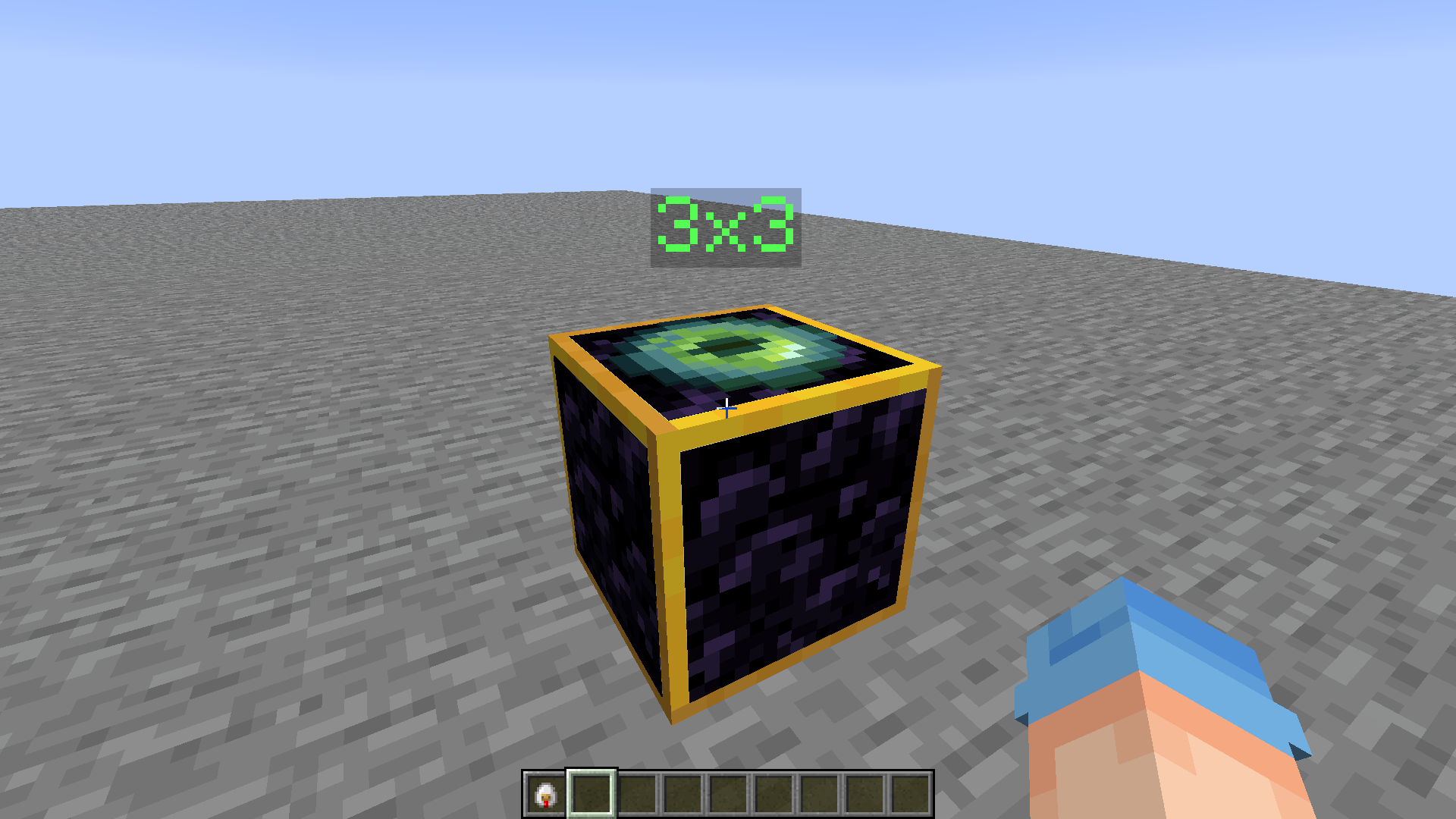
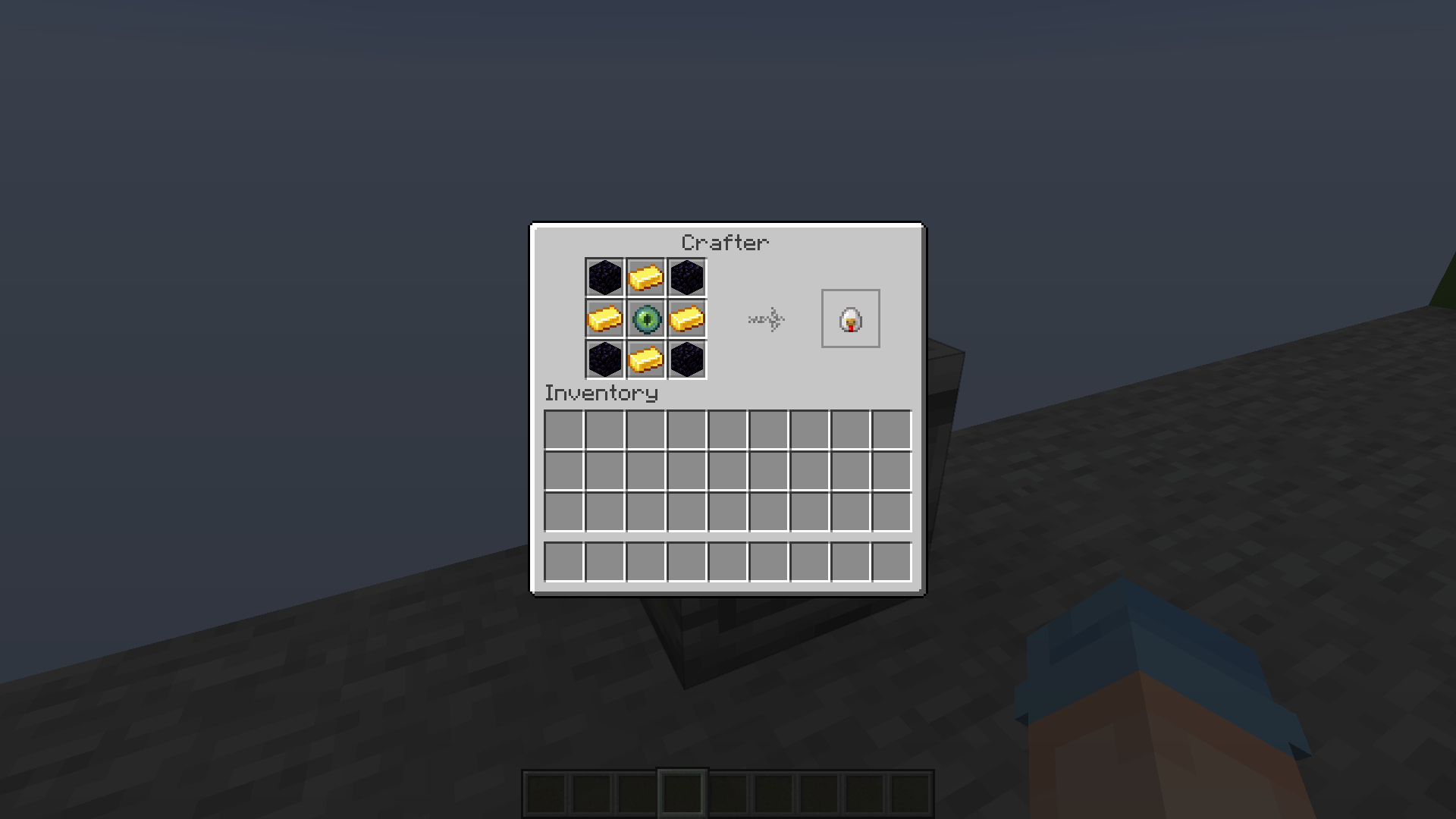
Adds a "World Anchor" (not a Railcraft reference at all) block that forces chunks to stay loaded even if there is no player nearby. Plants will keep growing and redstone mechanisms will continue working while you are away.

It has two operation modes: 3x3 and 5x5 chunks
To toggle between modes, use Right Click on the block.

Press F3 + G to see chunk grid.

May be demanding on your PC's performance if used extensively.

How to install:

Put downloaded datapack archive into:

.minecraft → saves → "name of your world" → datapacks

Type /reload when in the game.

Force it! [v1.0]
MC 1.21.5, 1.21.8, 1.21.9, 1.21.10, 1.21.7, 1.21.6
Release 2025-10-25 Get

Requirements & install

How to use this data pack in Minecraft
Mods needed
None, works in vanilla
Minecraft
1.21.5 – 1.21.10
Install folder
saves/<world>/datapacks

How to install data packs

  1. Download the data pack .zip file (do not extract it).
  2. New world: click Data Packs on the world creation screen and drop the .zip in. Existing world: open .minecraft/saves/<world>/datapacks.
  3. Put the .zip into the datapacks folder of the world (servers: world/datapacks).
  4. Run /reload in game (or rejoin the world) and check it with /datapack list.
Browse more: Data Packs for 1.21.10 All data packs

More from SG_Team

Advertisement Remove ads with Premium →

You Might Also Like