Mineuniverse
Data Packs
Enhanced Blast Furnace

Enhanced Blast Furnace

DATA PACK
Enhanced Blast Furnace aims to improve the vanilla Blast Furnace
by BDBekhof
Download Claim this project
6,667 downloads
0 likes
0 followers
Updated Oct 14, 2026
0 hypes
Follow0
Miscellaneous Utility
Advertisement Remove ads with Premium →

Enhanced Blast Furnace  

Enhanced Blast Furnace is a datapack that aims to improve upon the vanilla implemented blast furnace.  
  
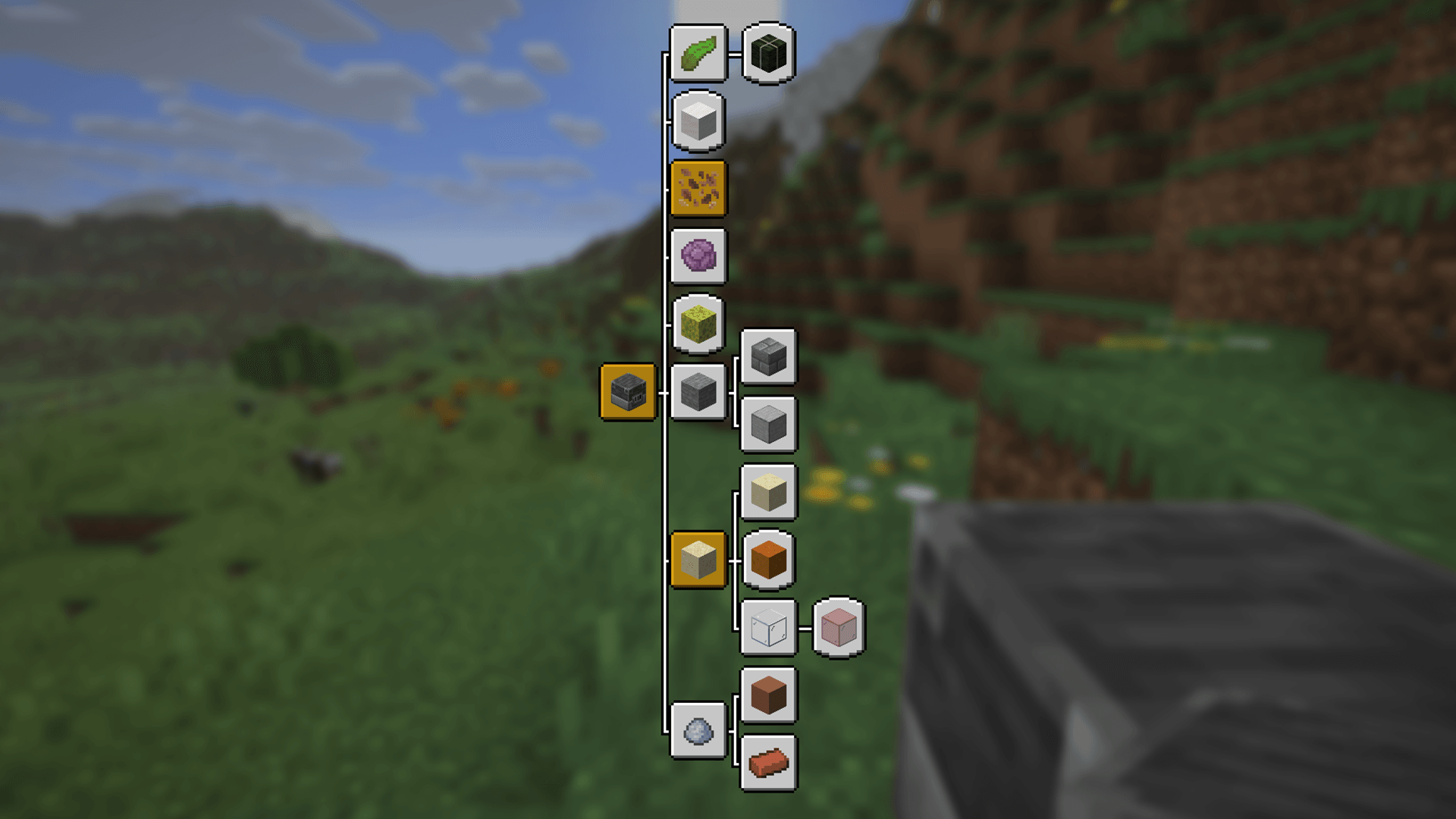
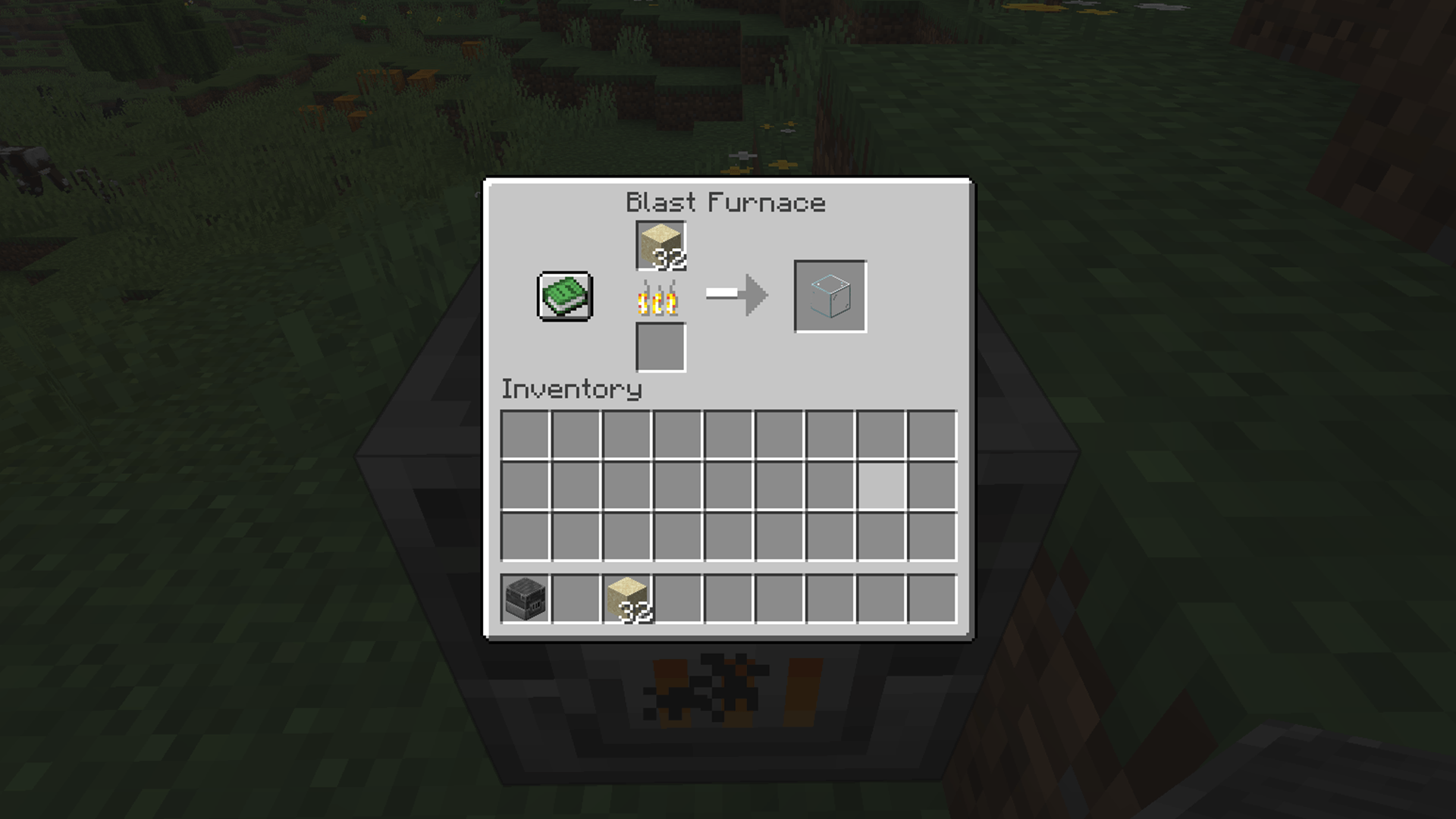
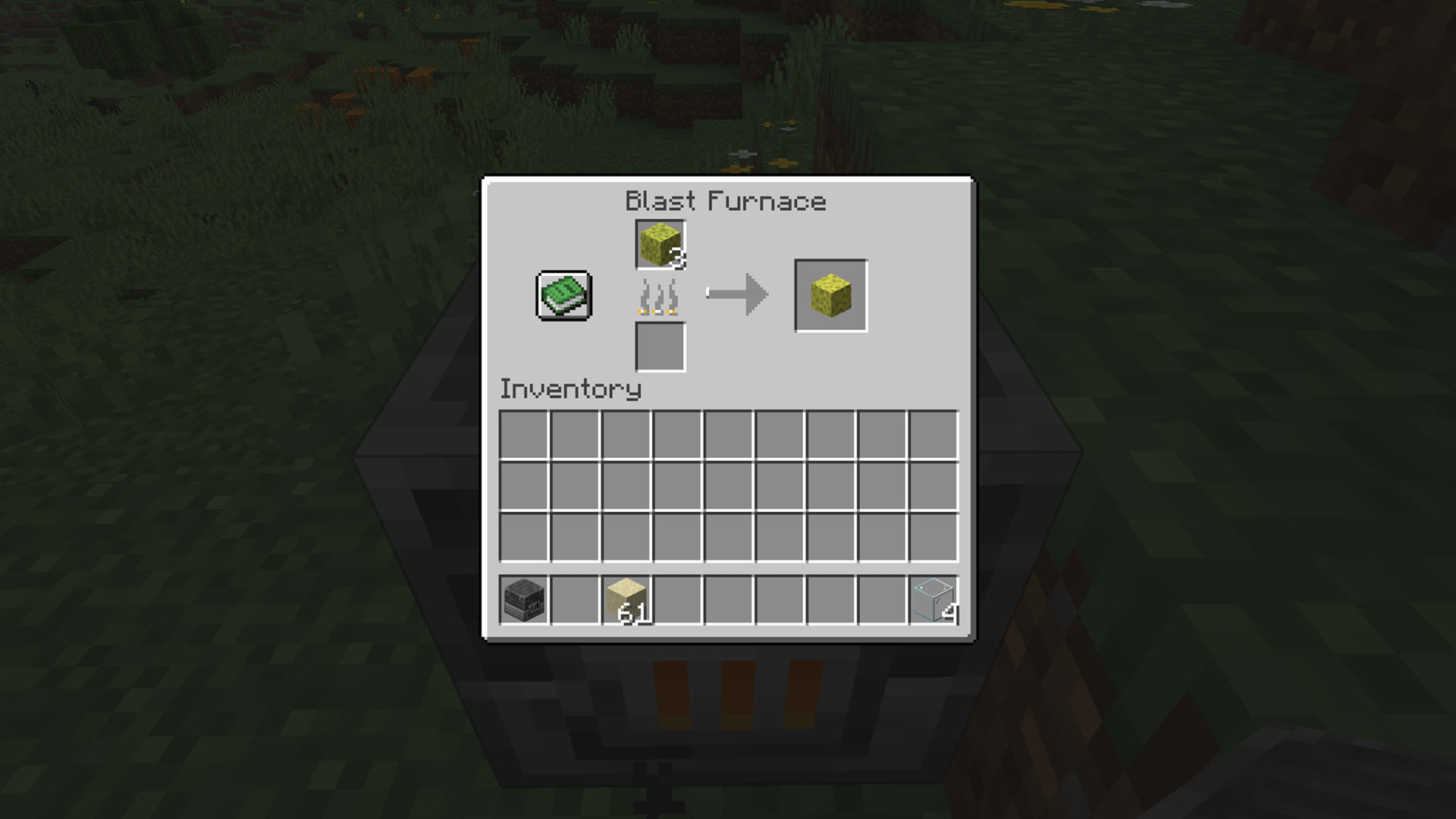
It adds all smelting recipes that are normally only for the regular furnace.  
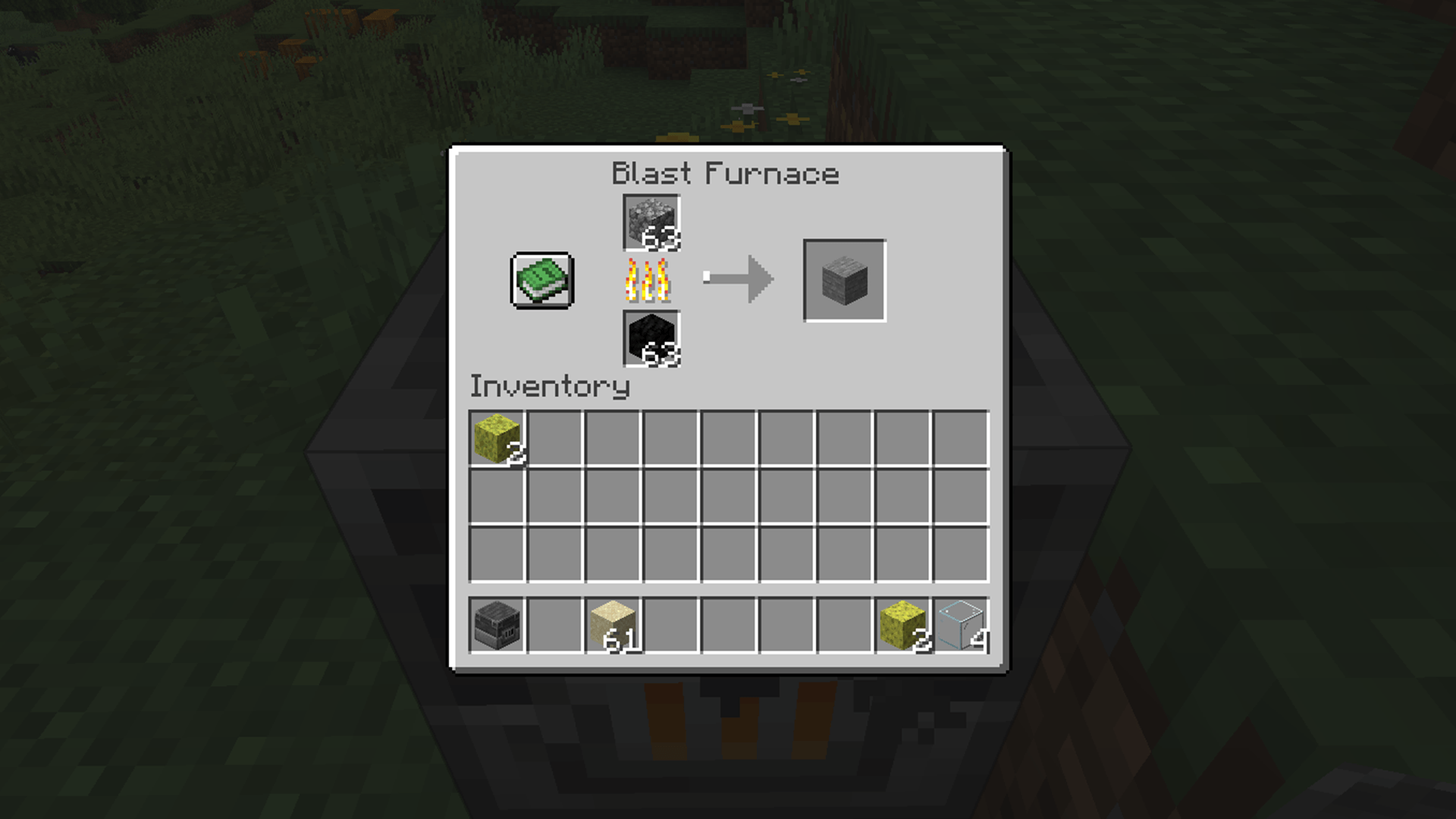
For example; cobblestone is now able to be molten to stone with the blast furnace.  
  

Found a bug or something is not working correctly?  

Send me a message and I will fix it ASAP! :)  
  

Why did you create this datapack?  

Personally I feel that the way the blast furnace is implemented by Mojang is mediocre at best.  
I smelt more cobblestone and other decorative blocks rather than ores. For ores I build farms, that way I have to mine less and can focus more on decorating and building.

Interested in how this datapack is built up?

Github

Enhanced Blast Furnace v1.6.0
MC 26.1, 26.2, 26.3
Release 2026-09-20 Get
Enhanced Blast Furnace v1.5.0 [26.2]
MC 26.1, 26.2
Release 2026-07-20 Get
Enhanced Blast Furnace v1.4.0 [26.1]
MC 26.1
Release 2026-03-26 Get
Enhanced Blast Furnace v1.3.13 [1.21.11]
MC 1.21.11
Release 2025-12-10 Get
Enhanced Blast Furnace v1.3.12 [1.21.9 - 1.21.10]
MC 1.21.9, 1.21.10
Release 2025-10-07 Get
Enhanced Blast Furnace v1.3.11 [1.21.7 - 1.21.8]
MC 1.21.8, 1.21.7
Release 2025-07-11 Get
Enhanced Blast Furnace v1.3.10 [1.21.6]
MC 1.21.6
Release 2025-06-19 Get
Enhanced Blast Furnace v1.3.9 [1.21.5]
MC 1.21.5
Release 2025-03-31 Get
Enhanced Blast Furnace v1.3.8 [1.21 - 1.21.4]
MC 1.21, 1.21.4, 1.21.3, 1.21.1, 1.21.2
Release 2025-01-21 Get

Requirements & install

How to use this data pack in Minecraft
Mods needed
None, works in vanilla
Minecraft
1.21.7 – 26.3
Install folder
saves/<world>/datapacks

How to install data packs

  1. Download the data pack .zip file (do not extract it).
  2. New world: click Data Packs on the world creation screen and drop the .zip in. Existing world: open .minecraft/saves/<world>/datapacks.
  3. Put the .zip into the datapacks folder of the world (servers: world/datapacks).
  4. Run /reload in game (or rejoin the world) and check it with /datapack list.
Browse more: Data Packs for 26.3 All data packs

More from BDBekhof

Advertisement Remove ads with Premium →

You Might Also Like