# End Portal Calculator Datapack
Find the exact Stronghold End Portal location using only two Eye of Ender throws — powered by real trigonometry!
And you thought you'd never need this outside of school… 😁
This datapack calculates the precise coordinates of the End Portal by analyzing the trajectory of two Eye of Ender throws, using angle-based triangulation. No guessing, no wasted time, no digging random tunnels — 100% accurate results.
## 📋 How to Use
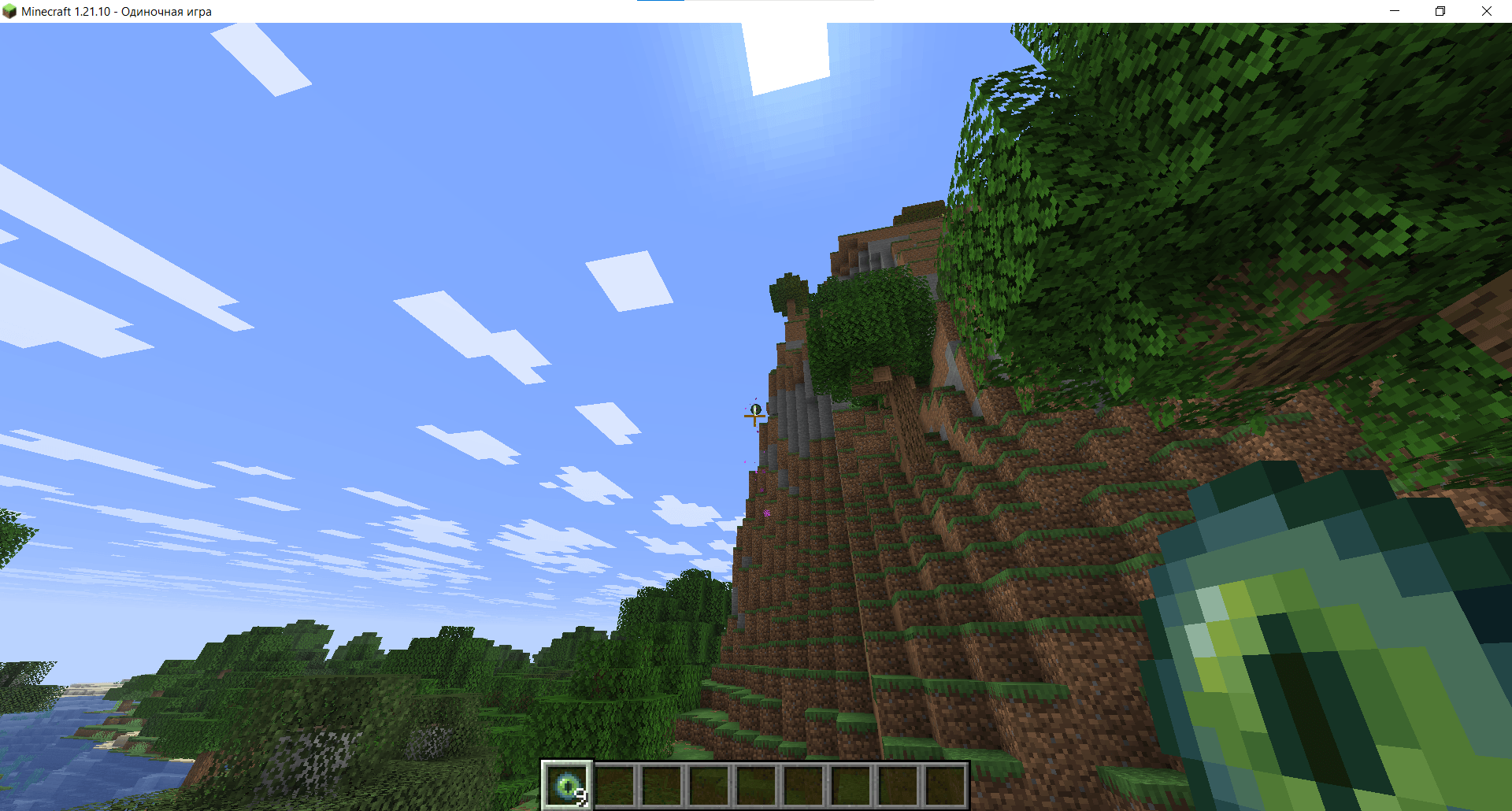
1️⃣ Throw an Eye of Ender and look directly at its center while it's flying and doesn't move mouse
<img src="https://raw.githubusercontent.com/sectcloud/end-portal-calculator-dp/master/screenshots/eye-of-ender.png" alt="eye-of-ender" width="100%"/>
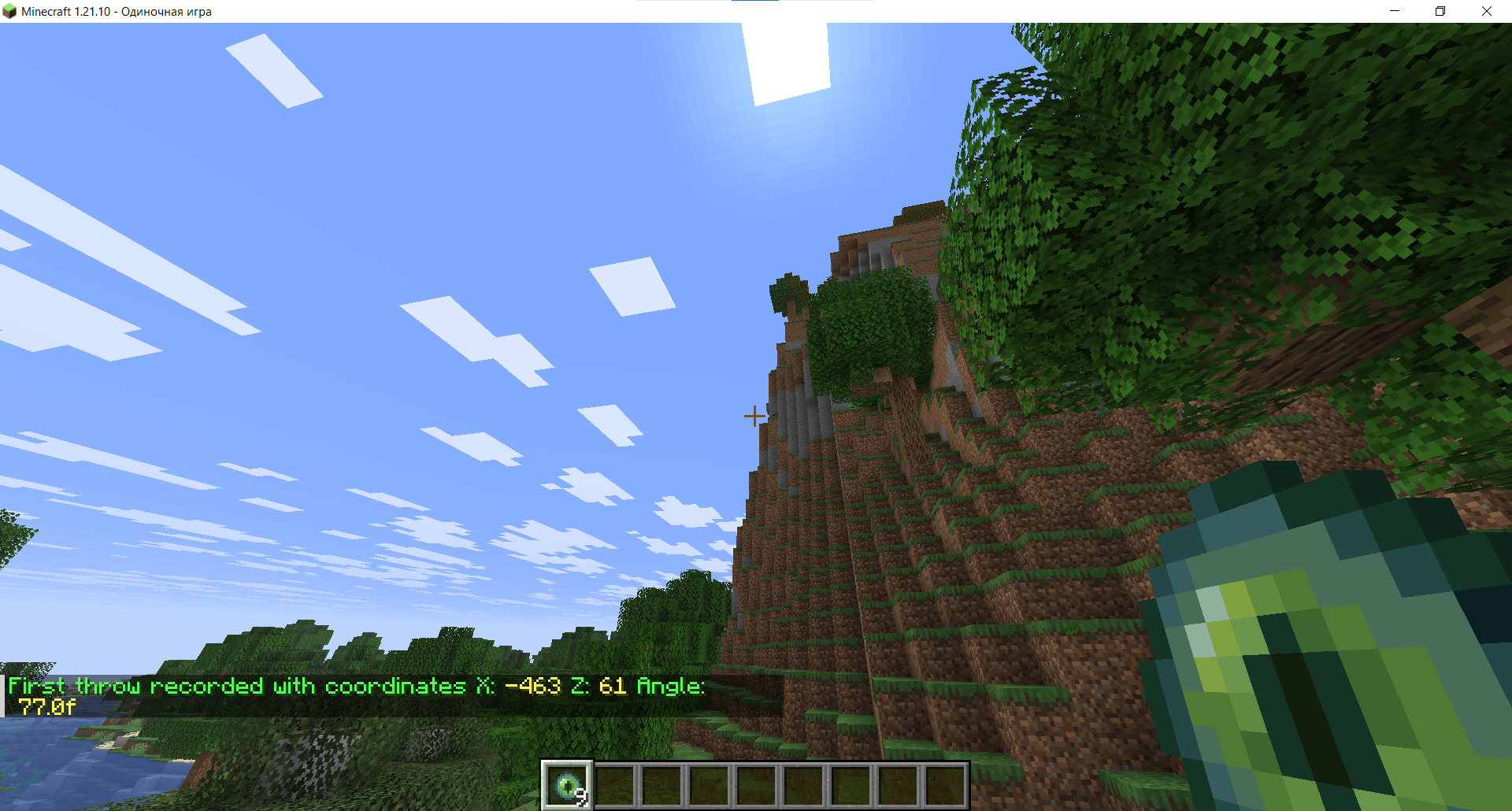
2️⃣ Run the command:
```mcfunction
/trigger epc.throw
```
<img src="https://raw.githubusercontent.com/sectcloud/end-portal-calculator-dp/master/screenshots/trigger-command.png" alt="eye-of-ender" width="100%"/>
3️⃣ Move at least 200 blocks away from your first throw location.
4️⃣ Repeat steps 1–2 one more time.
5️⃣ Your End Portal coordinates will appear in chat 🎉
<img src="https://raw.githubusercontent.com/sectcloud/end-portal-calculator-dp/master/screenshots/stronghold-coordinates.png" alt="eye-of-ender" width="100%"/>