Badges update automatically and link to the data pack page on MineUniverse.
Requires Applied Energistics 2
Important! The data pack must be loaded when the world is generated and not afterwards, otherwise meteors will be generated around the spawn!
If the data pack is loaded on a map afterwards, this will not delete any meteors but only prevent new ones from being generated as soon as a new chunk is loaded!
Recipes are immediately active as soon as the data pack has been loaded.
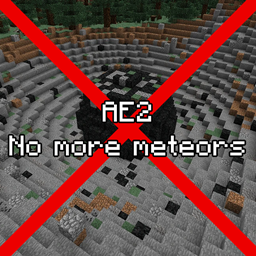
If you're also as annoyed by the Applied Energistics 2 meteors that destroy the landscape, then this data pack is just the thing for you!
It does exactly what the title describes - the Applied Energistics 2 meteors are simply disabled (no longer generated) and so the world remains intact.
In addition, recipes have been added that make the mining of meteors unnecessary and keep the mod intact - don't worry, these are not OP recipes.
The Applied Energistics 2 Meteorite Compass is still in the game. Simply so that you can get the advancement...
Shapeless:
Inscriber:
Optional guide:
If you want an easy way to load resource packs for each map that is created, then use an auto loader such as: Global Packs
Just add this mod and search for the “resourcepacks” folder in your minecraft folder and put in the resource pack. Now every map of you starts with the resource packs that are in this folder.
If the folder does not exist, create a new folder with the name “resourcepacks” and then add the resource pack.
More information about Global Pack on the mod page.
I have created this data pack in the course of a modpack that is still in the making and currently have no resources to make a 1.21 pack out of it.
Note: Minecraft had changes in the structure from 1.20 to 1.21 and in addition a lot has changed in AE2 during the update.
As soon as the time is there I will release a 1.21 pack.
PS: I will not reply to any PM's asking for updates or downgrades :)
I will gladly accept suggestions and ideas for improvement!