Mineuniverse
Data Packs
Day Counter  RtaRox

Day Counter RtaRox

DATA PACK
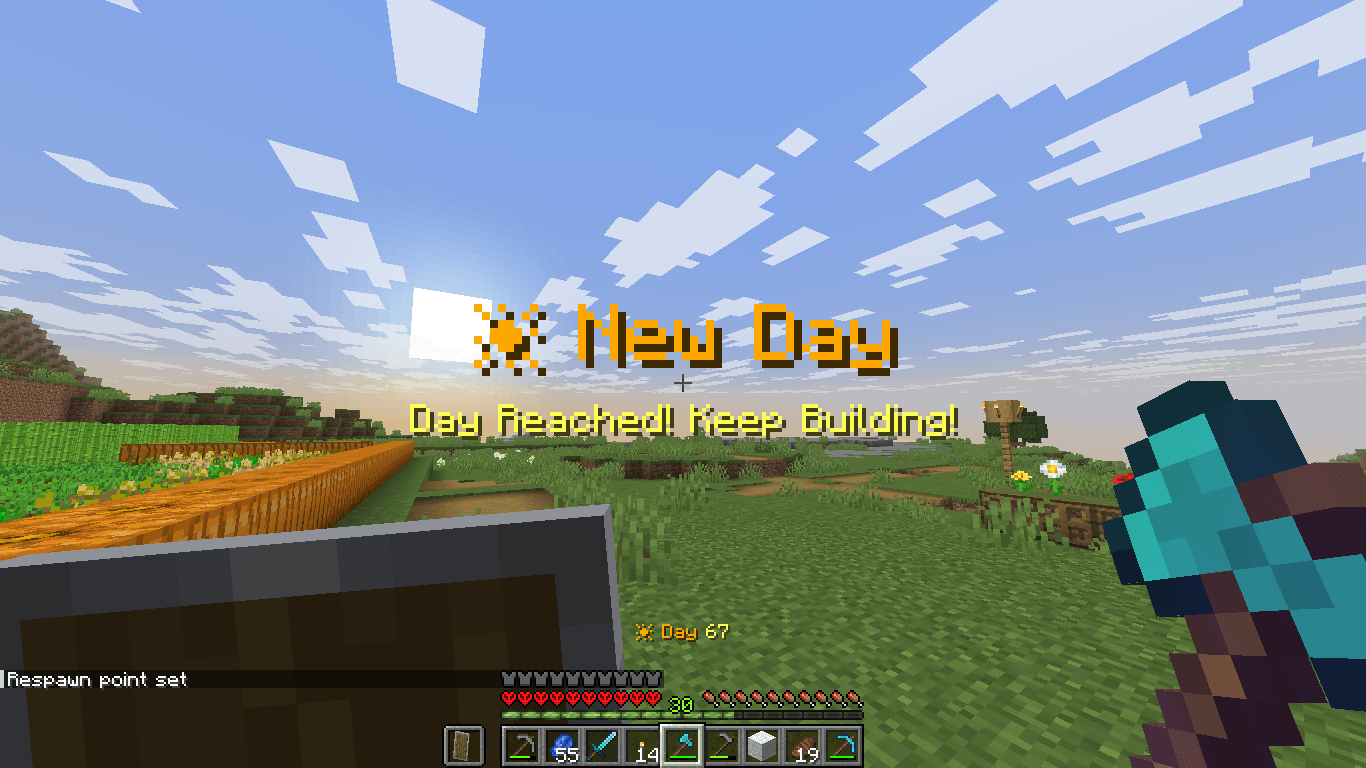
A professional Minecraft datapack that displays the current world day, shows morning reminders, and celebrates milestones with titles, sounds, particles, and announcements.
by RtaRox
Download Claim this project
157 downloads
0 likes
Updated Oct 14, 2026
0 hypes
Adventure Utility
Advertisement Remove ads with Premium →

Day Counter PRO

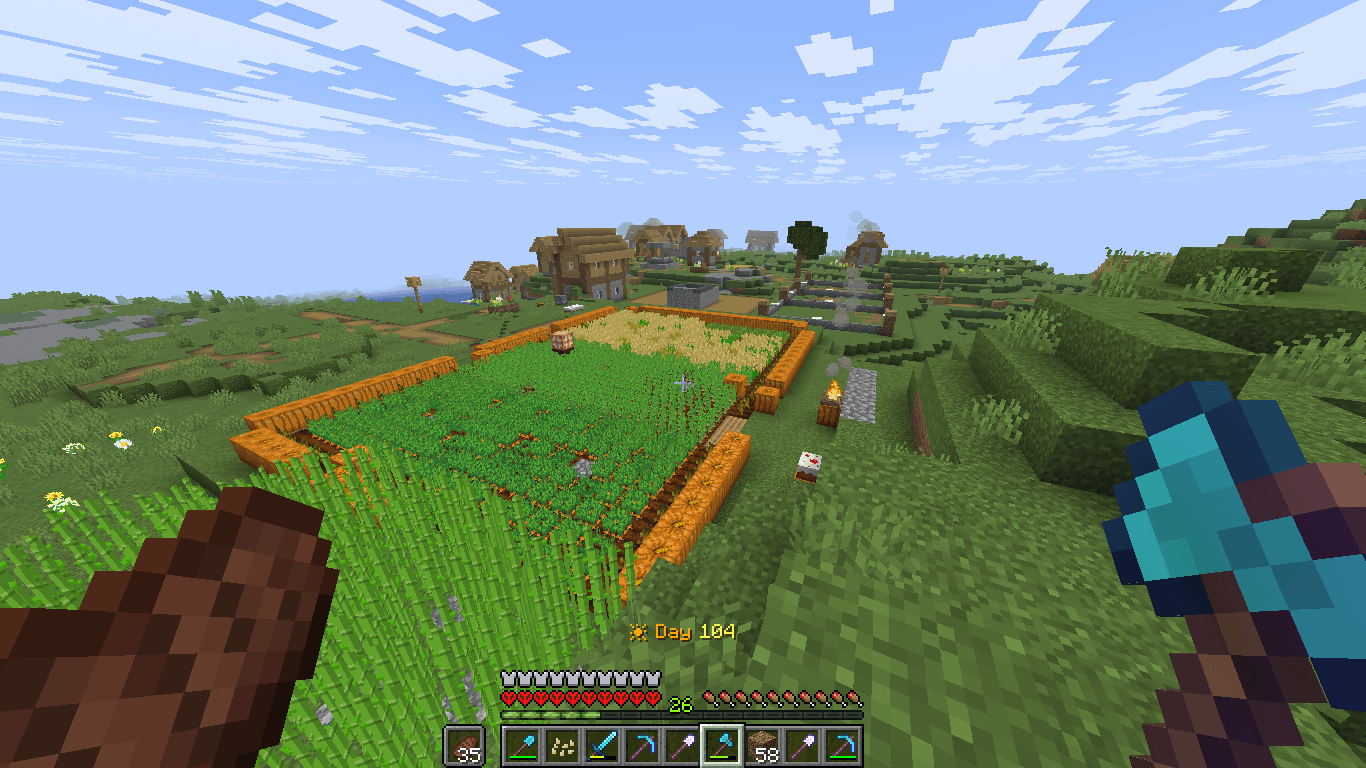
Day Counter PRO is a lightweight and multiplayer-friendly Minecraft datapack that keeps track of your world's progress by displaying the current day directly on screen.

Perfect for Survival, SMP, Hardcore, Adventure Maps, and Long-Term Worlds.

Contain


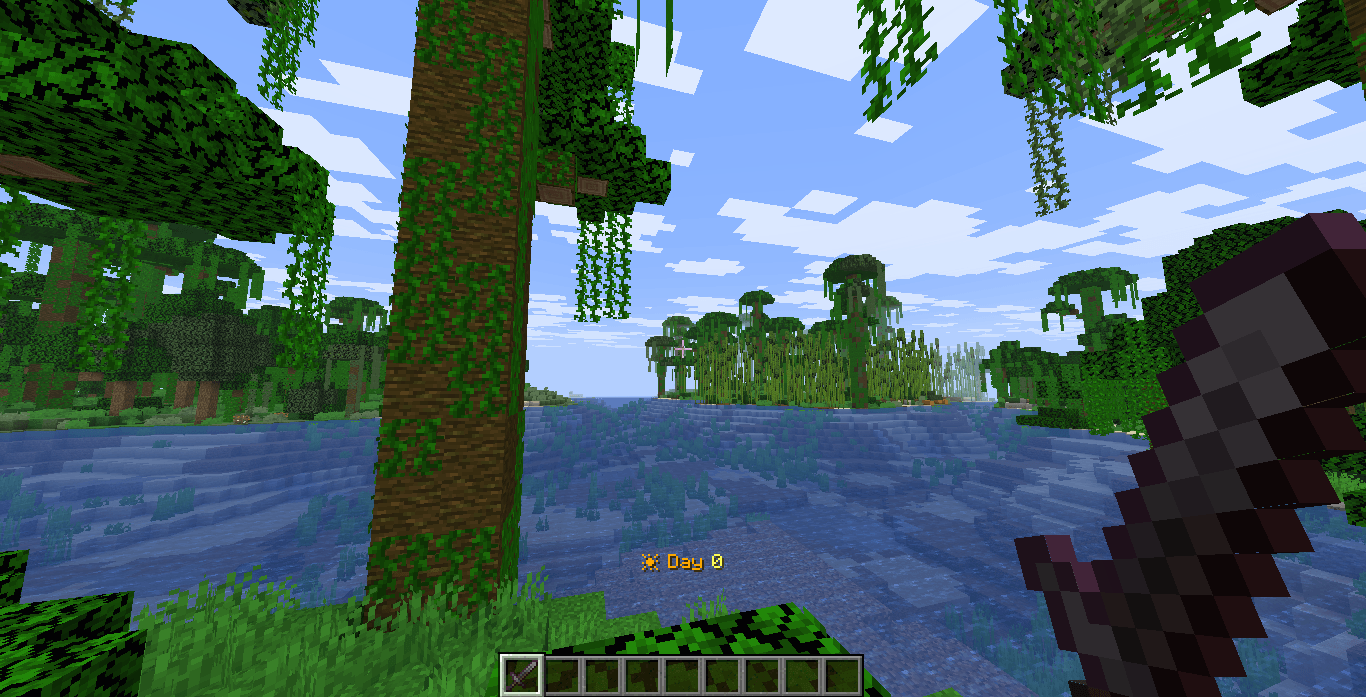
  • 📅 Permanent Day Counter HUD
  • 🌅 Morning Reminder Message
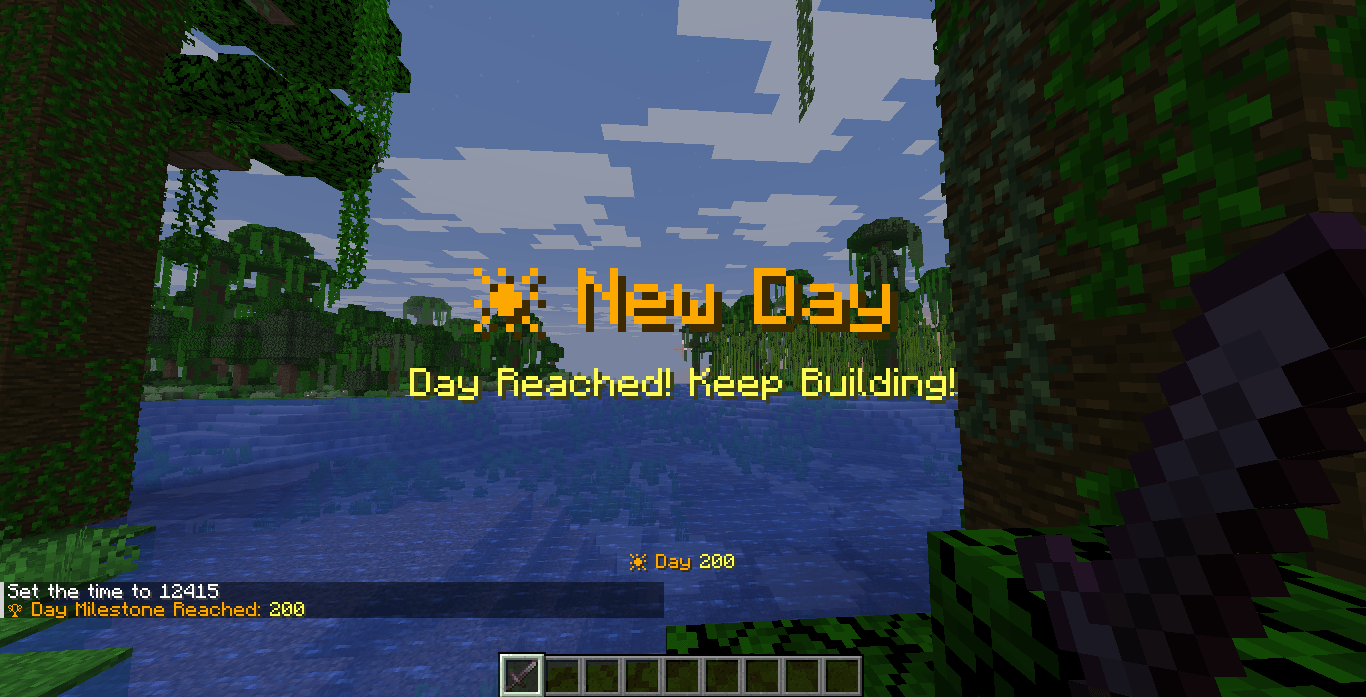
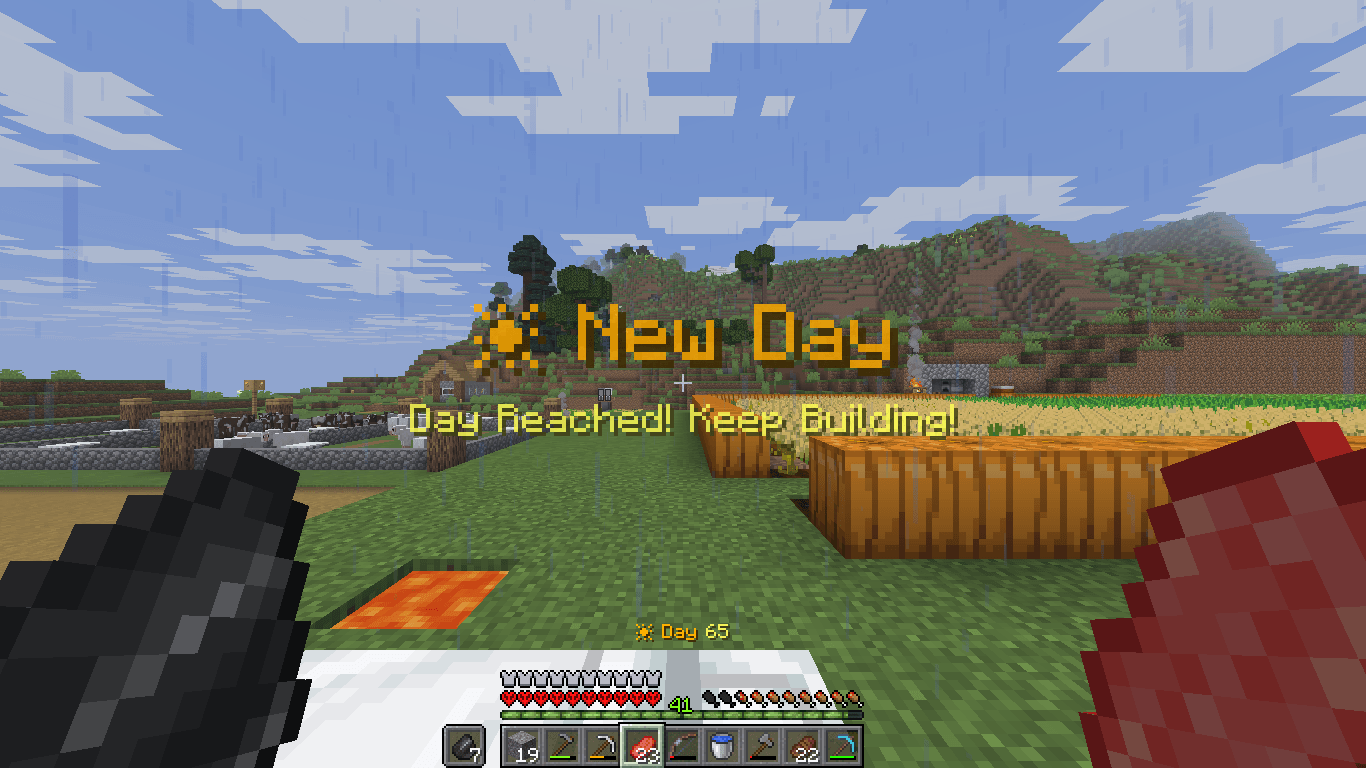
  • 🏆 Milestones every 50 days
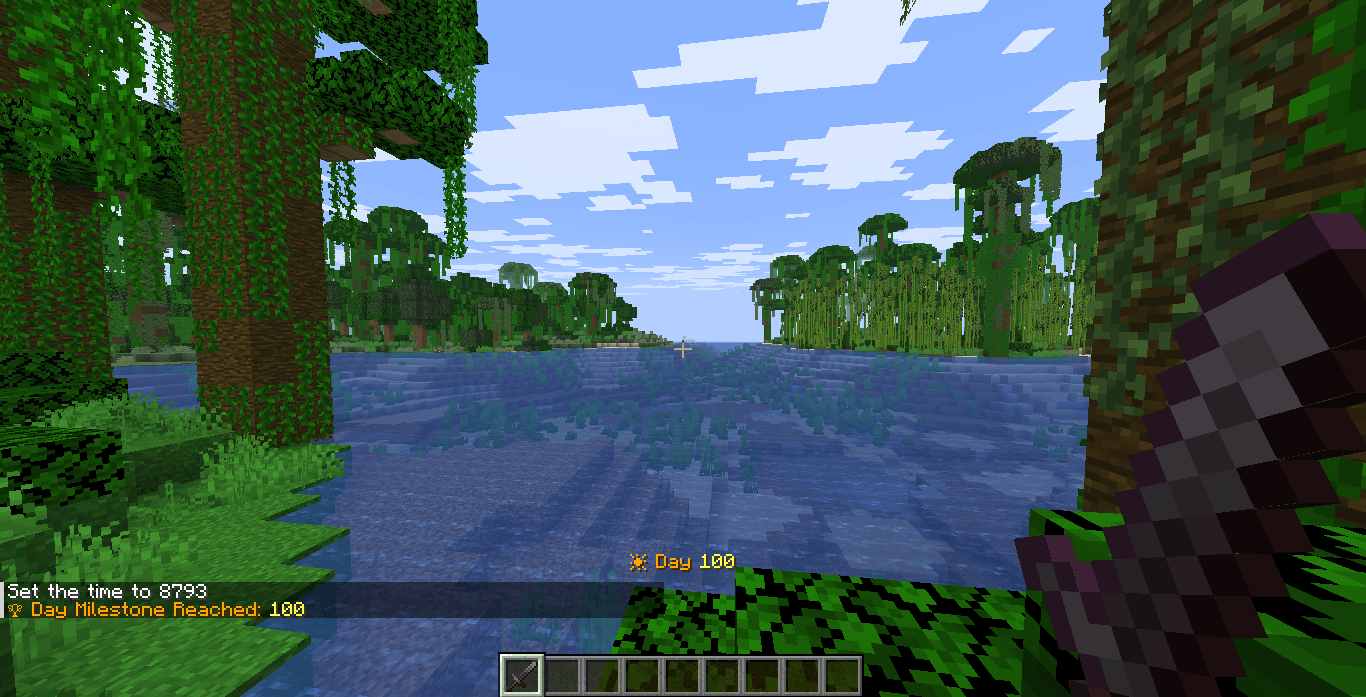
  • 👑 Major Milestones every 100 days
  • 🎆 Fireworks
  • 🔔 Toast Challenge Complete sound
  • ✨ Particles
  • 🌈 Colored titles
  • ⚙️ Config file
  • 📢 Server-wide announcements
  • 📊 Statistics tracking
  • 🎯 Works in singleplayer and multiplayer

Features

✔ Persistent Day Counter HUD

✔ Morning Reminder Messages

✔ Milestone Celebrations

✔ Sound Effects

✔ Server-Wide Announcements

✔ Multiplayer Support

✔ Lightweight and Optimized

Milestones

Special milestone events occur on important survival days:

  • Day 50

  • Day 100

  • Day 500

  • Day 1000

Milestones include:

  • Titles

  • Sounds

  • Particles

  • Global Announcements

Installation

  1. Download the datapack.

  2. Place it inside:

world/datapacks/

  1. Run:

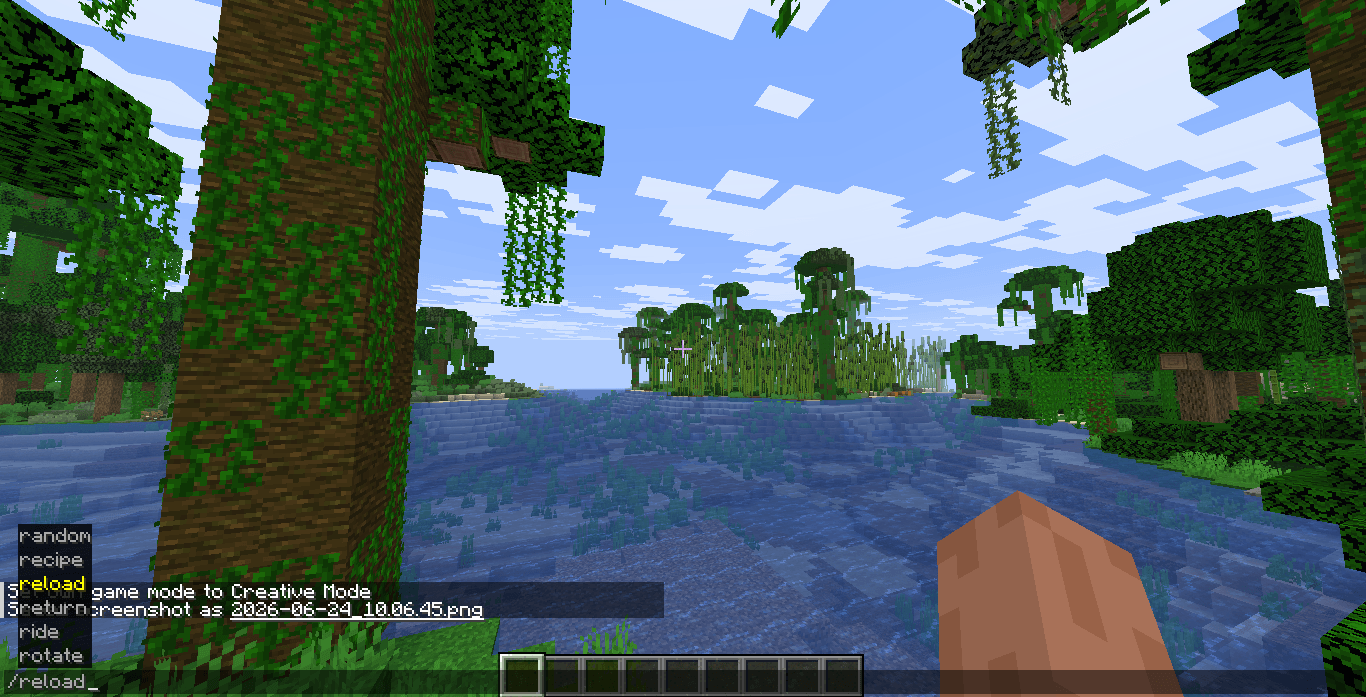
/reload

  1. Enjoy Day Counter PRO.

Compatibility

Minecraft Java Edition

  • 1.21.6

  • Latest Supported Versions

Perfect For

  • SMP Servers

  • Hardcore Worlds

  • Long-Term Survival Worlds

  • Content Creators

  • YouTube Challenges

  • Adventure Servers

Track your journey. Celebrate your achievements. Survive longer.

Screenshot 1

Screenshot 2

Screenshot 3

Screenshot MILESTONE 100

Screenshot MILESTONE 200

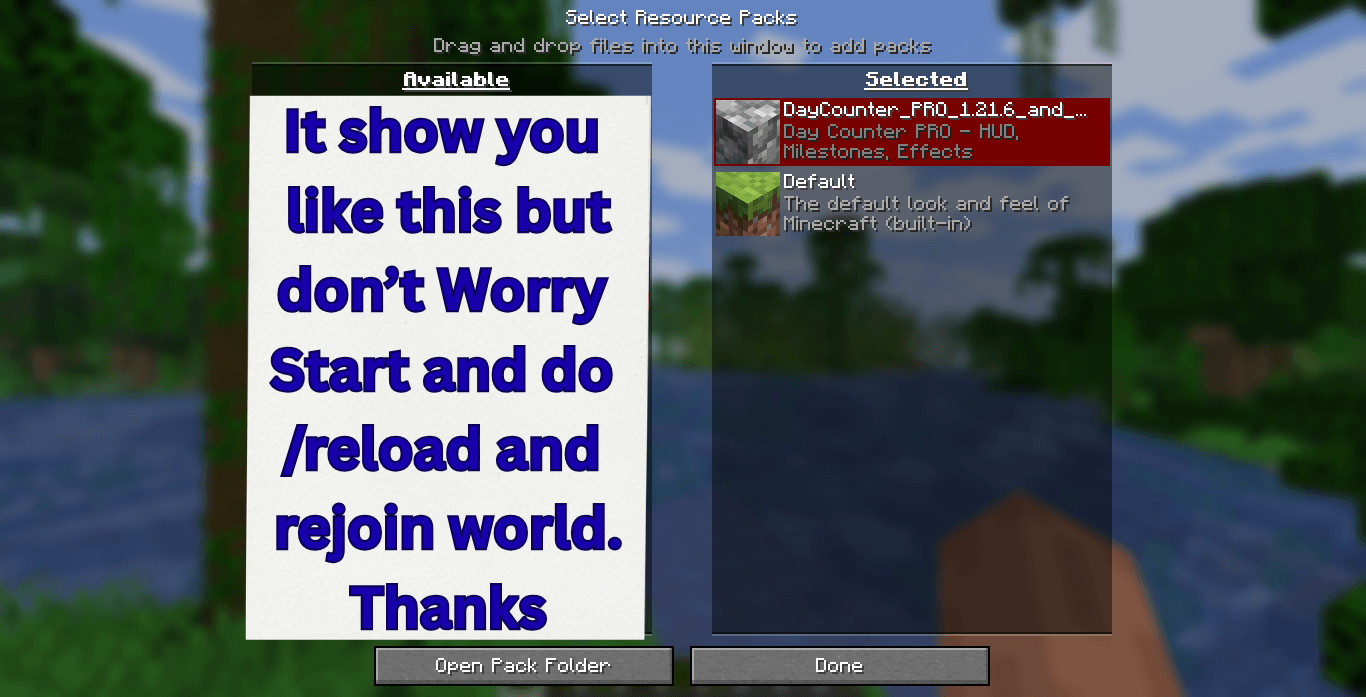
Screenshot Guide

DayCounter_PRO_1.21.6_and_Latest.zip
MC 1.21.8, 1.21.6, 1.21.7, 1.21.9-snapshot, 1.21.9, 1.21.10, 1.21.11-snapshot, 1.21.11, 26.1, 26.1.1, 26.1.2, 26.2
Release 2026-06-24 Get

Requirements & install

How to use this data pack in Minecraft
Mods needed
None, works in vanilla
Minecraft
1.21.9 – 26.2
Install folder
saves/<world>/datapacks

How to install data packs

  1. Download the data pack .zip file (do not extract it).
  2. New world: click Data Packs on the world creation screen and drop the .zip in. Existing world: open .minecraft/saves/<world>/datapacks.
  3. Put the .zip into the datapacks folder of the world (servers: world/datapacks).
  4. Run /reload in game (or rejoin the world) and check it with /datapack list.
Browse more: Data Packs for 26.2 All data packs
Advertisement Remove ads with Premium →

You Might Also Like