Comic Effects is a DAI proof-of-concept datapack demonstrating the new Reactions and screen presentation systems.
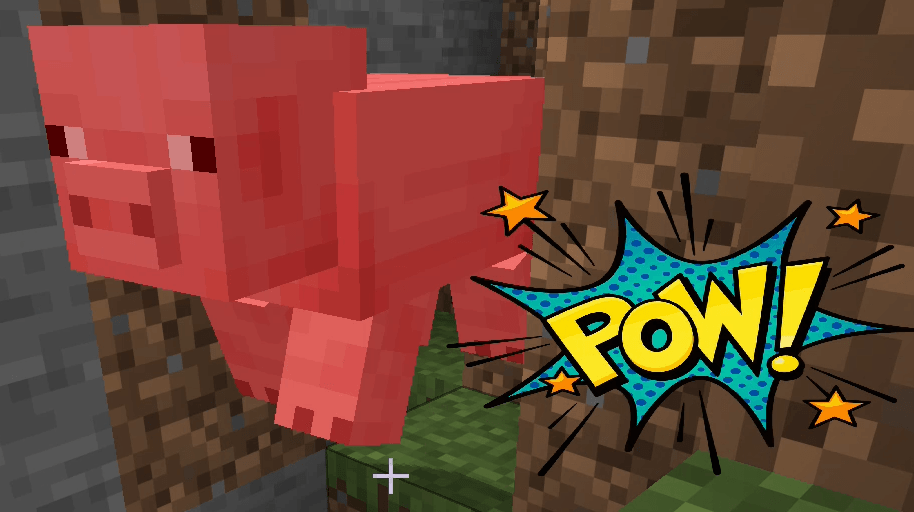
The pack automatically reacts to player entity attacks using a post-phase player_attack_entity reaction. When the attacked target is a living entity, DAI runs a random comic-style effect such as POW!, BAM!, WHACK!, or KAPOW! without altering normal combat behavior.
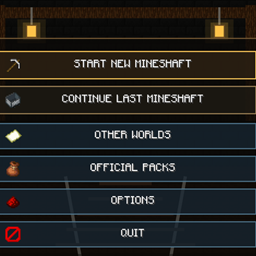
It also adds a [Test] Comic FX menu to DAI with manual controls for testing individual effects, layered effects, animated effects, and clearing active overlays.
The datapack demonstrates:
- default Reactions tied to gameplay events
- reaction conditions using event context
- static overlay_sprite actions
- animated overlay_sprite_sheet actions
- custom menu button colors
- configurable screen position and size
- alpha transparency
- texture tinting
- Z-order layer stacking
- timed overlay lifetimes
- clickable overlays
- click_action behavior
- non-consuming overlay clicks
- manual overlay removal
- clearing all active overlays
- resource-pack supplied GUI textures
The Layered POW example combines multiple screen elements at different Z levels, while Animated KAPOW demonstrates manual sprite-sheet animation using defined frame dimensions, frame counts, columns, frame timing, and looping behavior.
Comic Effects keeps all gameplay and visual behavior external to the DAI Java core. The datapack defines when effects occur and how they behave, while the companion resource pack supplies the actual comic artwork.
Overall, Comic Effects serves as a practical example of how third-party DAI datapacks can respond to Minecraft events and build custom, animated, layered, interactive screen experiences entirely through JSON and resource-pack assets.