Badges update automatically and link to the data pack page on MineUniverse.
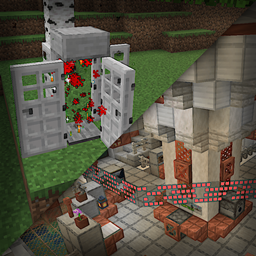
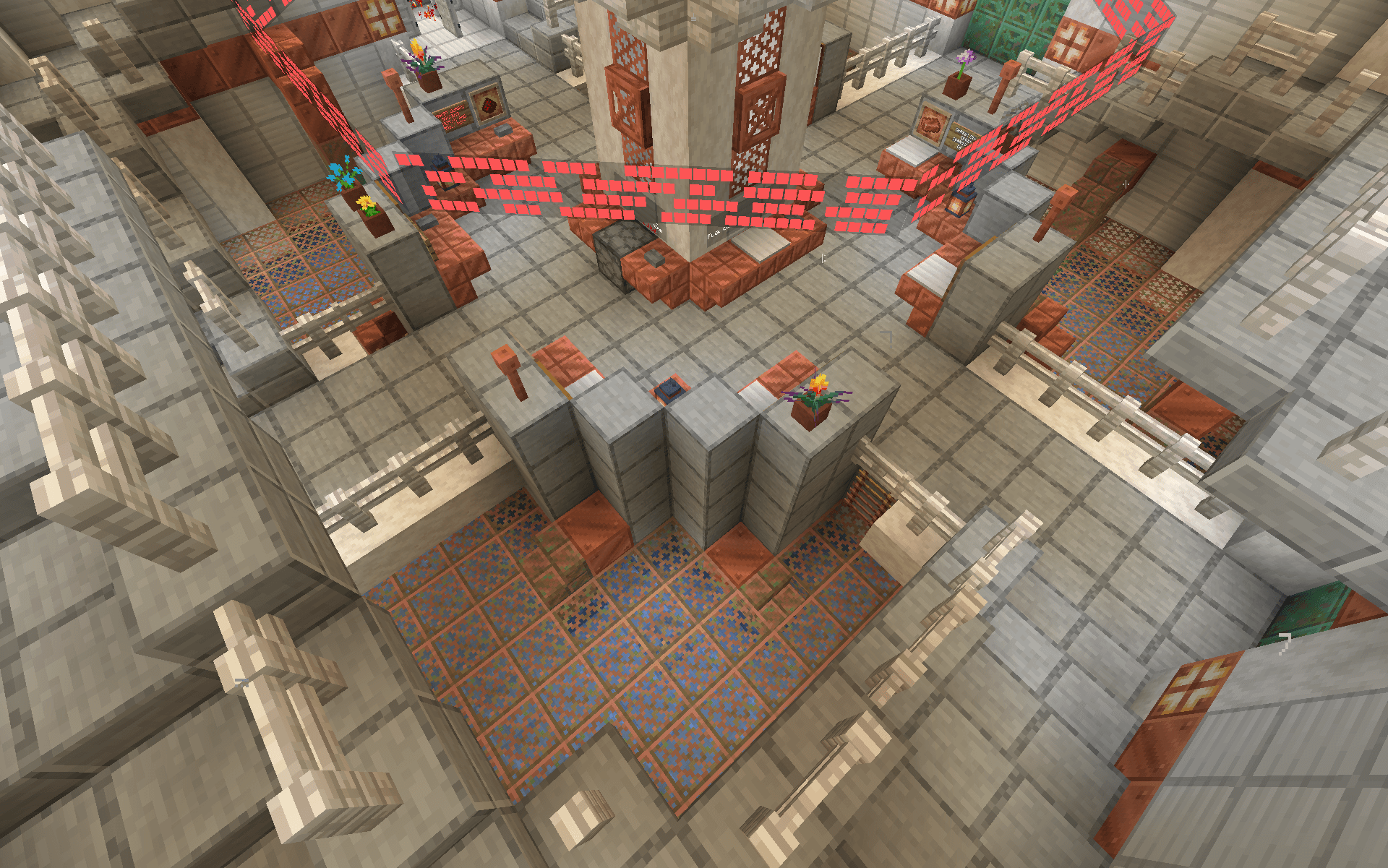
CRAFTIS is a datapack inspired by TARDIS from Doctor Who. It is centered around, well, CRAFTDIS.
What is CRAFTDIS? It's a centralized network of all constructed teleporters in your world. Inside, you can configure the target location and exit the CRAFTDIS to teleport there. Setting up the teleporters themselves is very simple, but setting the destination requires Redstone Blocks as fuel, making it more balanced for casual survival.
You can upgrade the central to have a huge inter-dimensional storage, a dedicated bank for storing destinations, and even the ability to travel in time to visit different eras!
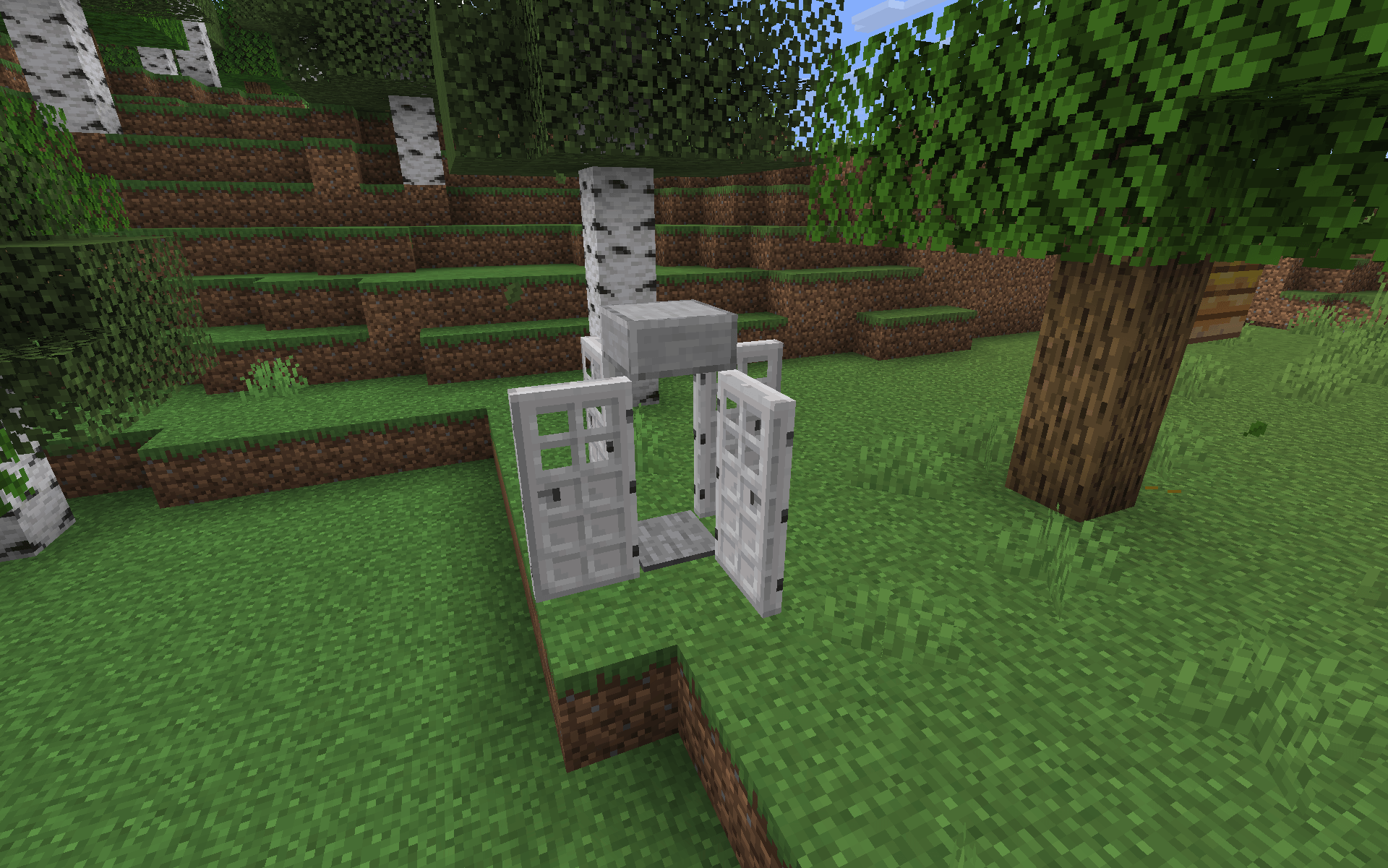
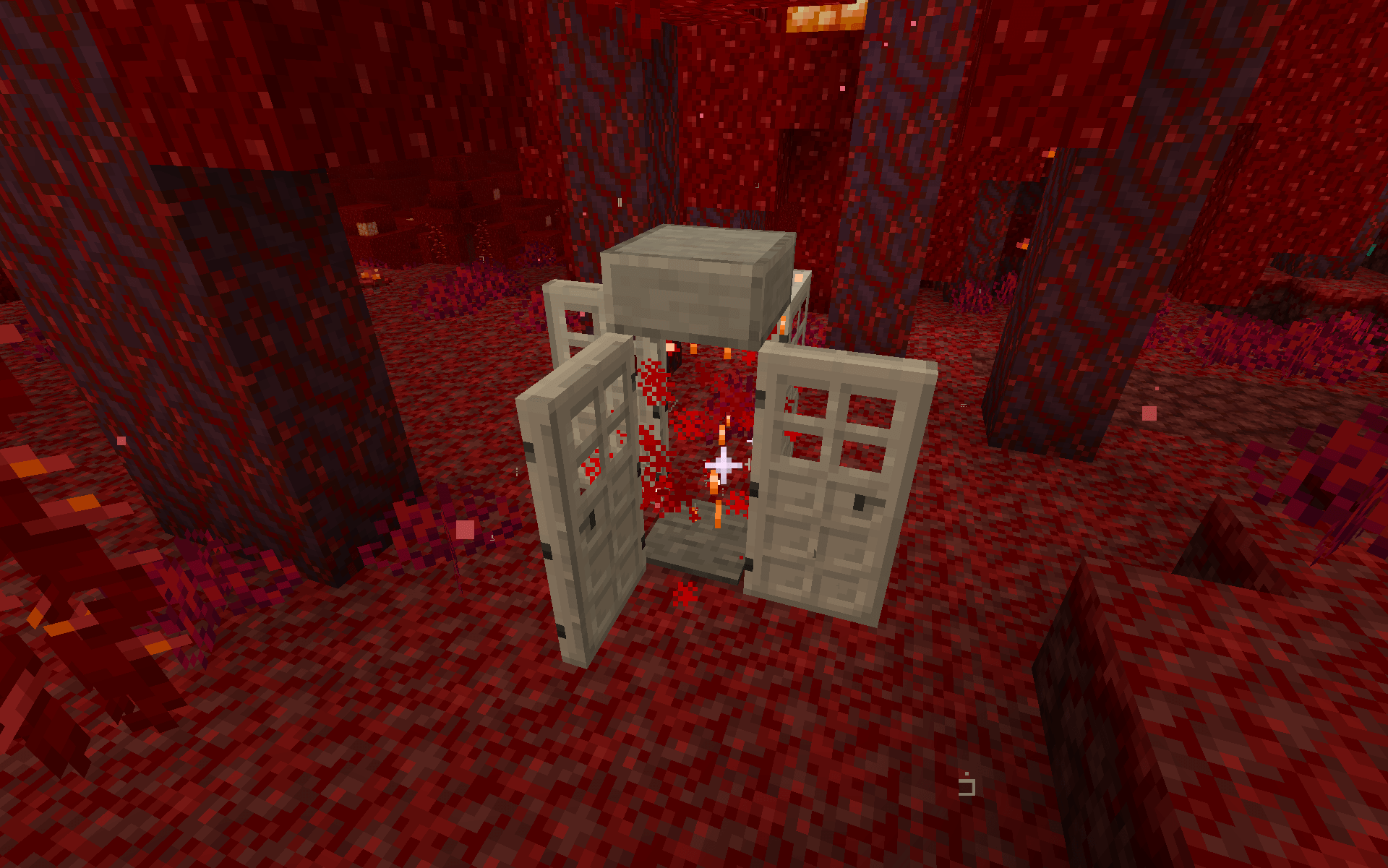
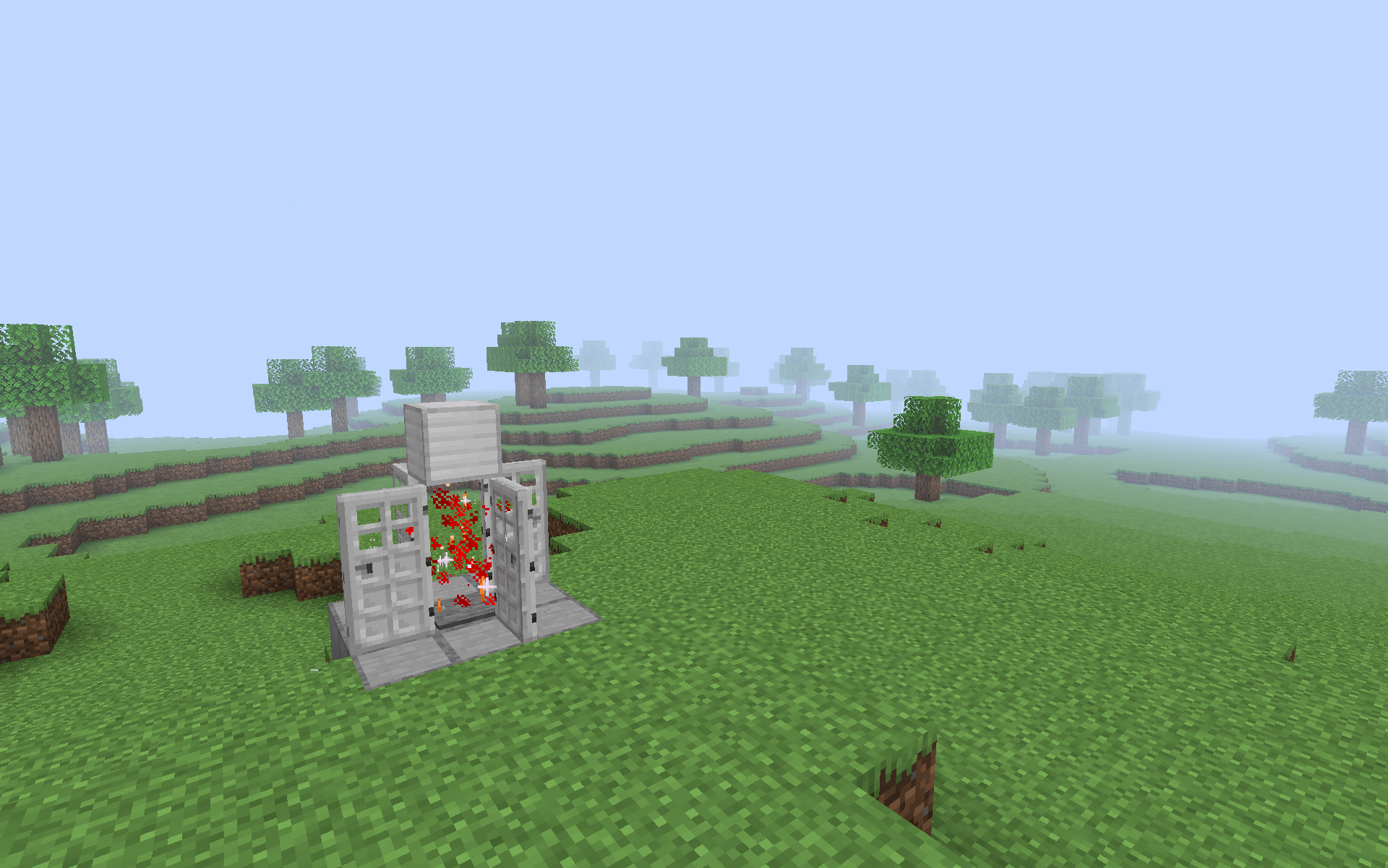
1. Place 2 central support blocks and 4 Iron Doors around it in this formation.

2. Place any solid block on top of the central support blocks.

3. Remove the supporting blocks and place a Pressure Plate... Wait, this looks oddly familiar.

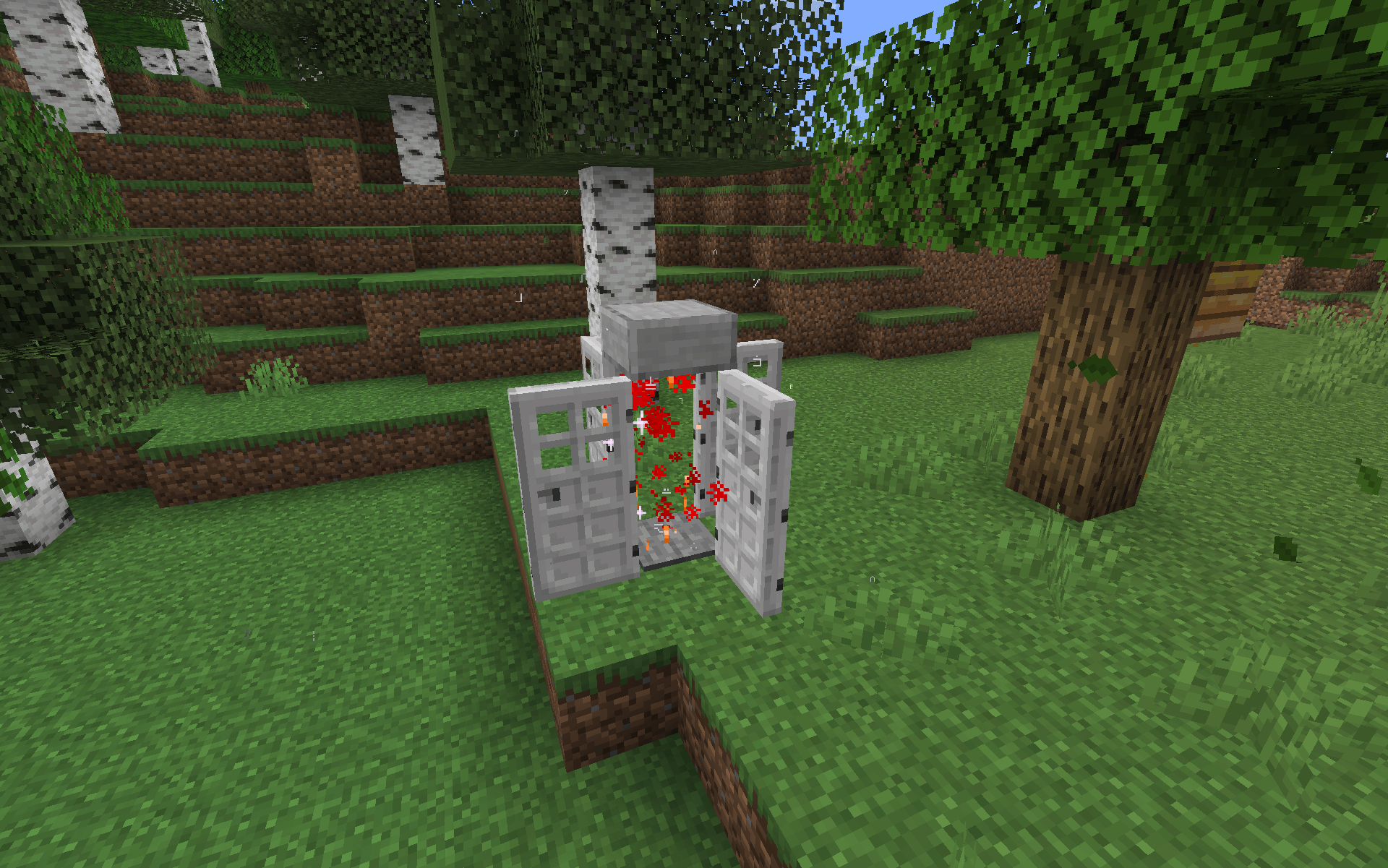
4. Get 'trapped' in your creation. Congrats! You just built a teleporter!
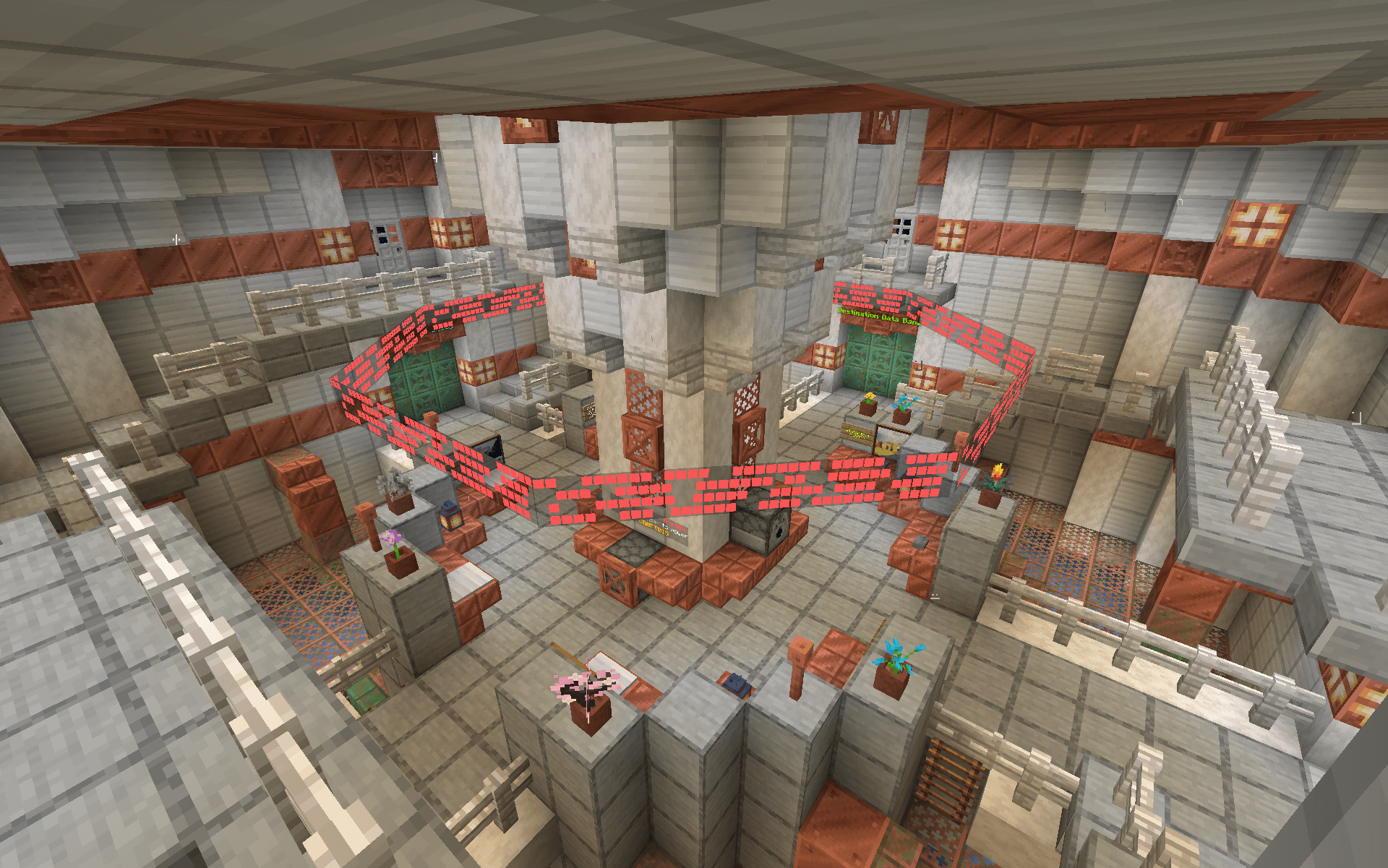
Upon entering, you will get activate the teleporter and get a Destination Data Book with the location you just entered from. You will also be transported into the main hub, where you can then set the destination back to the teleporter you entered from!

In order to set your CRAFTDIS' target location, you need to fuel it using Redstone Blocks! CRAFTDIS can store up to 64 Redstone Blocks at once. When first entered, it will have 3 already loaded in so that you can't get locked in the hub without a way to escape.

The actual process of setting the target destination is very easy! Just insert any Destination Data Book into the specified Dispenser and click the button next to it. This will consume 1 Redstone Block and won't work if there aren't any left.
(ignore as the screenshot says Hopper, it was an old bug and I didn't want to retake it)

After setting a targe location, just head to the exit and you will be teleported to the specified location shortly after! It is important to note that you can only teleport to other teleporters you've built in your world and that it works across dimensions.

As said in the image, while in the CRAFTDIS, you can insert certain items into this Dispenser to upgrade your CRAFTDIS: