Badges update automatically and link to the data pack page on MineUniverse.
>> Chinese Info Click Here/中文介绍点此 <<
This is a Chinese Translation Pack for the Cobblemon Hoenn map.
Map's original link: https://www.curseforge.com/minecraft/worlds/cobblemon-hoenn
Compatible with Map Version: 1.0.2
Special Thanks to Jond, the Map Creator.
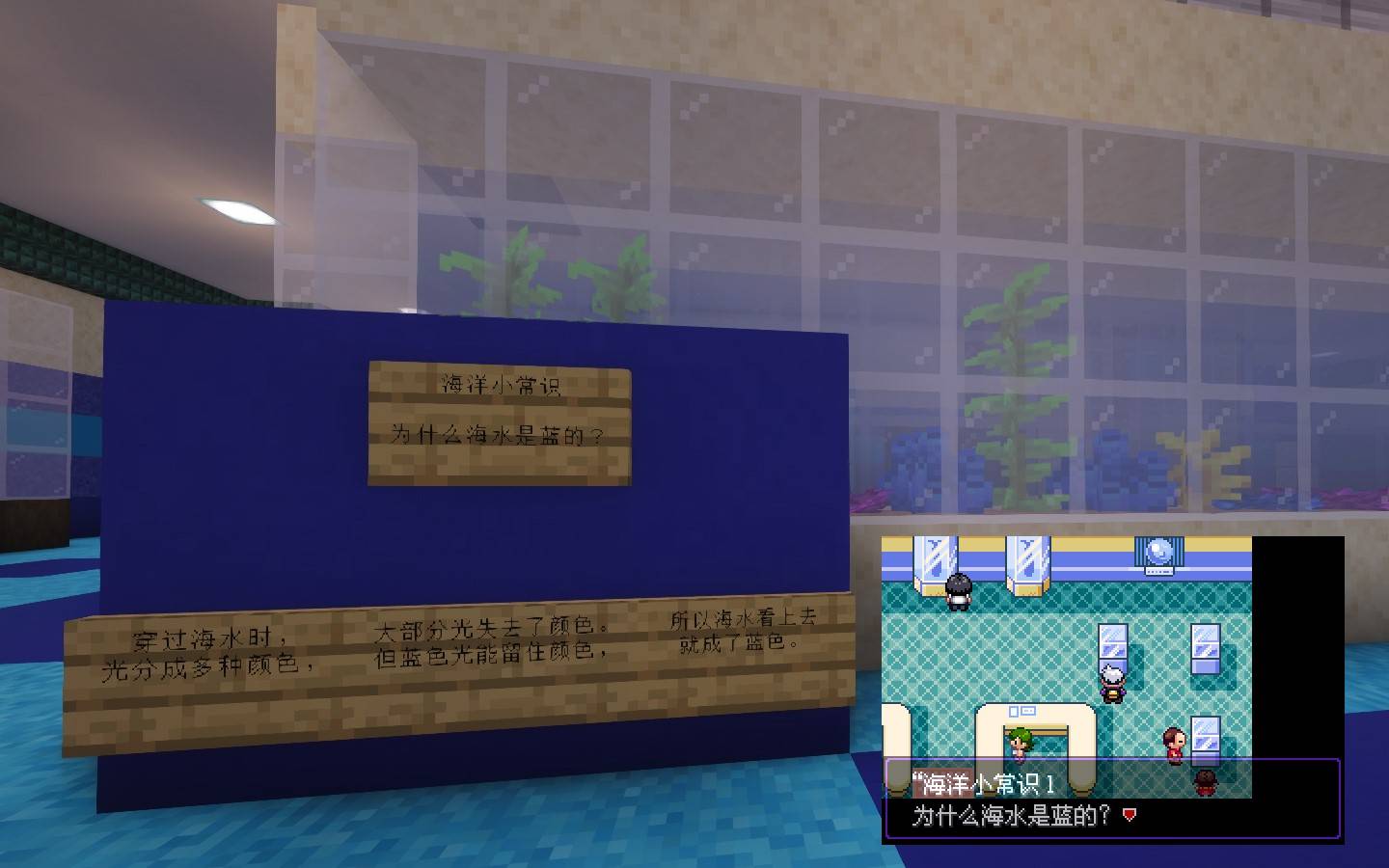
All the text has been fully translated into Chinese, except for unfinished features.
In addition to the translation files, the translation pack also includes several patches, as follows:
1. Semi-Transparent DialogBox
2. The Dialogue 1 patch
3. Hoenn PokeDex patch
4. Double Battle patch
5. Main Character Party fix patch
6. NPC Skin and Slim Player Model fix patch
7. Water route BGM adjusted to surf BGM
8. Fix for players getting stuck inside blocks when starting a battle in water.
9. Fix for PokeNav malfunction in the desert on Route 111
- Ride-Setting unlock datapack
- Cobblemon Generations compatibility resourcepack
- Battle Maison NPC level patch datapack for Cobblemon 1.7.3
[!] The translation pack must be installed into both the resourcepacks and datapacks folders.
If it is installed in the datapacks folder but doesn't work, try reloading the pack with the following commands in order:
/datapack disable "file/方可梦丰缘v1.0.2汉化包"
/datapack enable "file/方可梦丰缘v1.0.2汉化包" after "file/CobblemonHoenn.zip"
/function hoenn:zh_cn
Resource pack has loading priority. To load other resourcepacks, you need to move the save's default resource pack to the resourcepacks folder first.