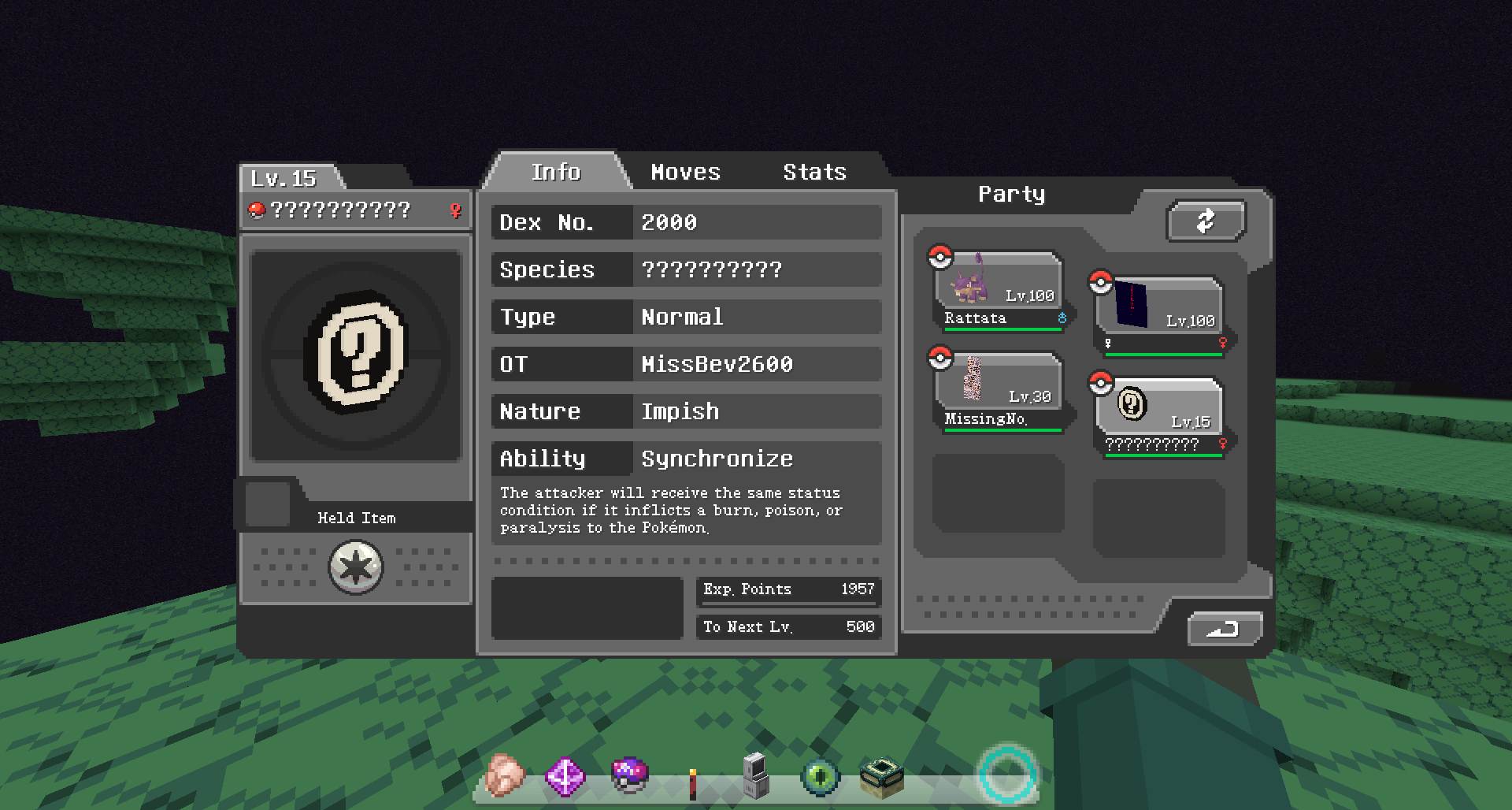
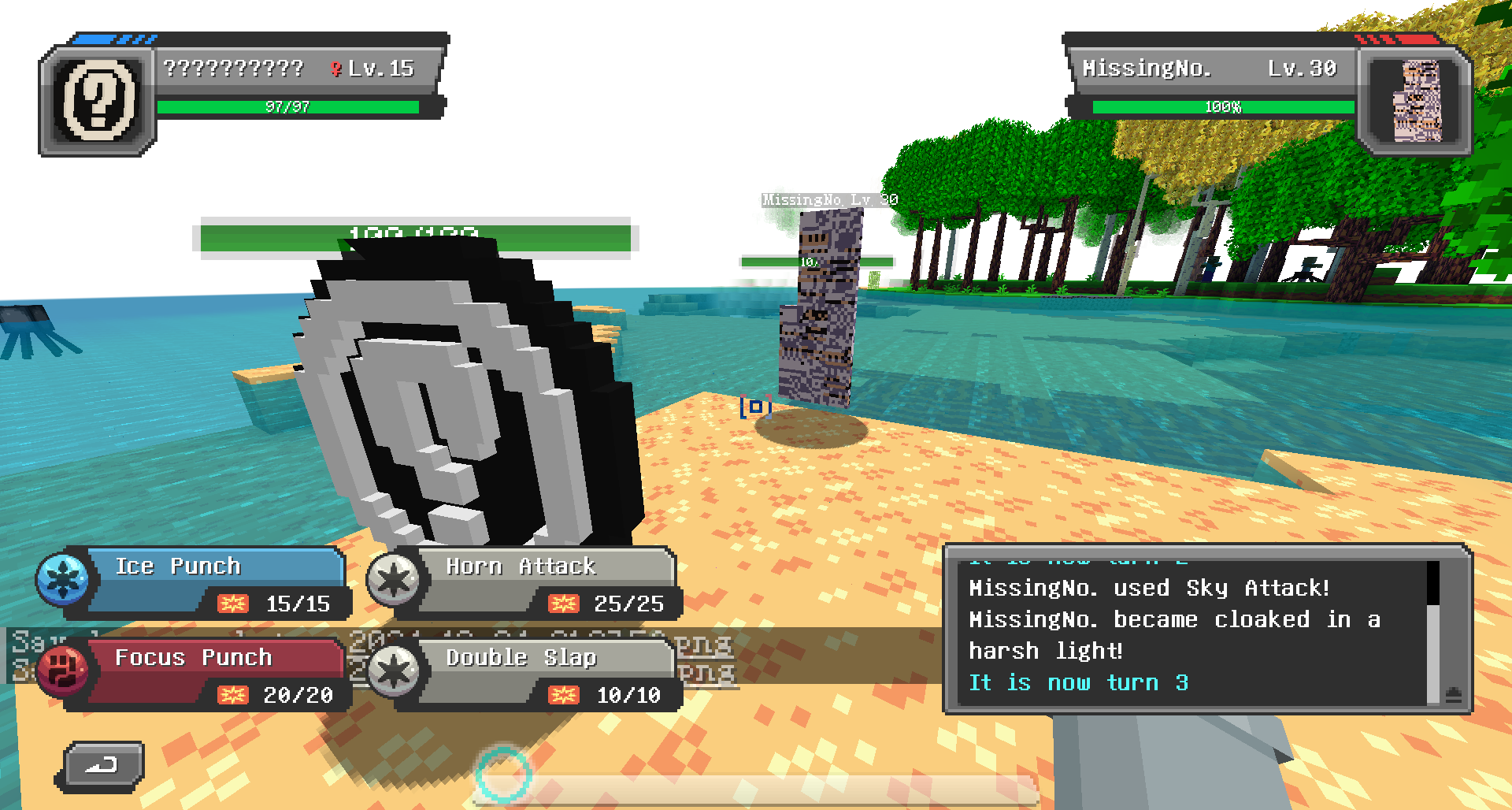
As is usual for data/resourcepack combos like this, the zip must be added into both your resourcepack folder (for you to see the graphics) and the world's datapacks folder
A datapack / resourcepack to add three (semi)accurate glitch pokemon into cobblemon. Game accurate stats (for better or worse).
Missingno. - The classic, the OG, the hometown hero, the beach bum himself. Normal type, just pretend he has the non-existent, non-functional, effectless, secondary "Bird" typing (he likes that). I highly recommend a mod (or eventual cobblemon update) that adds TMs, as those two moves are all he has without them.
?????????? / Decamark - A Gen III normal-type glitch pokemon. He has the base stats of one of his kind, but a movelist I constructed myself from many. Spawns in The End.
♀ - The singer! No I did not include her entire (possibly emulation-error concieved) song, if it even has an end. Normal/Normal typing, which means 4x Weakness to Fighting! and DOUBLE GHOST IMMUNITY, she ain't afraid of no ghost! Because most of her learnset is learned AFTER level 100, I have divided the levels they're learnt at down by 2.55. Also made her a Beach Babe, because I don't know where else to put her.
Anyone is free to edit, add-to, share, and use this stuff in any mod or modpack. Made with the help of the wonderful cobblemon tutorials.