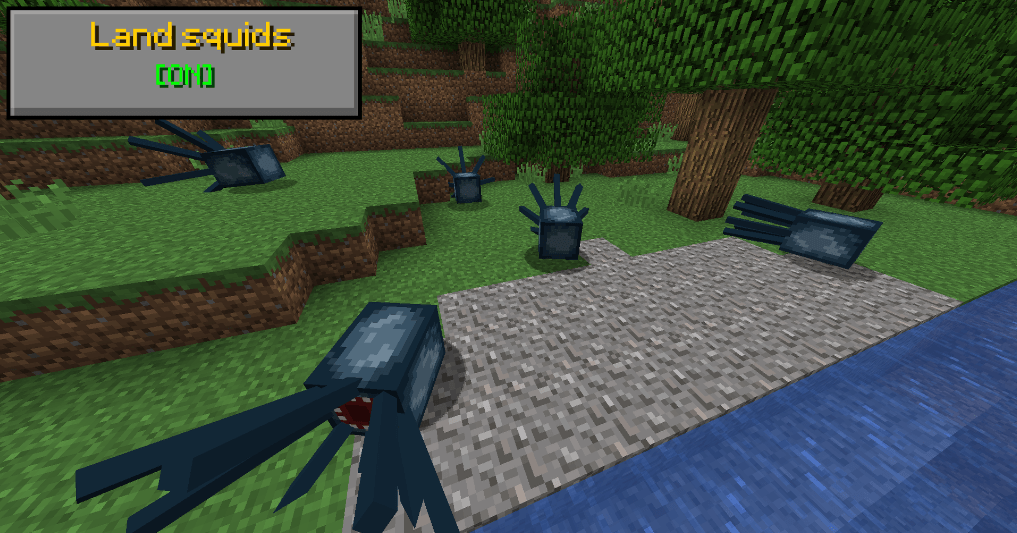
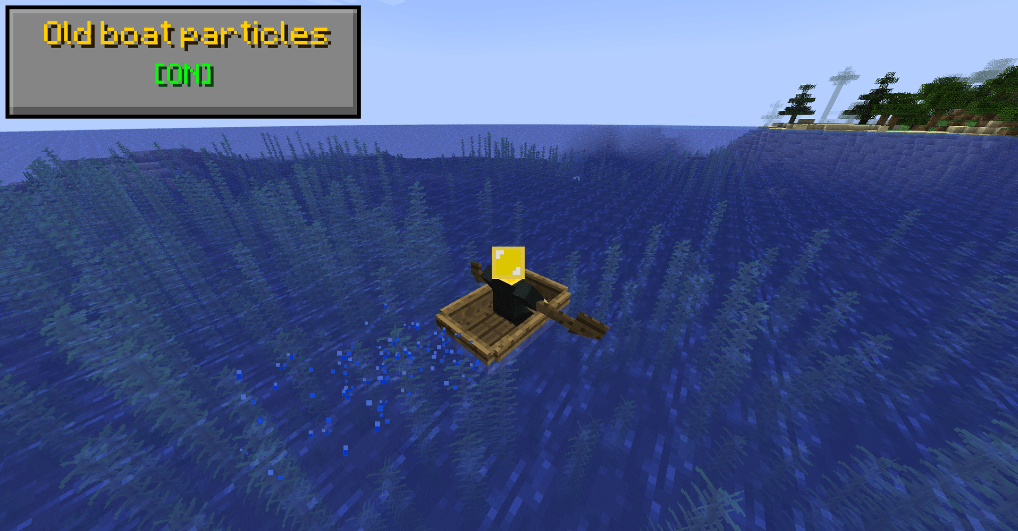
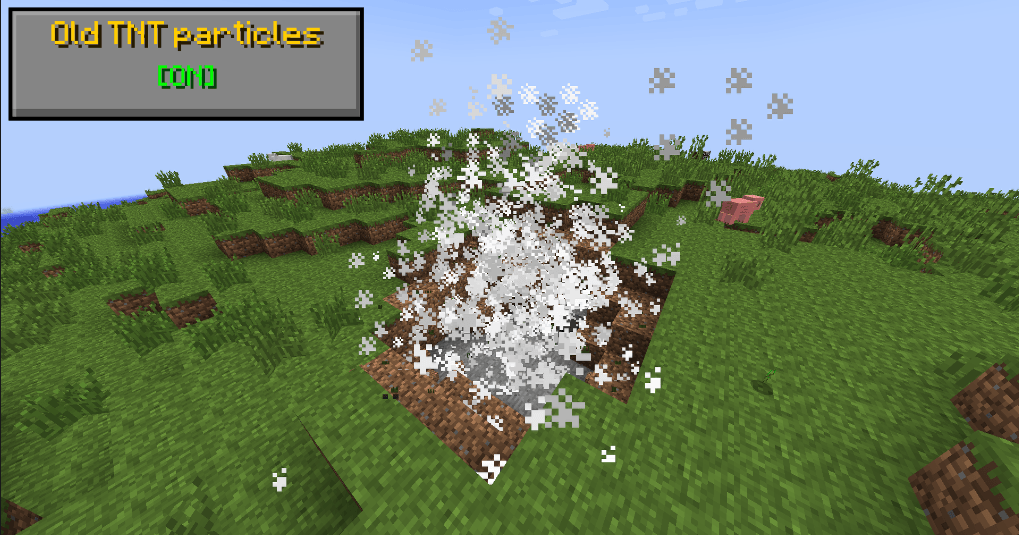
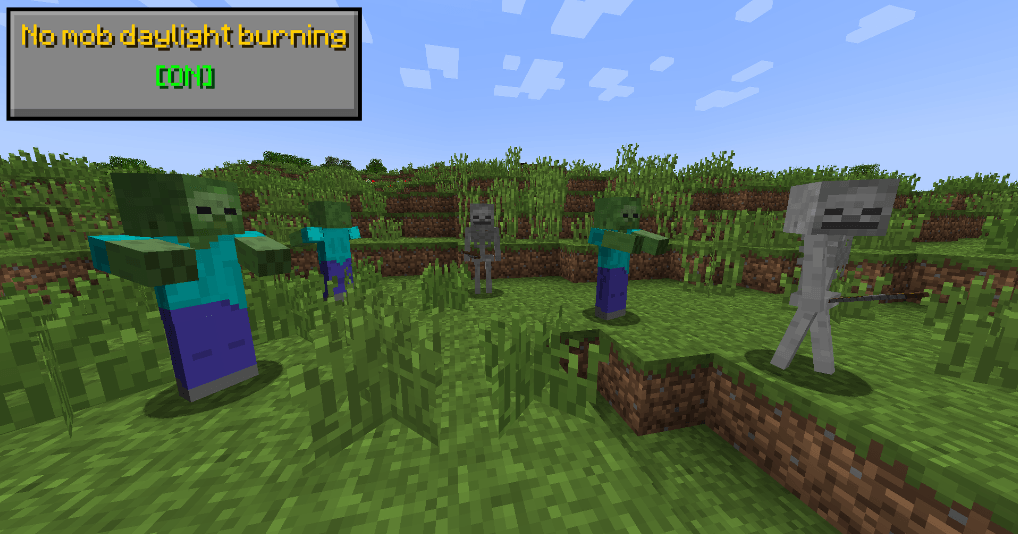
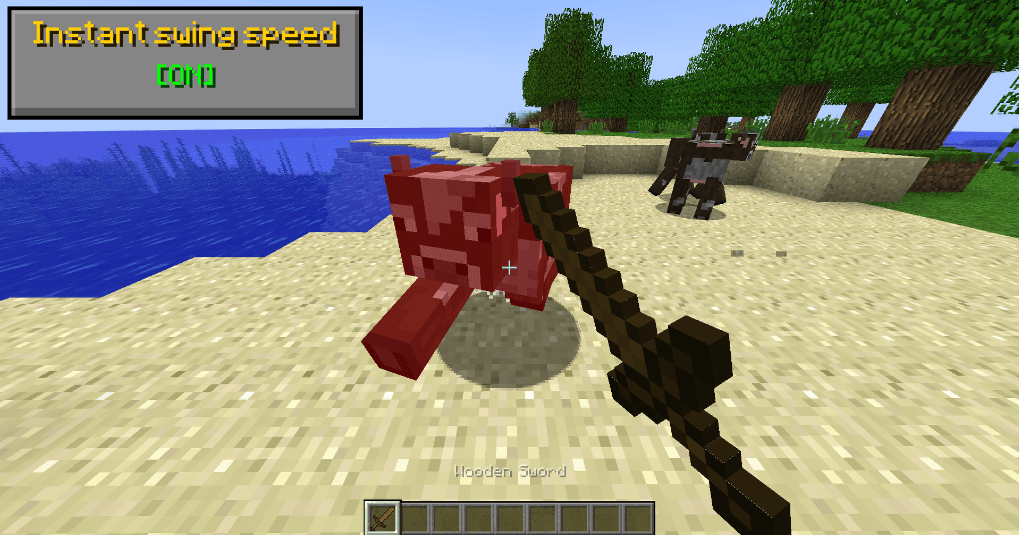
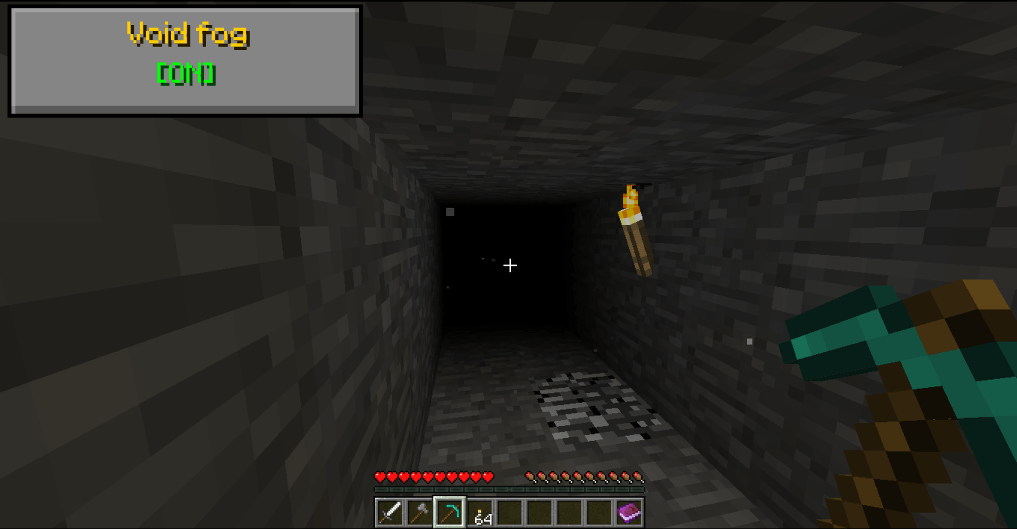
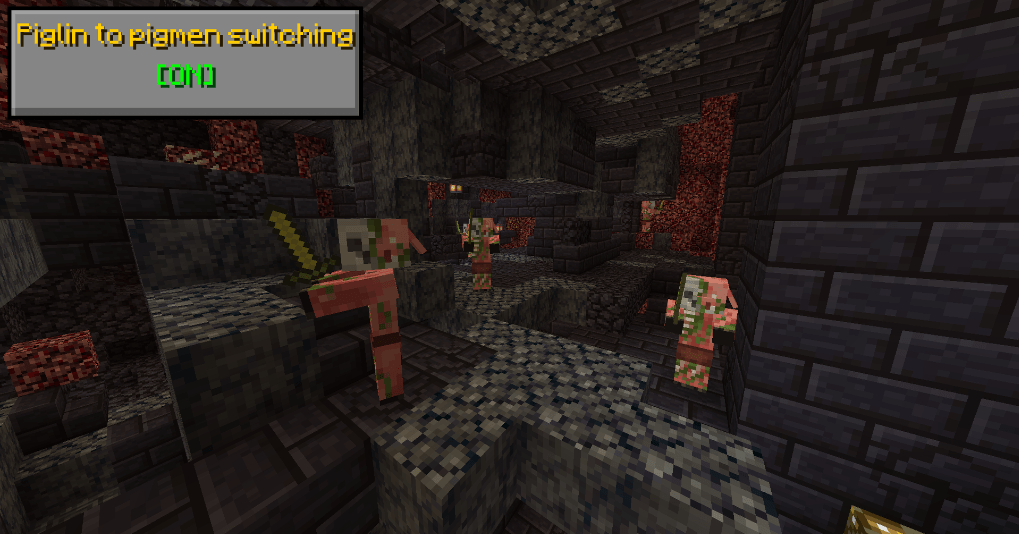
Classic Mechanics is a datapack whoes goal is to bring back tweaks, features, bugs and content from older versions, into modern minecraft, this includes various things from beta, alpha, infdev, indev, classic, early release, etc. (This also includes snapshot/joke/pocket edition features!)
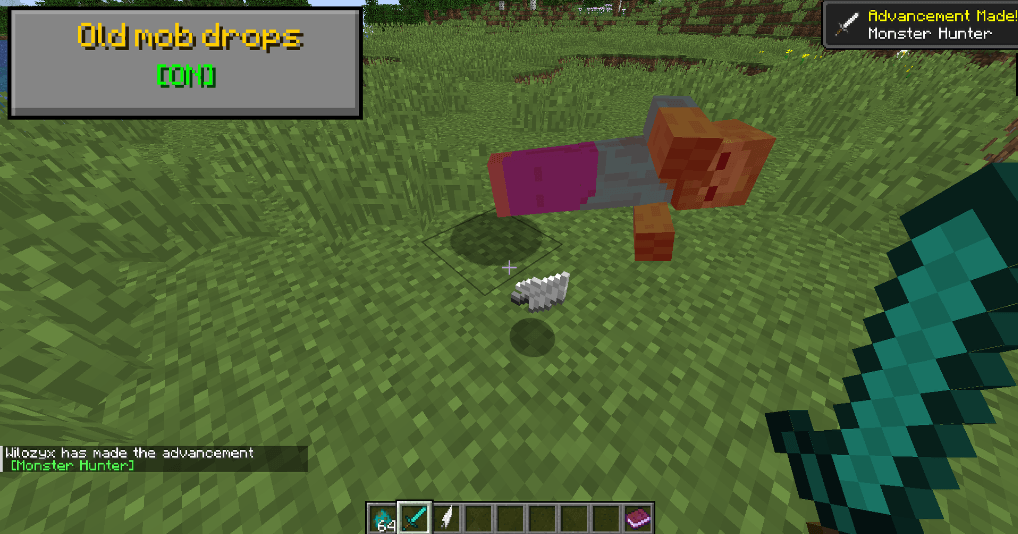
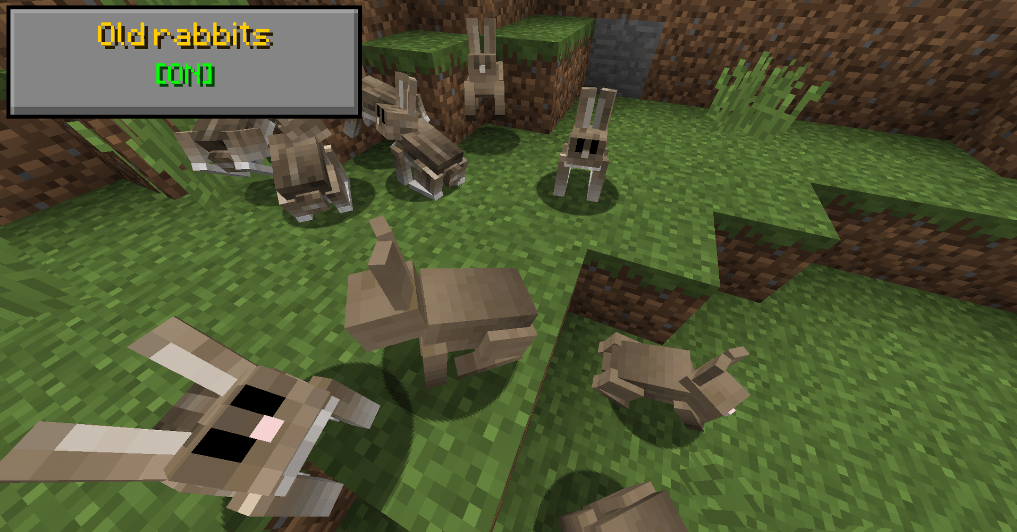
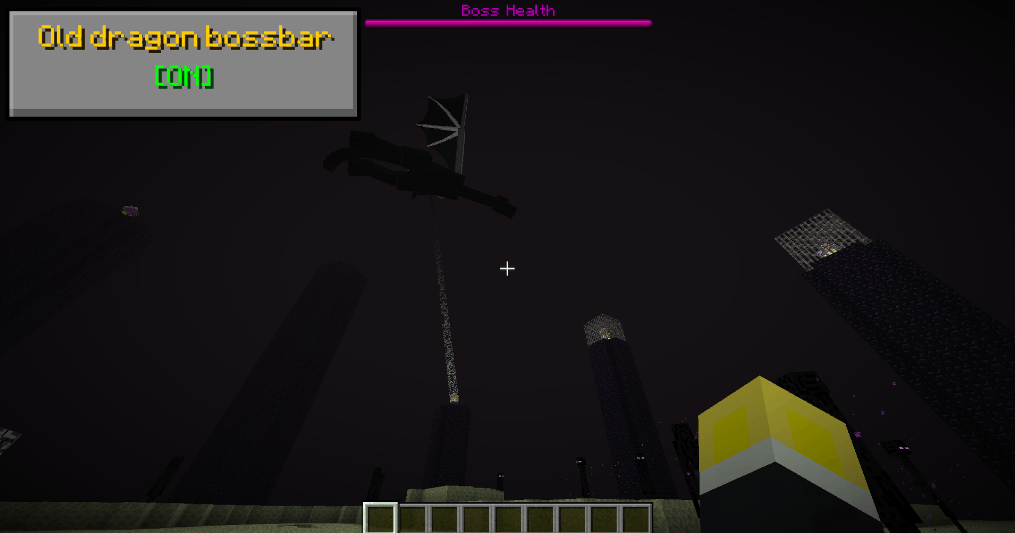
The datapack comes with 'modules' - each one is a different tweak/feature/mechanic, all of them are toggle-able/configurable at any time and are only ever active if enabled, to preserve game performance!
Remember that all modules are disabled by default! To enable them you must type in the command for the options/config message (listed below)
The options message contains a button you can click to see which modules are enabled/disabled, aswell as all modules, with the minecraft versions they were added and removed on
/function classic_mechanics:options_message
This datapack was greatly inspired by Nostalgic Tweaks mod by Adrenix and Old Days mod by Exalm! Go check them out aswell!
This datapack aims to be compatible with several other types of datapacks, meaning, it purposefully does not touch things like world/terrain generation and actively tries other, different methods for results that would require such a thing!
This datapack and all other work I've put out is fully public property. You can freely edit/modify/tweak/remake/copy/add to your modpack/add to your own pack/etc, anything you wish! <3
The pack has over 163 modules! You can see the entirety of the current feature list of the datapack in the modrinth page!