Overview
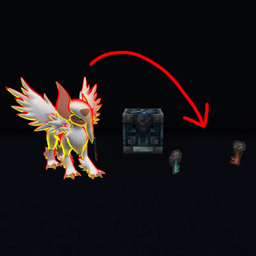
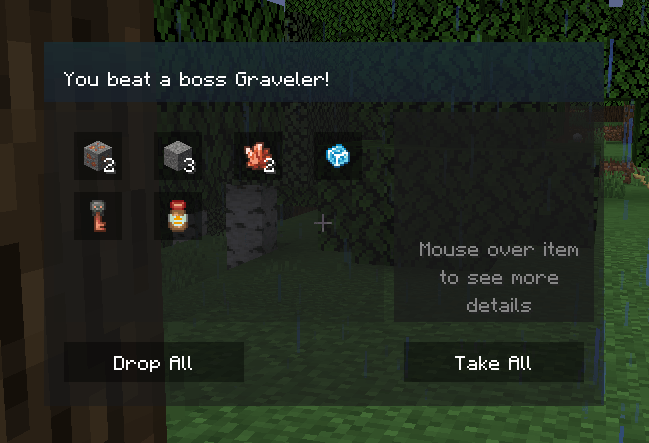
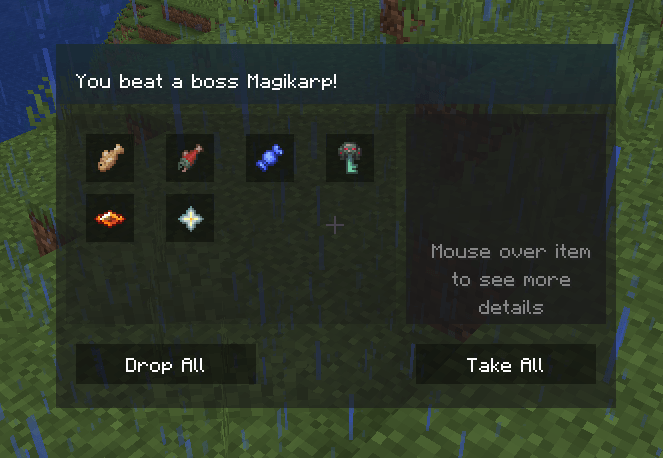
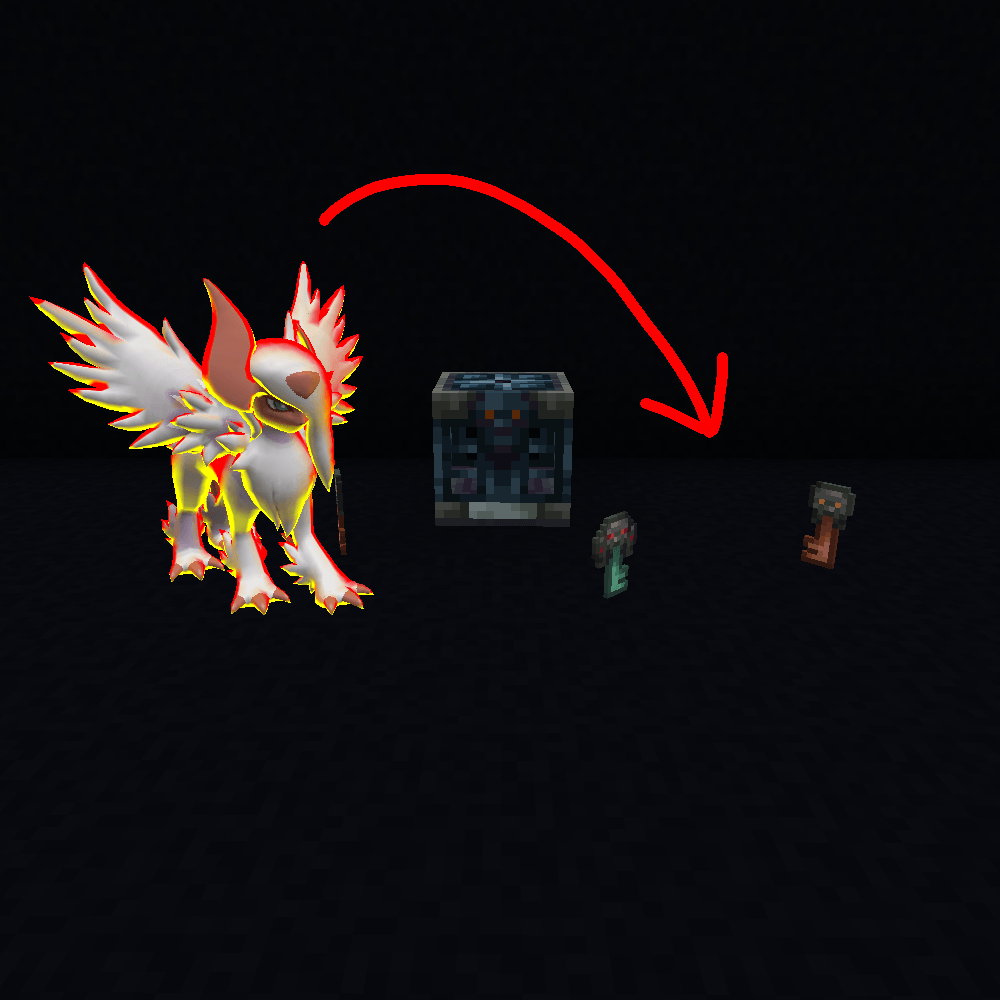
The 1.21.1 pixelmon version left trial chambers and their loot much harder or even impossible to obtain. This datapack allows you to get vault keys from boss pokemon.
Drop chances:
- Rare: 30% chance for 95% Trial key or 5% Ominous trial key
- Epic: 40% chance for 90% Trial key or 10% Ominous trial key
- Legendary: 50% chance for 50% Trial key or 50% Ominous trial key
- Ultimate: 60% chance for 25% Trial key or 75% Ominous trial key
Warning
This datapack is incompatible with any other datapack that edits the boss files.
Drops were not ballanced in normal game play. If you think they are too common please head over to the Official Pixelmon Discord and let @SlimeyBoi123 know.
Installation:
Head over to the files tab, pick the latest version for your pixelmon version and download it, if there isnt any for your exact version pick the newest version that is lower than your pixelmon version
During world creation:
- After clicking "Create New World"
- Head over to the "More" tab at the top of your screen
- Click on the "Datapacks" button
- Click "Open Pack Folder"
- Drag and drop the ZIP file into the folder you opened in the previous step, DO NOT UNZIP
- Close the folder, enable the datapack, click done and continue with world creation
In an existing world or server:
- Head on over to your game/packs files, where you find the files depends on which launcher you use though most have a simple button you can press right within the launcher to open its files
- Go into your saves/<worldname>/datapacks folder
- Place the ZIP file into that folder, DO NOT UNZIP
- Close the world and rejoin or restart the server