Mineuniverse
Data Packs
Blahaj - restuffed

Blahaj - restuffed

DATA PACK
A minecraft datapack that adds the IKEA BLÅHAJ Soft toy shark, whale, giant bread pillow, brown bear and pride sharks as items.
by Eng11s_
Download Claim this project
1,571 downloads
0 likes
Updated Oct 14, 2026
0 hypes
Miscellaneous
Advertisement Remove ads with Premium →

Blåhaj datapack

A minecraft datapack that adds the IKEA BLÅHAJ Soft toy shark, whale, giant bread pillow, brown bear and pride sharks as items.

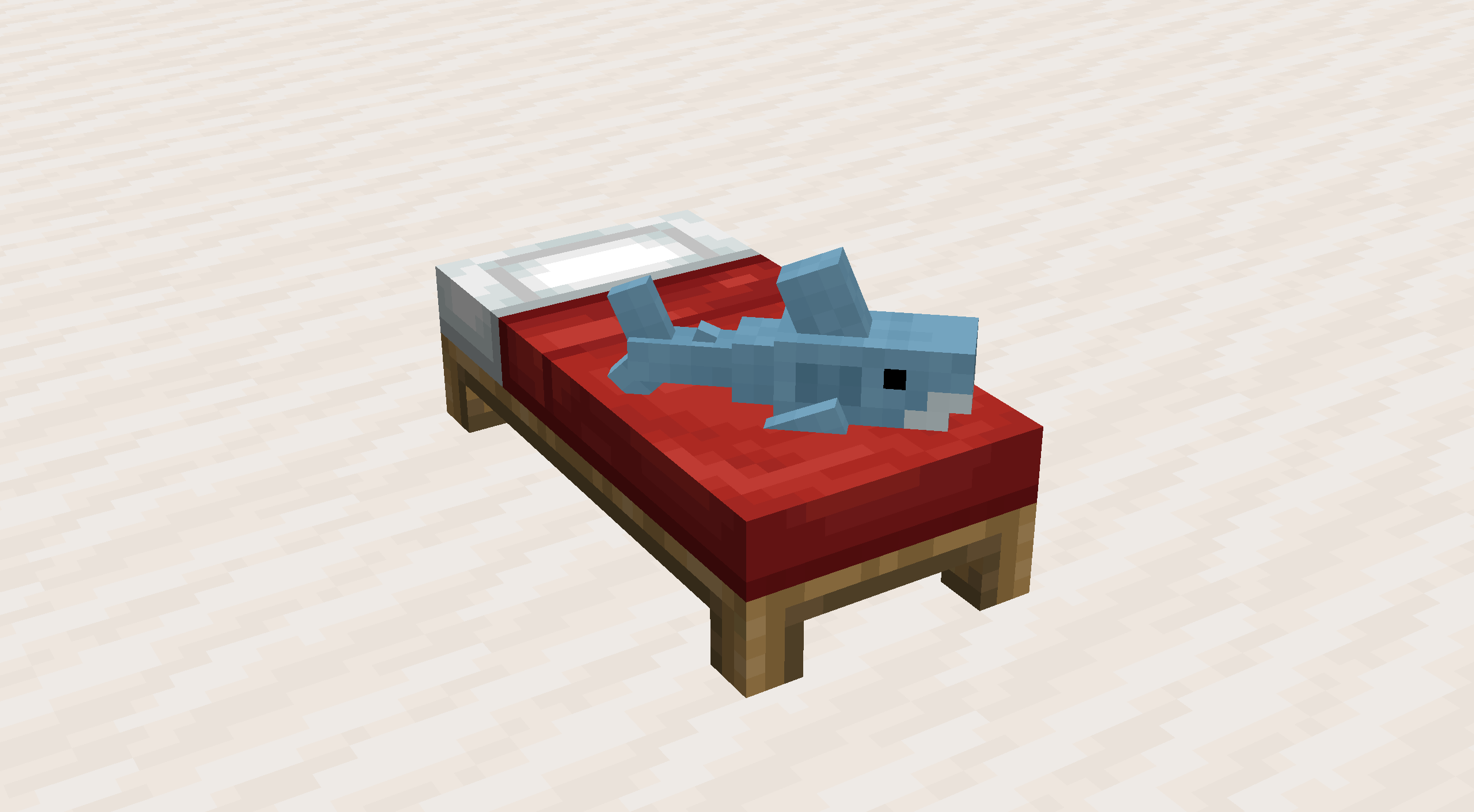
  • You can place the plushies down! Just drop one on a bed or right click with one on an item frame placed on the ground.
  • When placed the plushies will face the player. To pick it up, just shift + right click.
  • This datapack requires resourcepack on all clients. Datapack is just placed in the servers world folder.

Content

Item Preview Recipe
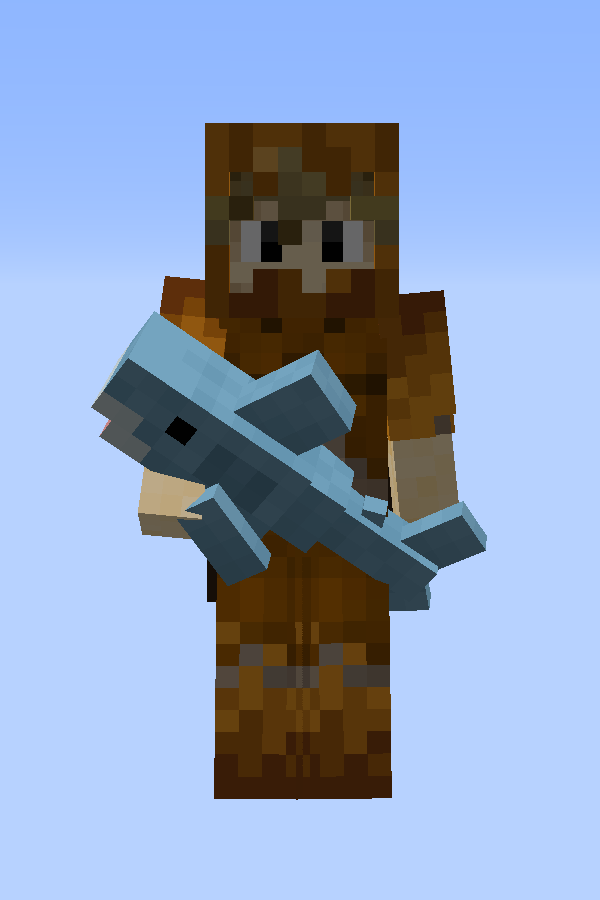
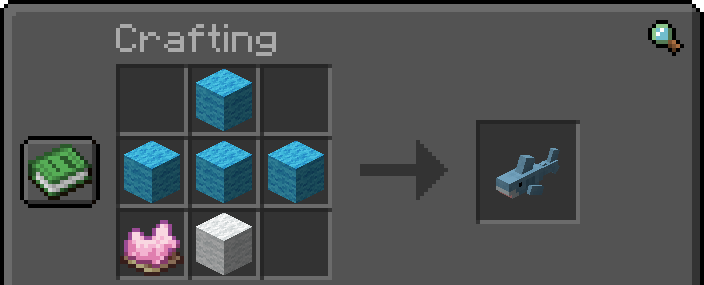
Soft Toy Shark Preview of a player holding a soft toy shark Crafting recipe for Blåhaj
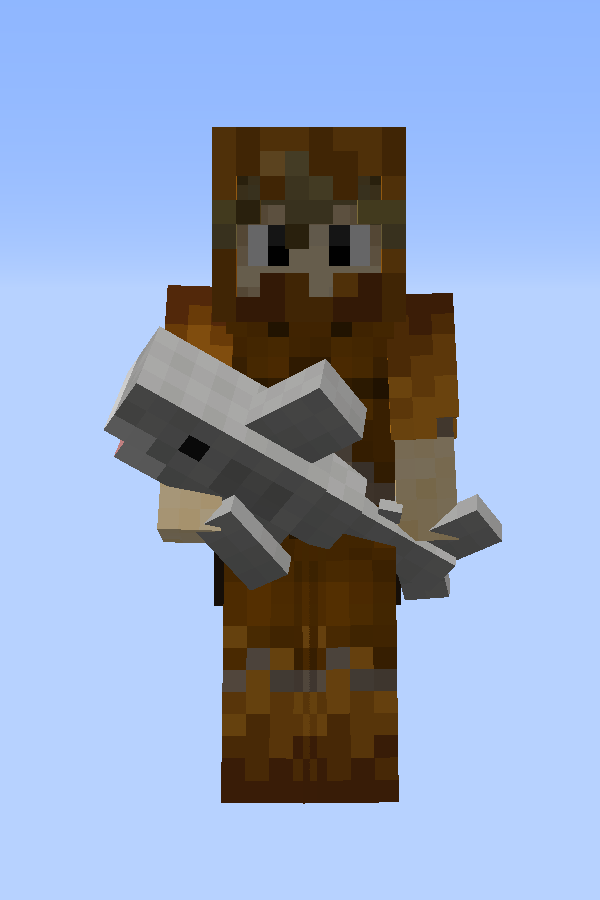
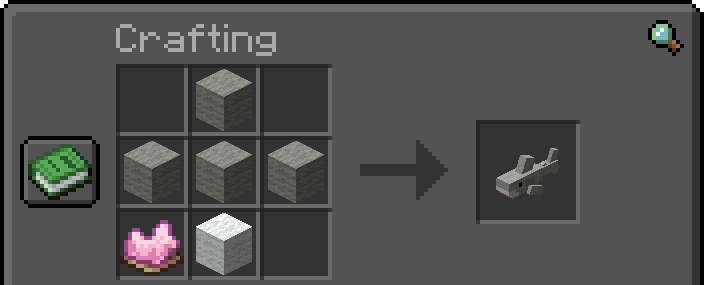
Gray Toy Shark Preview of a player holding a gray toy shark Crafting recipe for Klappar Haj
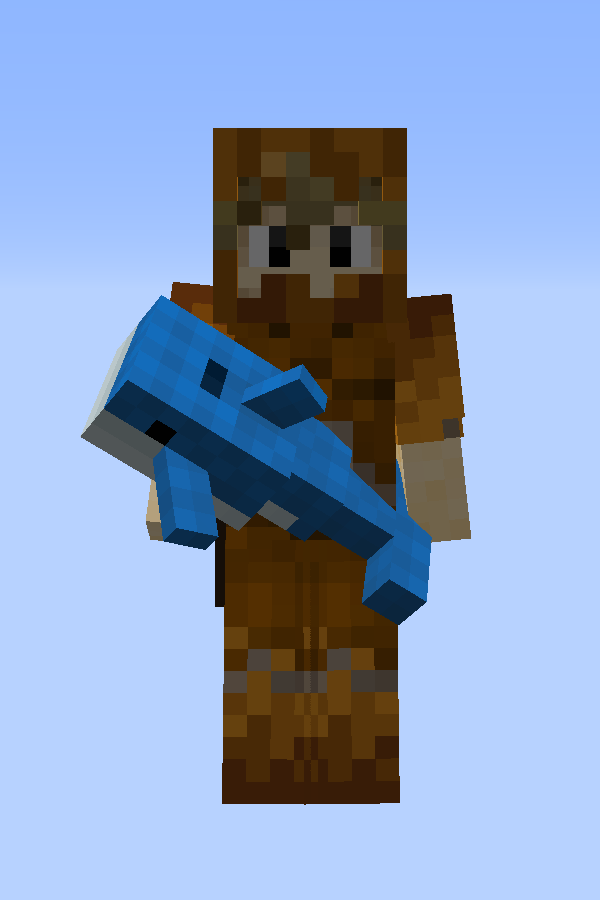
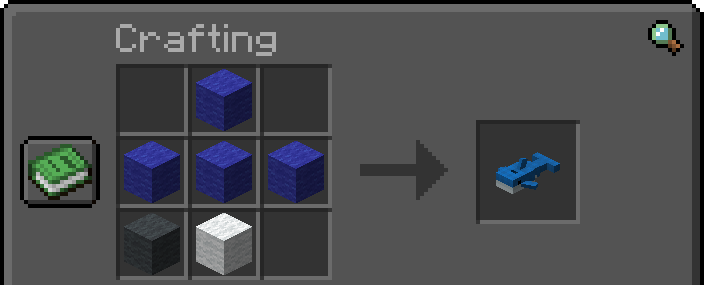
Soft Toy Blue Whale Preview of a player holding a blue whale Crafting recipe for Blåvingad
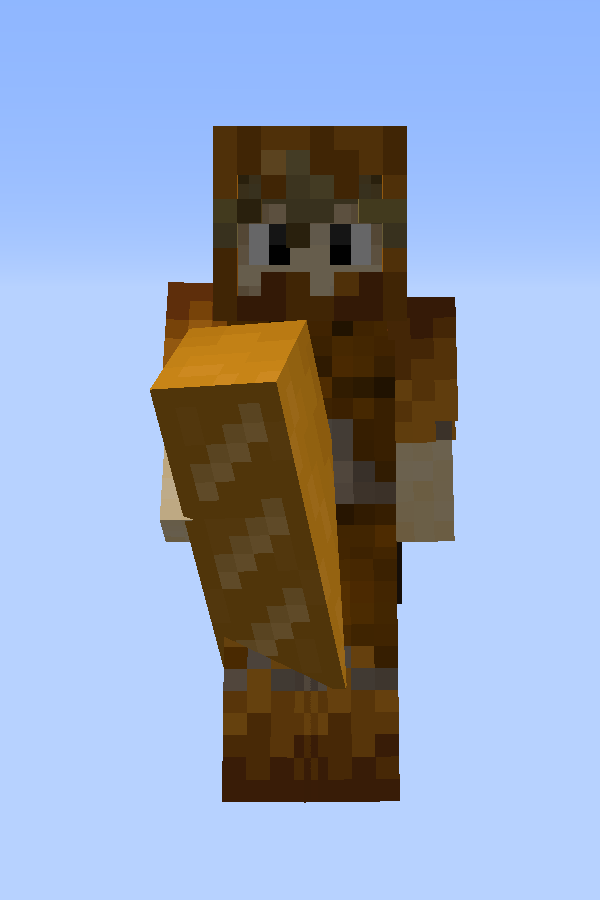
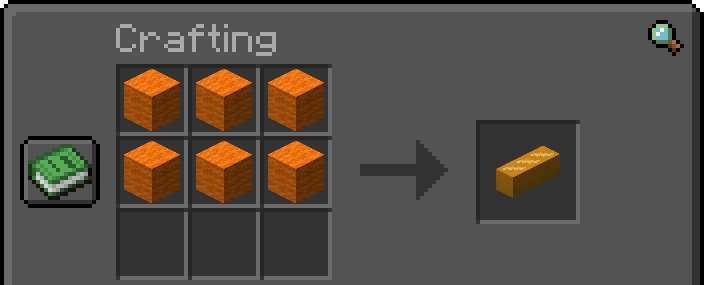
Bread Pillow Preview of a player holding a bread pillow Crafting recipe for Bread Pillow
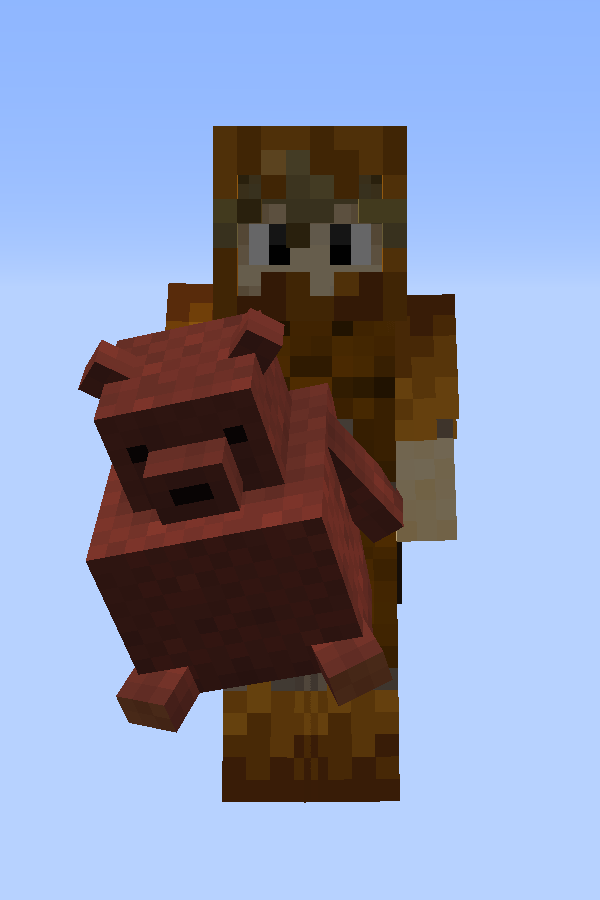
Brown Bear Preview of a player holding a brown bear Gift from Fletchers, Butchers and Leatherworkers when you rescue a village
Item Preview Recipe
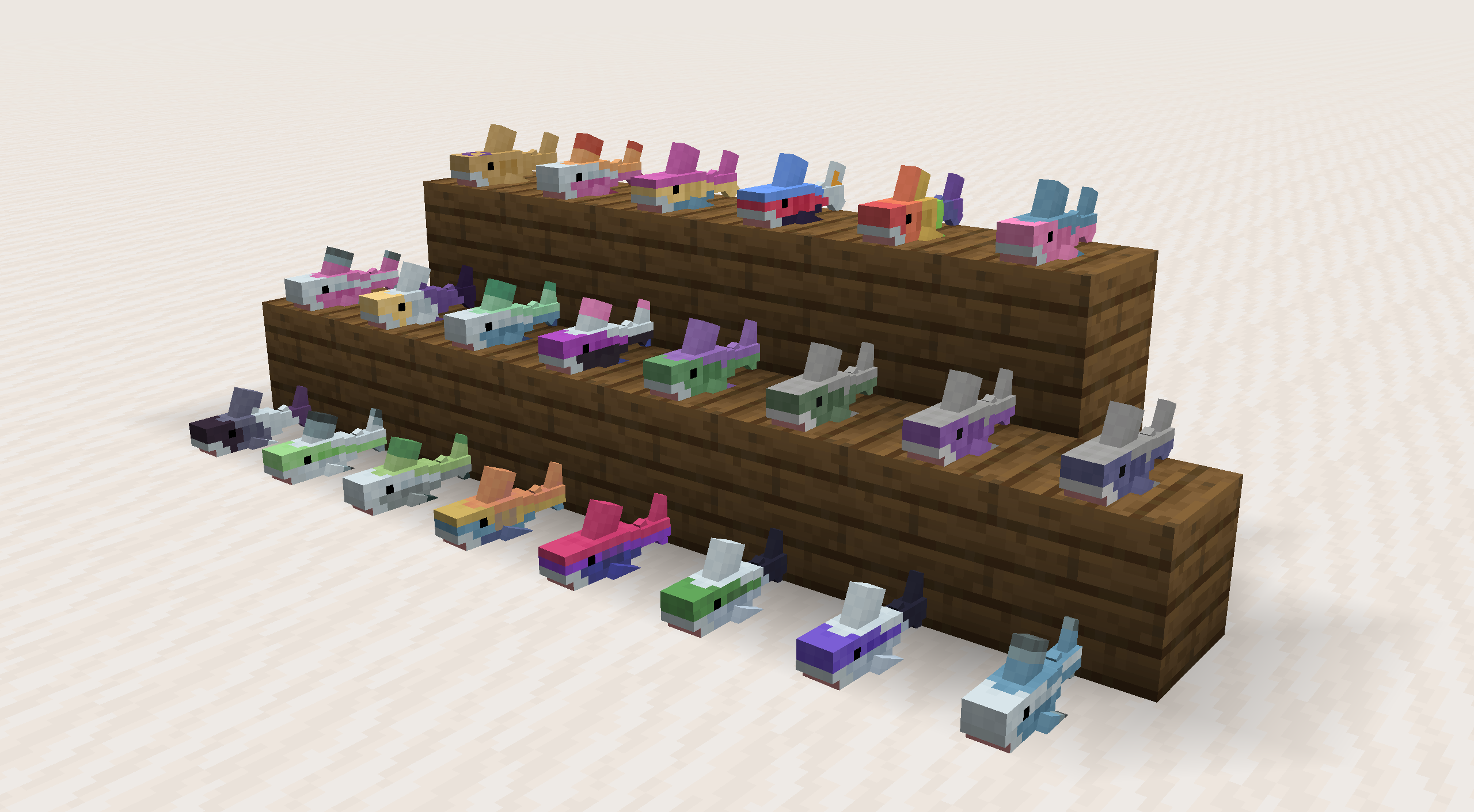
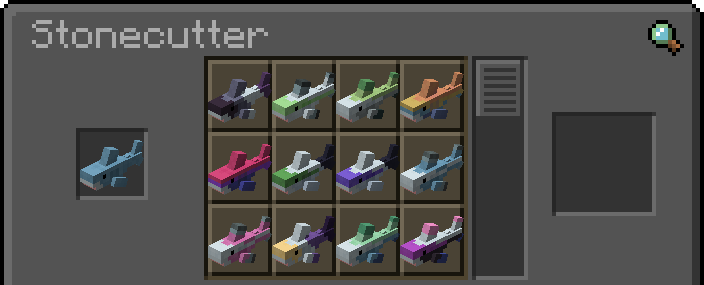
Pride Sharks Preview of all pride sharks placed on ground Crafting recipe for Pride Sharks
Bed Placement Preview of a shark placed on a bed Place sharks on beds by dropping them on a bed

Original Fabric Mod

This is a port of the original fabric mod DaFuqs/Blahaj: BLÅHAJ Soft toy, shark mod, 16px.

License

  • This datapack - as its original - is licensed under the Unlicense. Feel free to learn from it and incorporate it in your own projects.
  • The icon of this project is the Blobhaj by Heatherhorns, and is licensed under a Creative Commons Attribution 4.0 International License.
Blahaj-datapack v1.0.0 (MC 1.21.10).zip
MC 1.21.9, 1.21.10, 1.21.11, 26.1, 26.1.1, 26.1.2, 26.2
Release 2025-11-11 Get

Requirements & install

How to use this data pack in Minecraft
Mods needed
None, works in vanilla
Minecraft
1.21.9 – 26.2
Install folder
saves/<world>/datapacks

How to install data packs

  1. Download the data pack .zip file (do not extract it).
  2. New world: click Data Packs on the world creation screen and drop the .zip in. Existing world: open .minecraft/saves/<world>/datapacks.
  3. Put the .zip into the datapacks folder of the world (servers: world/datapacks).
  4. Run /reload in game (or rejoin the world) and check it with /datapack list.
Browse more: Data Packs for 26.2 All data packs

More from Eng11s_

Advertisement Remove ads with Premium →

You Might Also Like