Mineuniverse
Data Packs
Azure’s Lifesteal

Azure’s Lifesteal

DATA PACK
Defeat your enemies and steal their hearts to grow stronger — but beware: every death may tip the scales. Rise by blood, or fall into oblivion.
by DeepAzureBlue
Download Claim this project
Add a badge to your pageLink to Azure’s Lifesteal from a README, website or forum post.
Preview: Badge

Badges update automatically and link to the data pack page on MineUniverse.

2,797 downloads
0 likes
0 followers
Updated Oct 14, 2026
0 hypes
Follow0
Adventure Fantasy Magic
Advertisement Remove ads with Premium →


🌌 Lifesteal

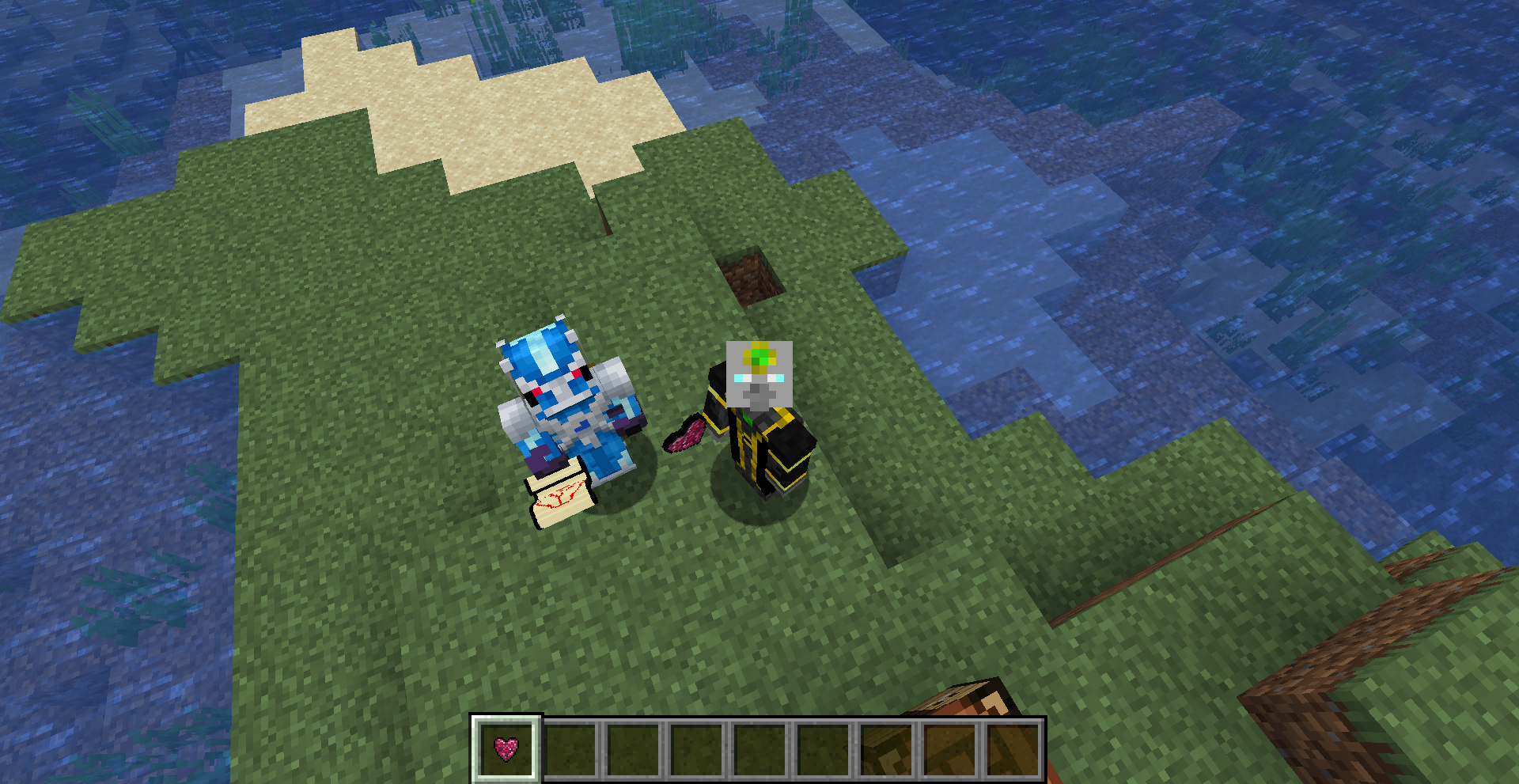
Lifesteal adds a heart-stealing system to Minecraft.
Defeat other players to steal their maximum health, growing stronger with every victory. Lose hearts on death — survive at all costs or risk losing everything.

Strength is survival.

✨ Features:

➤ Steal Maximum Health:
Gain extra hearts by defeating other players.

➤ Lose Hearts on Death:
Dying reduces your total maximum health — stay alive to stay strong.

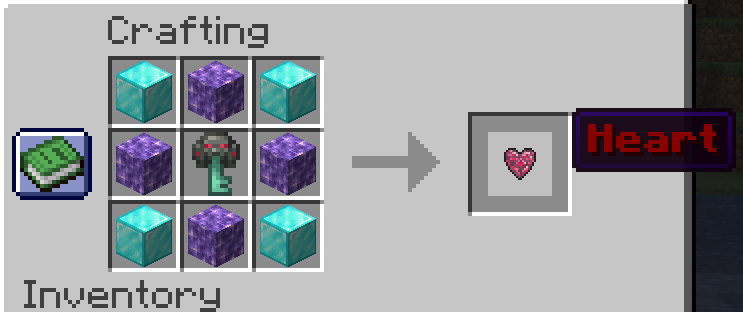
➤ Withdraw Hearts:
Use /trigger withdraw set <amount> to safely store or trade hearts with others.

➤ Multiplayer Ready:
Fully functional in multiplayer worlds — challenge your friends or form alliances.

➤ Resourcepack Visuals:
Includes custom visuals (requires the resourcepack) to track heart withdrawals.

➤ Lightweight and Flexible:
Simple to install, with no mods required — only a datapack and resourcepack.


⚙️ Setup Instructions:

  1. Install both the Lifesteal Datapack and the Resourcepack into your world.
    (The resourcepack is required for visuals and proper function.)

  2. Run /reload after adding the datapack to initialize everything.

  3. Make sure the resourcepack is active in your settings.

🩸 Withdrawing Hearts:

To remove hearts (for trading, storage, or gifting), use the command:

/trigger withdraw set <amount>

(Example: /trigger withdraw set 3 withdraws 3 hearts.)

❗ Important Notes:

This datapack requires the resourcepack to work correctly.

Supports multiplayer — heart stealing only works between players!

Designed for survival worlds, but can be adapted to other settings.

✍️ Credits:

Created by Azure (DeepAzureBlue).
Feedback and suggestions are welcome!


lifesteal1.21.10.zip
MC 1.21.9, 1.21.10
Release 2025-11-01 Get
lifesteal1.21.6.zip
MC 1.21.7, 1.21.6
Release 2025-06-19 Get
lwlifesteal.zip
MC 1.21.5
Release 2025-05-29 Get
lifesteal 1.21.4 1.0.1.zip
MC 1.21.4
Release 2025-05-04 Get
lifesteal.zip
MC 1.21.4
Release 2025-04-14 Get
lifesteal 1.0.1
MC 1.21.5
Release 2025-04-14 Get
lifesteal 1.0.0
MC 1.21.5
Release 2025-04-10 Get

Requirements & install

How to use this data pack in Minecraft
Mods needed
None, works in vanilla
Minecraft
1.21.4 – 1.21.10
Install folder
saves/<world>/datapacks

How to install data packs

  1. Download the data pack .zip file (do not extract it).
  2. New world: click Data Packs on the world creation screen and drop the .zip in. Existing world: open .minecraft/saves/<world>/datapacks.
  3. Put the .zip into the datapacks folder of the world (servers: world/datapacks).
  4. Run /reload in game (or rejoin the world) and check it with /datapack list.
Browse more: Data Packs for 1.21.10 All data packs

More from DeepAzureBlue

Advertisement Remove ads with Premium →

You Might Also Like